Aura by Neural
Turn requests into interactive interfaces on your screen
About Aura by Neural
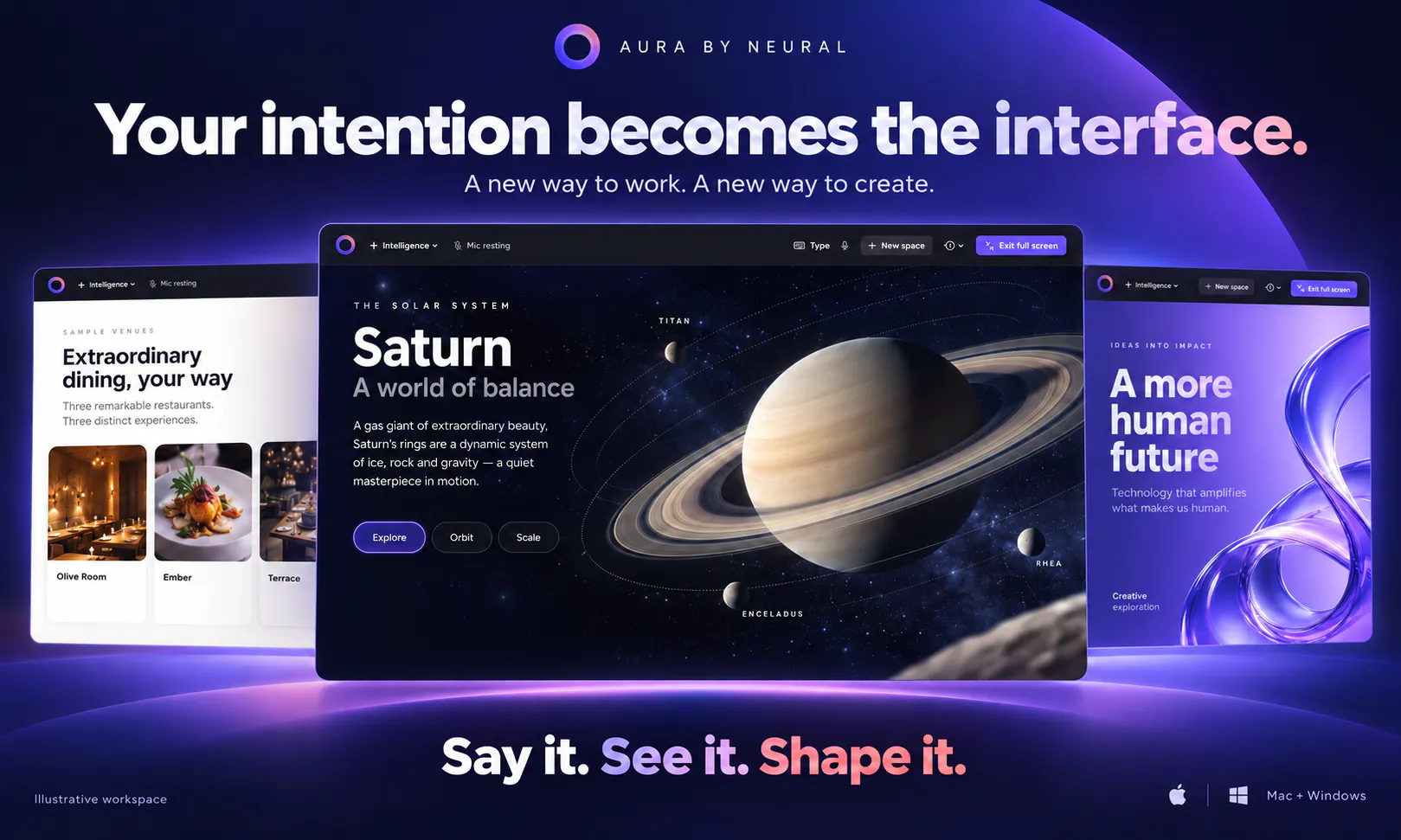
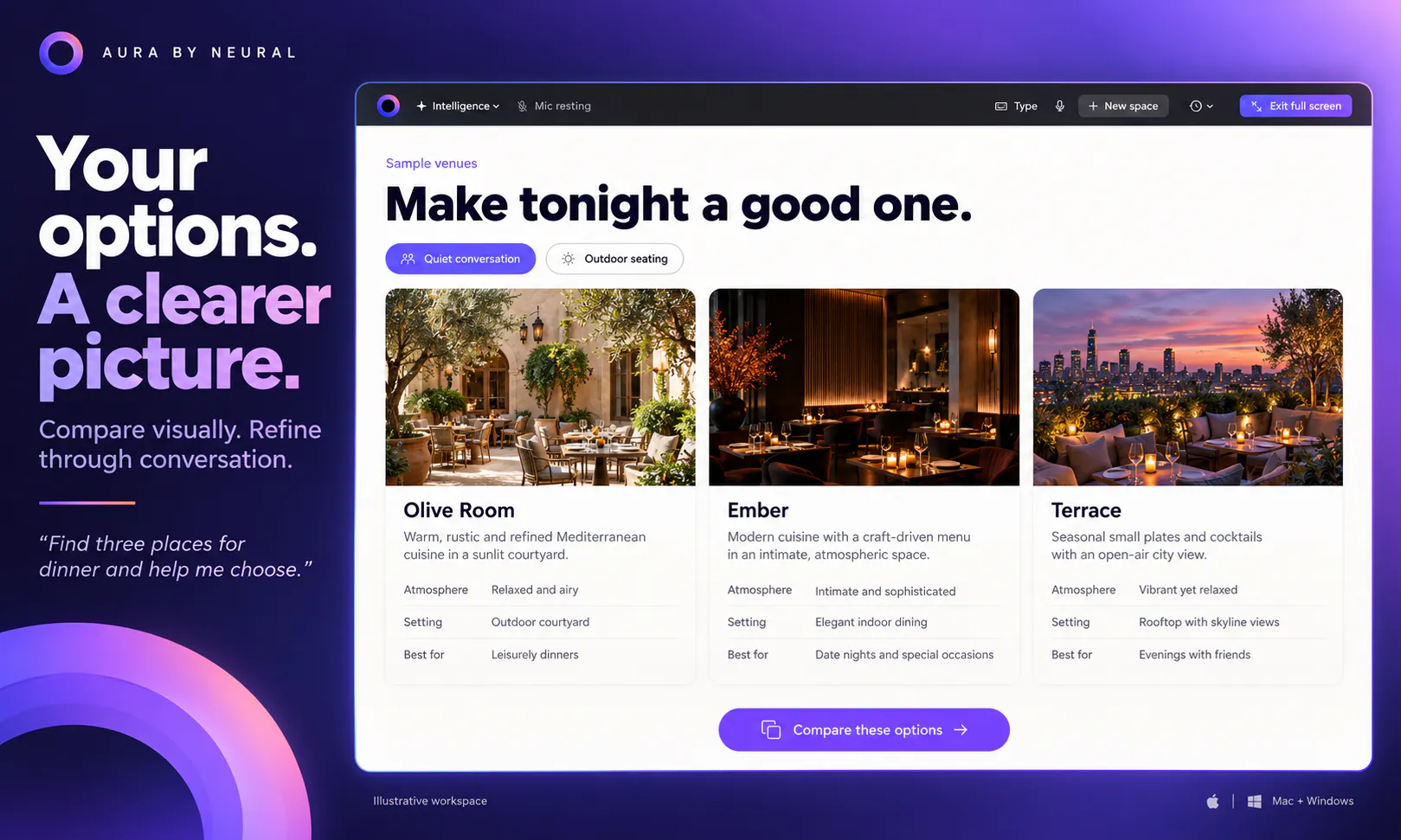
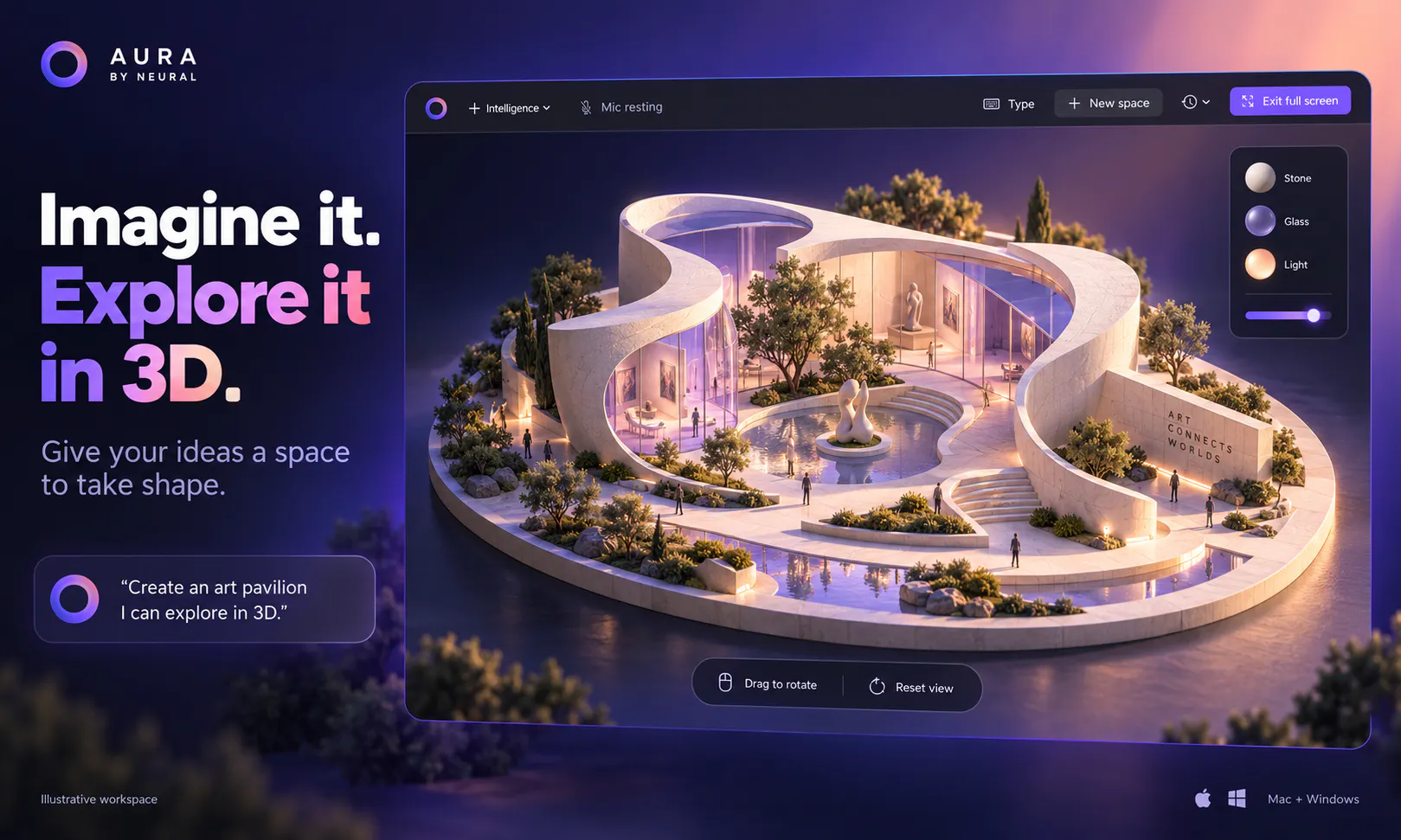
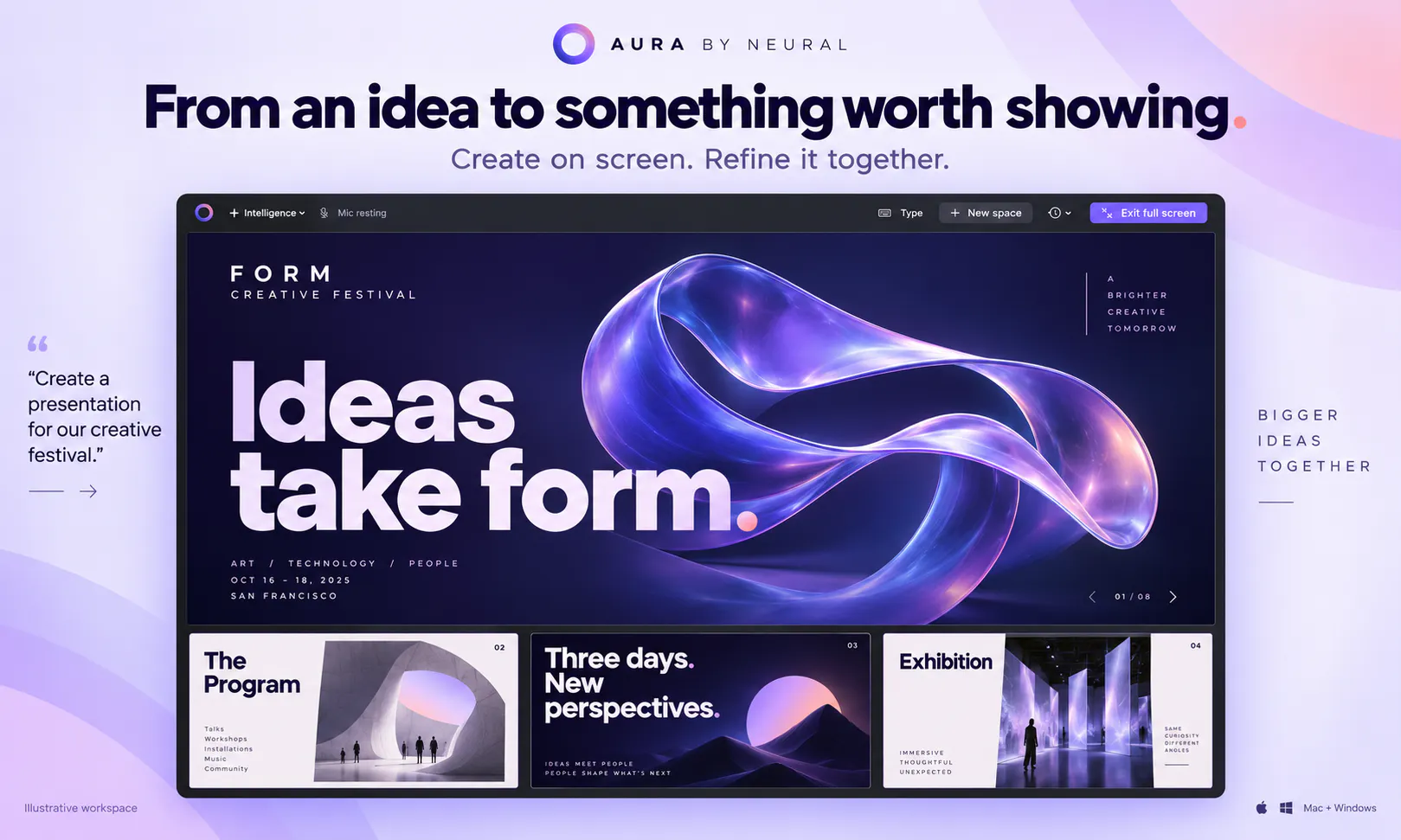
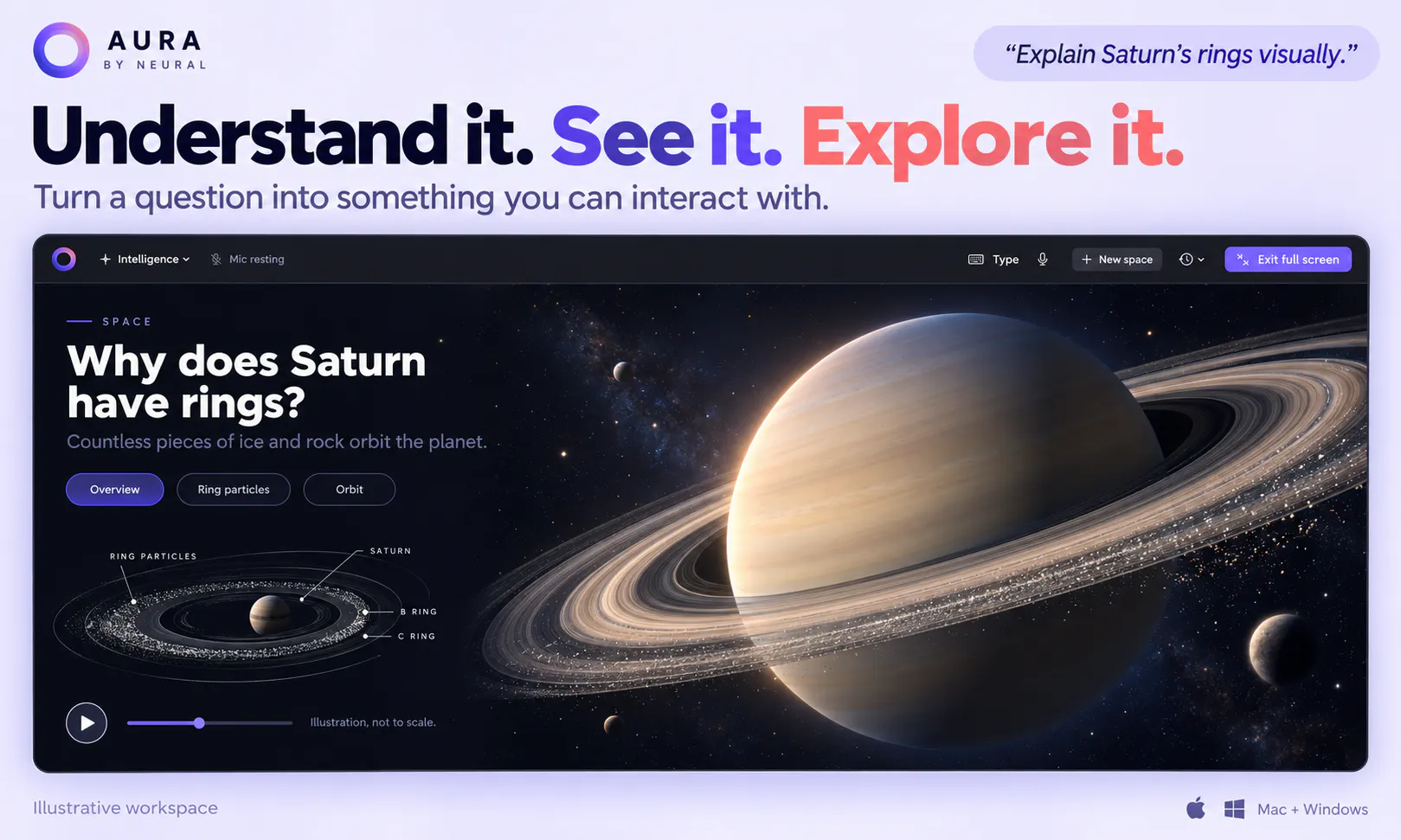
Aura by Neural introduces an innovative approach to interactive screen work, seamlessly transforming user requests into dynamic interfaces on both Mac and Windows platforms. Whether speaking or typing, users can effortlessly create, explore, and manipulate visual elements, files, and ideas in real-time. This tool is designed for creative professionals, designers, and productivity enthusiasts seeking a more intuitive way to work without switching between multiple apps or complex workflows. Its unique voice and text-driven interface makes it easier to bring concepts to life, compare options, and craft finished work with minimal friction. Aura’s ability to convert commands into live, interactive elements on the screen sets it apart as a versatile assistant for digital creation and productivity enhancement.
Screenshots
Pros
- ✓Transforms voice and text commands into interactive interfaces instantly
- ✓Supports both Mac and Windows, ensuring broad accessibility
- ✓Enhances productivity by simplifying complex workflows
- ✓Facilitates creative exploration and ideation in real-time
- ✓User-friendly for both technical and non-technical users
Cons
- ✗Features and capabilities may still be evolving given its novelty
- ✗Limited user feedback and reviews as of now
- ✗Potential learning curve for advanced functionalities
Use Cases
Pricing
Pricing not verified
Quick Info
Topics
Makers

Khaled Shadid
Similar Tools in AI Image & Design




Embed Badge
Add this badge to your website to show that Aura by Neural is featured on Visalytica.
<a href="https://www.visalytica.com/tool/aura-by-neural" target="_blank" rel="noopener noreferrer" style="display:inline-flex;align-items:center;gap:6px;padding:6px 14px;background:#7c3aed;color:#fff;border-radius:8px;font-family:-apple-system,system-ui,sans-serif;font-size:13px;font-weight:600;text-decoration:none;transition:background .2s" onmouseover="this.style.background='#6d28d9'" onmouseout="this.style.background='#7c3aed'"><svg width="14" height="14" viewBox="0 0 24 24" fill="none" stroke="currentColor" stroke-width="2.5" stroke-linecap="round" stroke-linejoin="round"><path d="M12 20V10"/><path d="M18 20V4"/><path d="M6 20v-4"/></svg>Featured on Visalytica</a>