
Atticus
Hold a key, talk, and your Mac does what you asked
About Atticus
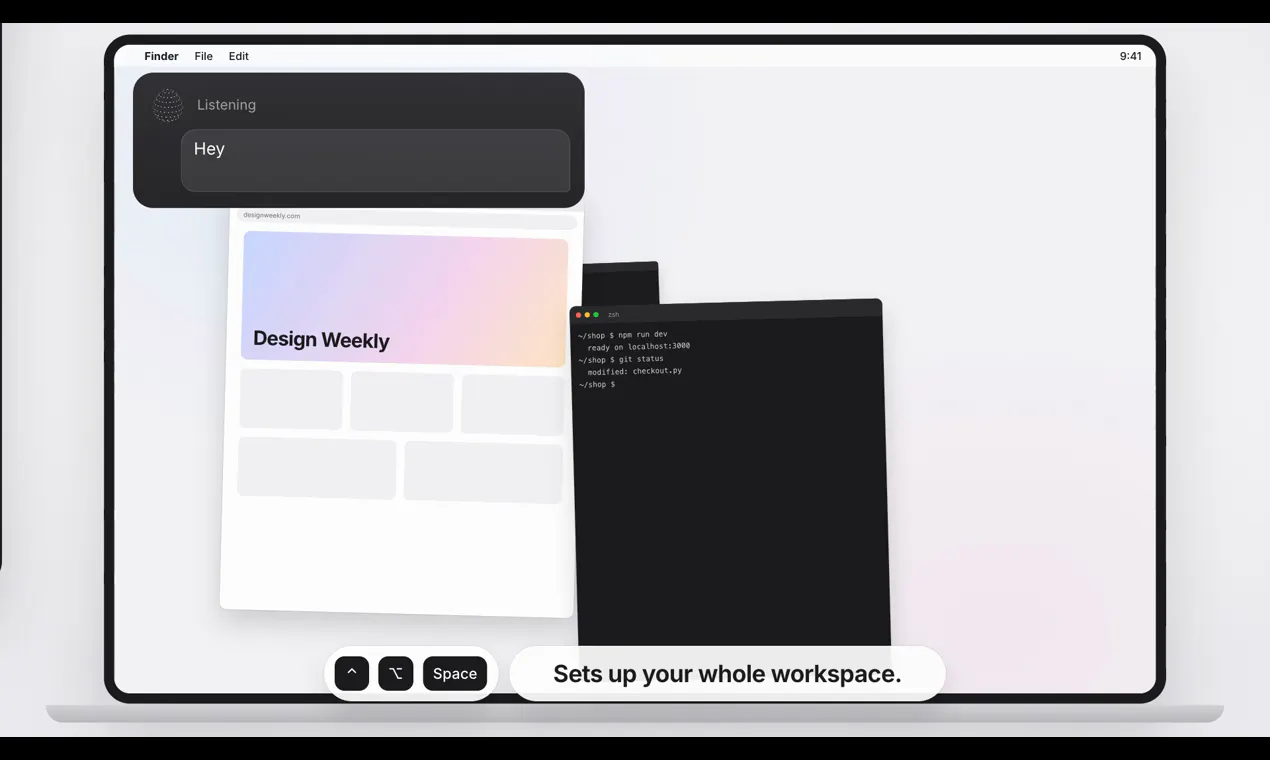
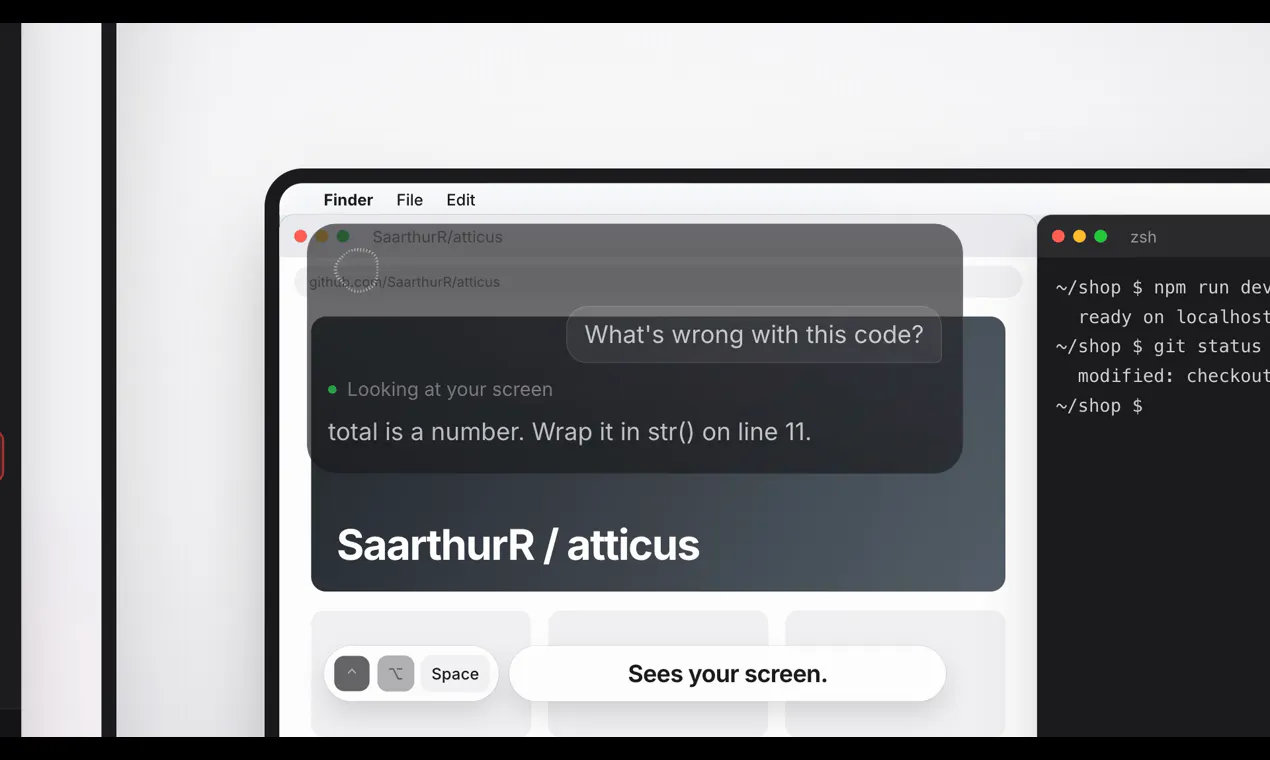
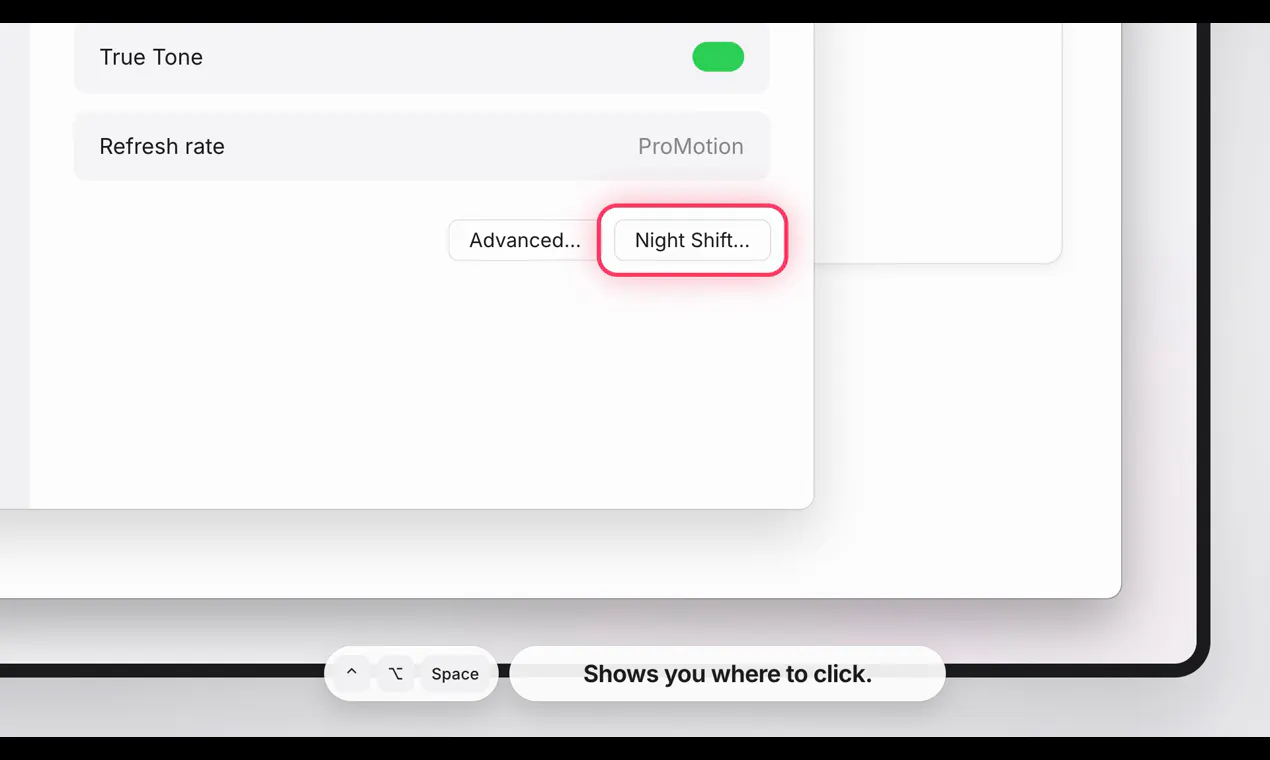
Atticus is an innovative Mac productivity tool designed for users seeking seamless automation through voice commands and shortcuts. By holding a key and speaking, users can instruct their Mac to perform a variety of tasks such as opening applications, shopping online, filling out forms, or answering questions about on-screen content. Its simplicity allows quick tasks to be executed instantly without AI, while more complex operations leverage a built-in AI powered by the Claude plan. The open-source nature and free access make it appealing for developers and enthusiasts interested in customizing or expanding its capabilities. Ideal for busy professionals, developers, and anyone looking to streamline repetitive tasks, Atticus combines voice control with automation to enhance efficiency and ease of use.
Screenshots

Pros
- ✓Intuitive voice command system for hands-free operation
- ✓Supports both simple and complex tasks with AI integration
- ✓Open source and free to use, encouraging customization
- ✓Runs on Mac, targeting a popular and widely used platform
- ✓Asks for confirmation before executing significant actions, enhancing safety
Cons
- ✗Limited votes on ProductHunt may indicate a niche or emerging tool
- ✗Potential learning curve for users unfamiliar with shortcuts or voice commands
- ✗Dependence on the Claude plan for advanced AI features could involve external costs
Use Cases
Pricing
Pricing not verified
Quick Info
Topics
Makers

saarth
Similar Tools in AI Assistants




Embed Badge
Add this badge to your website to show that Atticus is featured on Visalytica.
<a href="https://www.visalytica.com/tool/atticus" target="_blank" rel="noopener noreferrer" style="display:inline-flex;align-items:center;gap:6px;padding:6px 14px;background:#7c3aed;color:#fff;border-radius:8px;font-family:-apple-system,system-ui,sans-serif;font-size:13px;font-weight:600;text-decoration:none;transition:background .2s" onmouseover="this.style.background='#6d28d9'" onmouseout="this.style.background='#7c3aed'"><svg width="14" height="14" viewBox="0 0 24 24" fill="none" stroke="currentColor" stroke-width="2.5" stroke-linecap="round" stroke-linejoin="round"><path d="M12 20V10"/><path d="M18 20V4"/><path d="M6 20v-4"/></svg>Featured on Visalytica</a>