
AttendKit
Know who attended your Google Meet, and for how long
About AttendKit
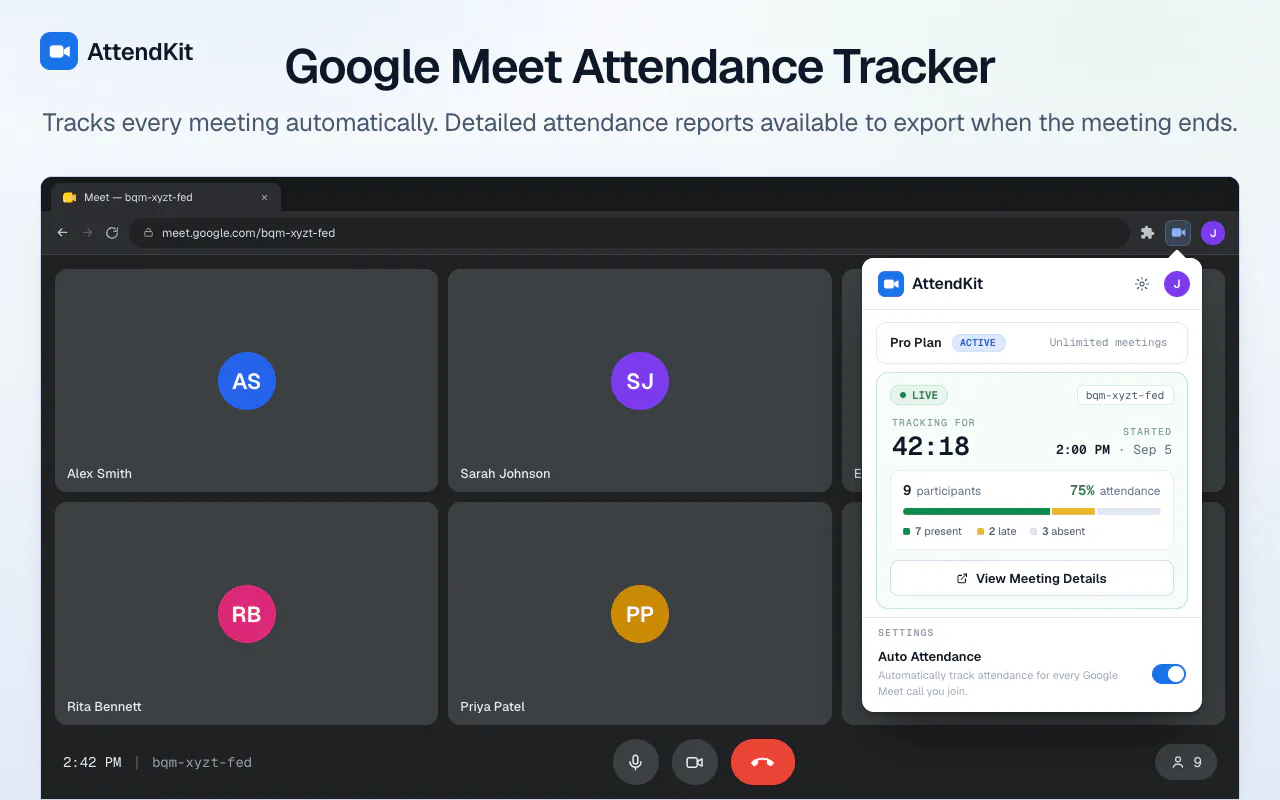
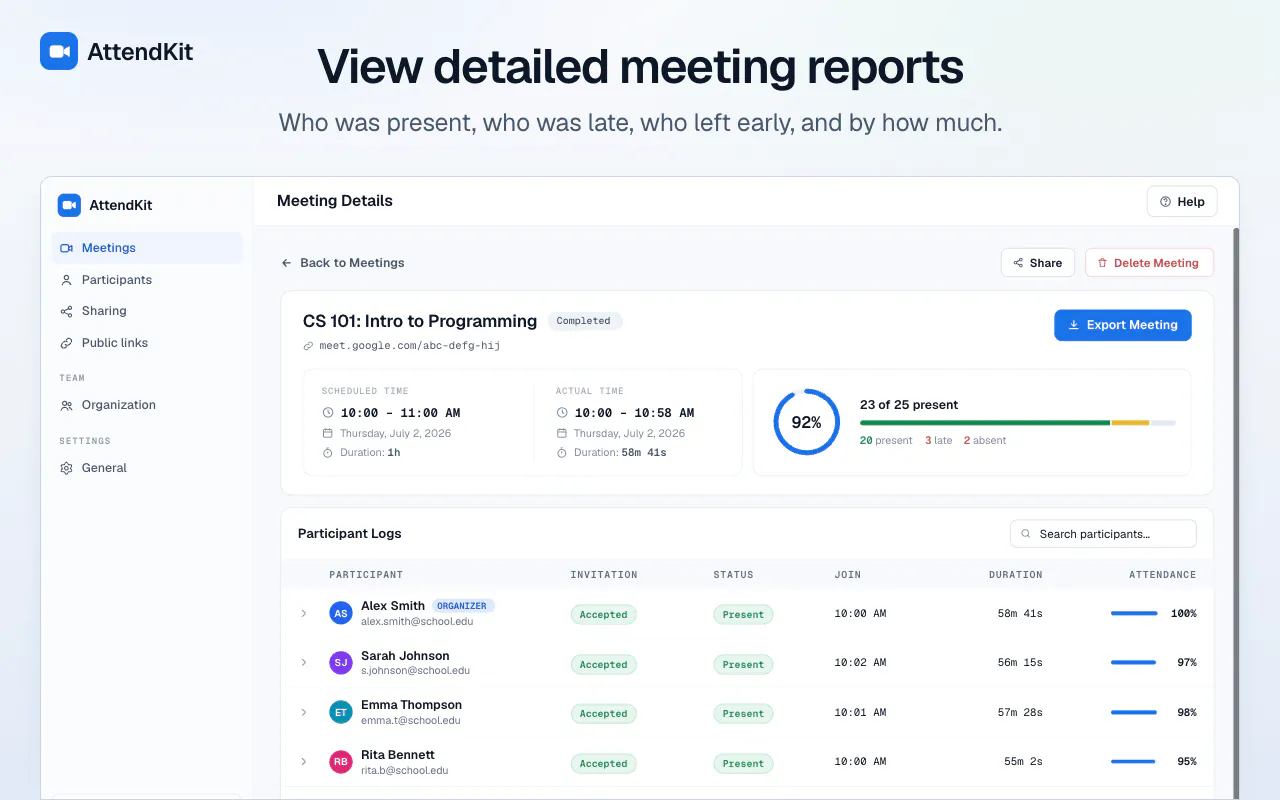
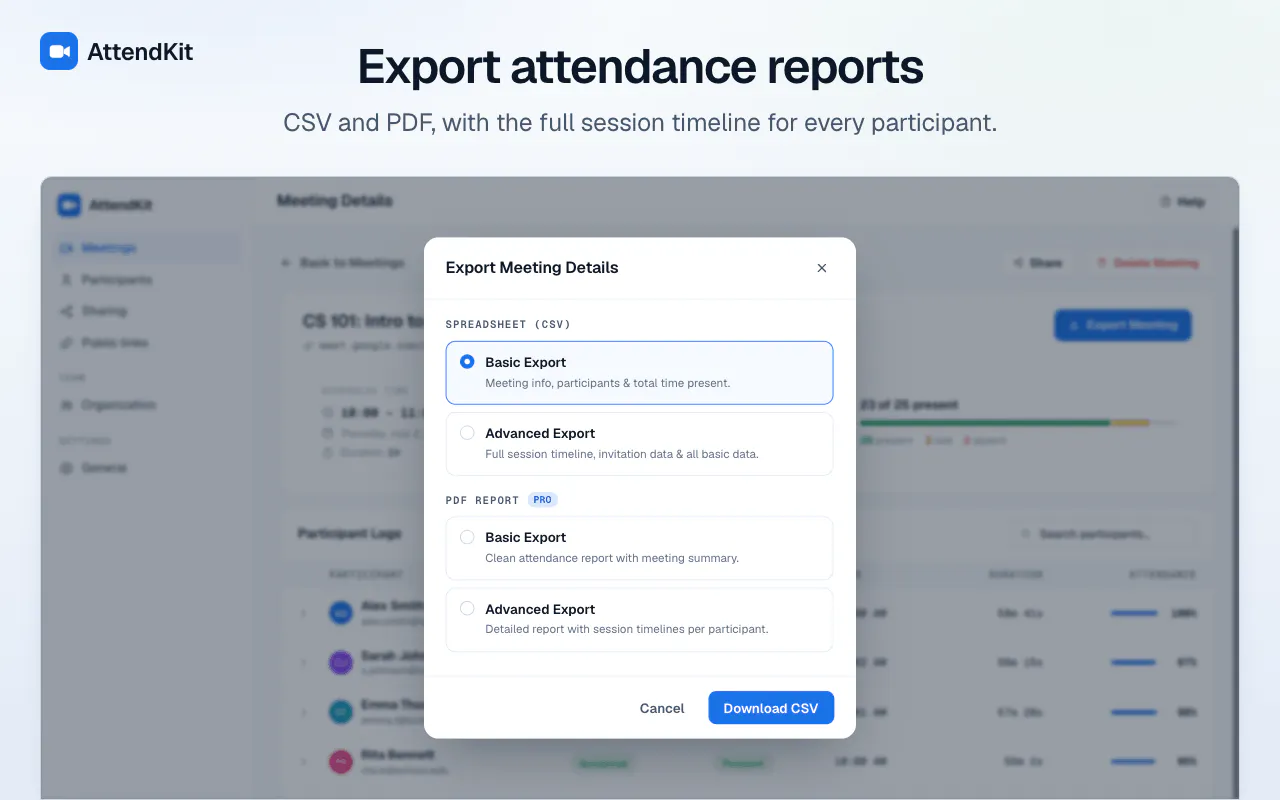
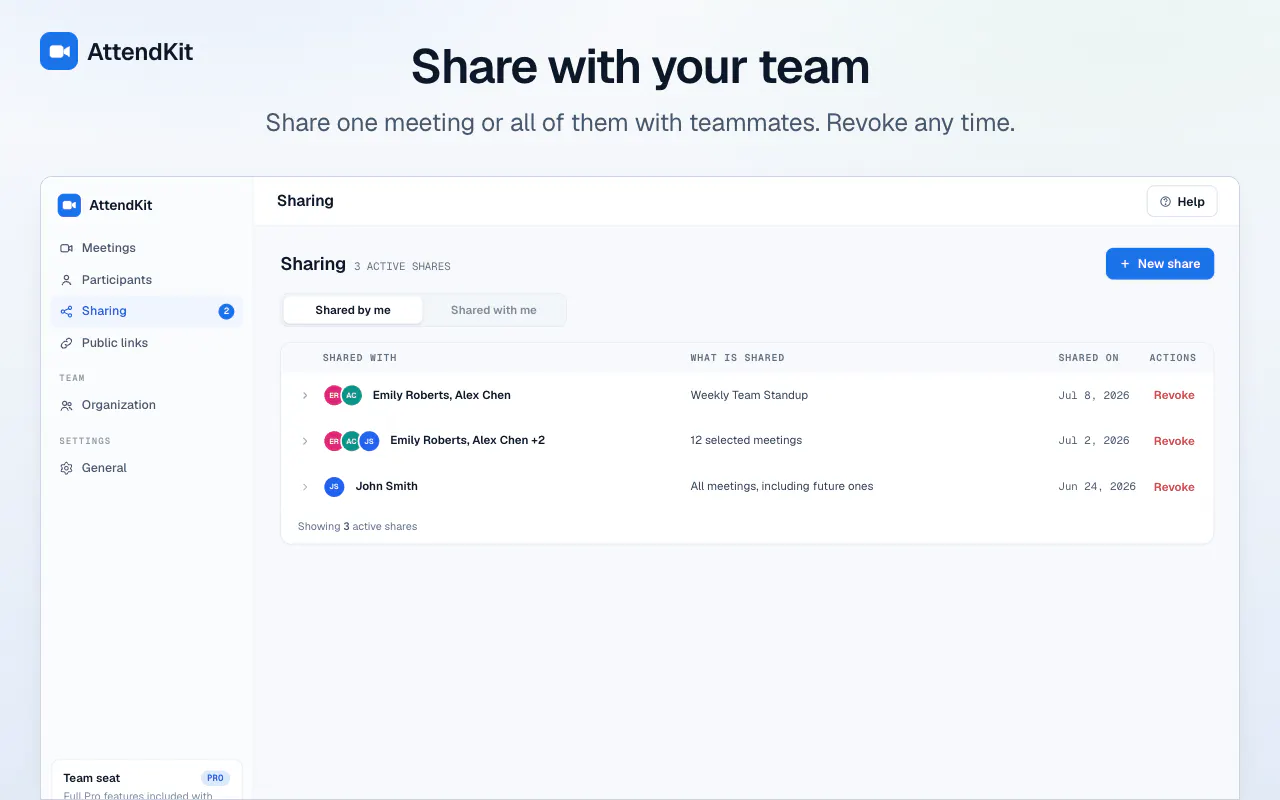
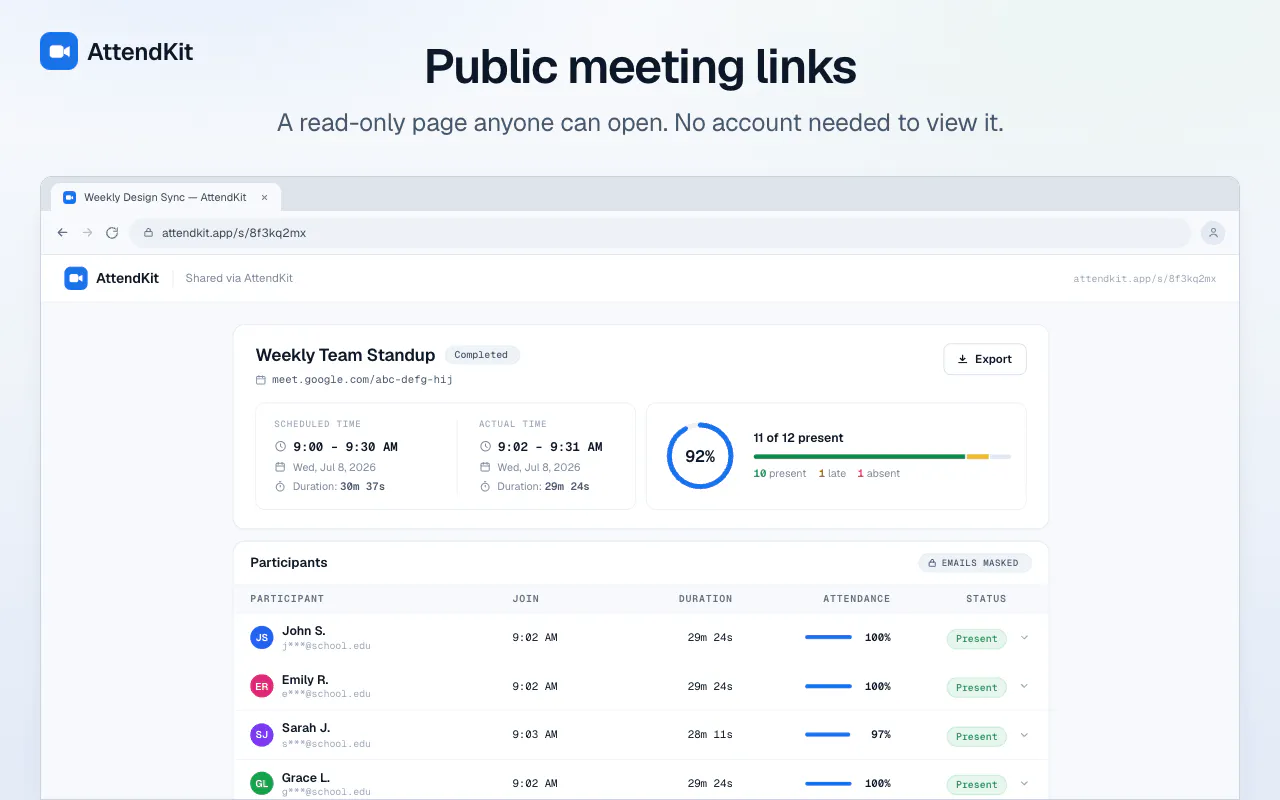
AttendKit is a productivity-focused Chrome extension designed for educators, team leaders, and organizers who want to easily track attendance in Google Meet sessions. By installing AttendKit once, users can automatically generate detailed attendance reports that include each participant's join time, duration of stay, and the percentage of the meeting they attended. The tool operates seamlessly in the background, ensuring accurate and hassle-free attendance monitoring without recording any audio or video, thus maintaining privacy. Users can export these reports as CSV or PDF files, share read-only links, and collaborate with their team effortlessly. Its simplicity and privacy-conscious approach make it an ideal choice for classrooms, corporate meetings, and webinars seeking transparent attendance data without complex setups or manual tracking.
Screenshots
Pros
- ✓Automatic, real-time attendance tracking without manual input
- ✓Privacy-focused — only names and timestamps are stored, no recordings
- ✓Easy export options (CSV, PDF) and shareable report links
- ✓Simple setup with a one-time installation
- ✓Free for the first 30 meetings, making it accessible for initial testing
Cons
- ✗Limited to Google Meet, not compatible with other video conferencing platforms
- ✗Free tier only covers 30 meetings, after which paid plans may be necessary
- ✗No advanced analytics or integration with other productivity tools
Use Cases
Pricing
Pricing not verified
Quick Info
Topics
Makers

Aadesh V
Alternatives
Similar Tools in Productivity




Embed Badge
Add this badge to your website to show that AttendKit is featured on Visalytica.
<a href="https://www.visalytica.com/tool/attendkit" target="_blank" rel="noopener noreferrer" style="display:inline-flex;align-items:center;gap:6px;padding:6px 14px;background:#7c3aed;color:#fff;border-radius:8px;font-family:-apple-system,system-ui,sans-serif;font-size:13px;font-weight:600;text-decoration:none;transition:background .2s" onmouseover="this.style.background='#6d28d9'" onmouseout="this.style.background='#7c3aed'"><svg width="14" height="14" viewBox="0 0 24 24" fill="none" stroke="currentColor" stroke-width="2.5" stroke-linecap="round" stroke-linejoin="round"><path d="M12 20V10"/><path d="M18 20V4"/><path d="M6 20v-4"/></svg>Featured on Visalytica</a>