Assist
Voice annotate your Mac, get screenshots + clipboard manager
About Assist
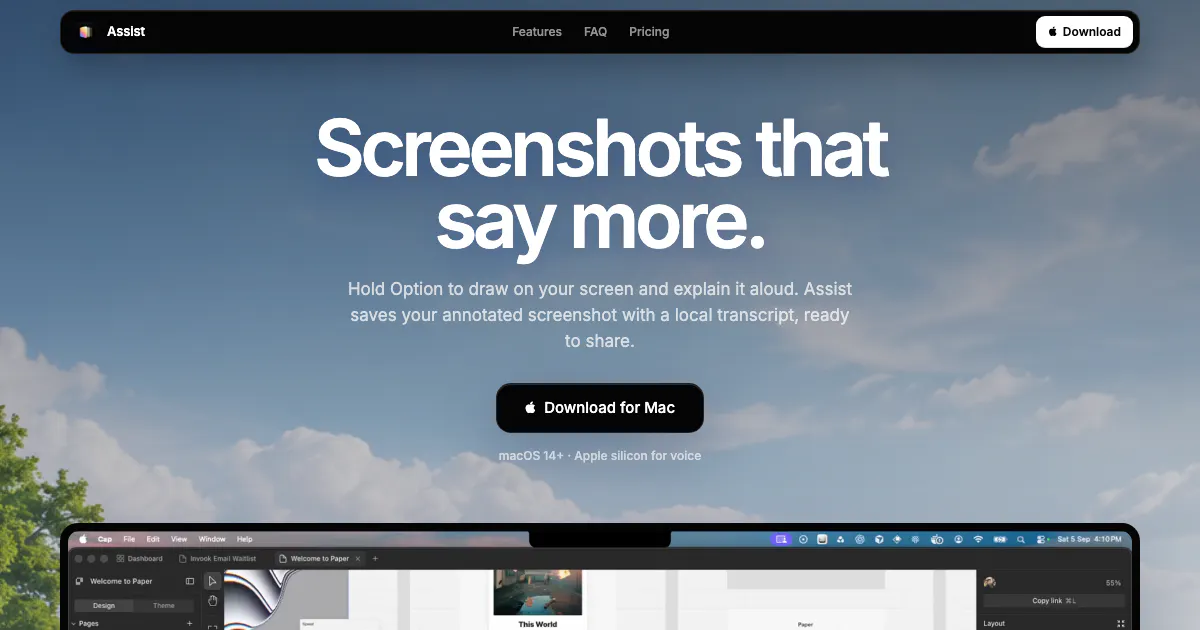
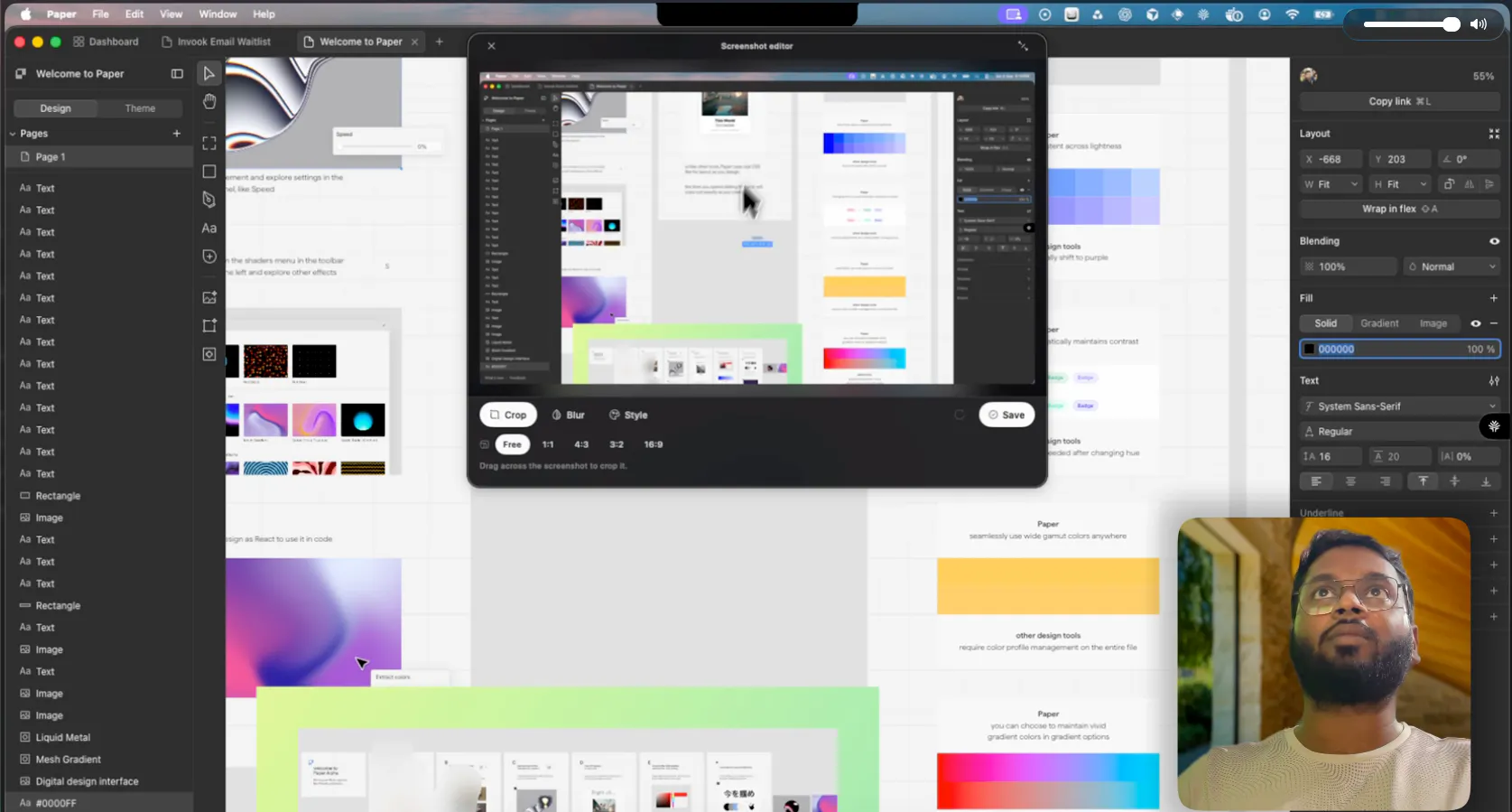
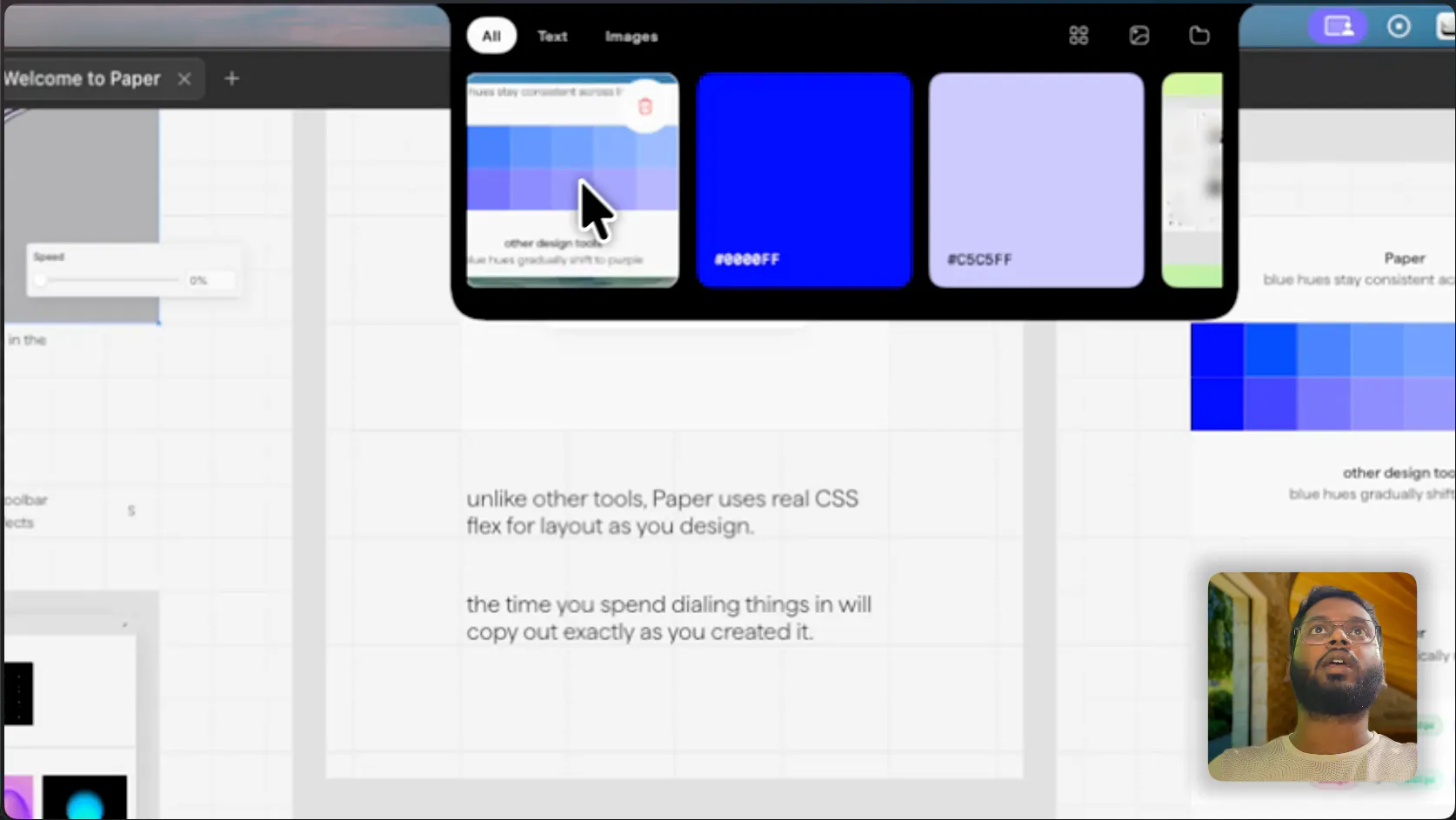
Assist is a versatile Mac productivity tool designed to streamline the way users capture, annotate, and reuse information. It combines voice annotation capabilities with full-screen screenshot capture and an innovative clipboard manager that keeps copied text readily accessible from the notch area. Ideal for professionals, students, and content creators, Assist enhances efficiency by integrating multiple functions into a single, easy-to-use application. Its voice annotation feature allows users to add context or instructions directly to their screen captures, making sharing and collaboration more effective. The screenshot and clipboard functionalities help users manage their visual and textual data seamlessly, reducing the need for multiple tools and simplifying workflow management. Overall, Assist stands out by offering a unified solution that boosts productivity through intuitive design and practical features tailored for Mac users.
Screenshots
Pros
- ✓Combines voice annotation, screenshot capture, and clipboard management in one app
- ✓User-friendly interface optimized for Mac users
- ✓Enhances productivity by simplifying workflow and reducing tool-switching
- ✓Supports quick annotations with voice, saving time during documentation
- ✓Keeps copied text accessible from the notch area for easy reuse
Cons
- ✗Vague details on pricing and subscription models
- ✗Limited information on advanced features or integrations
- ✗No user reviews or ratings available to gauge real-world performance
Use Cases
Pricing
Pricing not verified
Quick Info
Topics
Makers

Abhishek Kumar
Similar Tools in AI Audio & Voice




Embed Badge
Add this badge to your website to show that Assist is featured on Visalytica.
<a href="https://www.visalytica.com/tool/assist" target="_blank" rel="noopener noreferrer" style="display:inline-flex;align-items:center;gap:6px;padding:6px 14px;background:#7c3aed;color:#fff;border-radius:8px;font-family:-apple-system,system-ui,sans-serif;font-size:13px;font-weight:600;text-decoration:none;transition:background .2s" onmouseover="this.style.background='#6d28d9'" onmouseout="this.style.background='#7c3aed'"><svg width="14" height="14" viewBox="0 0 24 24" fill="none" stroke="currentColor" stroke-width="2.5" stroke-linecap="round" stroke-linejoin="round"><path d="M12 20V10"/><path d="M18 20V4"/><path d="M6 20v-4"/></svg>Featured on Visalytica</a>