
Ask Fellow
Automate post-meeting actions from documentation to emails
About Ask Fellow
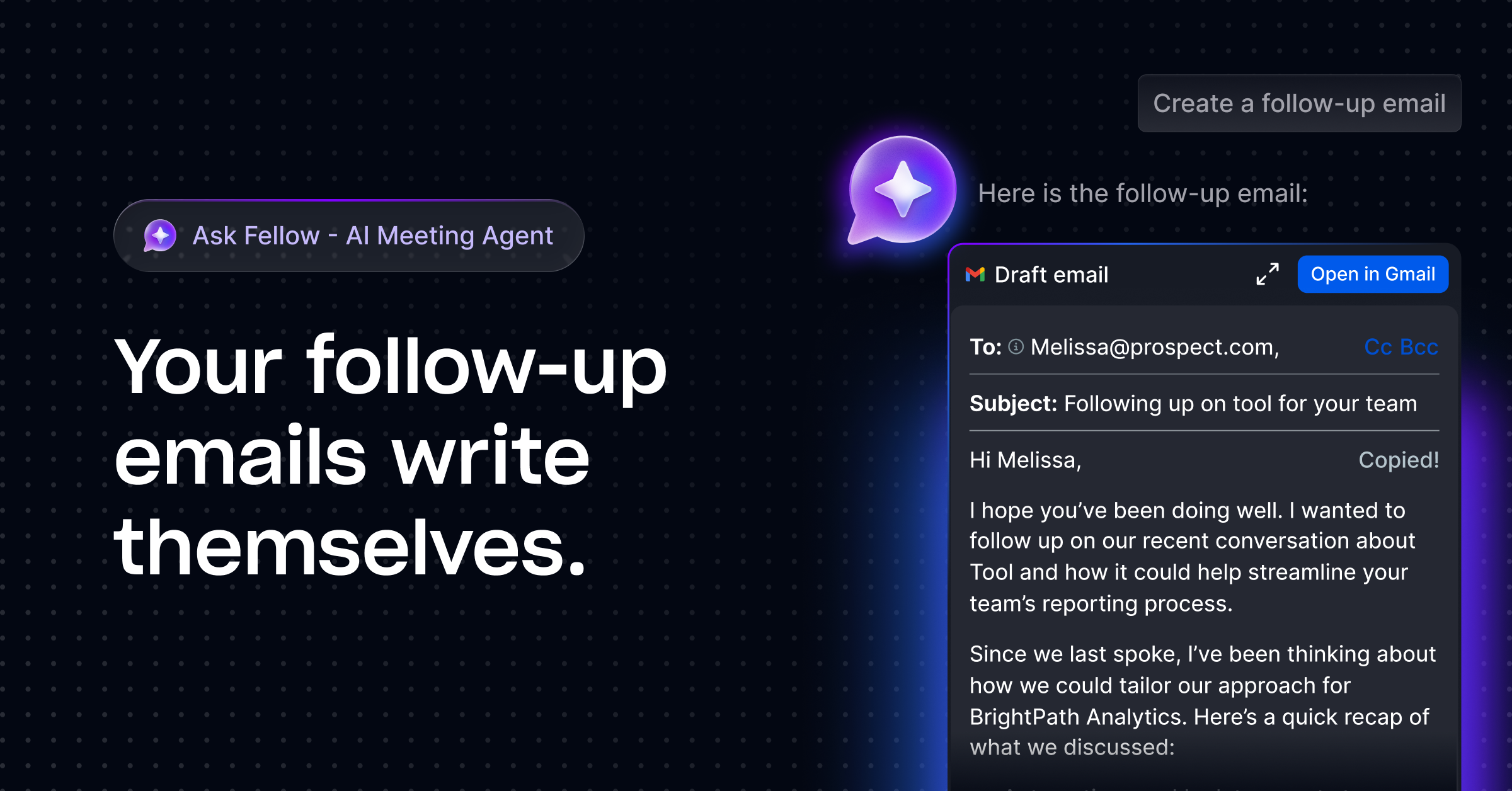
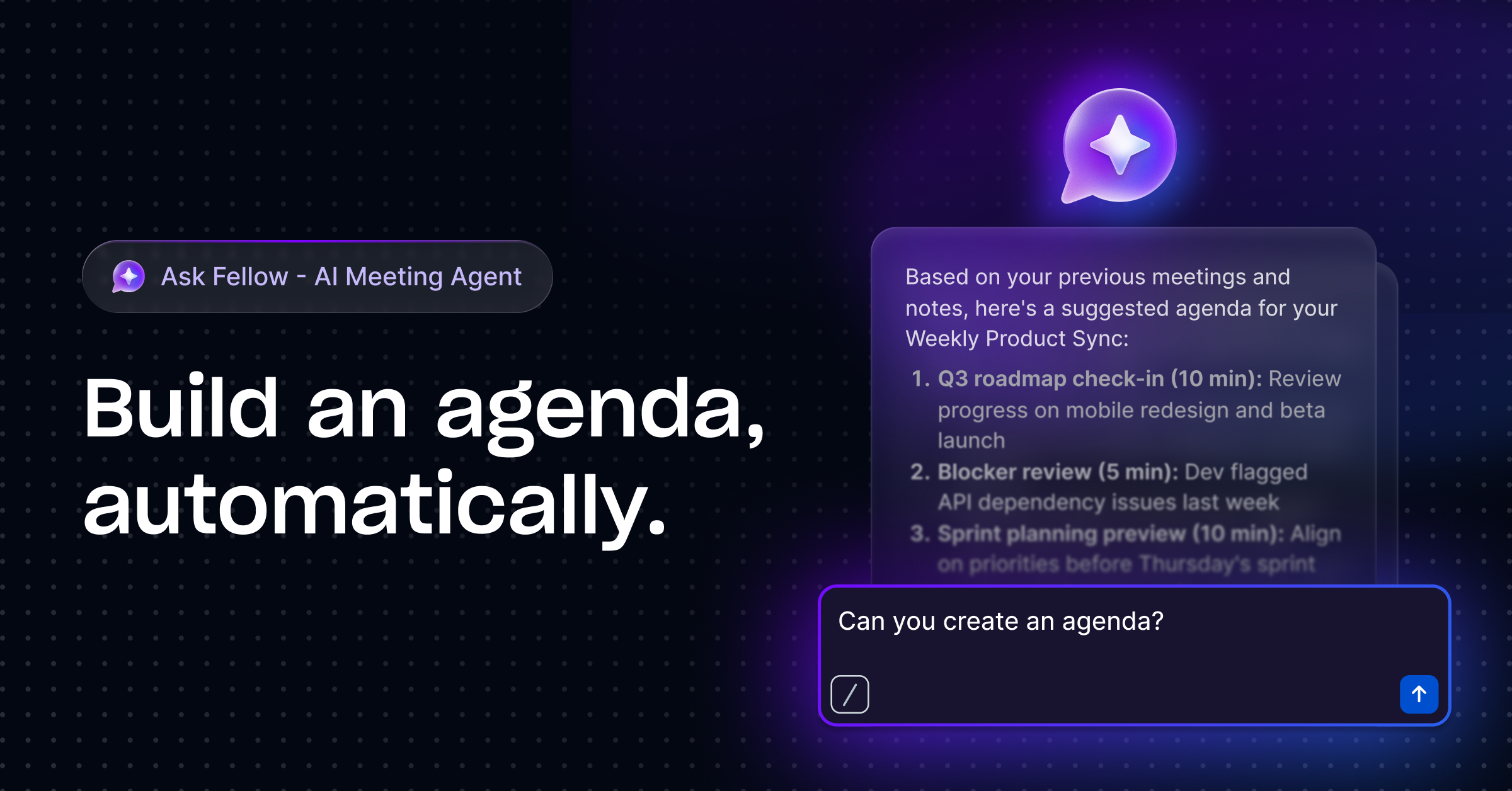
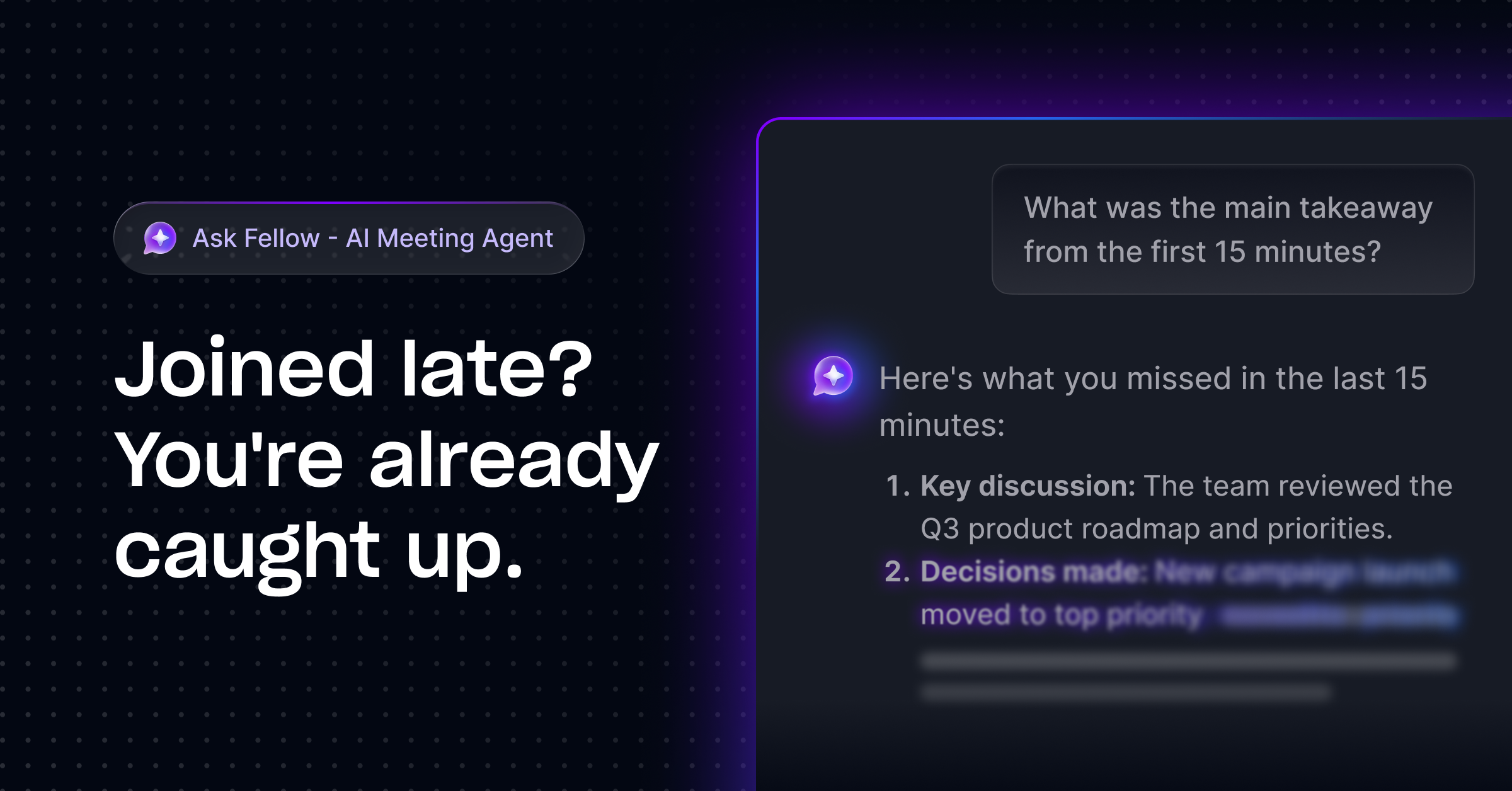
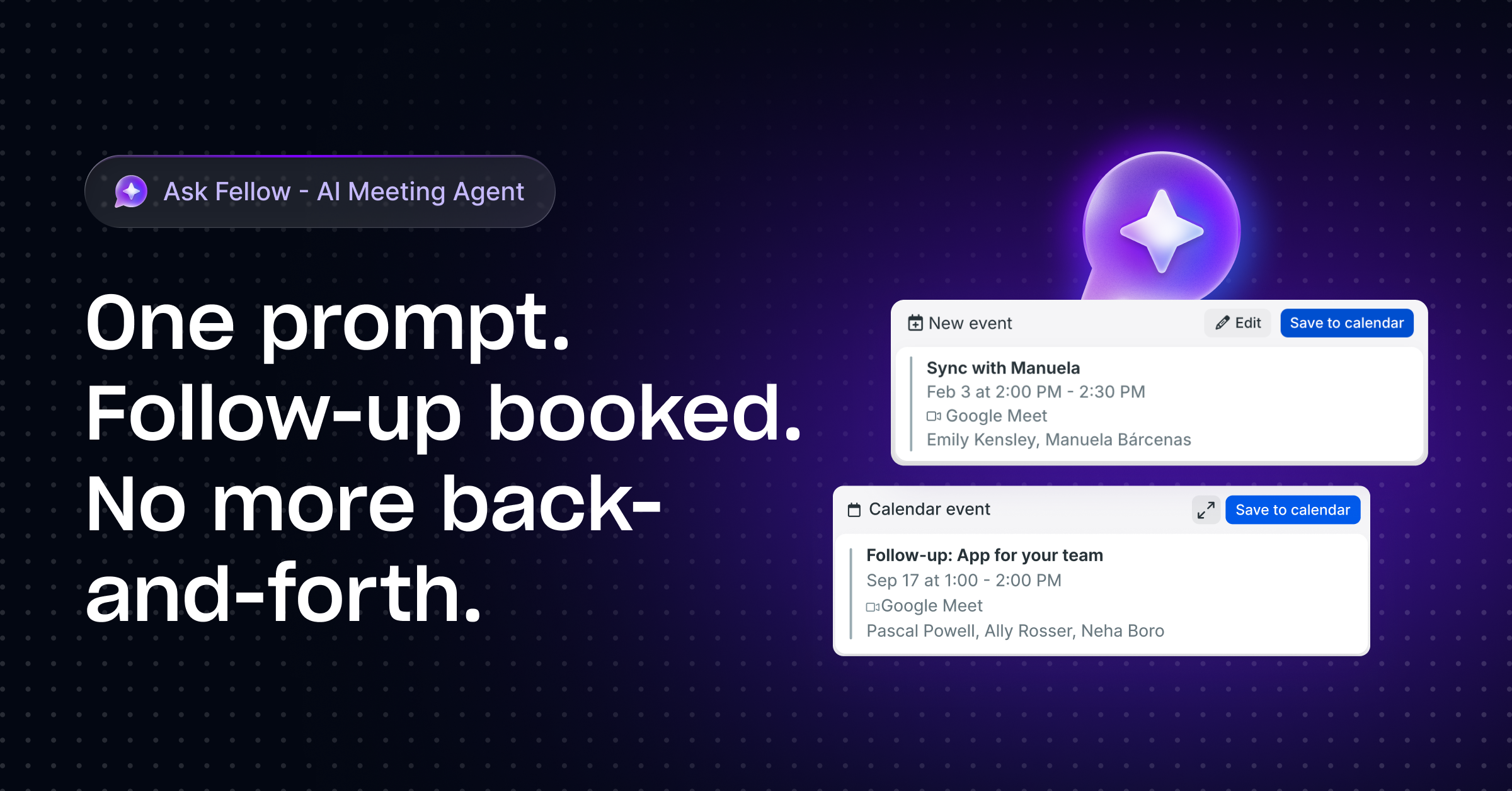
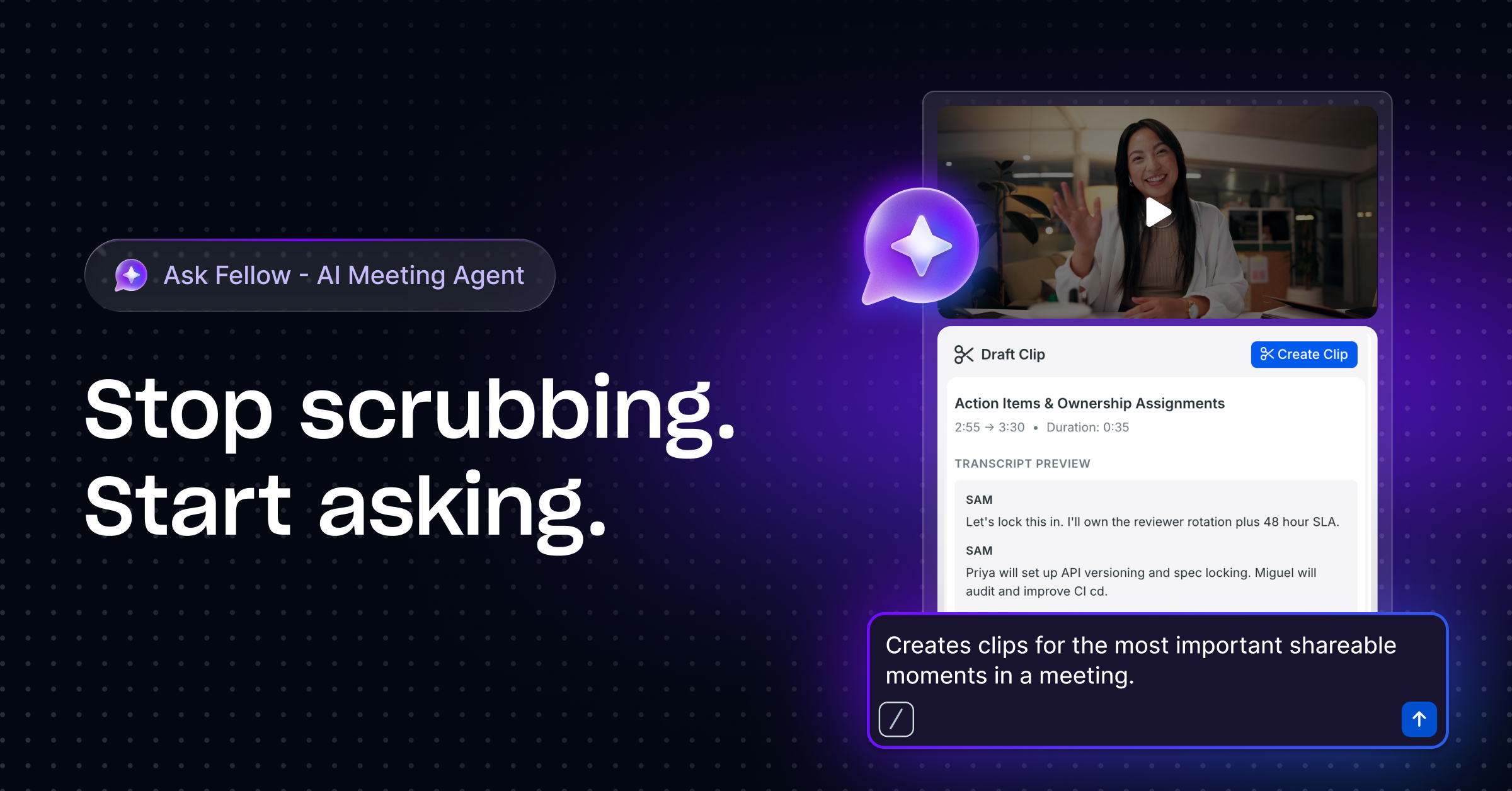
Ask Fellow is an innovative AI-powered productivity tool designed to streamline meeting workflows across all stages—before, during, and after. It helps users save time by automating routine post-meeting tasks such as drafting follow-up emails, generating video clips from recordings, and creating documentation that can be exported to platforms like Notion, Confluence, or Google Docs. Its natural language calendar management and memory features enable users to effortlessly handle scheduling and preferences without repetitive setup. By transforming conversations into actionable momentum, Ask Fellow empowers teams and individuals to stay focused on high-value work while reducing manual follow-up efforts. Its seamless integration and intelligent automation make it ideal for busy professionals seeking to maximize meeting productivity and collaboration.
Screenshots

Pros
- ✓Automates post-meeting follow-ups, saving time and effort
- ✓Integrates with popular documentation platforms like Notion, Confluence, and Google Docs
- ✓Generates video clips and summaries to enhance meeting recordings
- ✓Natural language calendar management simplifies scheduling
- ✓Memory feature personalizes user preferences for continuous efficiency
Cons
- ✗Features may require a learning curve for new users
- ✗Pricing details are not explicitly provided, potentially costly for small teams
- ✗Dependence on AI accuracy might lead to occasional errors in summaries or automation
Use Cases
Pricing
Likely operates on a freemium model with free basic features, with paid plans starting around $10-$20/month for enhanced automation and integrations (exact pricing not confirmed).
Quick Info
Topics
Similar Tools in Productivity




Embed Badge
Add this badge to your website to show that Ask Fellow is featured on Visalytica.
<a href="https://www.visalytica.com/tool/ask-fellow" target="_blank" rel="noopener noreferrer" style="display:inline-flex;align-items:center;gap:6px;padding:6px 14px;background:#7c3aed;color:#fff;border-radius:8px;font-family:-apple-system,system-ui,sans-serif;font-size:13px;font-weight:600;text-decoration:none;transition:background .2s" onmouseover="this.style.background='#6d28d9'" onmouseout="this.style.background='#7c3aed'"><svg width="14" height="14" viewBox="0 0 24 24" fill="none" stroke="currentColor" stroke-width="2.5" stroke-linecap="round" stroke-linejoin="round"><path d="M12 20V10"/><path d="M18 20V4"/><path d="M6 20v-4"/></svg>Featured on Visalytica</a>