
Arkida
Turn Images into stunning mockups & product shots
About Arkida
Arkida is an innovative design tool that transforms screenshots and images into stunning product shots and realistic mockups. Ideal for app developers, marketers, and designers, it enables users to create high-quality visuals for App Store and Play Store listings, website presentations, social media content, product listings, and portfolios. What sets Arkida apart is its powerful features like 4-point perspective warping, scene occlusion, and AI enhancements that add realism and polish to images. Its extensive integrations with Pexels, Pixabay, and Unsplash, along with batch processing capabilities and online frame repositories, make it a versatile tool for streamlining visual content creation. Whether you're refining a SaaS presentation or crafting eye-catching social media visuals, Arkida simplifies complex editing tasks with professional results, saving time and elevating visual quality.
Screenshots
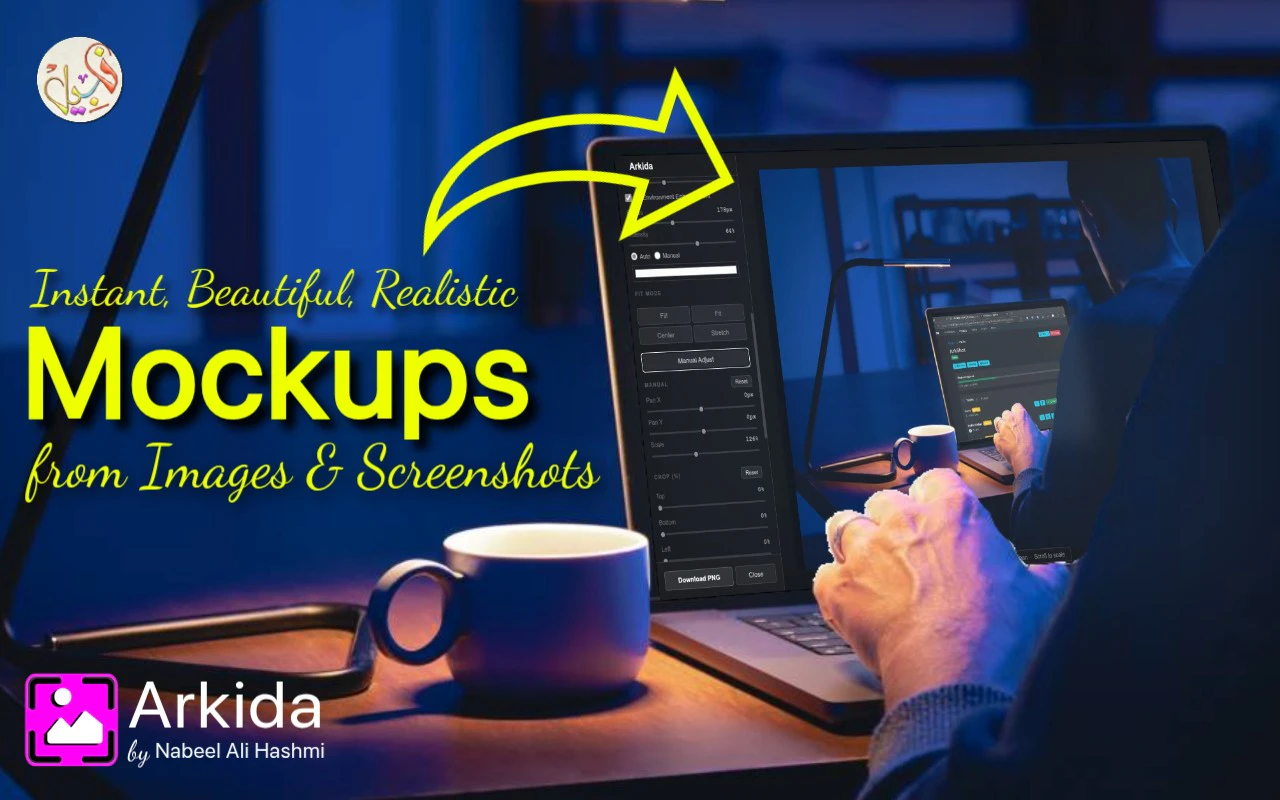
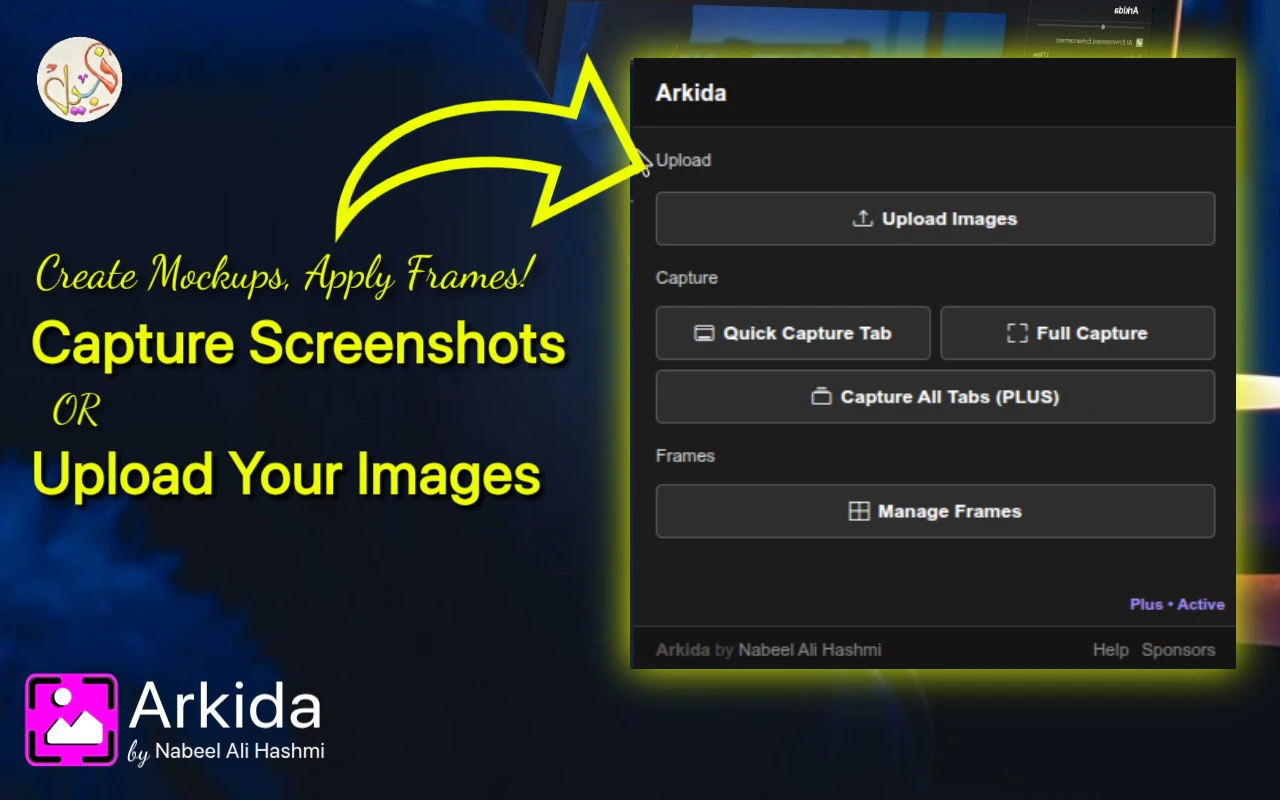
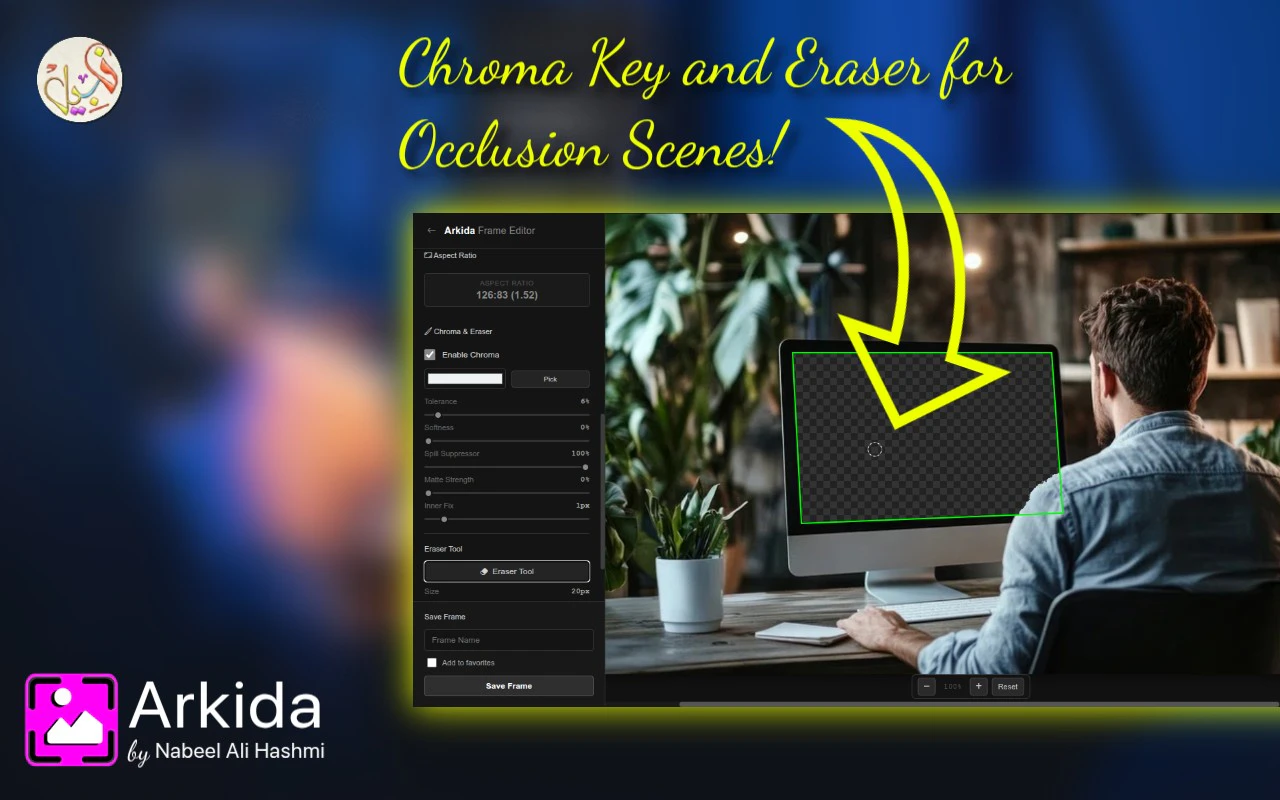
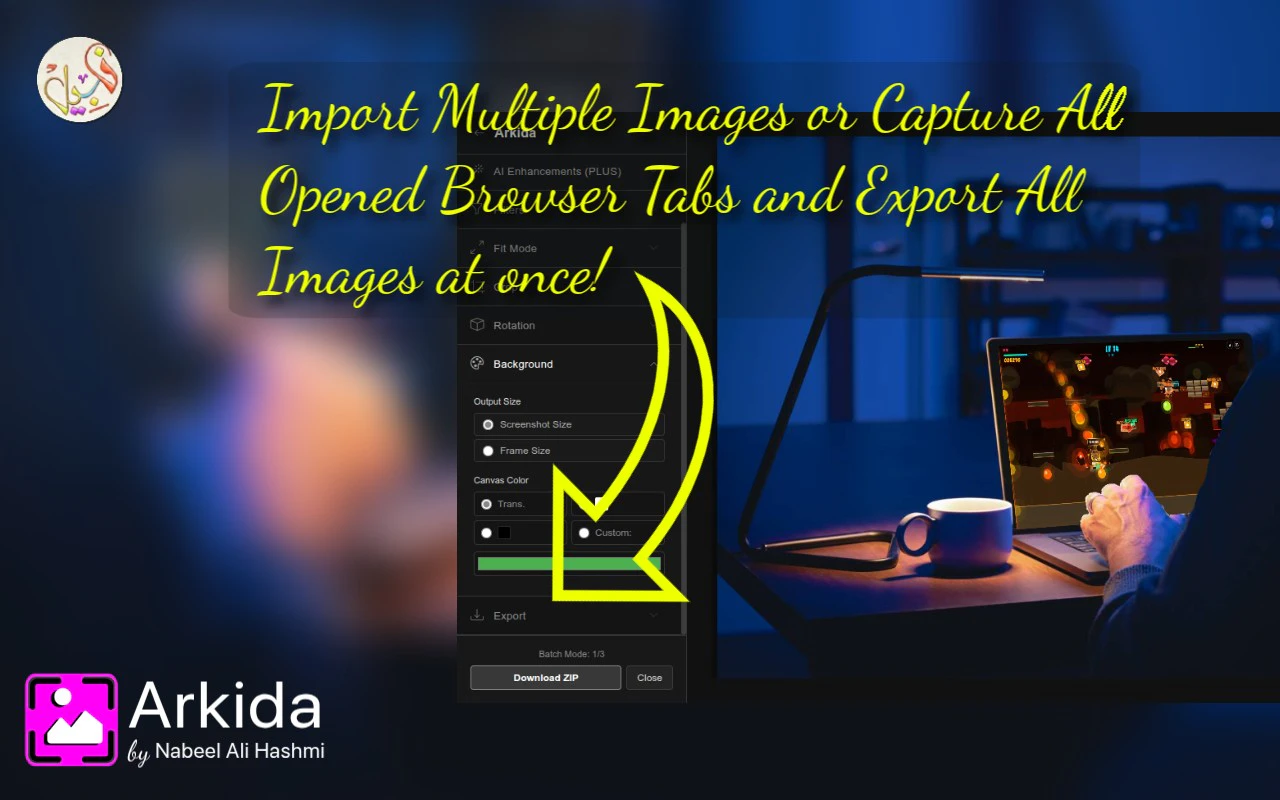
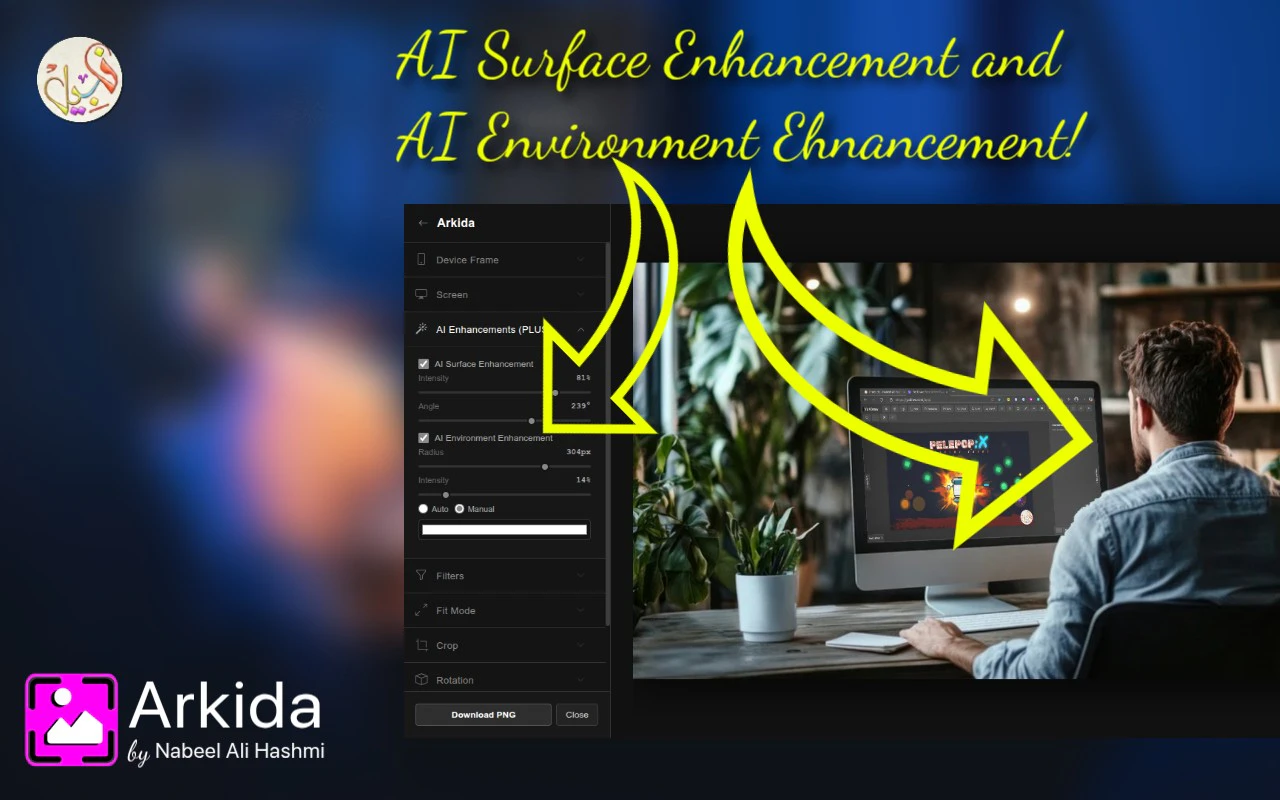
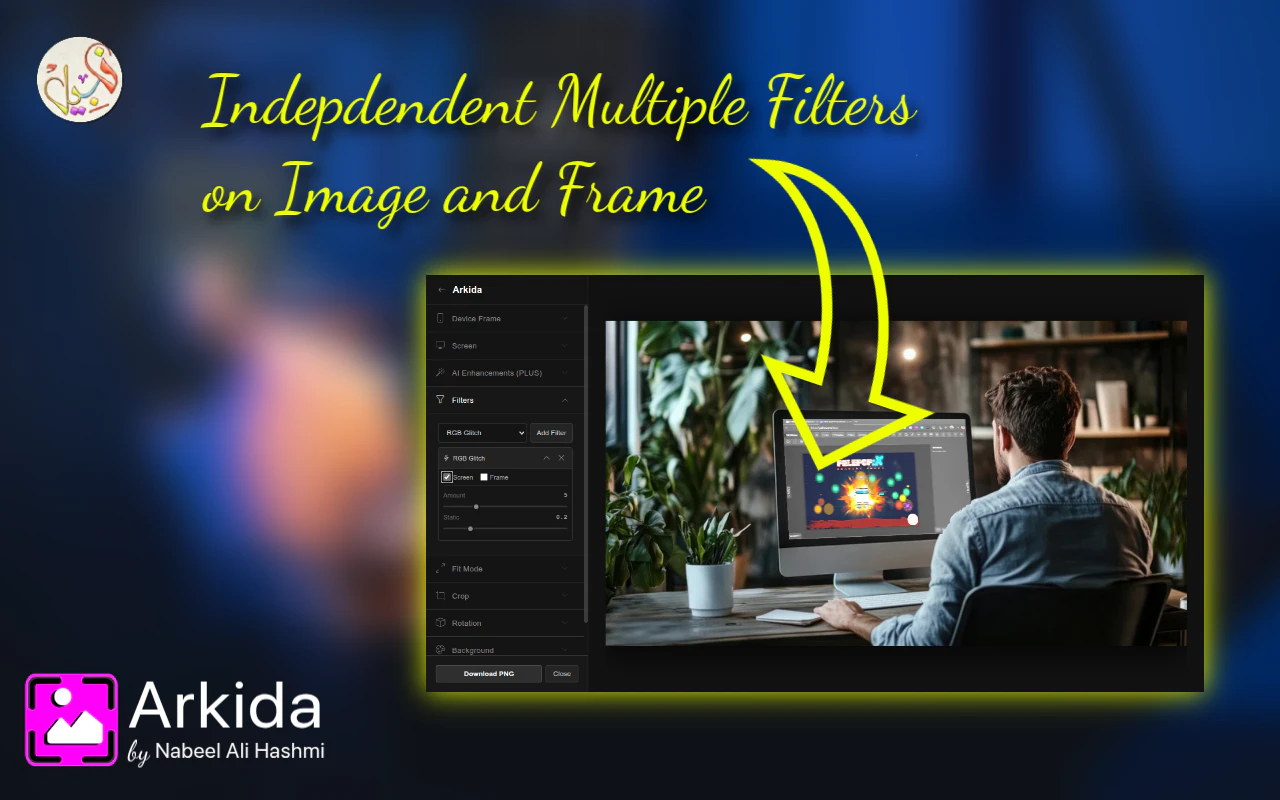
+3 more screenshots
Pros
- ✓Advanced perspective warping and scene occlusion for realistic mockups
- ✓AI enhancements and filters for polished visuals
- ✓Batch processing for efficient workflow
- ✓Integration with popular stock photo libraries (Pexels, Pixabay, Unsplash)
- ✓User-friendly interface suitable for non-designers
Cons
- ✗Limited information on pricing structure, likely subscription-based
- ✗May require some learning curve for complex features
- ✗No mention of a free trial or free tier
Use Cases
Pricing
Likely operates on a subscription model with tiered plans, possibly including a free trial or limited free tier, but specific details are not publicly confirmed.
Quick Info
Topics
Makers

Nabeel Ali Hashmi
Similar Tools in AI Image & Design




Embed Badge
Add this badge to your website to show that Arkida is featured on Visalytica.
<a href="https://www.visalytica.com/tool/arkida" target="_blank" rel="noopener noreferrer" style="display:inline-flex;align-items:center;gap:6px;padding:6px 14px;background:#7c3aed;color:#fff;border-radius:8px;font-family:-apple-system,system-ui,sans-serif;font-size:13px;font-weight:600;text-decoration:none;transition:background .2s" onmouseover="this.style.background='#6d28d9'" onmouseout="this.style.background='#7c3aed'"><svg width="14" height="14" viewBox="0 0 24 24" fill="none" stroke="currentColor" stroke-width="2.5" stroke-linecap="round" stroke-linejoin="round"><path d="M12 20V10"/><path d="M18 20V4"/><path d="M6 20v-4"/></svg>Featured on Visalytica</a>