
Aries AI
Free AI abacus tutor for mental math. Made by an 11yo.
About Aries AI
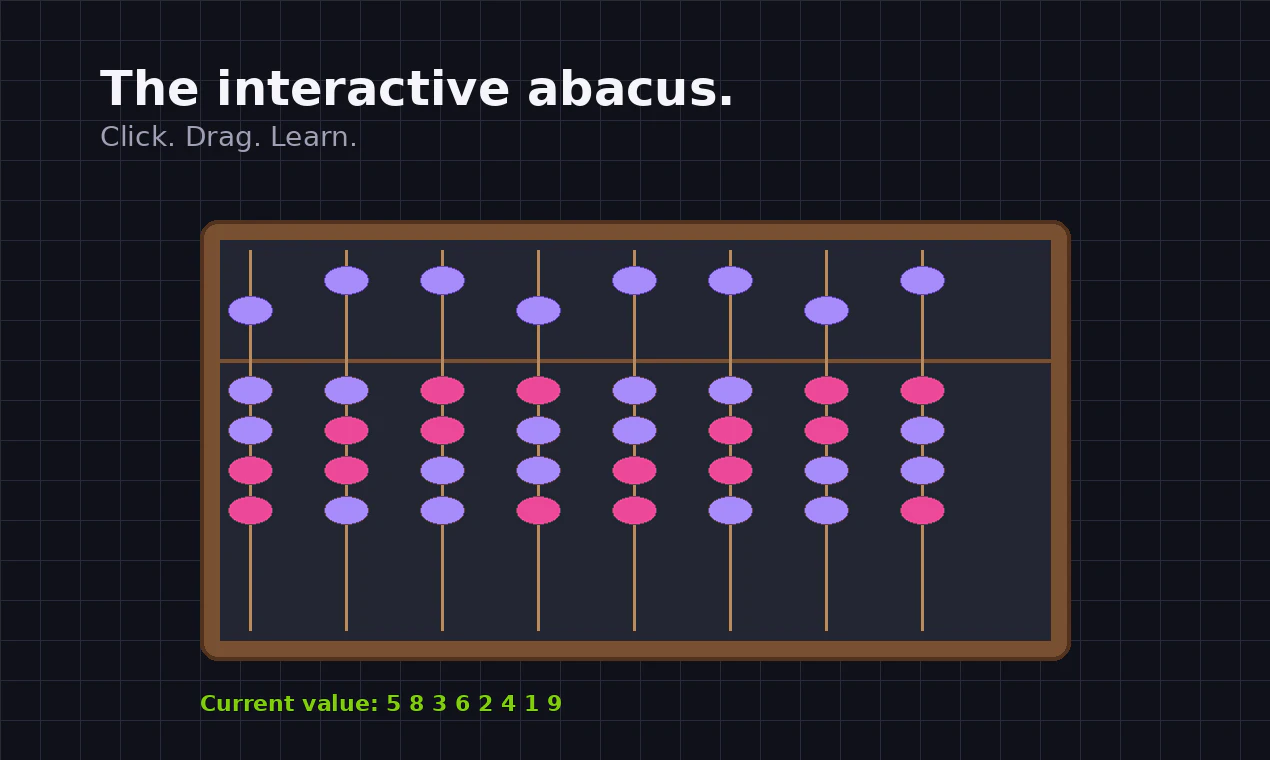
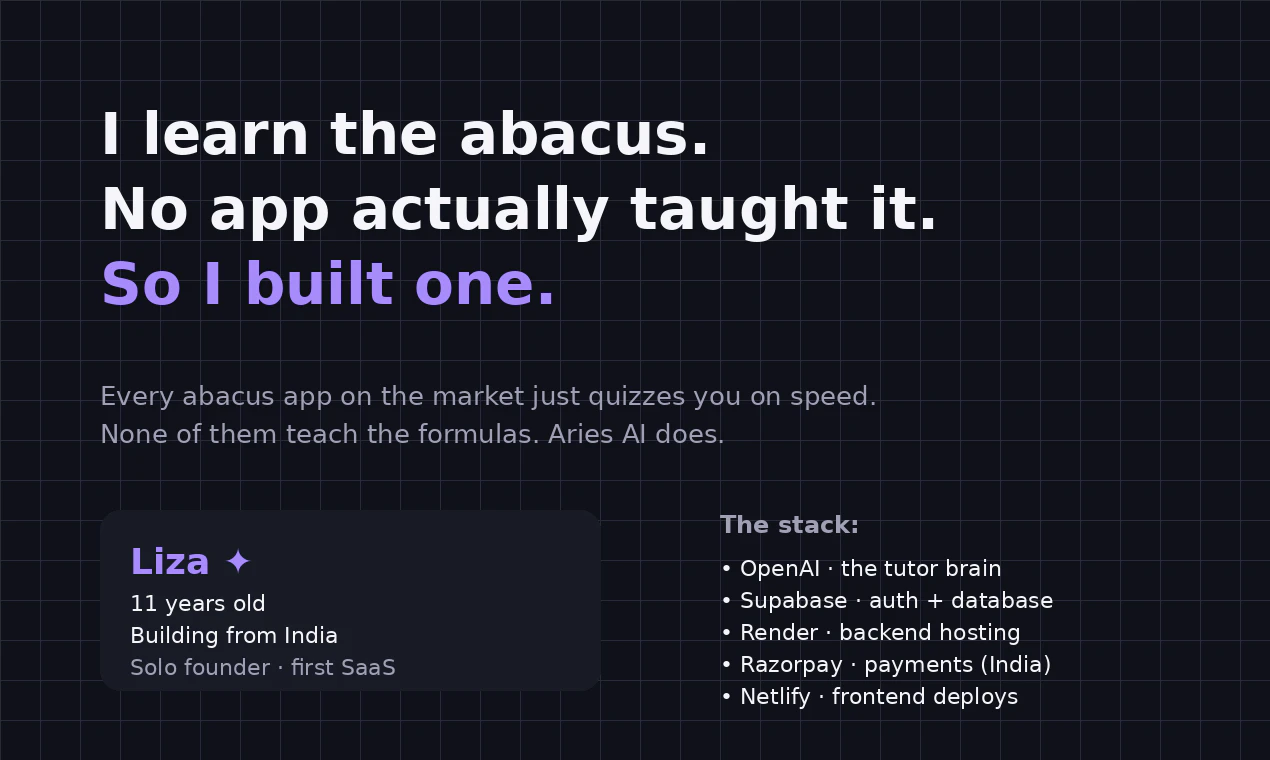
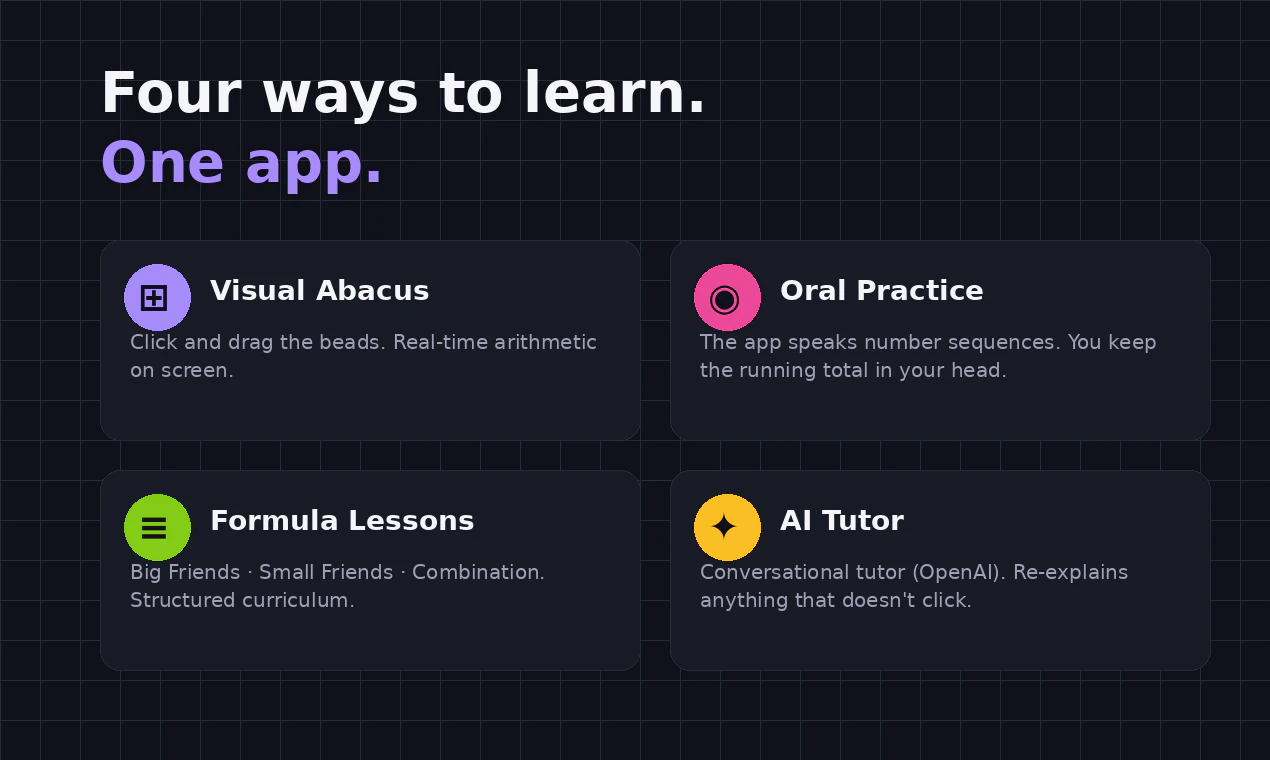
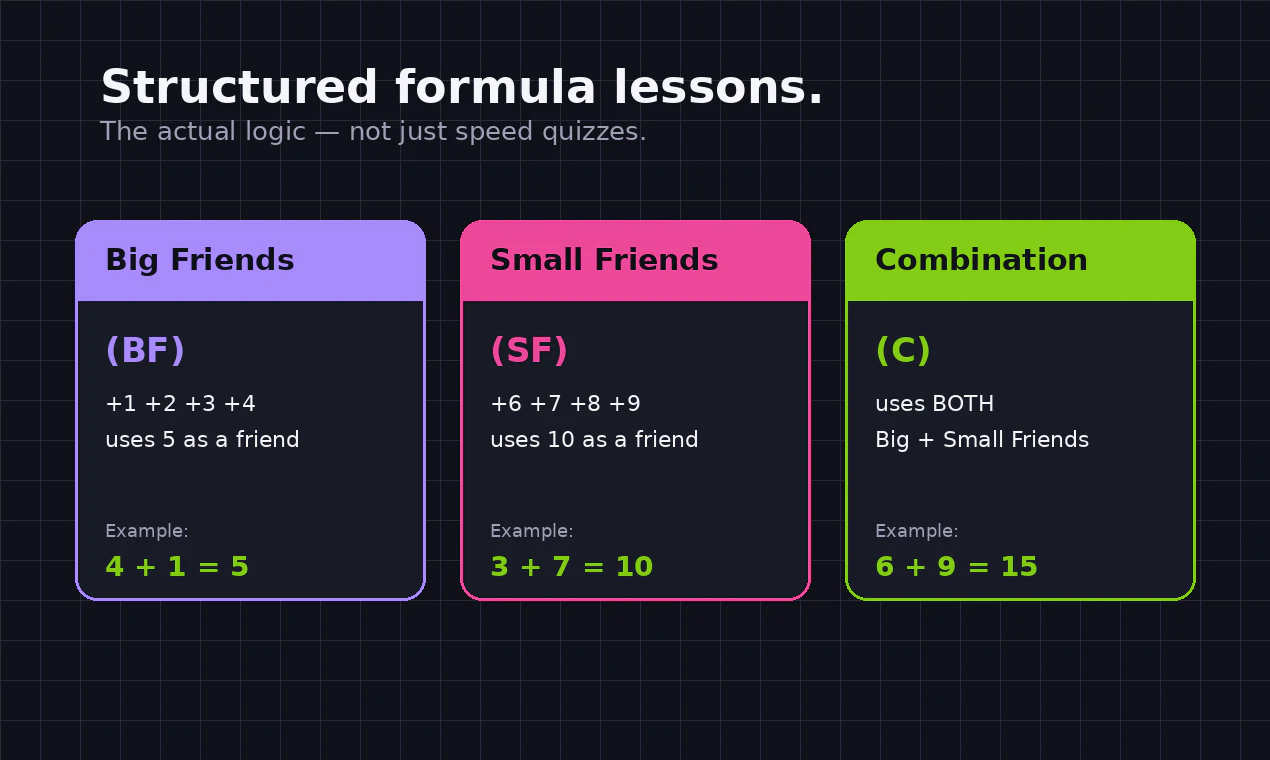
Aries AI is a free, browser-based educational tool designed to teach mental math using the abacus method. Created by an 11-year-old developer from India, it offers a unique, grassroots approach to math learning that combines visual, oral, and conversational methods. The platform features four distinct modes: an interactive visual abacus for hands-on practice, oral exercises where the app vocalizes number sequences for mental calculation, structured lessons focusing on formulas and techniques, and an AI-powered conversational tutor that helps clarify concepts and answer questions. This multi-modal approach caters to different learning styles, making mental arithmetic more engaging and accessible for children and beginners alike. Its simplicity and innovative origin make it a charming, inspiring tool for anyone interested in math education or AI-driven tutoring.
Screenshots

Pros
- ✓Free to use, making it accessible for all learners
- ✓Unique combination of visual, auditory, and conversational learning modes
- ✓Created by a young developer, demonstrating innovative grassroots approach
- ✓Suitable for beginners and children learning mental math
- ✓Browser-based, requiring no downloads or installations
Cons
- ✗Limited to desktop and laptop browsers, no mobile version yet
- ✗Basic interface may lack advanced features found in professional math tools
- ✗Relatively new and less tested compared to established educational platforms
Use Cases
Pricing
Aries AI appears to be completely free, offering open access without any subscription or one-time fee. Its open, grassroots nature suggests it is a free educational resource supported by its creator.
Quick Info
Topics
Alternatives
Similar Tools in AI Assistants




Embed Badge
Add this badge to your website to show that Aries AI is featured on Visalytica.
<a href="https://www.visalytica.com/tool/aries-ai" target="_blank" rel="noopener noreferrer" style="display:inline-flex;align-items:center;gap:6px;padding:6px 14px;background:#7c3aed;color:#fff;border-radius:8px;font-family:-apple-system,system-ui,sans-serif;font-size:13px;font-weight:600;text-decoration:none;transition:background .2s" onmouseover="this.style.background='#6d28d9'" onmouseout="this.style.background='#7c3aed'"><svg width="14" height="14" viewBox="0 0 24 24" fill="none" stroke="currentColor" stroke-width="2.5" stroke-linecap="round" stroke-linejoin="round"><path d="M12 20V10"/><path d="M18 20V4"/><path d="M6 20v-4"/></svg>Featured on Visalytica</a>