
Area Contrast Checker
Drag, Select, Know. A new way to check A11y contrast
About Area Contrast Checker
Area Contrast Checker is a innovative Chrome extension designed to simplify accessibility testing by providing reliable contrast ratio analysis for complex visuals. Unlike traditional methods that rely on manual color picking or eyedropper tools, this extension introduces a selection-based pixel analysis approach, allowing users to drag and select areas directly on the screen to instantly determine contrast compliance. This makes it especially valuable for developers, designers, and accessibility testers seeking quick, accurate results without cumbersome processes. Its ability to see what users see ensures that even intricate visuals are accurately evaluated, streamlining the workflow for creating inclusive digital experiences. Whether you're auditing a website or designing accessible interfaces, Area Contrast Checker offers a fresh, intuitive method to meet A11y standards efficiently.
Screenshots
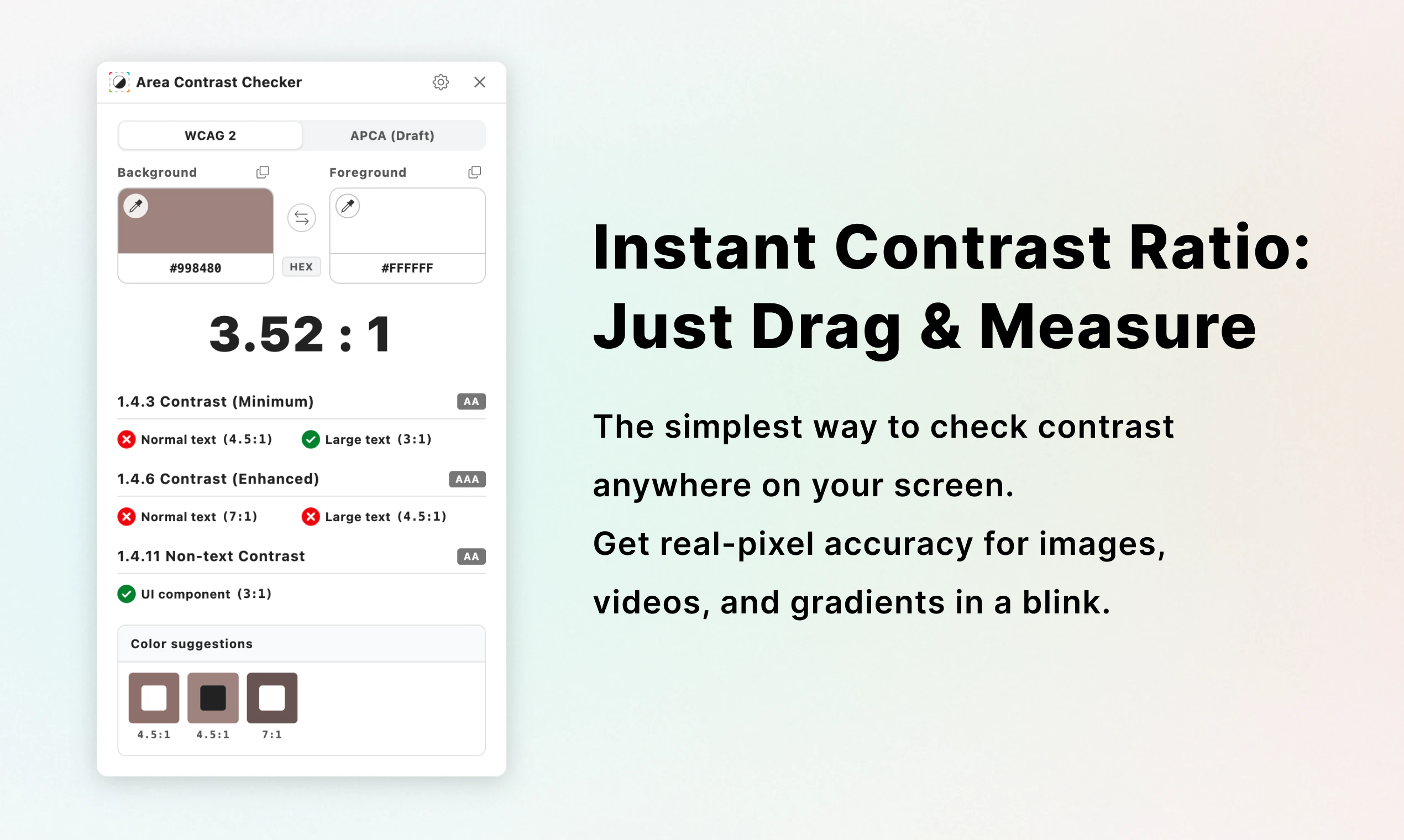
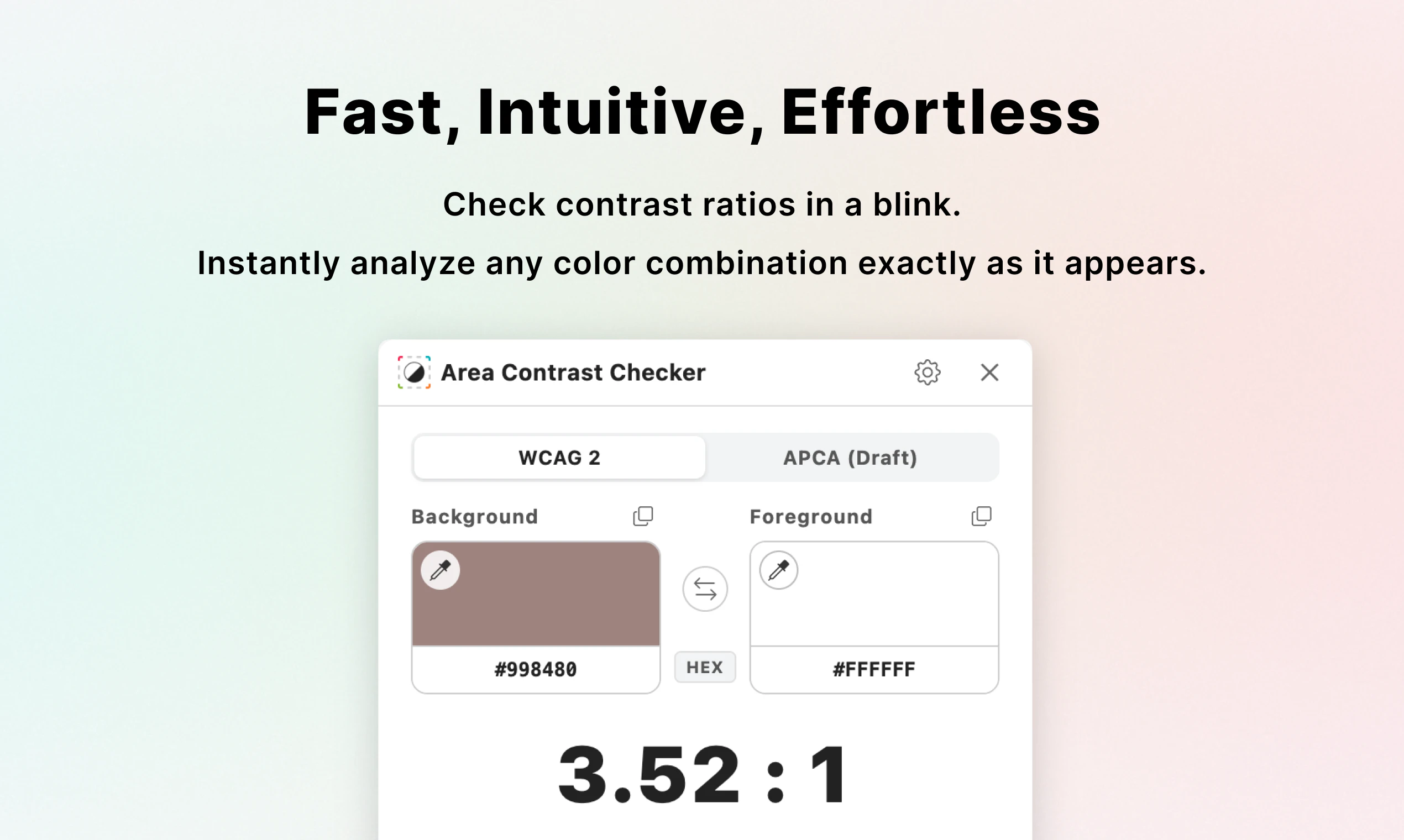
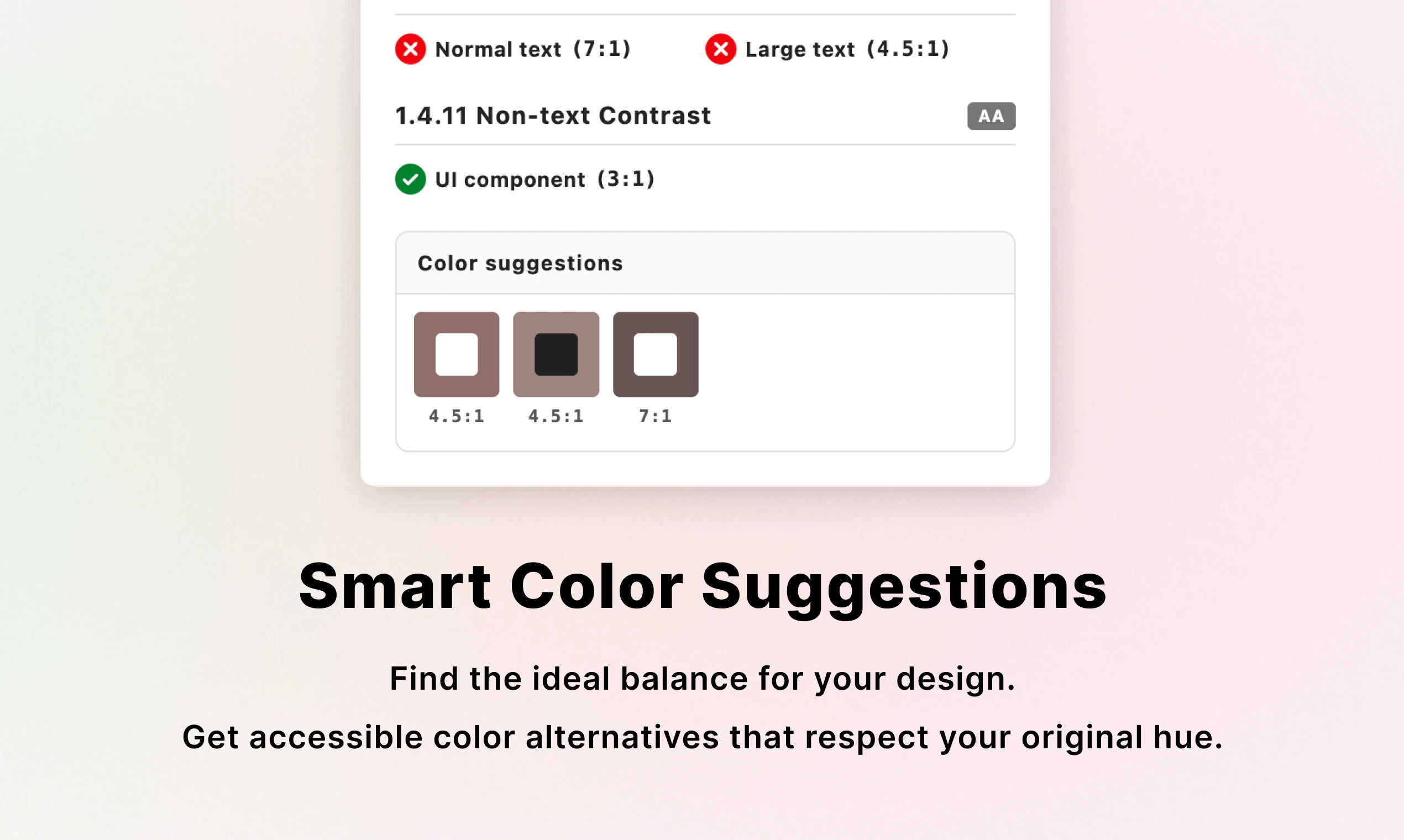
Pros
- ✓Innovative selection-based pixel analysis for accurate contrast measurement
- ✓Easy to use with drag-and-select functionality
- ✓Suitable for complex visuals where traditional tools may fall short
- ✓Integrates seamlessly into Chrome browser, no need for external tools
- ✓Speeds up accessibility compliance checks
Cons
- ✗Limited to Chrome browser, not available as a standalone app
- ✗May require some initial learning curve for new users
- ✗No mention of free trial or free tier details currently
Use Cases
Pricing
Likely follows a freemium model with basic features available for free and premium plans for advanced functionalities, though specific pricing details are not provided.
Quick Info
Topics
Alternatives
Similar Tools in AI Image & Design




Embed Badge
Add this badge to your website to show that Area Contrast Checker is featured on Visalytica.
<a href="https://www.visalytica.com/tool/area-contrast-checker" target="_blank" rel="noopener noreferrer" style="display:inline-flex;align-items:center;gap:6px;padding:6px 14px;background:#7c3aed;color:#fff;border-radius:8px;font-family:-apple-system,system-ui,sans-serif;font-size:13px;font-weight:600;text-decoration:none;transition:background .2s" onmouseover="this.style.background='#6d28d9'" onmouseout="this.style.background='#7c3aed'"><svg width="14" height="14" viewBox="0 0 24 24" fill="none" stroke="currentColor" stroke-width="2.5" stroke-linecap="round" stroke-linejoin="round"><path d="M12 20V10"/><path d="M18 20V4"/><path d="M6 20v-4"/></svg>Featured on Visalytica</a>