
Arabinum
Arabinum is a browser that turns results into feed
About Arabinum
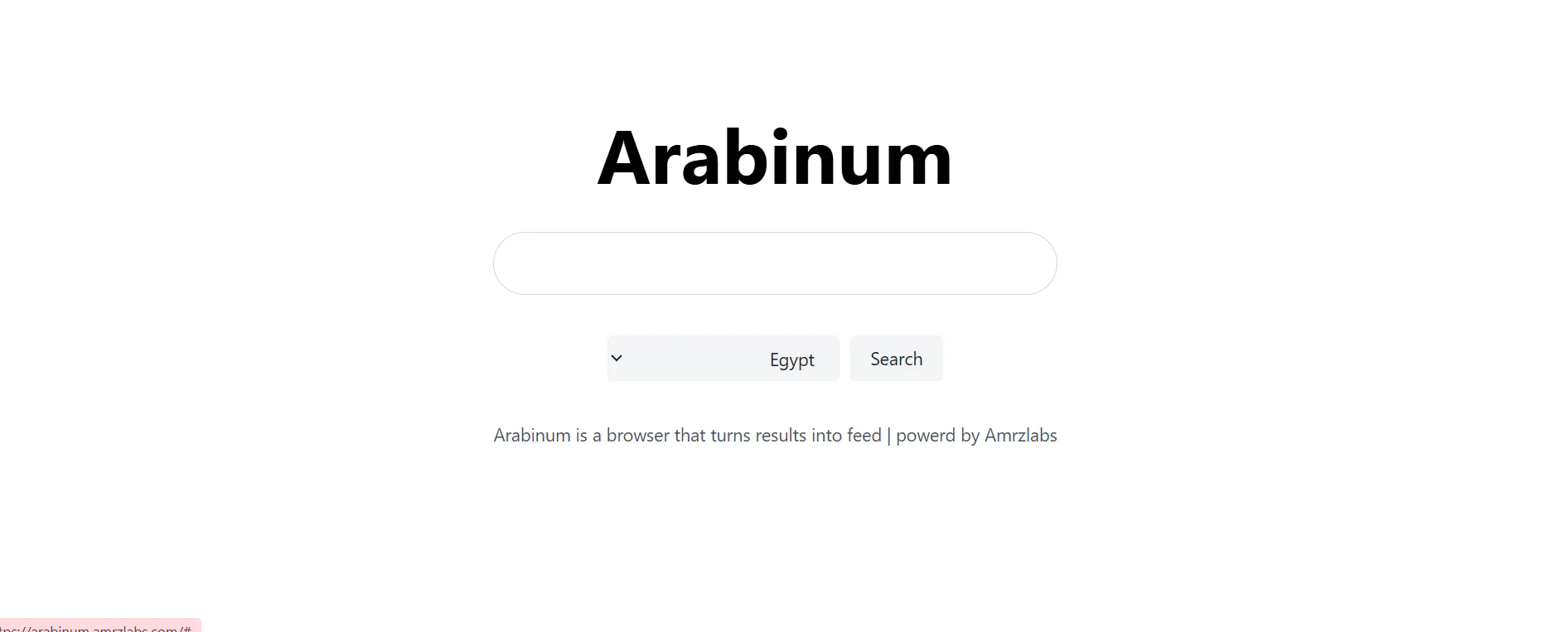
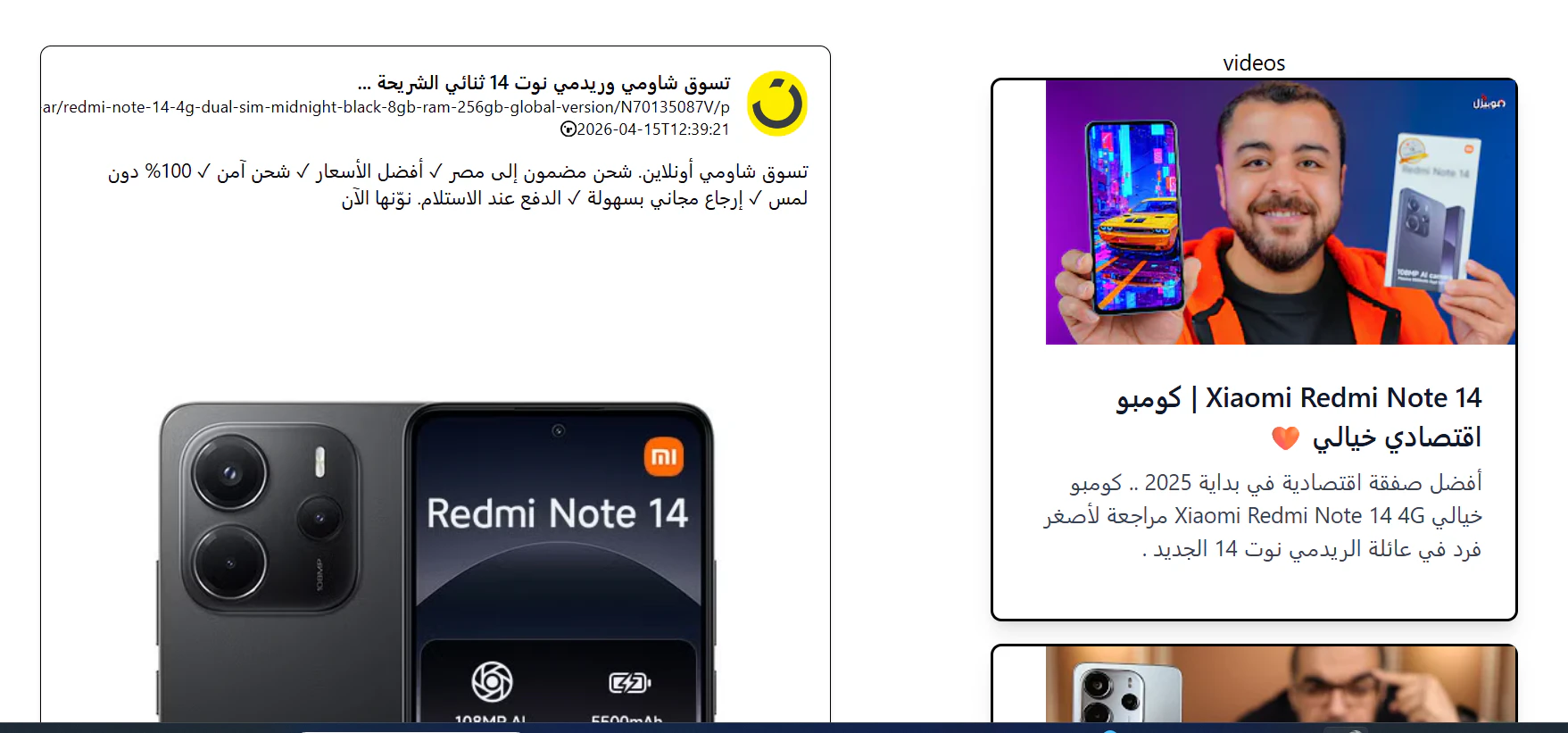
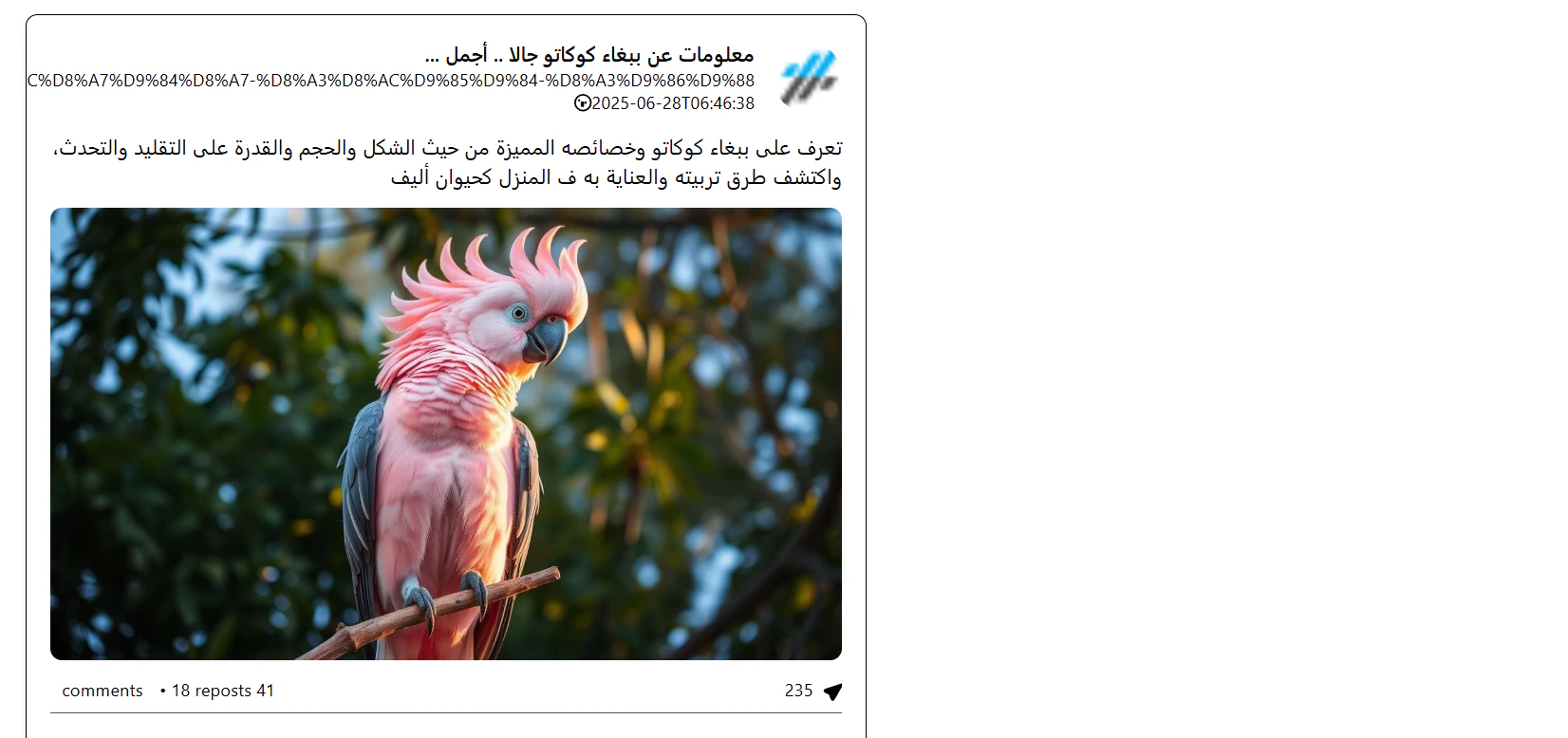
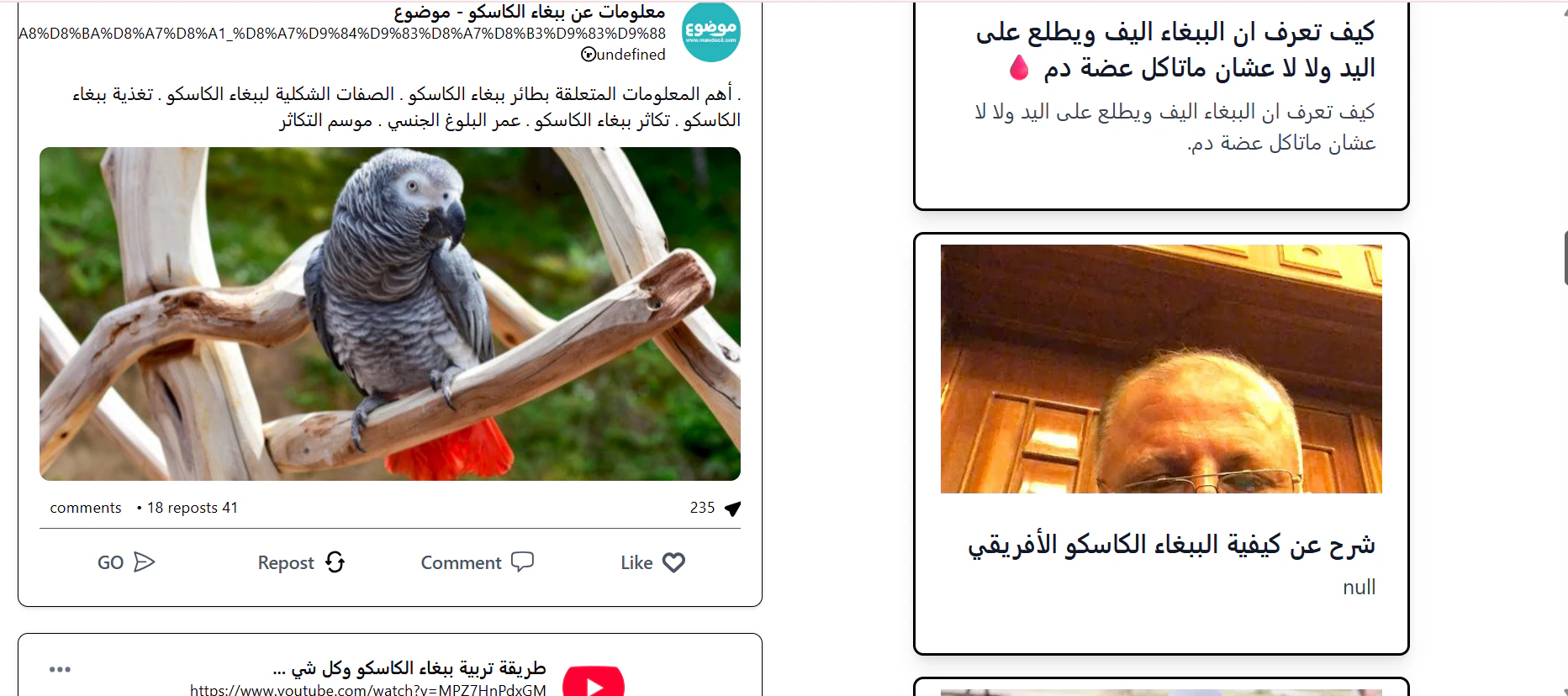
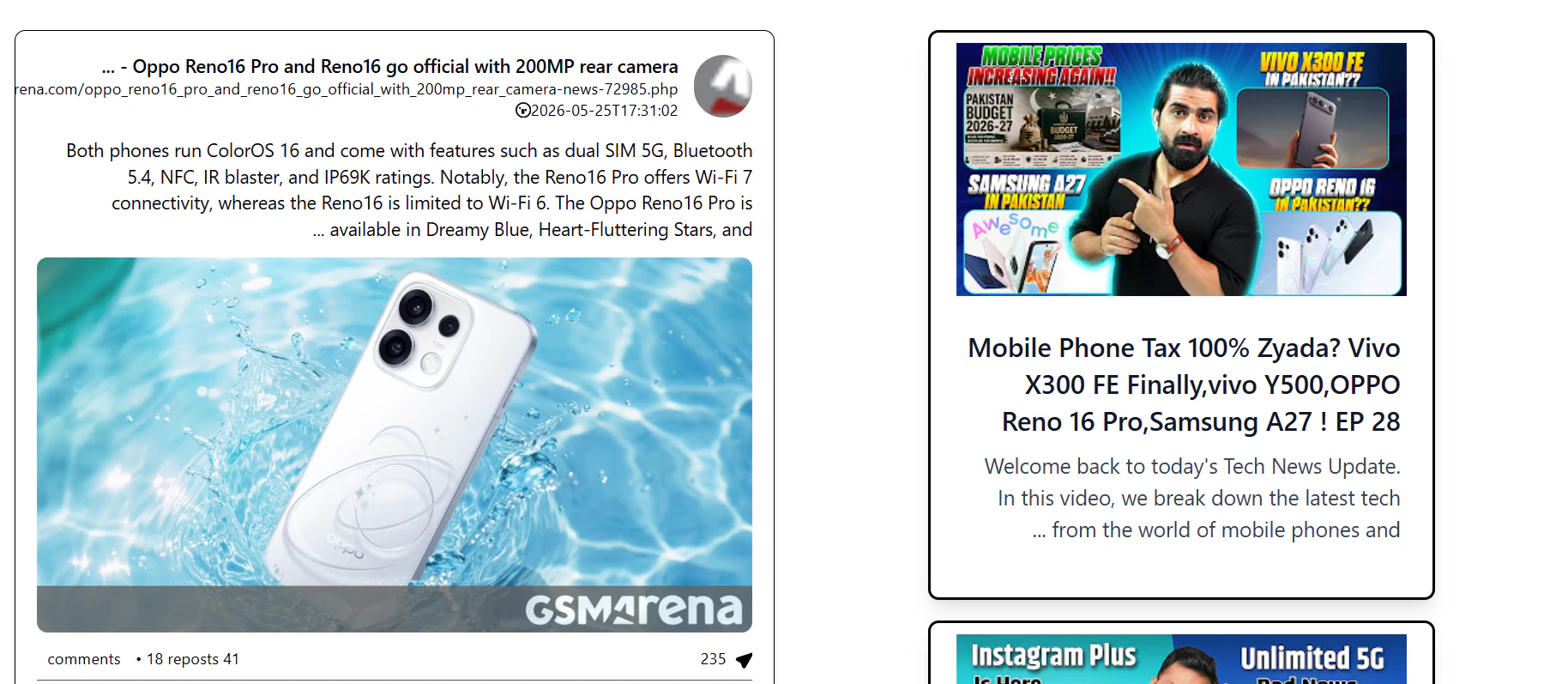
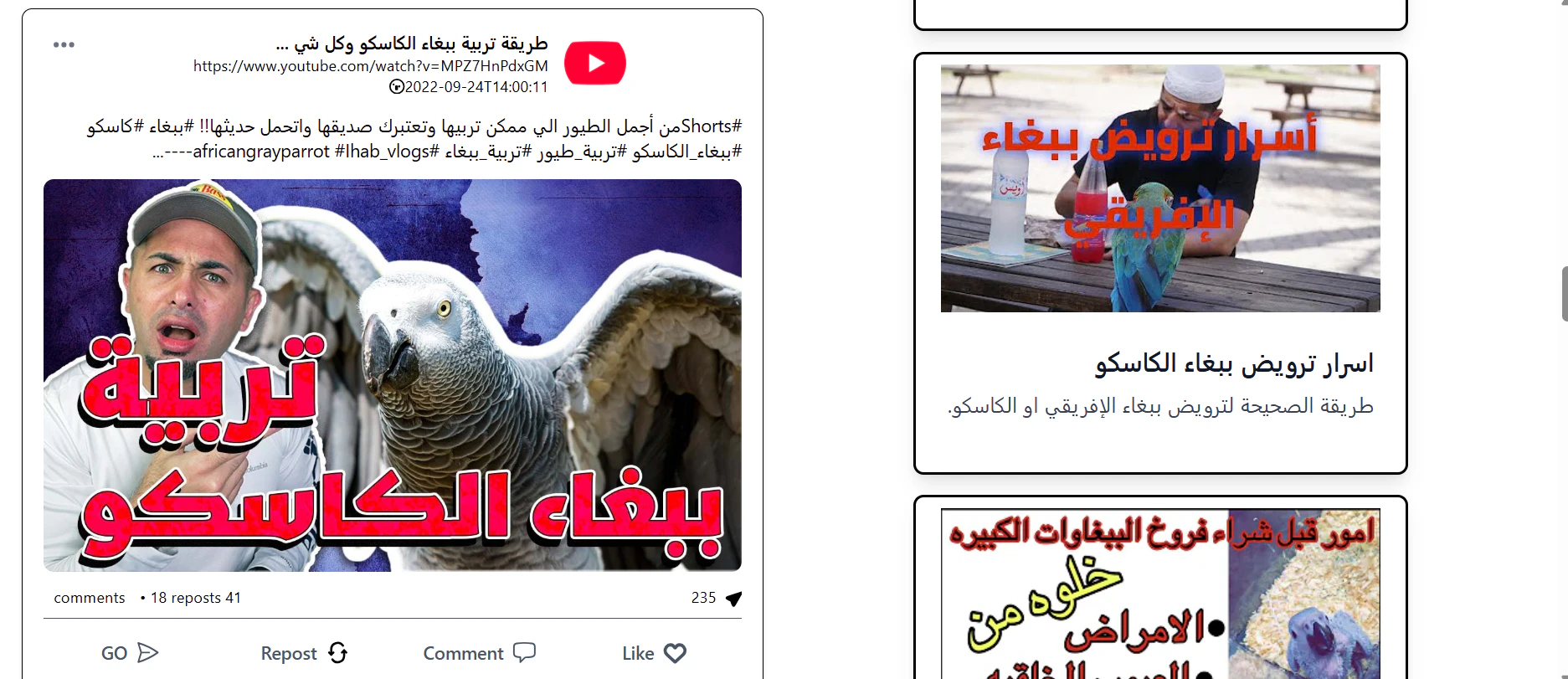
Arabinum is an innovative browser designed to enhance the browsing experience by transforming search results into visual feeds. Unlike traditional browsers, it offers a more intuitive way to preview website content before clicking through, making it especially useful for users who want to quickly assess the appearance and relevance of search results. By converting search snippets from platforms like Google and YouTube into post-like formats, Arabinum simplifies the process of discovering content, saving users time and effort. This visual-first approach is particularly appealing to those who prefer a more engaging and less cluttered browsing experience, such as online shoppers, content creators, and research enthusiasts. Its unique concept of turning search results into a feed makes it stand out in the crowded browser market and caters to users seeking a more streamlined, visual, and preview-oriented way of browsing.
Screenshots
Pros
- ✓Transforms search results into easy-to-view visual feeds
- ✓Helps users preview website content before clicking
- ✓Simplifies browsing for visual learners
- ✓Reduces time spent navigating through multiple links
- ✓Supports quick assessment of search relevance
Cons
- ✗Limited to initial search engines (Google, YouTube) in current version
- ✗May lack advanced customization features
- ✗Potentially less effective for users requiring detailed webpage analysis
Use Cases
Pricing
Likely operates on a freemium model with basic features available for free, with potential paid plans offering additional customization or advanced features. Specific pricing details are not publicly available at this time.
Quick Info
Topics
Makers

Amr Kilany
Similar Tools in Data & Analytics




Embed Badge
Add this badge to your website to show that Arabinum is featured on Visalytica.
<a href="https://www.visalytica.com/tool/arabinum" target="_blank" rel="noopener noreferrer" style="display:inline-flex;align-items:center;gap:6px;padding:6px 14px;background:#7c3aed;color:#fff;border-radius:8px;font-family:-apple-system,system-ui,sans-serif;font-size:13px;font-weight:600;text-decoration:none;transition:background .2s" onmouseover="this.style.background='#6d28d9'" onmouseout="this.style.background='#7c3aed'"><svg width="14" height="14" viewBox="0 0 24 24" fill="none" stroke="currentColor" stroke-width="2.5" stroke-linecap="round" stroke-linejoin="round"><path d="M12 20V10"/><path d="M18 20V4"/><path d="M6 20v-4"/></svg>Featured on Visalytica</a>