
appdesigns
Design amazing appstore screenshots for free
About appdesigns
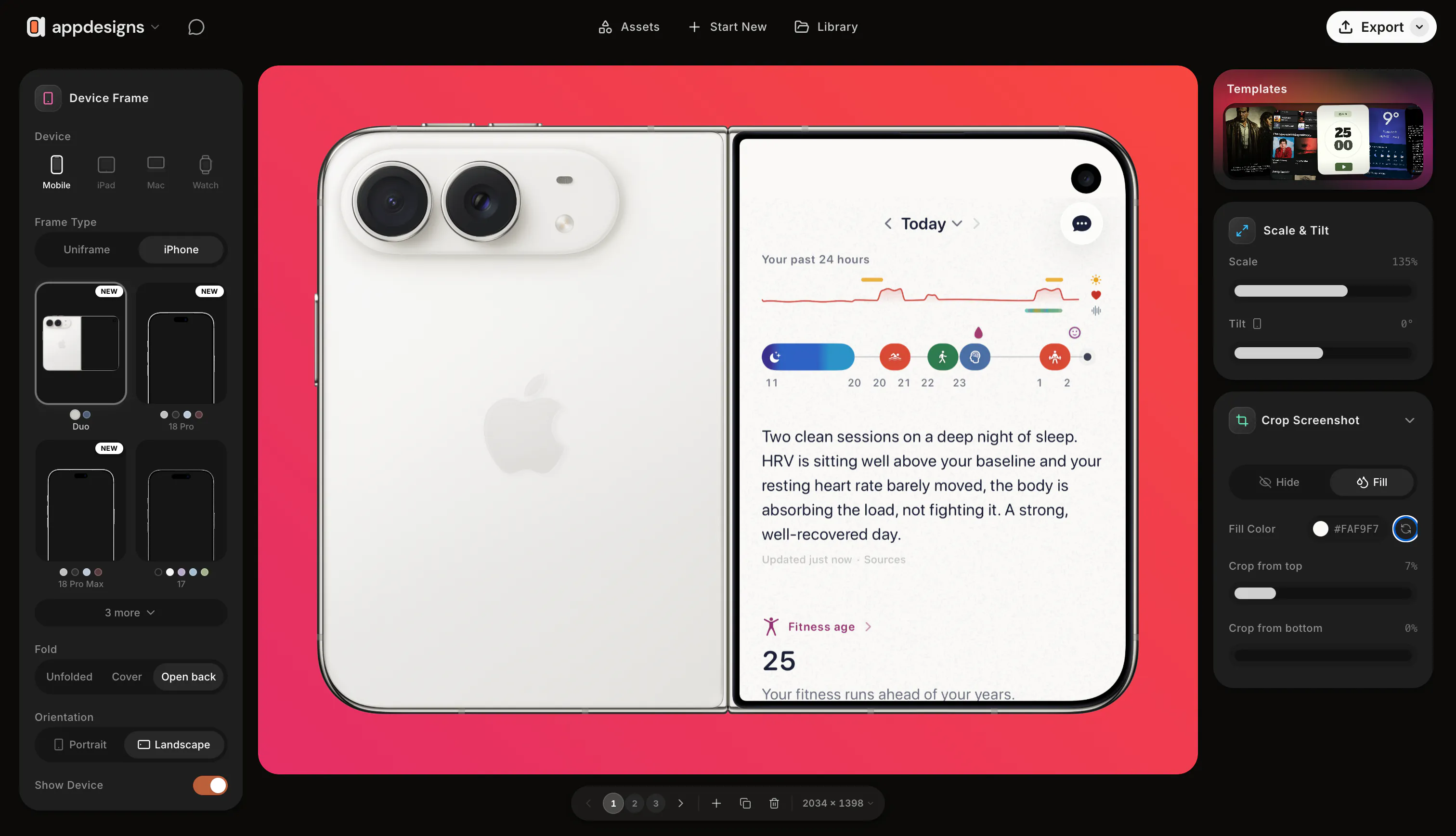
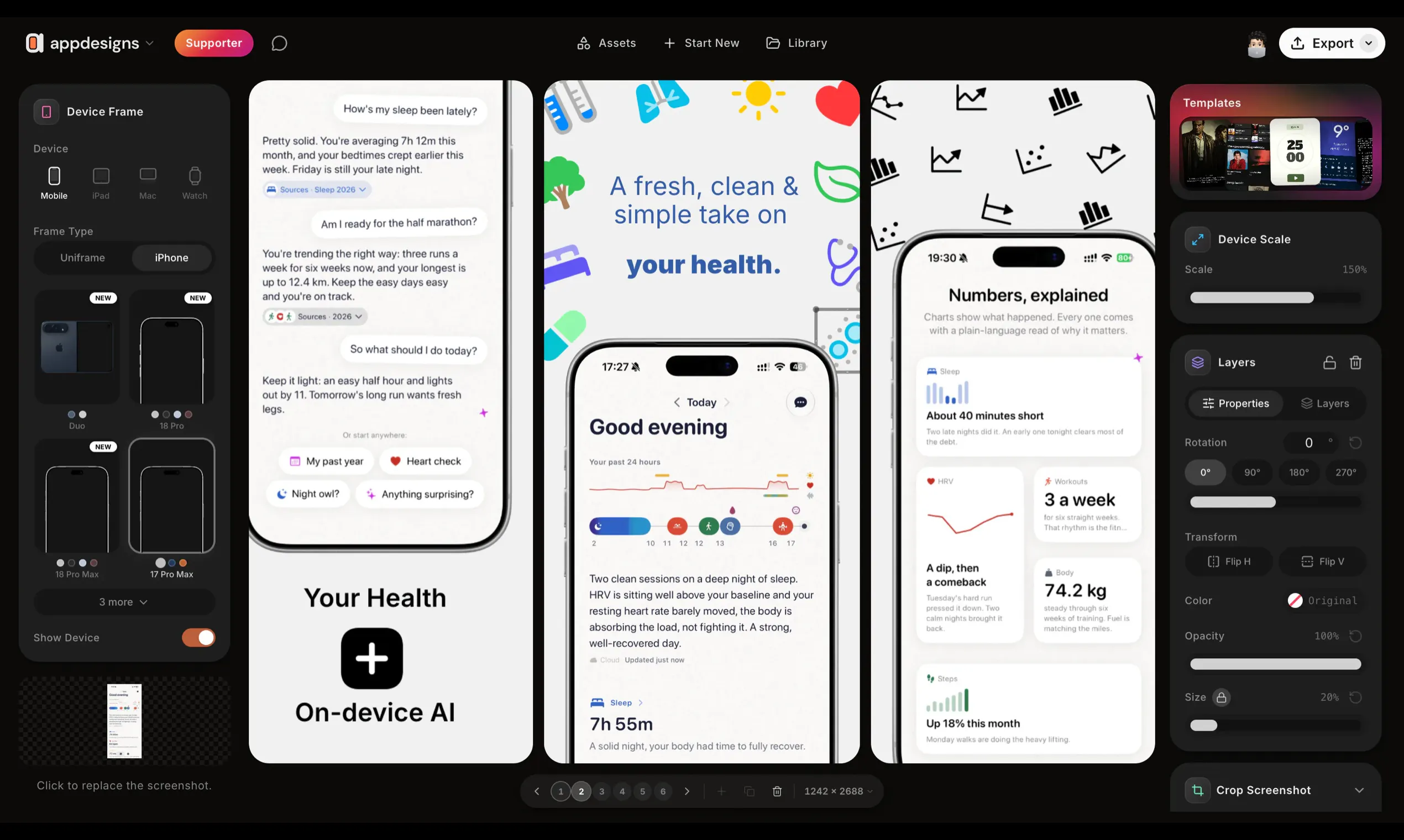
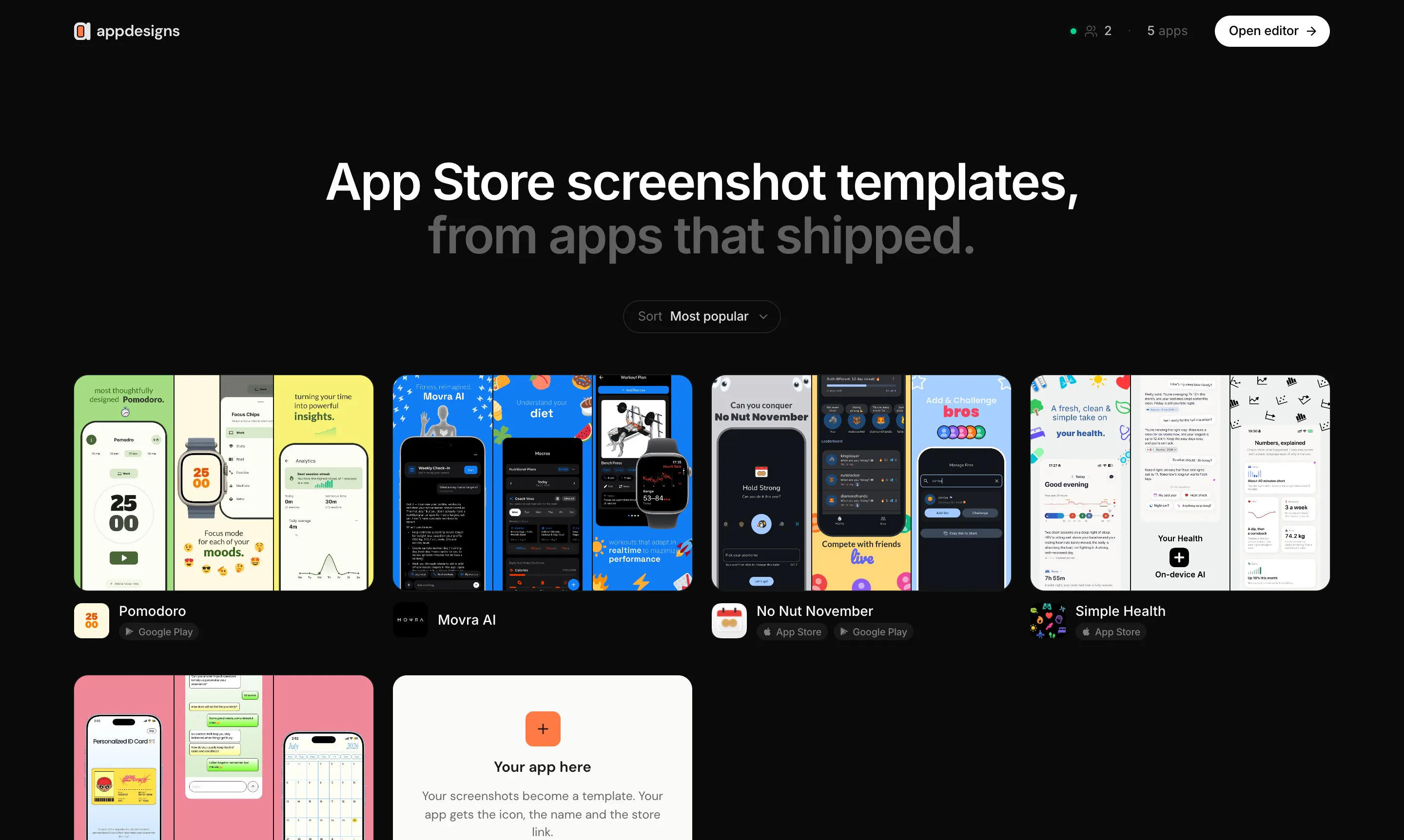
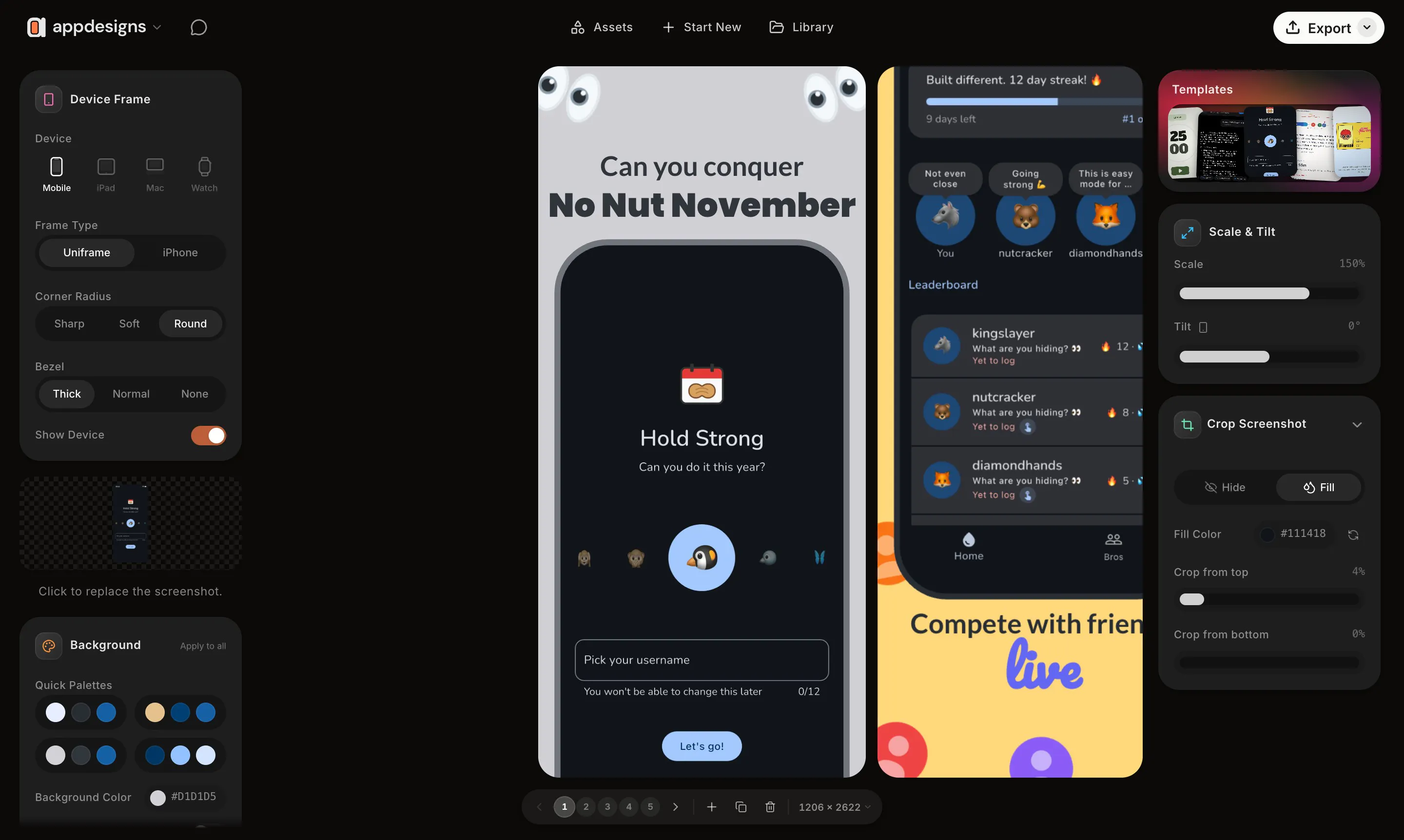
appdesigns is a user-friendly, browser-based tool designed for app developers and marketers to create stunning app store screenshots effortlessly. It offers a straightforward interface where users can upload their app screens, frame them within the latest device templates like iPhone, iPad, or Mac, and enhance visuals with headlines, backgrounds, and stickers. The platform supports exporting at precise sizes required by App Store Connect, streamlining the submission process. Its ability to design entire sets side by side, tilt and scale devices, or start from community templates makes it versatile for various marketing needs. The fact that it is completely free, with unlimited exports and no watermark or account required, makes it highly accessible for individual developers, small teams, and agencies seeking quick, professional visuals without hassle.
Screenshots
Pros
- ✓Free to use with unlimited exports and no watermarks
- ✓In-browser, no account needed for quick access
- ✓Supports precise sizing for App Store and Google Play
- ✓Flexible design options including device framing, tilting, and scaling
- ✓Offers community templates to jumpstart designs
Cons
- ✗Limited advanced editing features compared to professional design tools
- ✗May lack extensive customization options for detailed graphics
- ✗No integrated asset library or creative assets
Use Cases
Pricing
Pricing not verified
Quick Info
Topics
Makers

Haider Nawaz
Alternatives
Similar Tools in AI Image & Design




Embed Badge
Add this badge to your website to show that appdesigns is featured on Visalytica.
<a href="https://www.visalytica.com/tool/appdesigns" target="_blank" rel="noopener noreferrer" style="display:inline-flex;align-items:center;gap:6px;padding:6px 14px;background:#7c3aed;color:#fff;border-radius:8px;font-family:-apple-system,system-ui,sans-serif;font-size:13px;font-weight:600;text-decoration:none;transition:background .2s" onmouseover="this.style.background='#6d28d9'" onmouseout="this.style.background='#7c3aed'"><svg width="14" height="14" viewBox="0 0 24 24" fill="none" stroke="currentColor" stroke-width="2.5" stroke-linecap="round" stroke-linejoin="round"><path d="M12 20V10"/><path d="M18 20V4"/><path d="M6 20v-4"/></svg>Featured on Visalytica</a>