
AnyDrop
AirDrop for the browser: share files, chat and sync notes
About AnyDrop
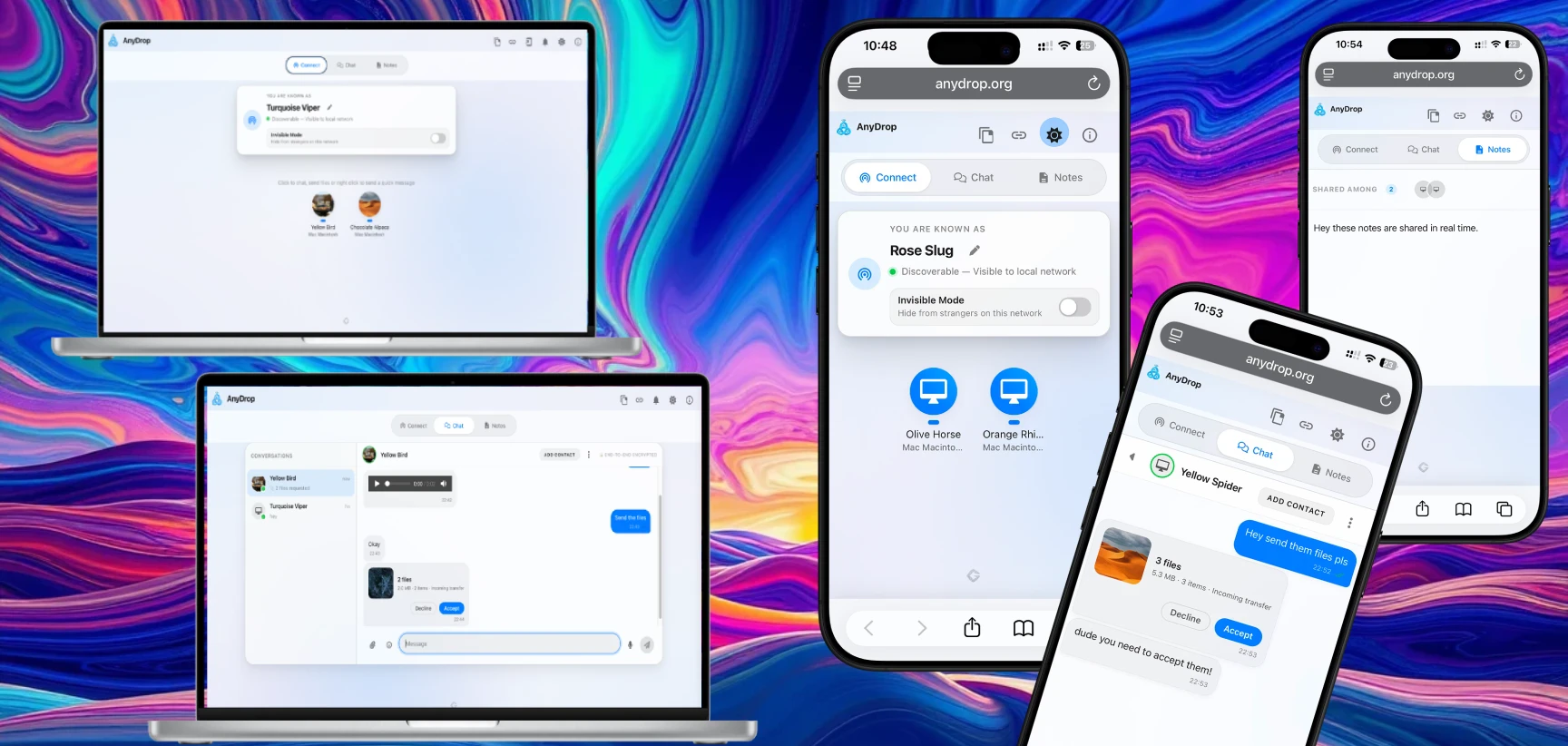
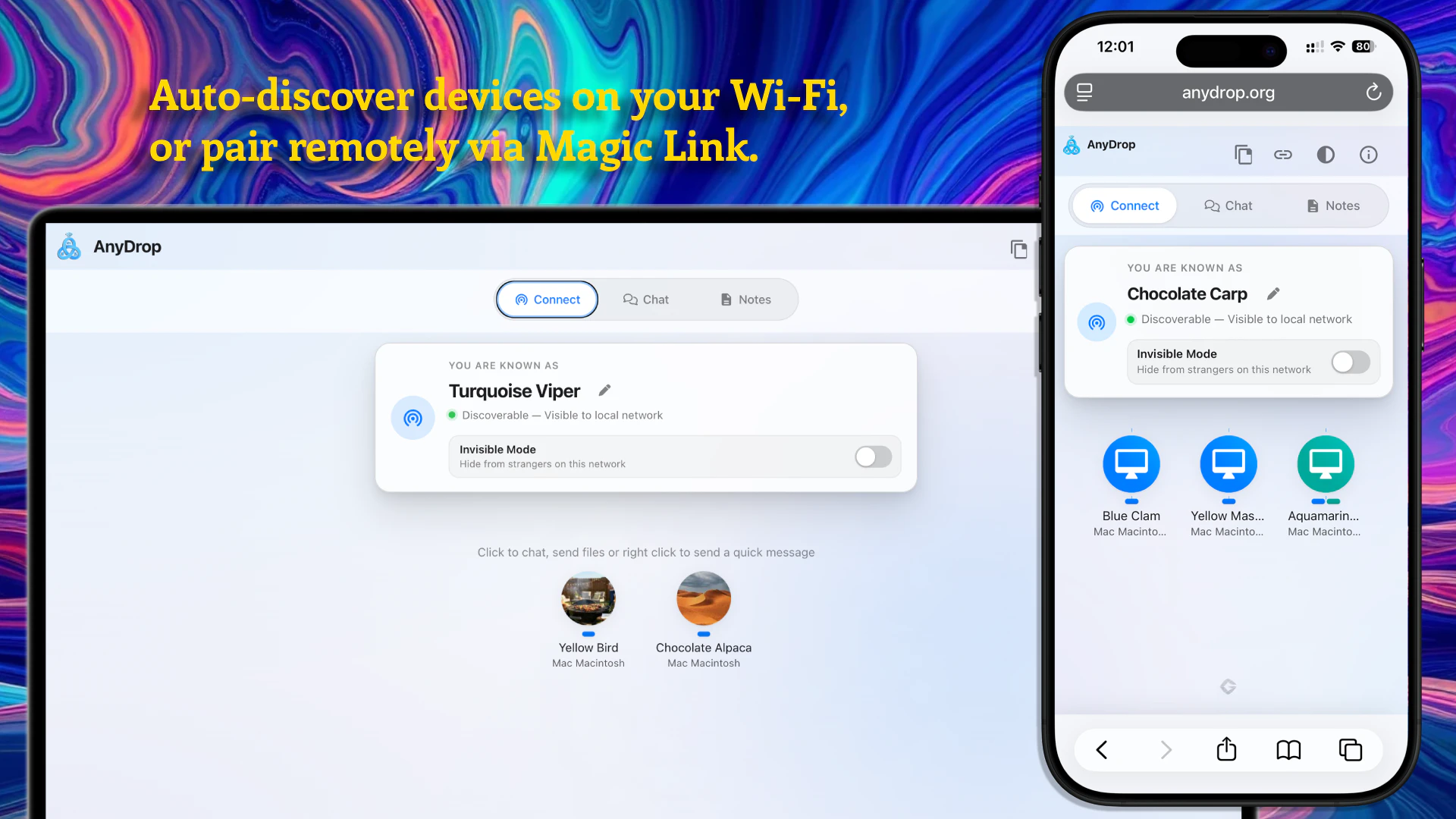
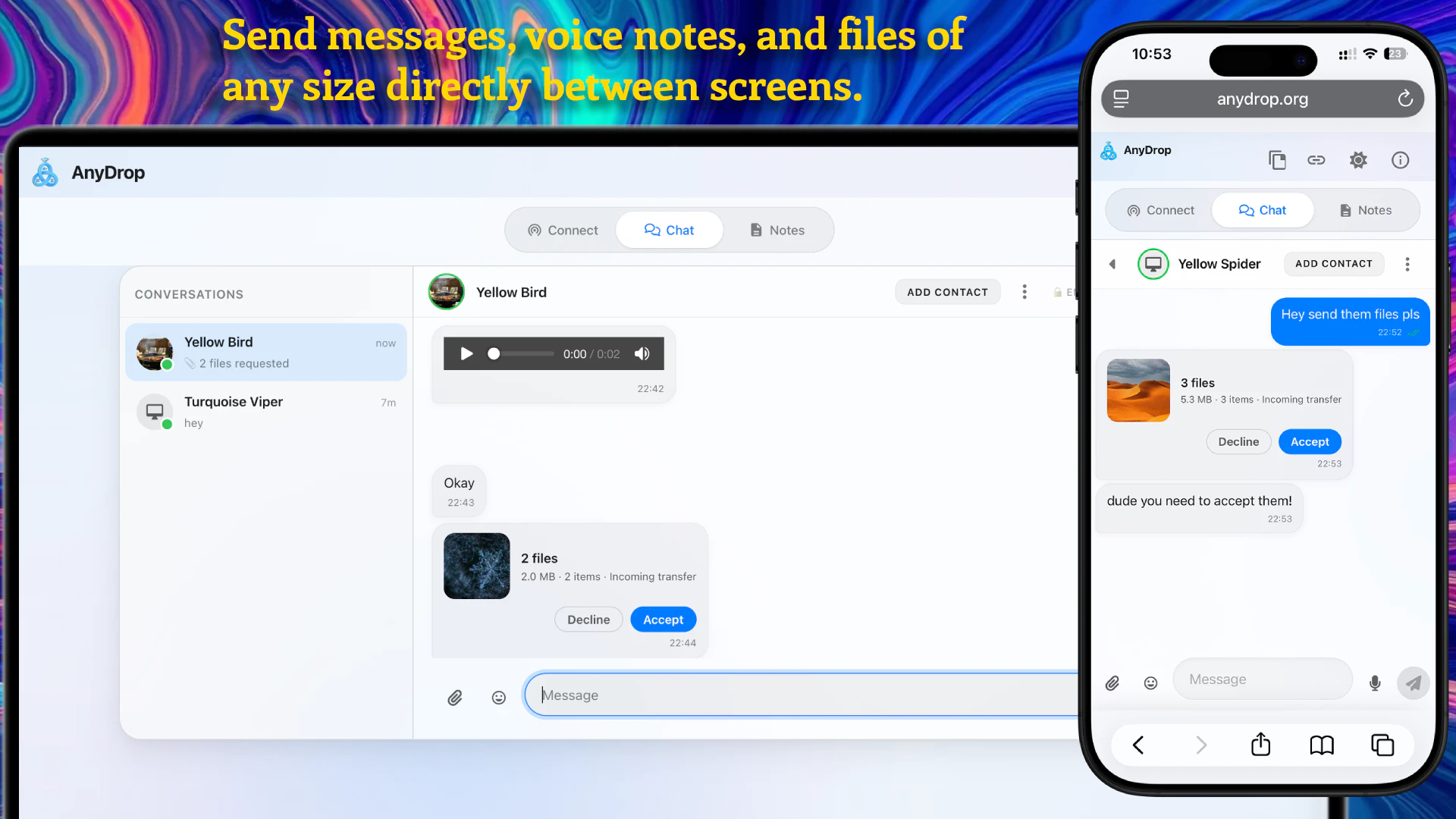
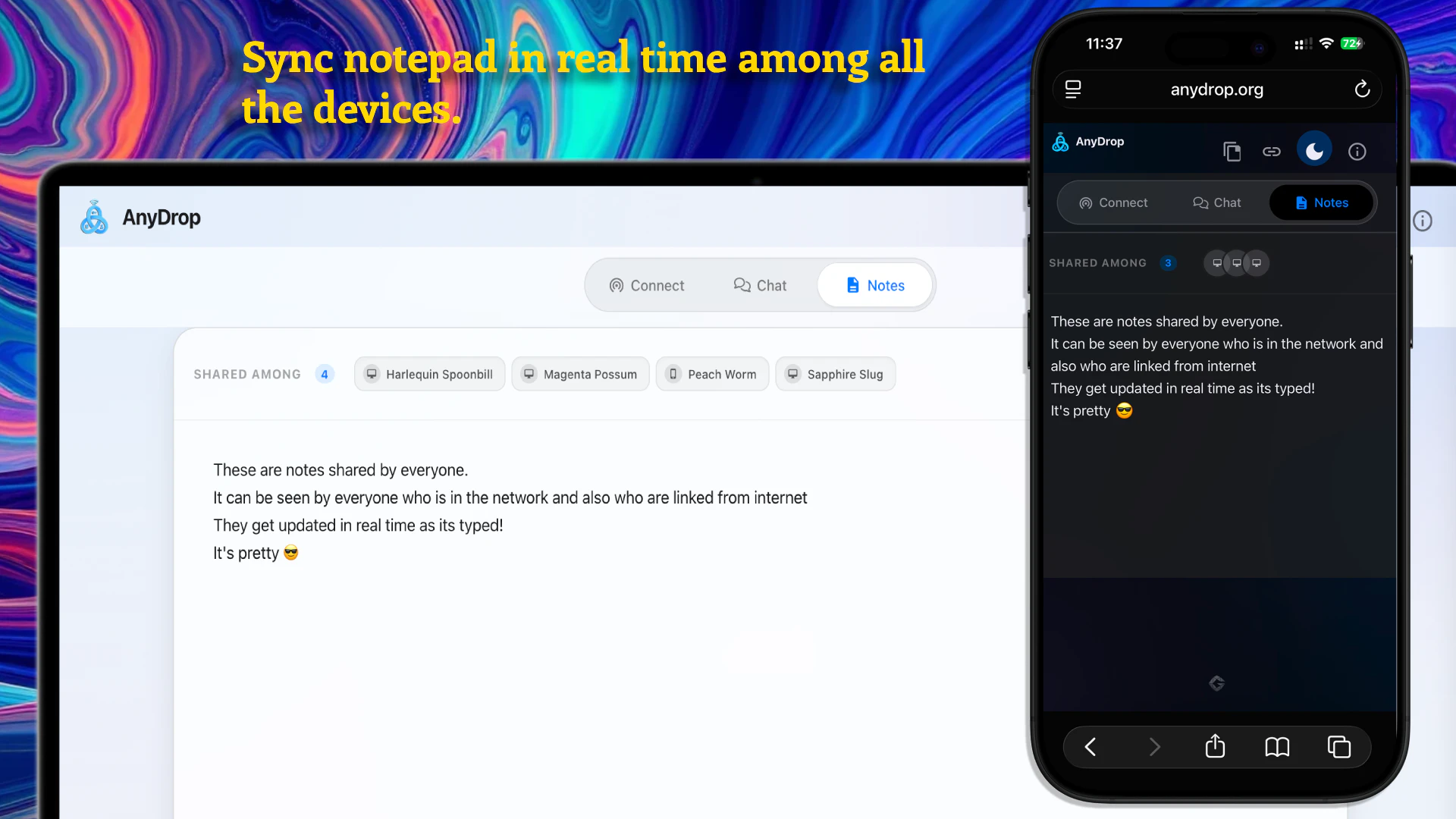
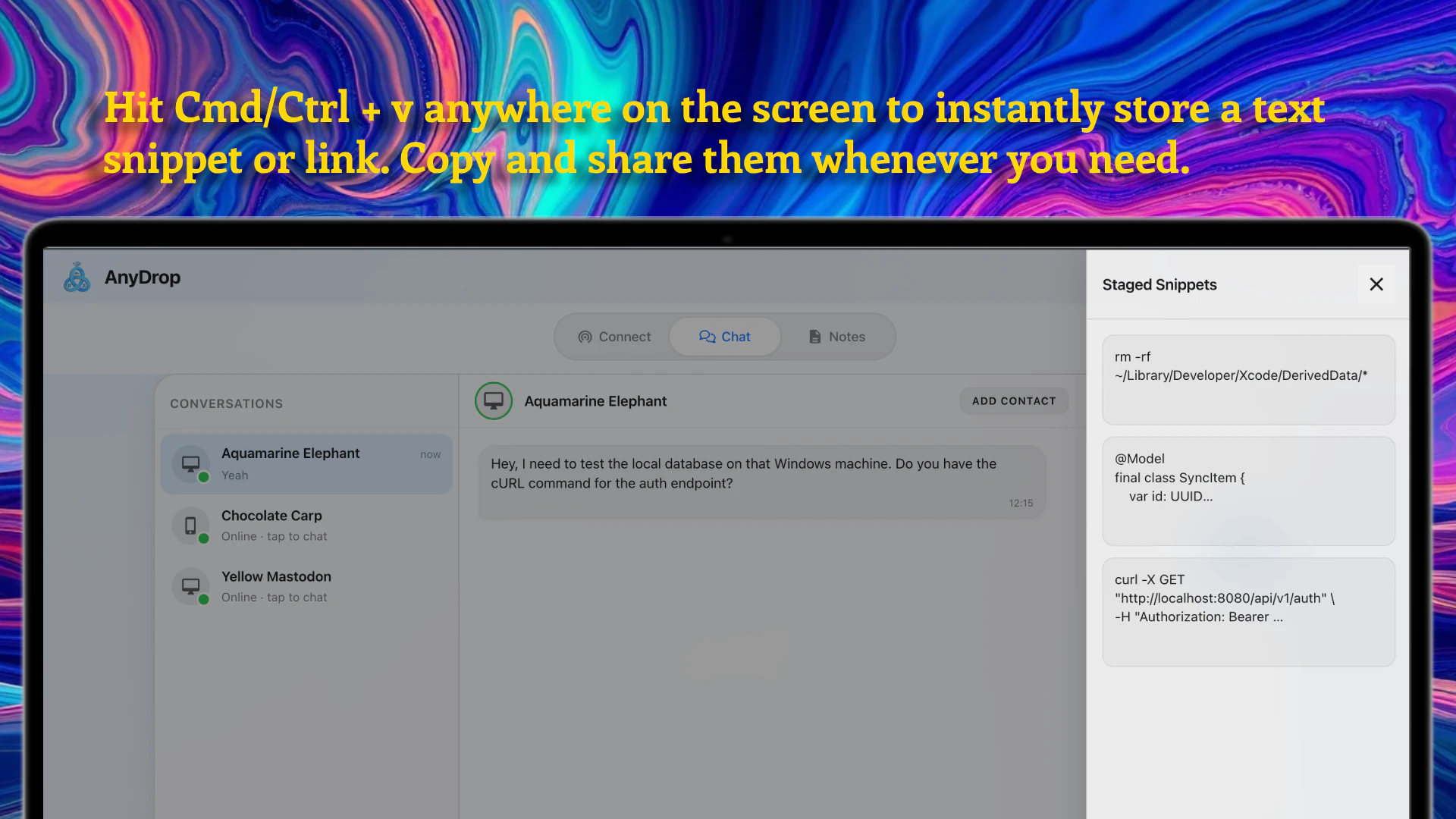
AnyDrop is an innovative, browser-based web app designed to facilitate seamless device-to-device sharing and collaboration without relying on cloud storage. It enables users to quickly drop files of any size, chat, and synchronize notes across multiple platforms including Mac, PC, iOS, and Android — all without downloads or sign-ups. Its true peer-to-peer architecture ensures data remains private and secure, making it ideal for users prioritizing privacy and quick transfers. Perfect for teams, students, or individuals who need a simple, fast, and secure way to share files and notes directly between devices, AnyDrop stands out by eliminating the need for cloud services, thus reducing latency and privacy concerns. Its user-friendly interface and cross-platform compatibility make it a versatile tool for various sharing and collaboration needs.
Screenshots
Pros
- ✓Zero cloud storage with true P2P connection for enhanced privacy
- ✓No downloads or sign-ups required, quick and easy to use
- ✓Supports files of any size, suitable for large data transfers
- ✓Cross-platform compatibility across Mac, PC, iOS, and Android
- ✓Real-time chat and note synchronization for collaborative work
Cons
- ✗Limited advanced features compared to dedicated file-sharing or collaboration tools
- ✗No integrated cloud backup or storage options
- ✗Potential connectivity issues on unstable networks
Use Cases
Pricing
Likely free to use, as it is described as a free web app, with no mention of paid plans. It probably operates on a freemium model or is entirely free, emphasizing privacy and simplicity.
Quick Info
Topics
Alternatives
Similar Tools in AI Assistants




Embed Badge
Add this badge to your website to show that AnyDrop is featured on Visalytica.
<a href="https://www.visalytica.com/tool/anydrop" target="_blank" rel="noopener noreferrer" style="display:inline-flex;align-items:center;gap:6px;padding:6px 14px;background:#7c3aed;color:#fff;border-radius:8px;font-family:-apple-system,system-ui,sans-serif;font-size:13px;font-weight:600;text-decoration:none;transition:background .2s" onmouseover="this.style.background='#6d28d9'" onmouseout="this.style.background='#7c3aed'"><svg width="14" height="14" viewBox="0 0 24 24" fill="none" stroke="currentColor" stroke-width="2.5" stroke-linecap="round" stroke-linejoin="round"><path d="M12 20V10"/><path d="M18 20V4"/><path d="M6 20v-4"/></svg>Featured on Visalytica</a>