Any Command
Turn your phone into a second screen and trackpad for PC
About Any Command
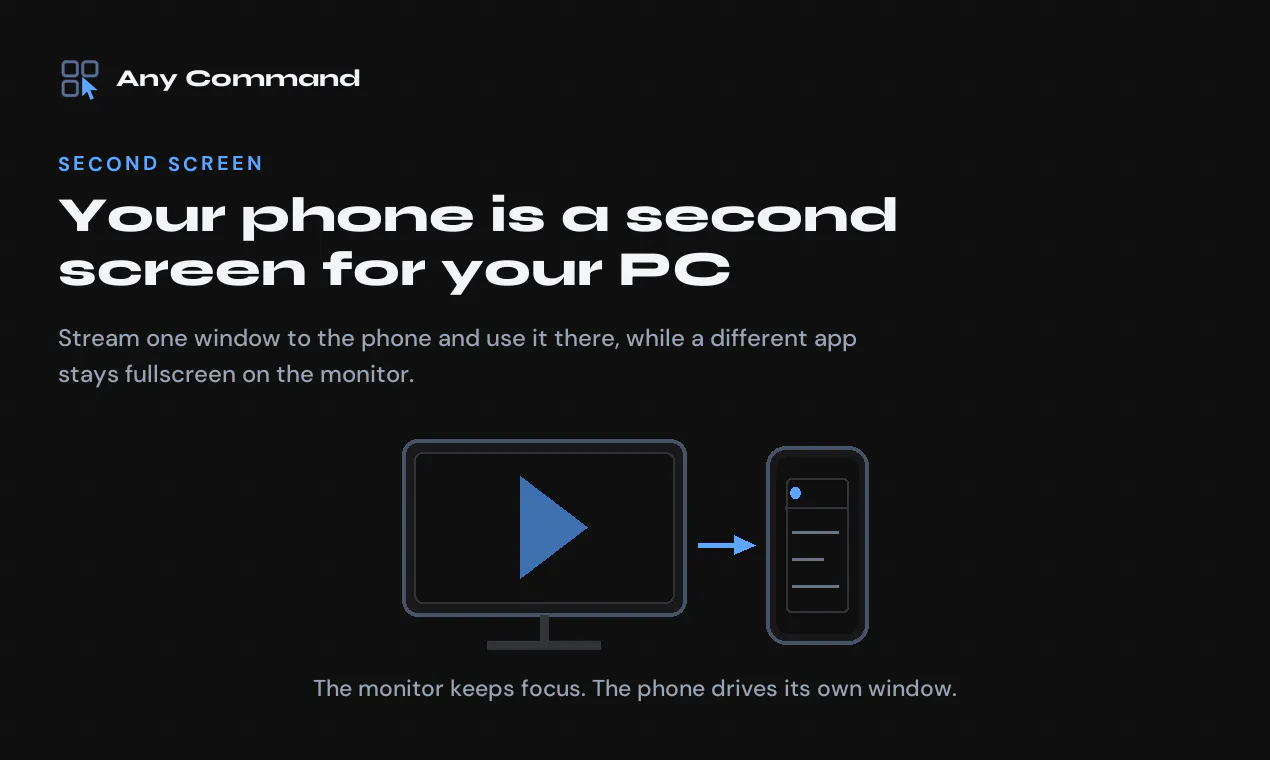
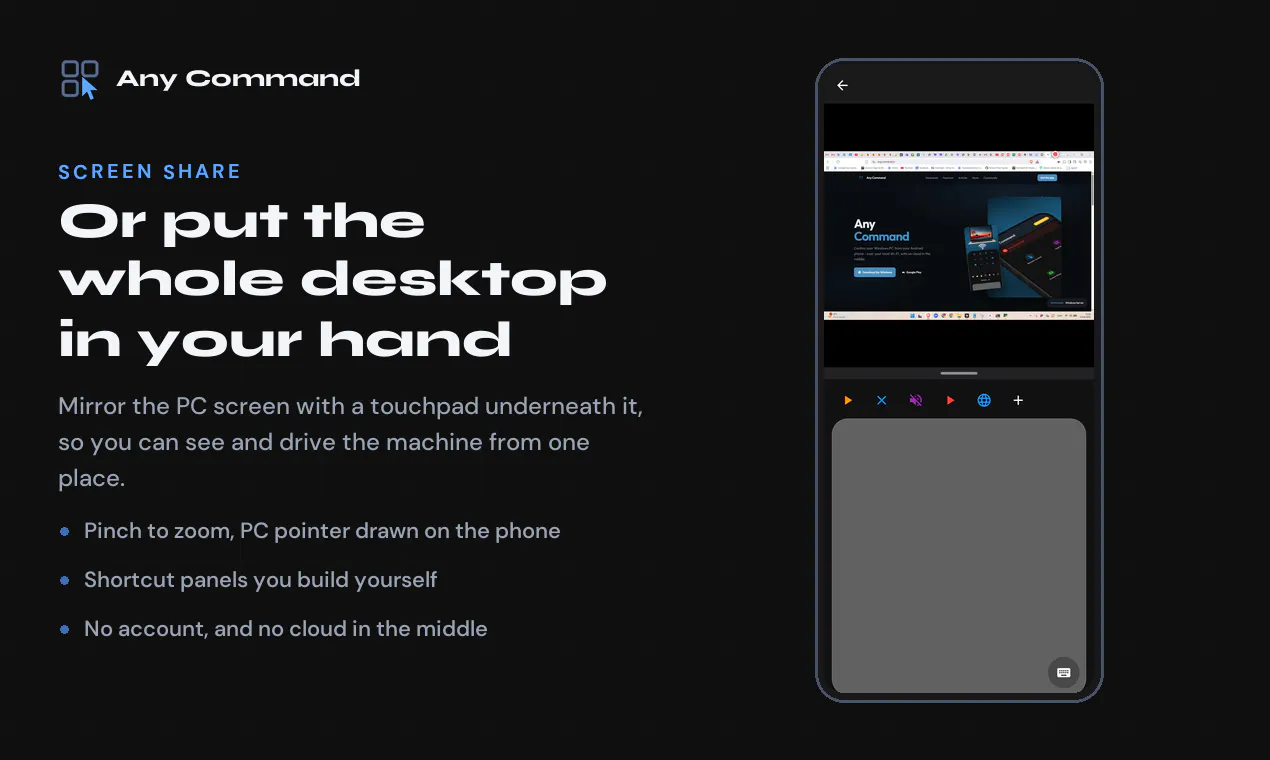
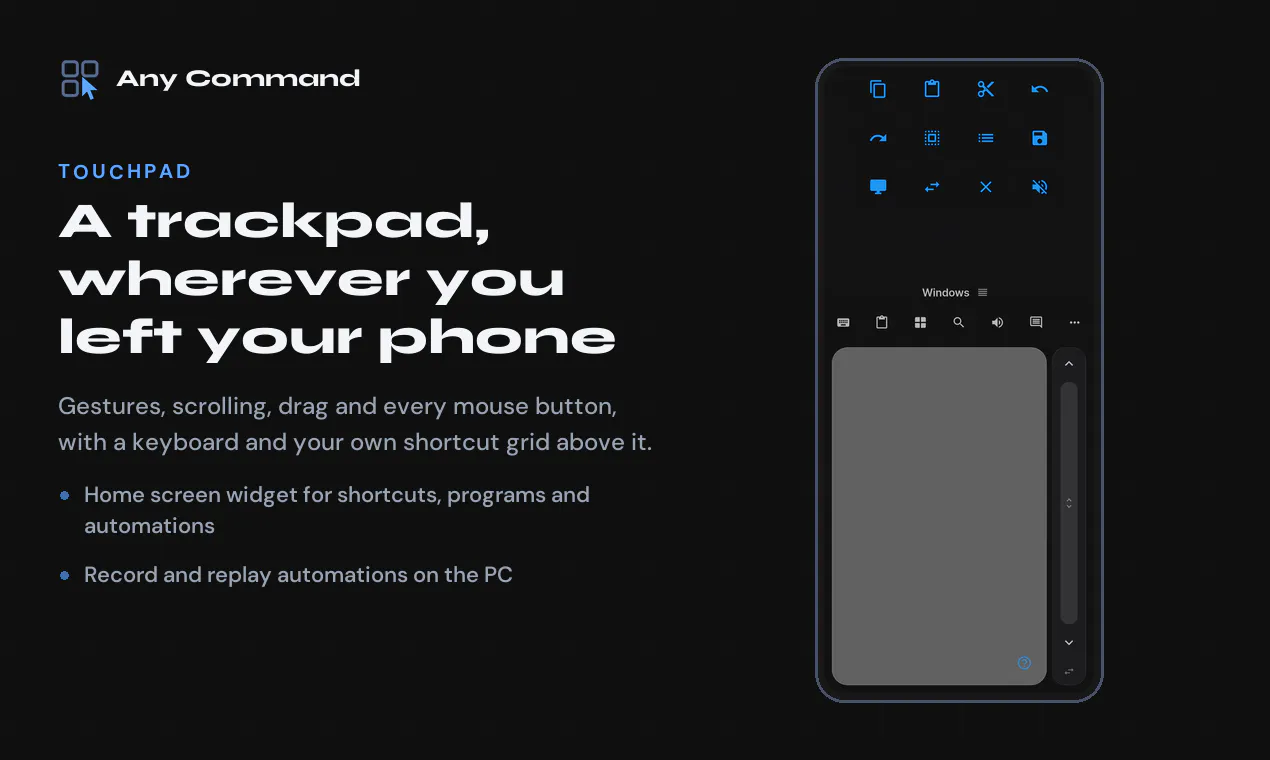
Any Command is a versatile tool designed for Windows users who want to extend their productivity by transforming their Android smartphone into a second screen, trackpad, keyboard, or gamepad. Its seamless integration allows users to stream a single window to their phone, enabling multitasking—such as watching a film fullscreen on the monitor while using the phone for other tasks—without complicated setup. The app operates over local networks or Bluetooth, requiring no installation on the PC beyond a simple Windows app, and it doesn’t demand creating an account, making it accessible and easy to use. Ideal for remote work, gaming, or multimedia management, Any Command appeals to users seeking a lightweight, customizable second screen experience that enhances workflow and entertainment on Windows PCs.
Screenshots
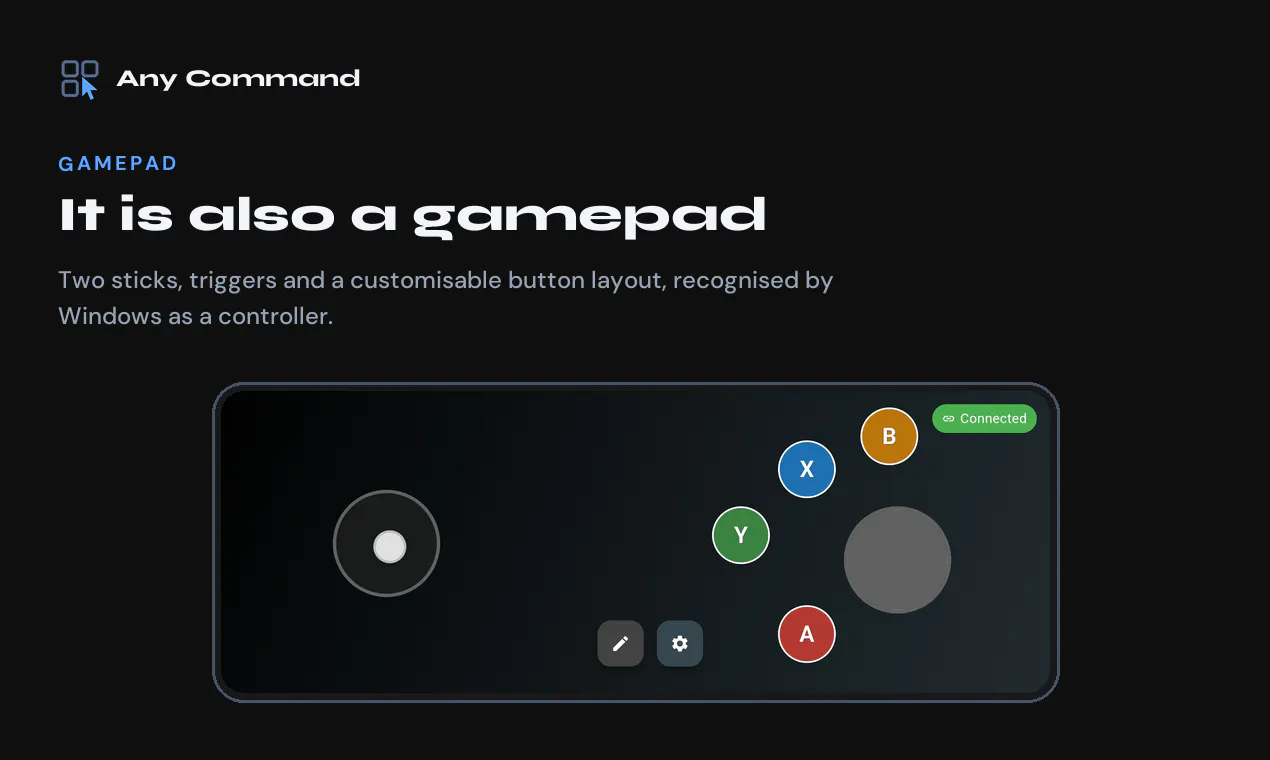
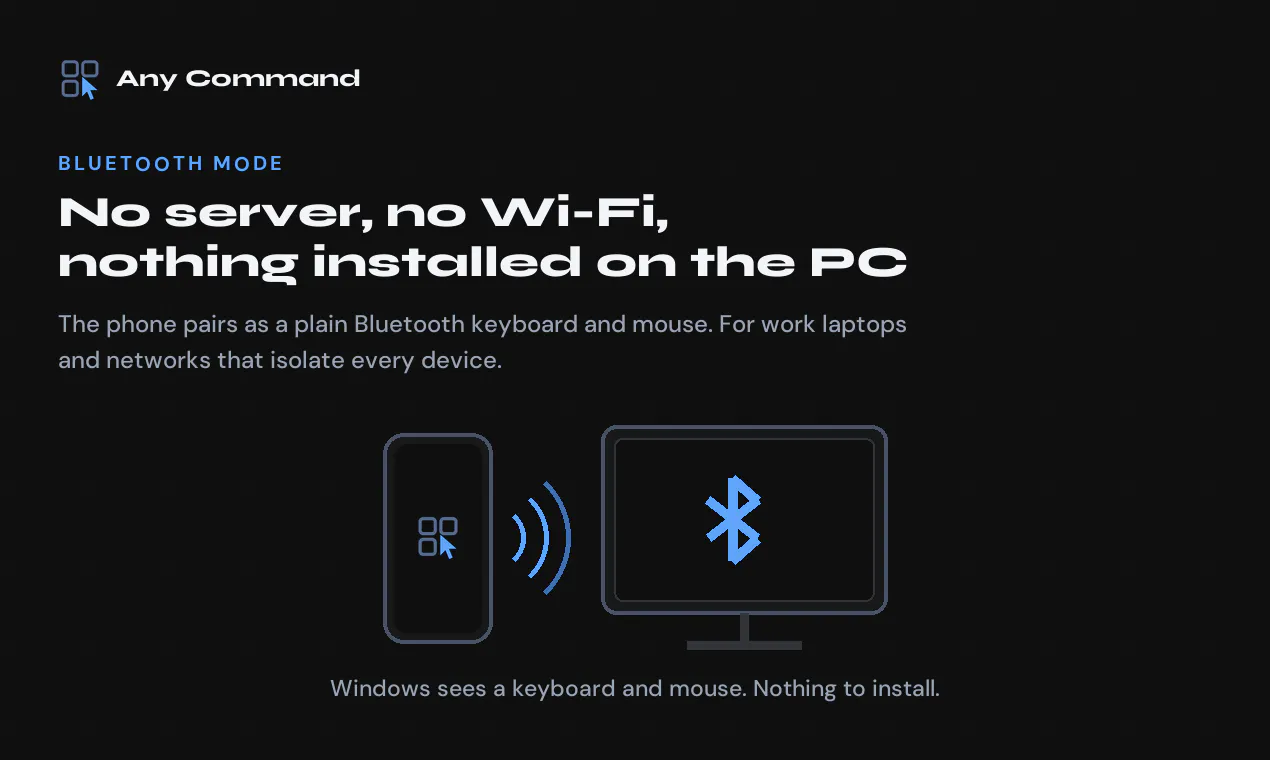
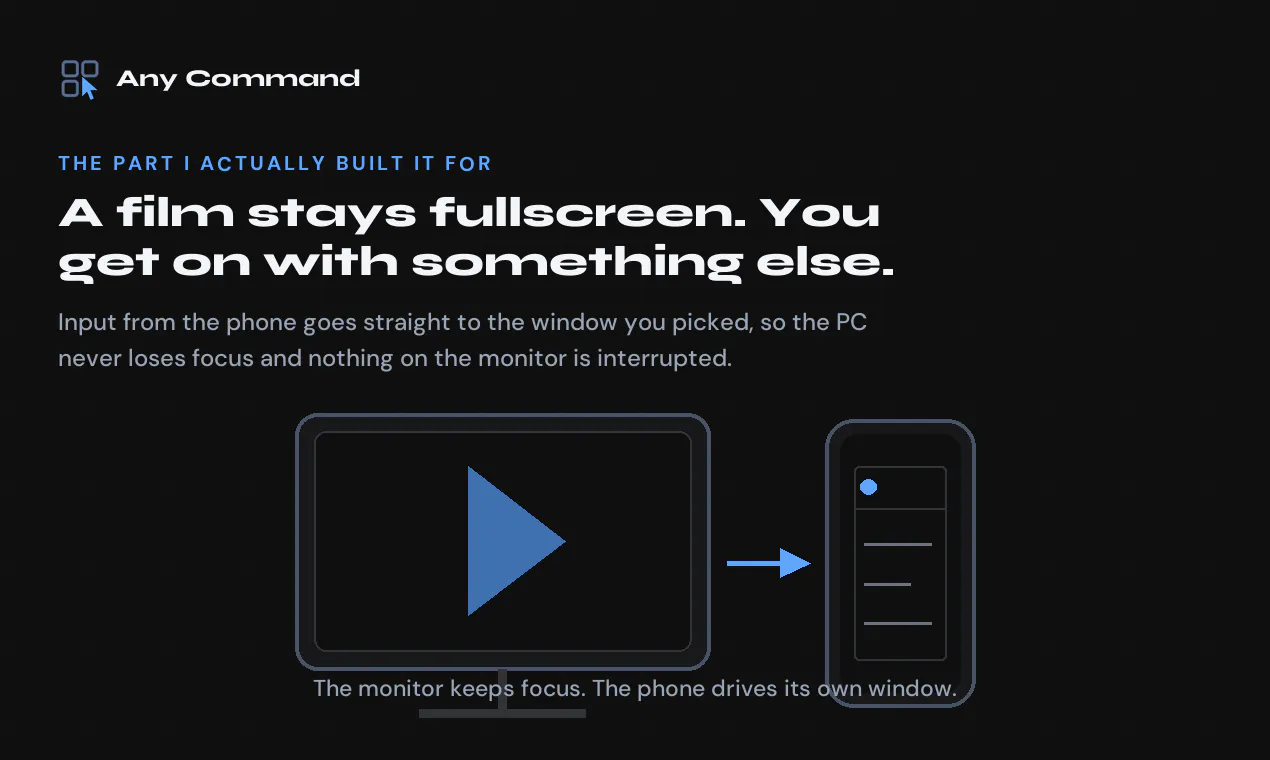
+3 more screenshots
Pros
- ✓No account required, easy setup
- ✓Supports multiple functions (second screen, trackpad, keyboard, gamepad)
- ✓Operates over local network or Bluetooth for flexibility
- ✓Free tier available, no additional costs
Cons
- ✗Limited to Windows and Android devices
- ✗Features may be basic compared to dedicated hardware solutions
- ✗Performance depends on network stability
Use Cases
Pricing
Pricing not verified
Quick Info
Topics
Makers

Ince Czechner
Alternatives
Similar Tools in AI Assistants




Embed Badge
Add this badge to your website to show that Any Command is featured on Visalytica.
<a href="https://www.visalytica.com/tool/any-command" target="_blank" rel="noopener noreferrer" style="display:inline-flex;align-items:center;gap:6px;padding:6px 14px;background:#7c3aed;color:#fff;border-radius:8px;font-family:-apple-system,system-ui,sans-serif;font-size:13px;font-weight:600;text-decoration:none;transition:background .2s" onmouseover="this.style.background='#6d28d9'" onmouseout="this.style.background='#7c3aed'"><svg width="14" height="14" viewBox="0 0 24 24" fill="none" stroke="currentColor" stroke-width="2.5" stroke-linecap="round" stroke-linejoin="round"><path d="M12 20V10"/><path d="M18 20V4"/><path d="M6 20v-4"/></svg>Featured on Visalytica</a>