
Antigravity Remote Control
Drive Antigravity agents from any browser
About Antigravity Remote Control
Antigravity Remote Control offers a seamless way to manage and monitor Antigravity coding sessions directly from any web browser. Designed for developers, DevOps teams, and AI practitioners, this tool enables users to keep full local context, credentials, and build tools on their primary workstation while effortlessly reviewing plans, approving commands, and receiving real-time push alerts remotely. Its cloud-based control interface enhances flexibility and security, making it ideal for remote teams or those managing multiple coding environments. What sets Antigravity Remote Control apart is its focus on maintaining strict local context and credentials, ensuring sensitive information remains protected while providing convenient remote access. This combination of remote control, real-time notifications, and secure session management makes it a valuable addition for teams working on complex AI or software development projects that require careful oversight and quick decision-making.
Screenshots
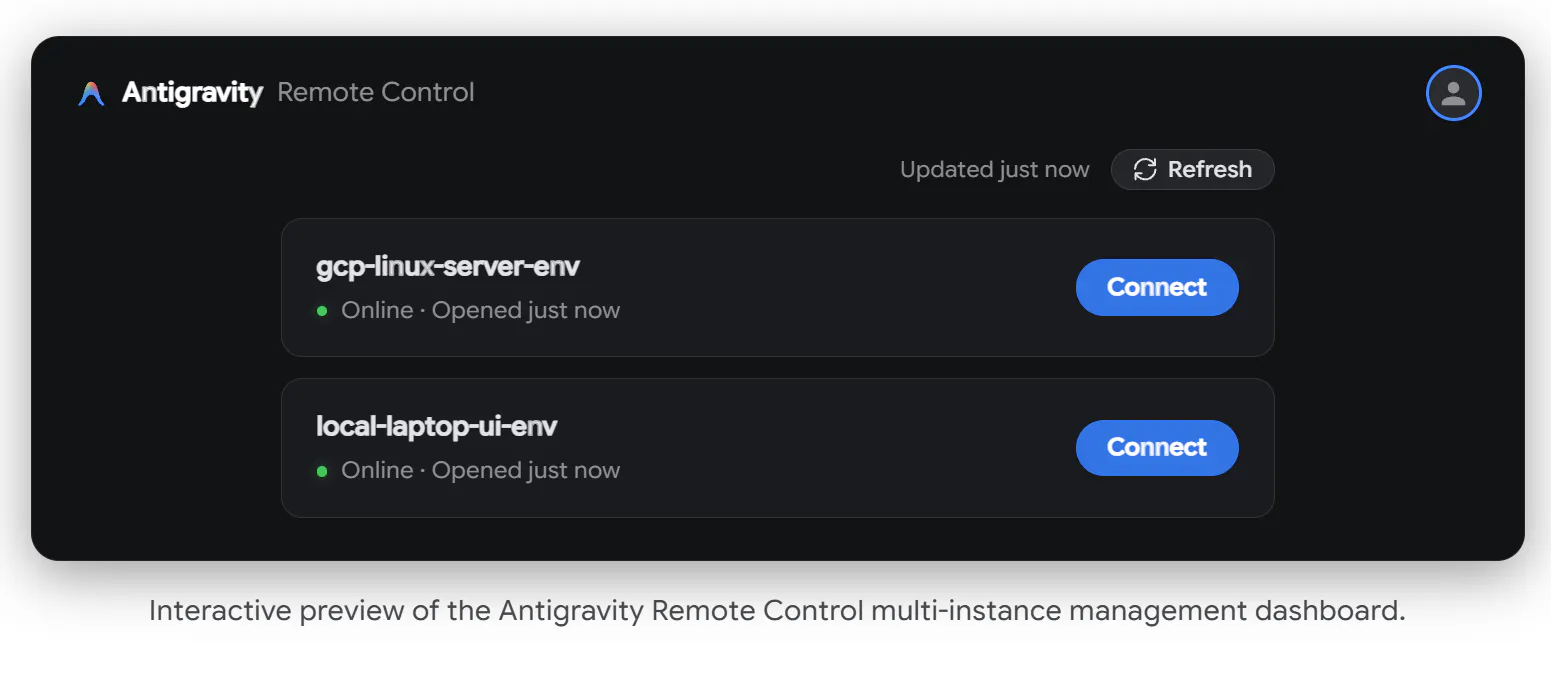
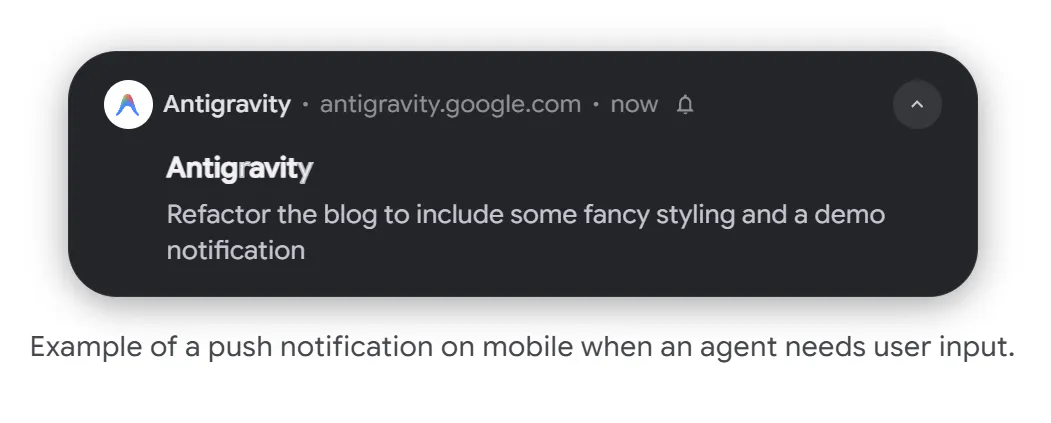
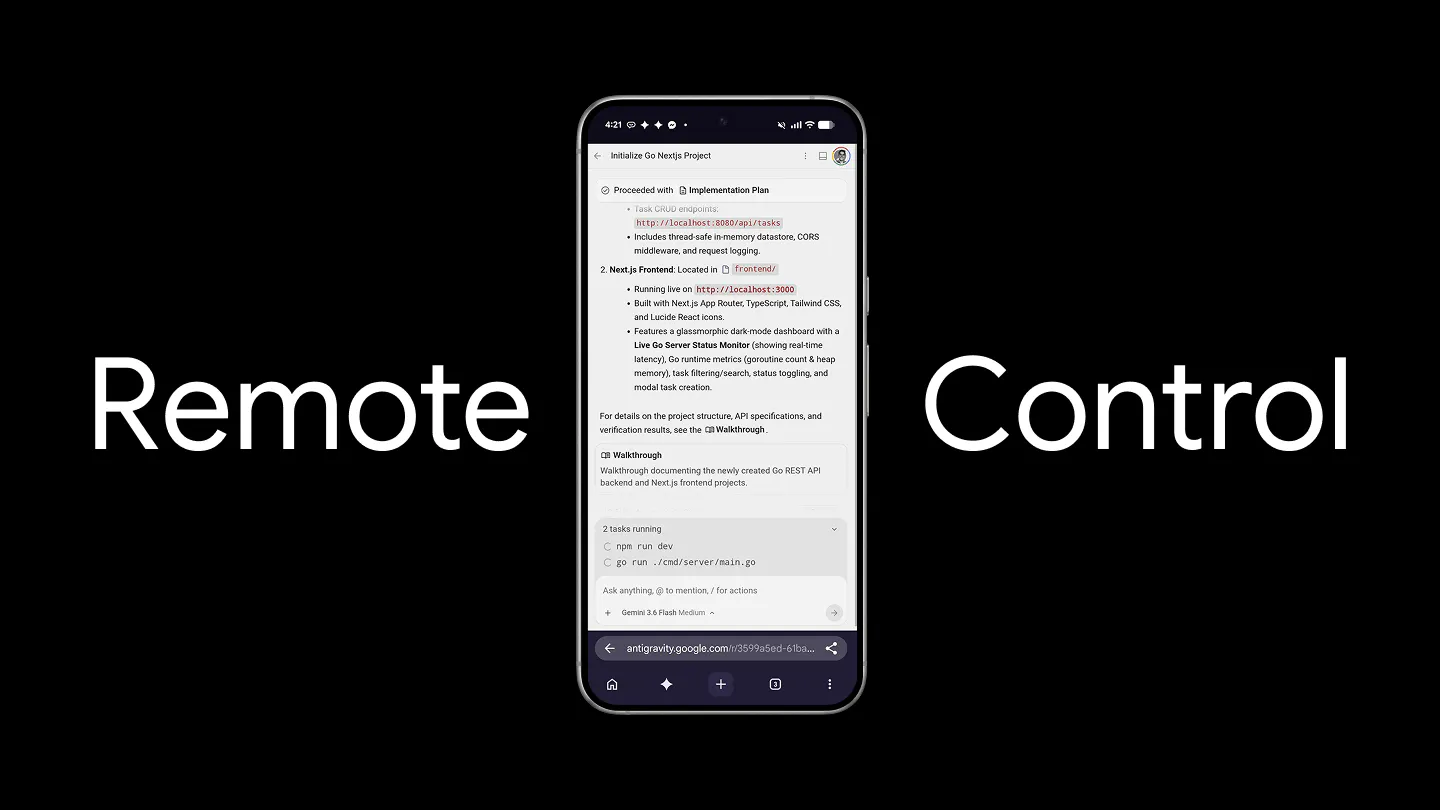
Pros
- ✓Enables remote management of coding sessions from any browser
- ✓Maintains full local context and credentials securely
- ✓Real-time push alerts for prompt decision-making
- ✓Supports monitoring and controlling Antigravity agents efficiently
- ✓Enhances team collaboration and productivity
Cons
- ✗Limited information on pricing and subscription plans
- ✗No user reviews or ratings available yet
- ✗Potential learning curve for new users unfamiliar with Antigravity
Use Cases
Pricing
Pricing not verified
Quick Info
Topics
Makers

Rody Davis
@rodydavisAlternatives
Similar Tools in AI Writing




Embed Badge
Add this badge to your website to show that Antigravity Remote Control is featured on Visalytica.
<a href="https://www.visalytica.com/tool/antigravity-remote-control" target="_blank" rel="noopener noreferrer" style="display:inline-flex;align-items:center;gap:6px;padding:6px 14px;background:#7c3aed;color:#fff;border-radius:8px;font-family:-apple-system,system-ui,sans-serif;font-size:13px;font-weight:600;text-decoration:none;transition:background .2s" onmouseover="this.style.background='#6d28d9'" onmouseout="this.style.background='#7c3aed'"><svg width="14" height="14" viewBox="0 0 24 24" fill="none" stroke="currentColor" stroke-width="2.5" stroke-linecap="round" stroke-linejoin="round"><path d="M12 20V10"/><path d="M18 20V4"/><path d="M6 20v-4"/></svg>Featured on Visalytica</a>