
Antigravity IDE Extensions
Antigravity agents now live inside your existing editor
About Antigravity IDE Extensions
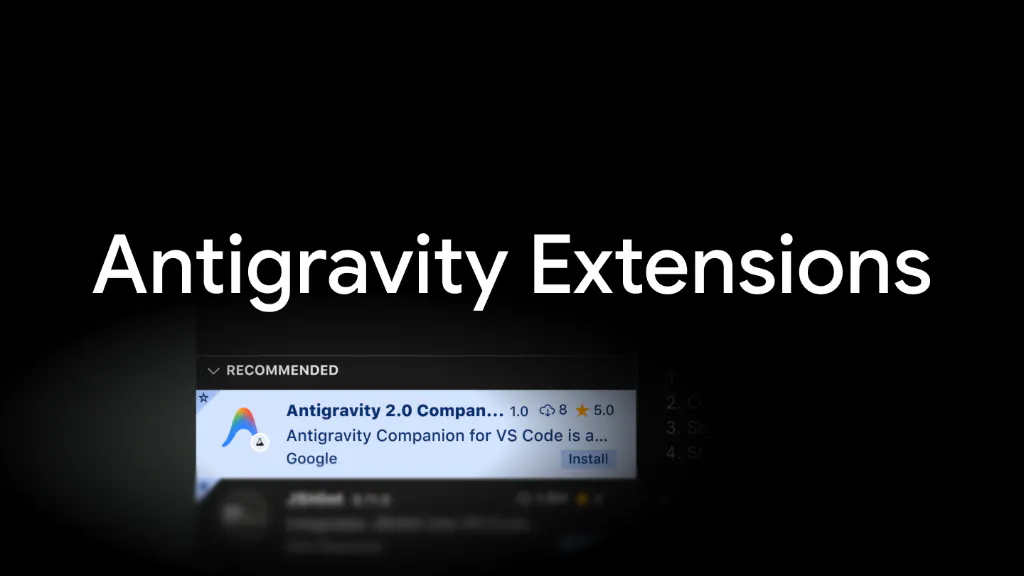
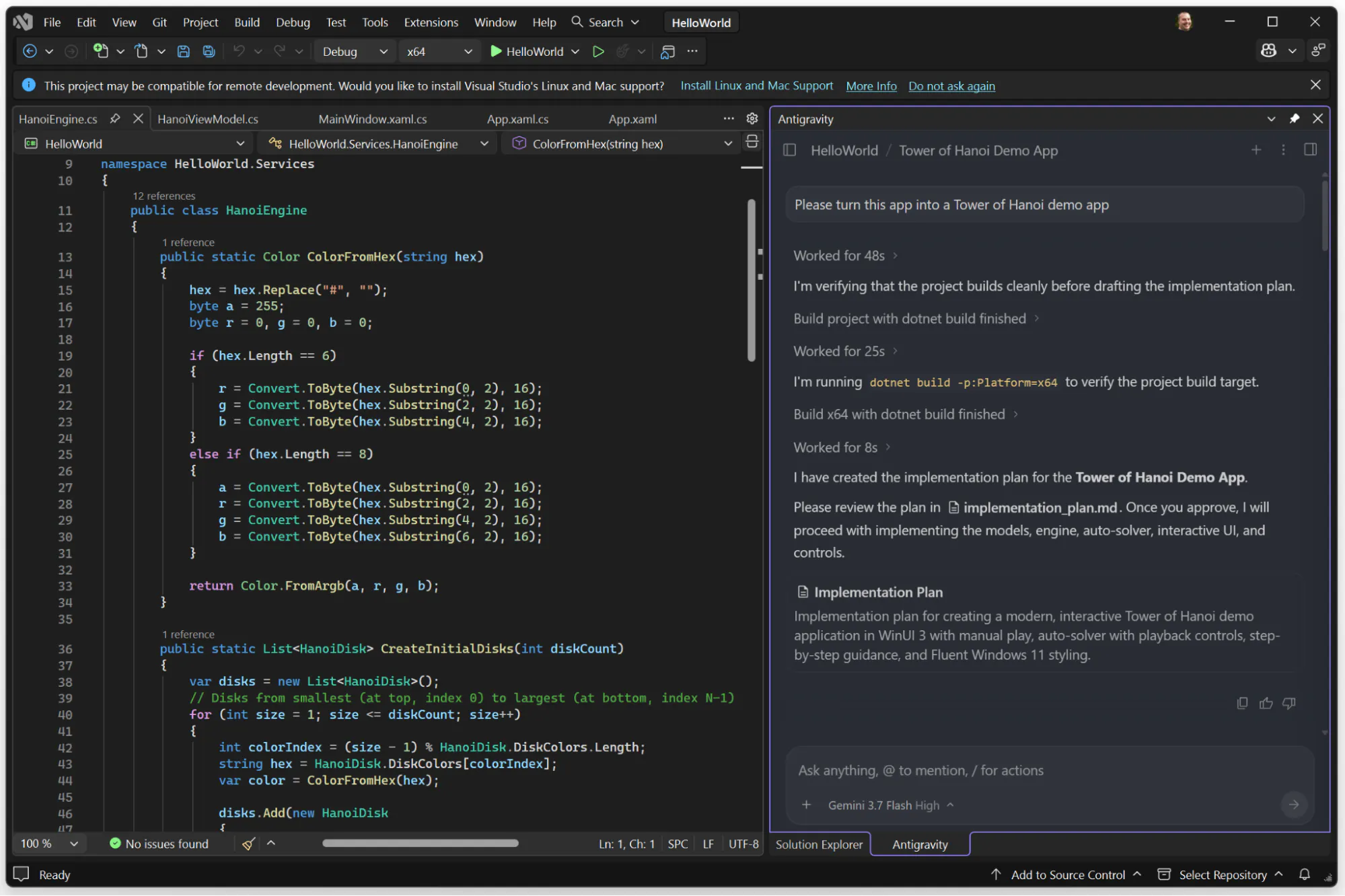
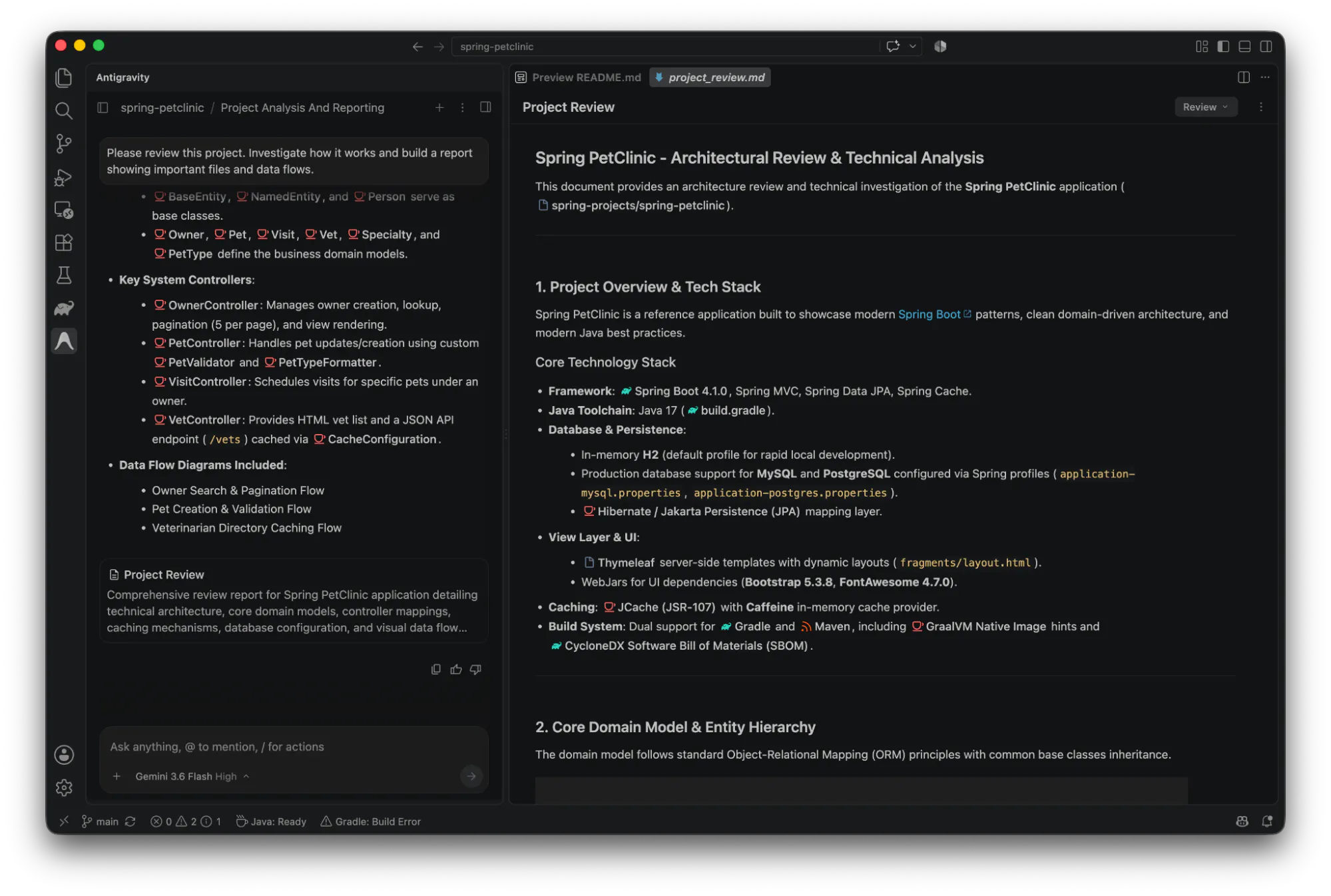
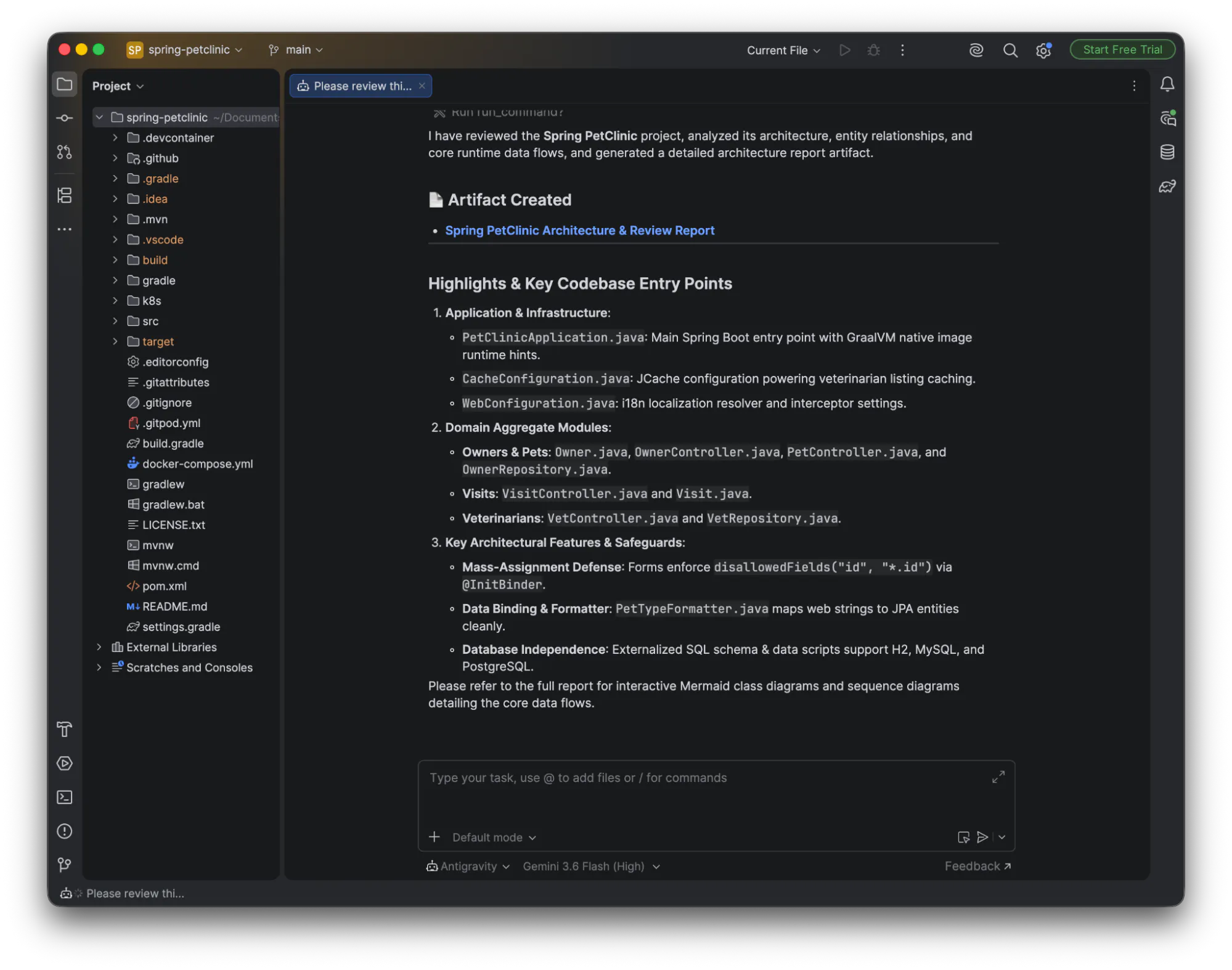
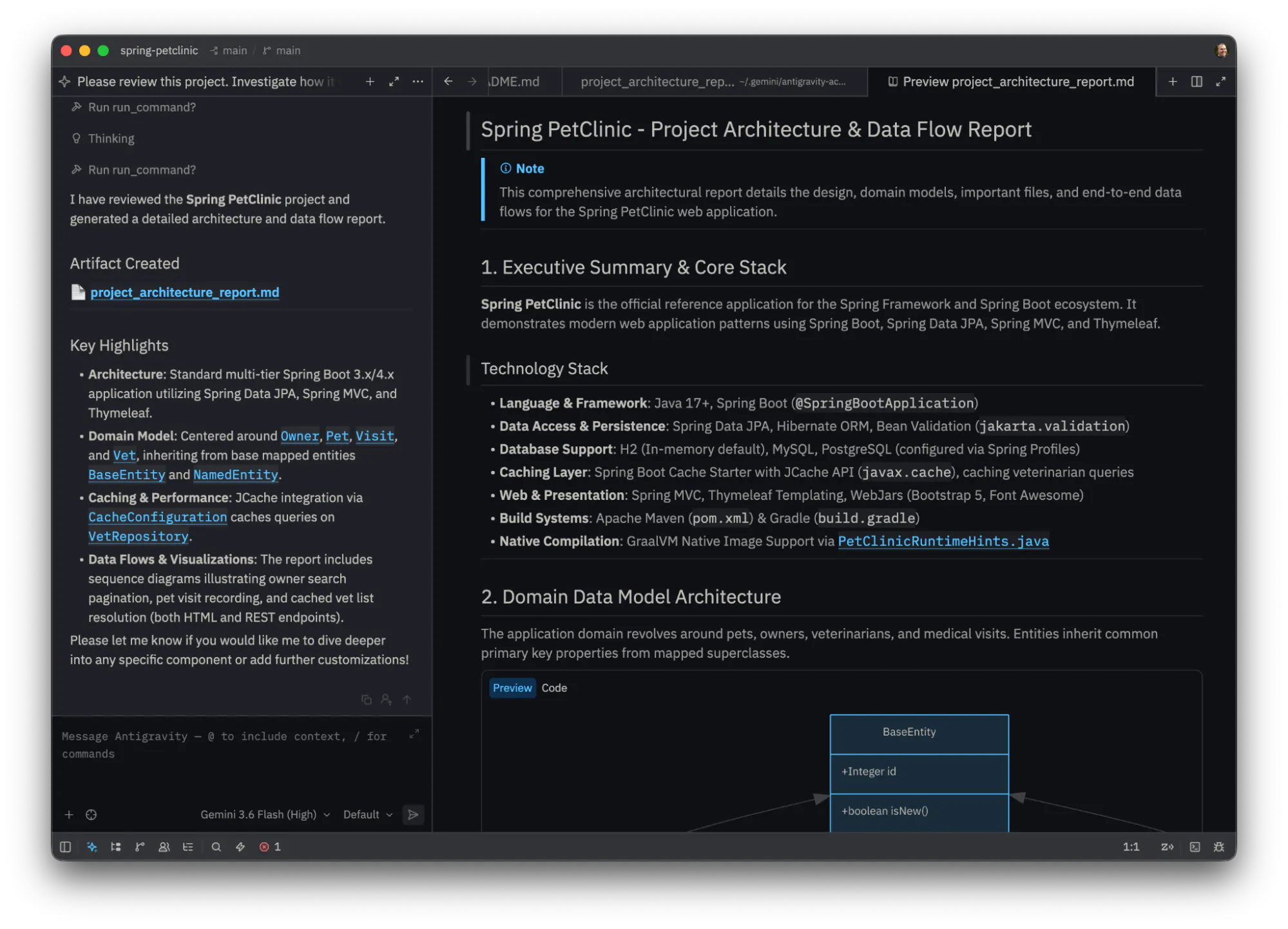
Antigravity IDE Extensions seamlessly integrate Google’s agentic coding platform into popular development environments like VS Code, Visual Studio, JetBrains, and Zed. Designed for developers seeking enhanced productivity, these extensions enable users to maintain ongoing agent conversations and shared context directly within their editor. Whether reviewing inline diffs, inspecting plans, debugging, or managing multi-step tasks, developers can do so without switching contexts or leaving their preferred IDE. This integration simplifies complex workflows, allowing for more efficient problem-solving and collaboration in real-time. By embedding AI-powered agent interactions into familiar coding environments, Antigravity IDE Extensions aim to revolutionize how developers approach coding, debugging, and project management, making AI assistance a natural part of everyday development.
Screenshots
Pros
- ✓Seamless integration with popular IDEs
- ✓Maintains conversation context for efficient workflows
- ✓Enables multitasking like debugging and reviewing inline diffs
- ✓Enhances productivity through AI-powered assistance
- ✓Supports complex, multi-step task management within the editor
Cons
- ✗Limited user adoption or votes on Product Hunt
- ✗Potential learning curve for new users
- ✗Uncertain pricing model and availability details
Use Cases
Pricing
Likely uses a freemium model with free core features and paid plans for advanced capabilities, although specific pricing details are not publicly confirmed.
Quick Info
Topics
Makers

Richard Hyndman
Alternatives
Similar Tools in Developer Tools




Embed Badge
Add this badge to your website to show that Antigravity IDE Extensions is featured on Visalytica.
<a href="https://www.visalytica.com/tool/antigravity-ide-extensions" target="_blank" rel="noopener noreferrer" style="display:inline-flex;align-items:center;gap:6px;padding:6px 14px;background:#7c3aed;color:#fff;border-radius:8px;font-family:-apple-system,system-ui,sans-serif;font-size:13px;font-weight:600;text-decoration:none;transition:background .2s" onmouseover="this.style.background='#6d28d9'" onmouseout="this.style.background='#7c3aed'"><svg width="14" height="14" viewBox="0 0 24 24" fill="none" stroke="currentColor" stroke-width="2.5" stroke-linecap="round" stroke-linejoin="round"><path d="M12 20V10"/><path d="M18 20V4"/><path d="M6 20v-4"/></svg>Featured on Visalytica</a>