
Annotate
Screen recording as prompts
About Annotate
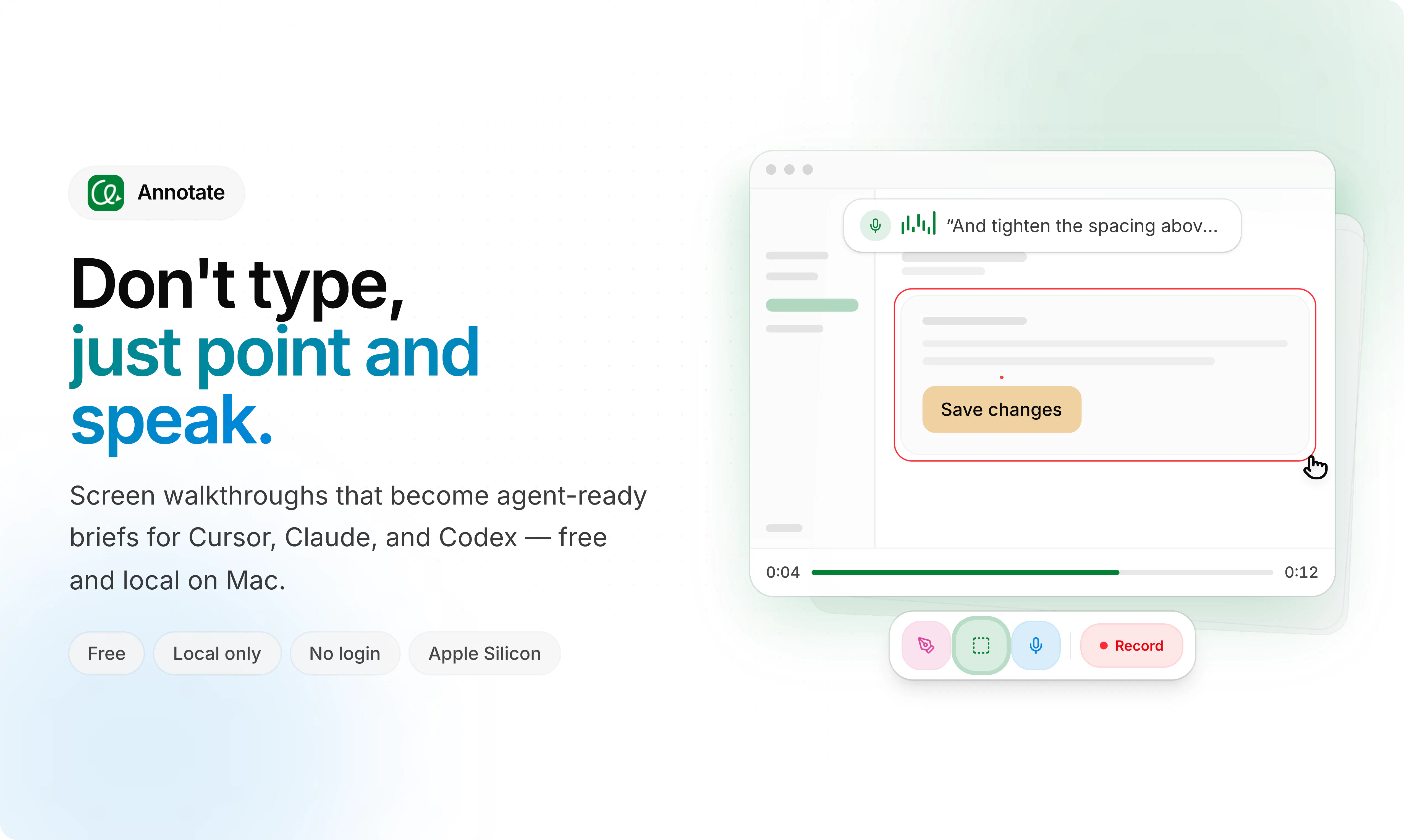
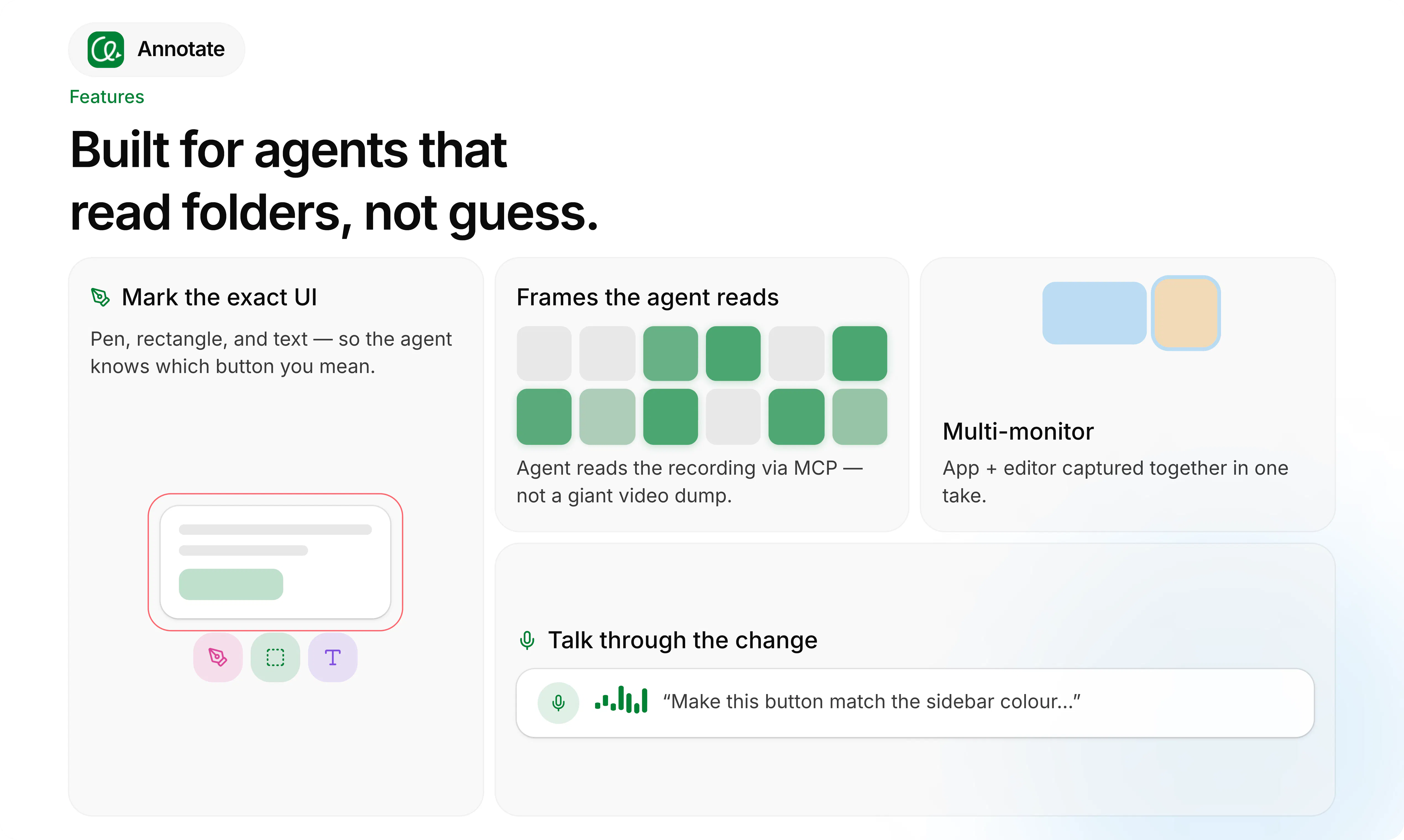
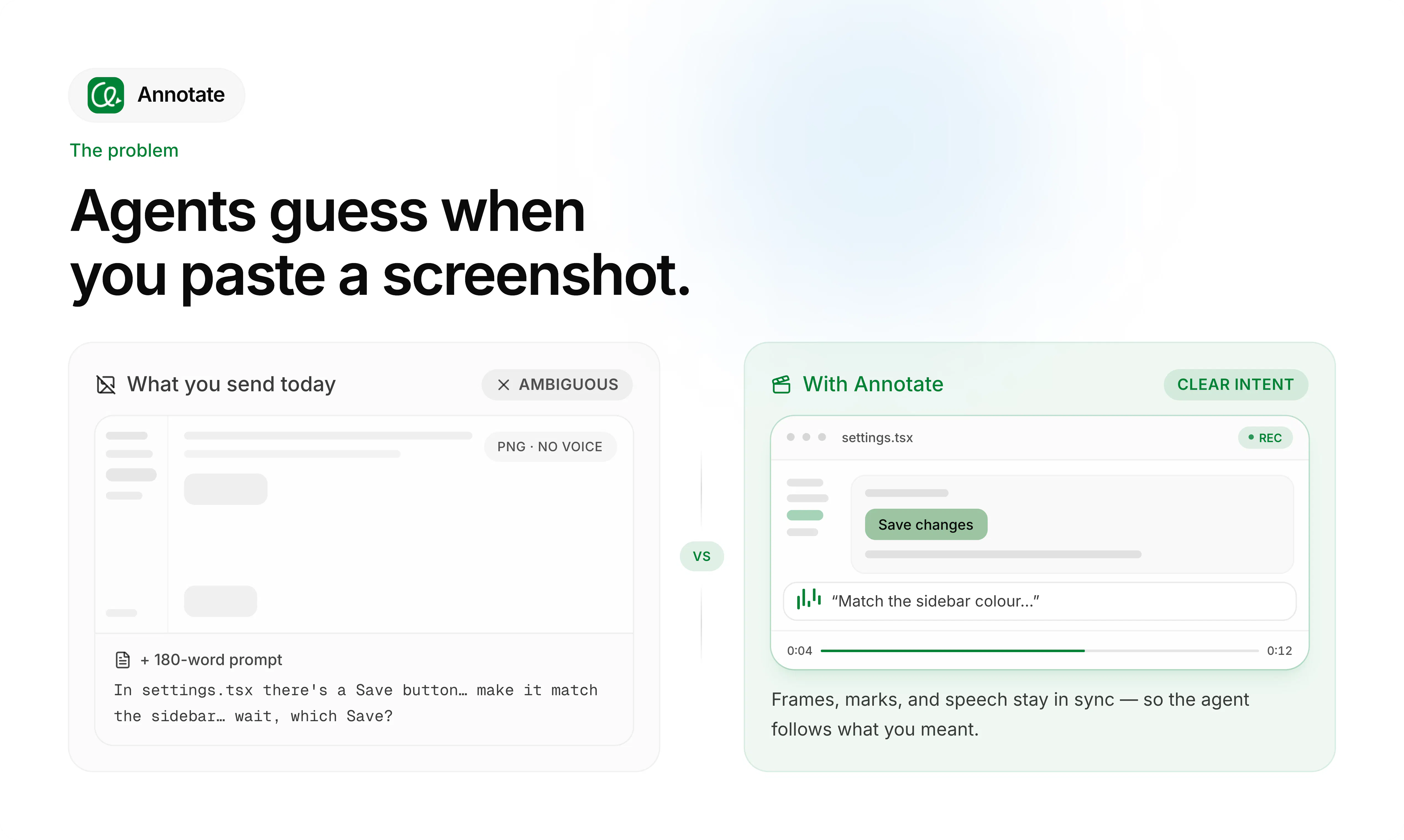
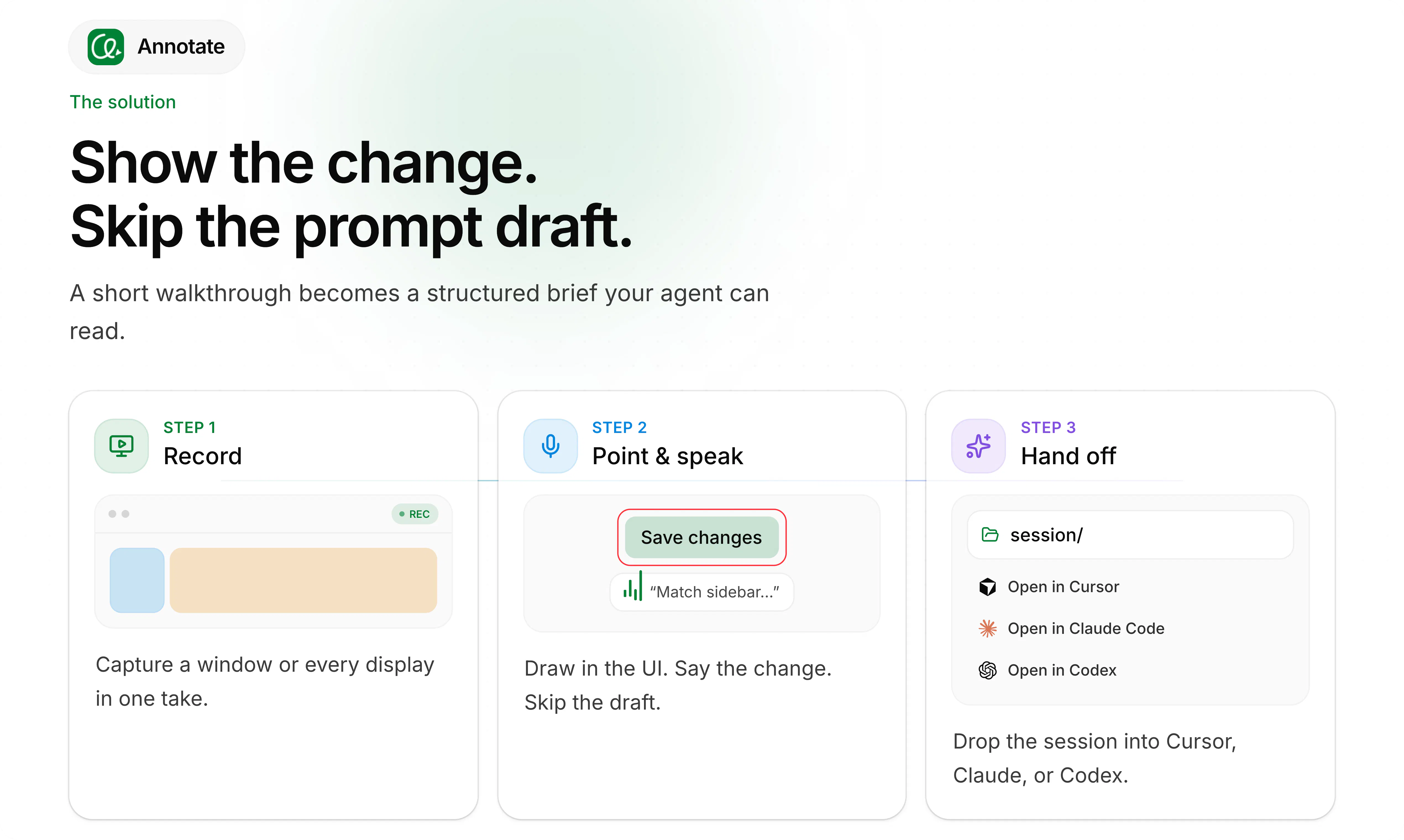
Annotate is an innovative tool designed for creators, developers, and AI enthusiasts who want to streamline the process of generating AI prompts through visual recordings. By allowing users to record their screen, draw annotations, and speak instructions, it creates dynamic video prompts that can be handed off to various AI agents such as Cursor, Claude, or Codex. Its local-only operation ensures privacy and security, making it ideal for sensitive projects. What sets Annotate apart is its simplicity and focus on turning manual demonstrations into effective AI prompts, reducing the need for complex scripting or typing. This makes it especially appealing for technical teams, educators, and content creators seeking an intuitive way to communicate with AI models visually and verbally.
Screenshots
Pros
- ✓User-friendly interface for creating visual prompts
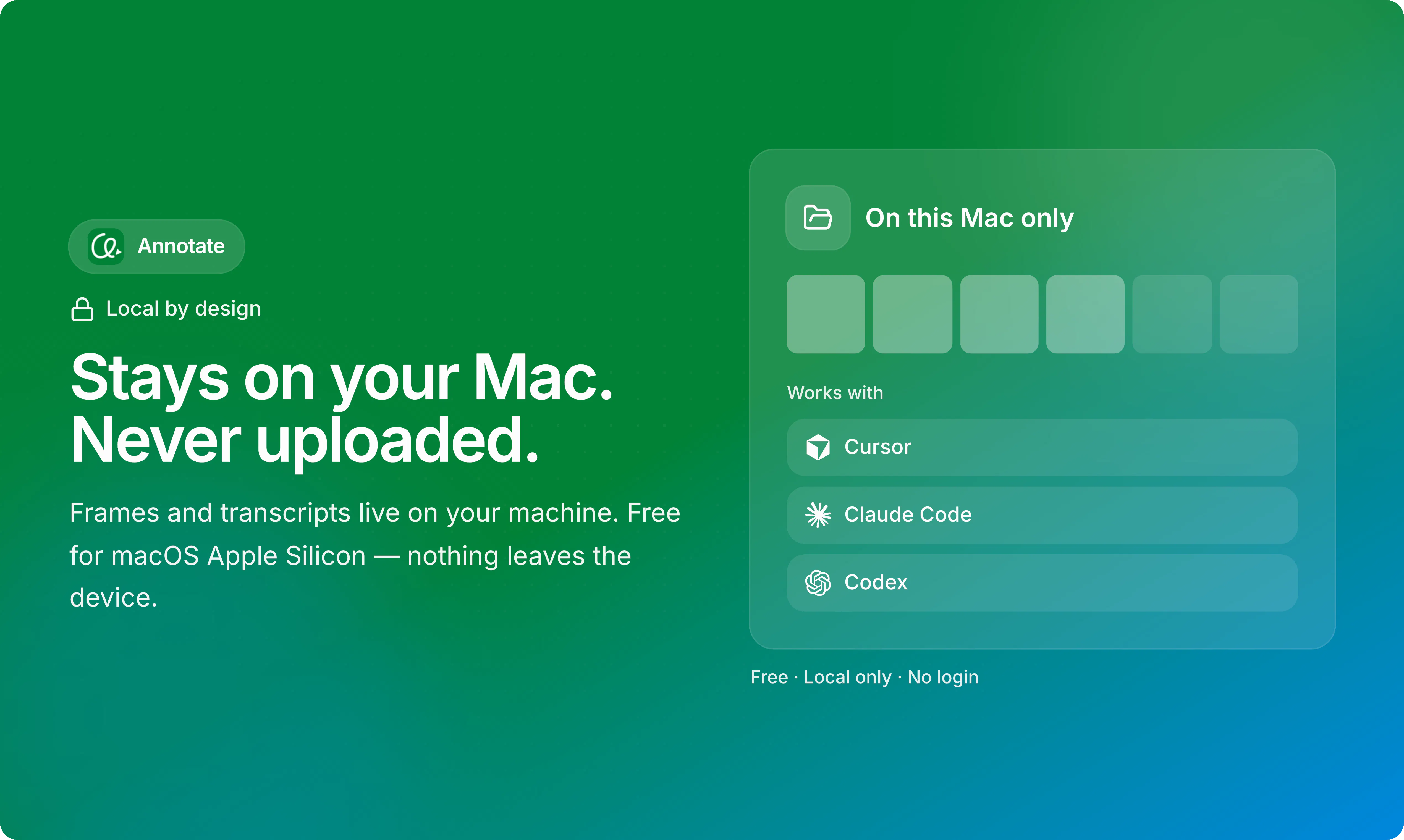
- ✓Supports multiple AI agents including Cursor, Claude, and Codex
- ✓Local-only operation ensures data privacy and security
- ✓Combines screen recording, drawing, and speech in one tool
- ✓Free to use, making it accessible for individual users and small teams
Cons
- ✗Limited integration options with other tools or platforms
- ✗Potential learning curve for users unfamiliar with screen recording or AI prompting
- ✗No built-in editing features for recorded videos
Use Cases
Pricing
Likely free to use, emphasizing local-only operation and basic recording features. Advanced features or extended usage may be available through future paid plans, but currently, it appears to be a free, open-source style tool.
Quick Info
Topics
Makers

Kim Benedict
Similar Tools in AI Image & Design




Embed Badge
Add this badge to your website to show that Annotate is featured on Visalytica.
<a href="https://www.visalytica.com/tool/annotate" target="_blank" rel="noopener noreferrer" style="display:inline-flex;align-items:center;gap:6px;padding:6px 14px;background:#7c3aed;color:#fff;border-radius:8px;font-family:-apple-system,system-ui,sans-serif;font-size:13px;font-weight:600;text-decoration:none;transition:background .2s" onmouseover="this.style.background='#6d28d9'" onmouseout="this.style.background='#7c3aed'"><svg width="14" height="14" viewBox="0 0 24 24" fill="none" stroke="currentColor" stroke-width="2.5" stroke-linecap="round" stroke-linejoin="round"><path d="M12 20V10"/><path d="M18 20V4"/><path d="M6 20v-4"/></svg>Featured on Visalytica</a>