
ANCBuddy for Bose QC Ultra
Control Bose QC Ultra from your macOS menu bar
About ANCBuddy for Bose QC Ultra
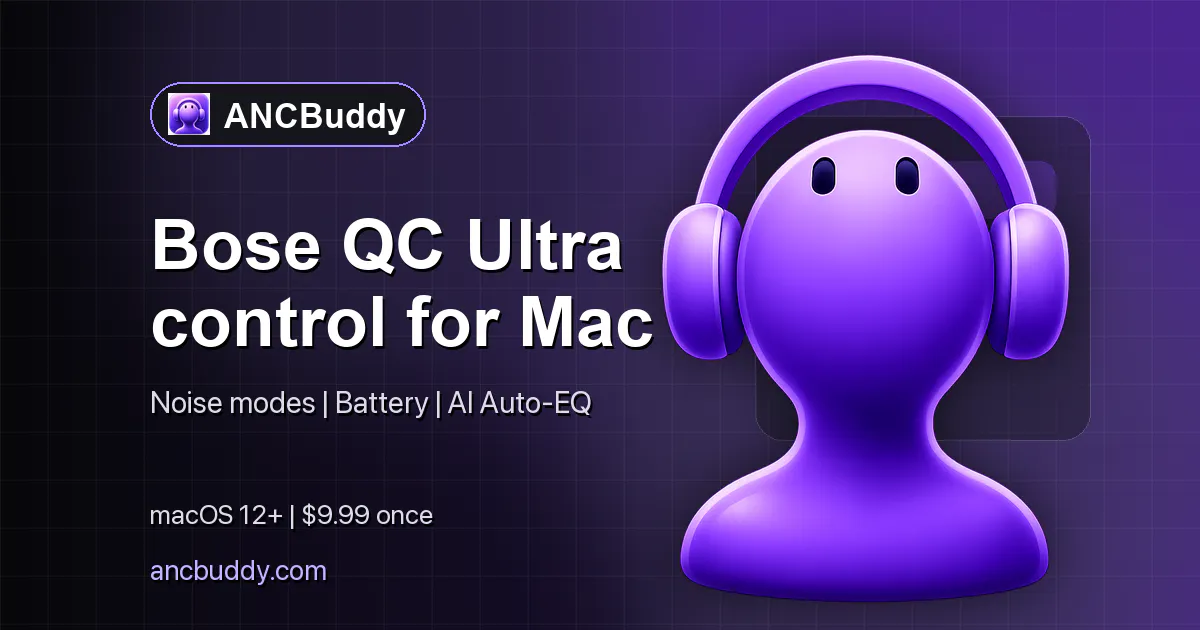

ANCBuddy for Bose QC Ultra is a streamlined macOS menu bar app designed specifically for Bose QuietComfort Ultra headphone users. It offers quick access to ANC (Active Noise Cancellation) modes and battery status directly from the menu bar, eliminating the need to open separate apps or settings. This tool is ideal for commuters, remote workers, and focus-driven users who want seamless control and monitoring of their audio environment without disrupting their workflow. Its intuitive interface and real-time updates make it a valuable addition for anyone seeking enhanced convenience and situational awareness with their Bose QC Ultra headphones. By integrating these controls into the macOS menu bar, ANCBuddy simplifies managing premium audio devices, boosting productivity and user experience.
Screenshots
Pros
- ✓Quick and easy access to ANC controls and battery status from the menu bar
- ✓Eliminates the need to open multiple apps or settings
- ✓Designed specifically for Bose QC Ultra, ensuring compatibility and optimized performance
- ✓Free trial available for users to test features before committing
Cons
- ✗Limited to Bose QC Ultra headphones, reducing versatility for other devices
- ✗User feedback and adoption are still in early stages (no ProductHunt votes yet)
- ✗Features are focused on basic controls; advanced customization may be limited
Use Cases
Pricing
Pricing not verified
Quick Info
Topics
Makers

Deniz Kosan-Aytac
Alternatives
Similar Tools in AI Assistants




Embed Badge
Add this badge to your website to show that ANCBuddy for Bose QC Ultra is featured on Visalytica.
<a href="https://www.visalytica.com/tool/ancbuddy-for-bose-qc-ultra" target="_blank" rel="noopener noreferrer" style="display:inline-flex;align-items:center;gap:6px;padding:6px 14px;background:#7c3aed;color:#fff;border-radius:8px;font-family:-apple-system,system-ui,sans-serif;font-size:13px;font-weight:600;text-decoration:none;transition:background .2s" onmouseover="this.style.background='#6d28d9'" onmouseout="this.style.background='#7c3aed'"><svg width="14" height="14" viewBox="0 0 24 24" fill="none" stroke="currentColor" stroke-width="2.5" stroke-linecap="round" stroke-linejoin="round"><path d="M12 20V10"/><path d="M18 20V4"/><path d="M6 20v-4"/></svg>Featured on Visalytica</a>