
Amaroad
Build AI slide decks without leaving your terminal
About Amaroad
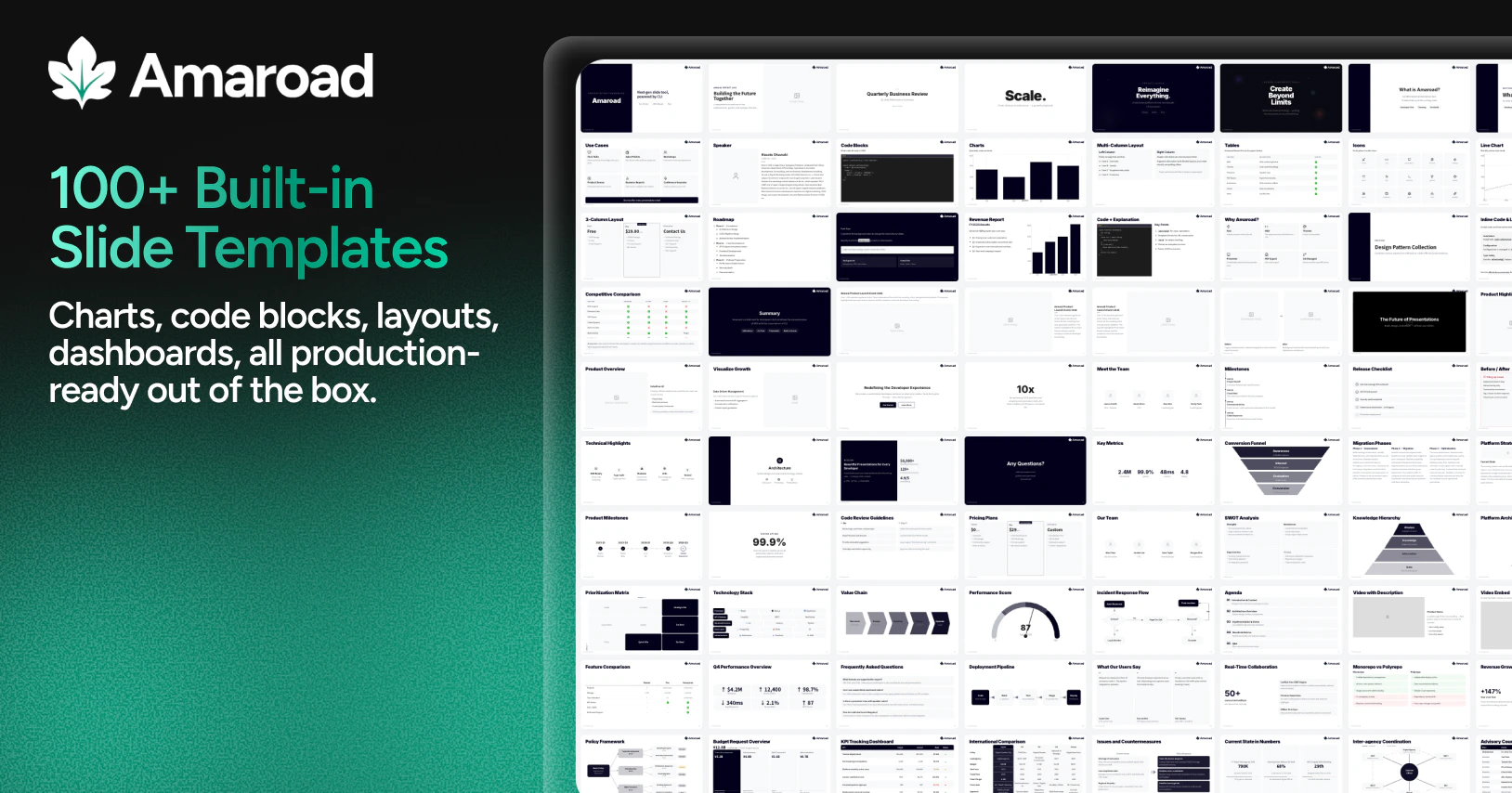
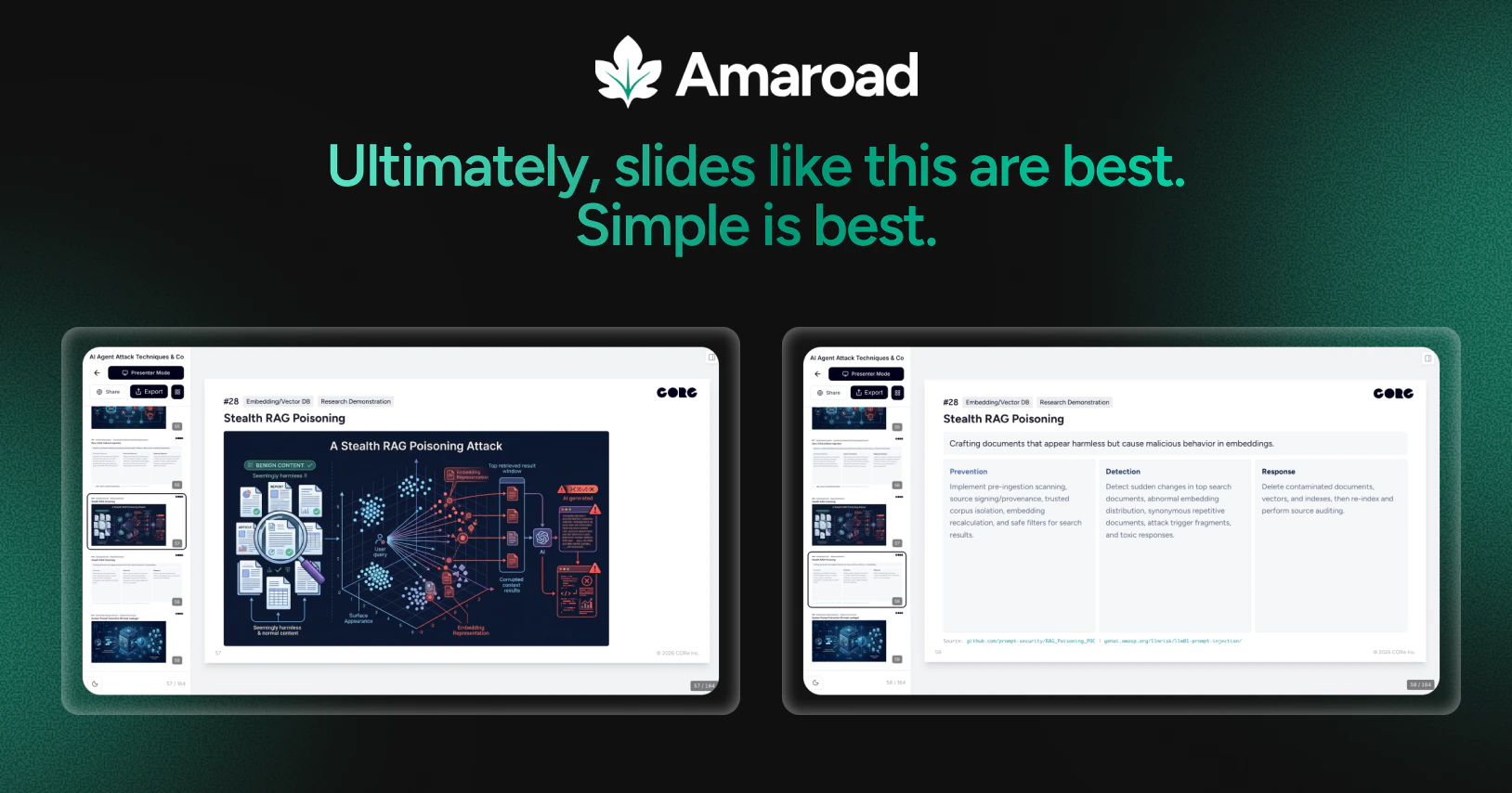
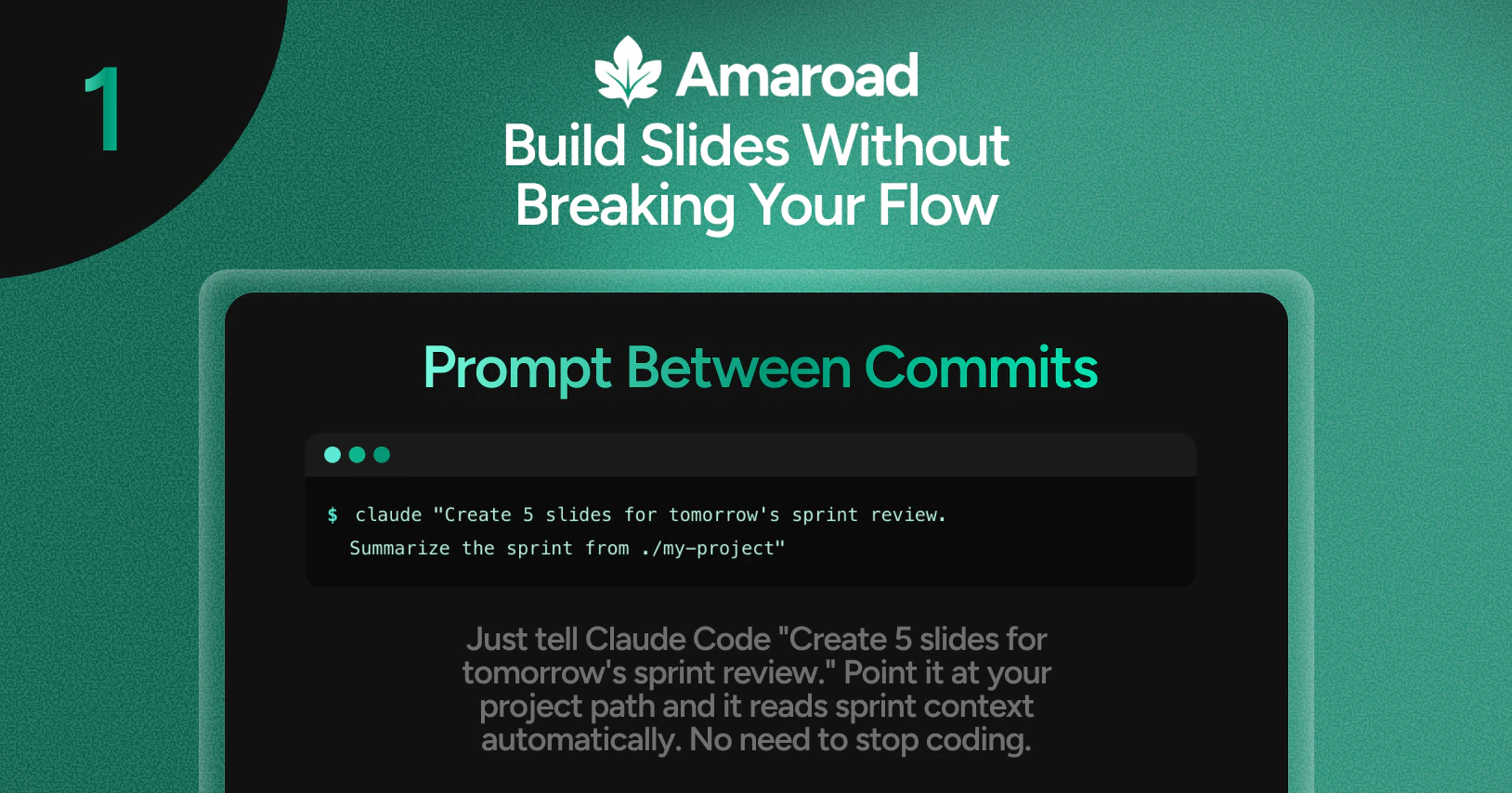
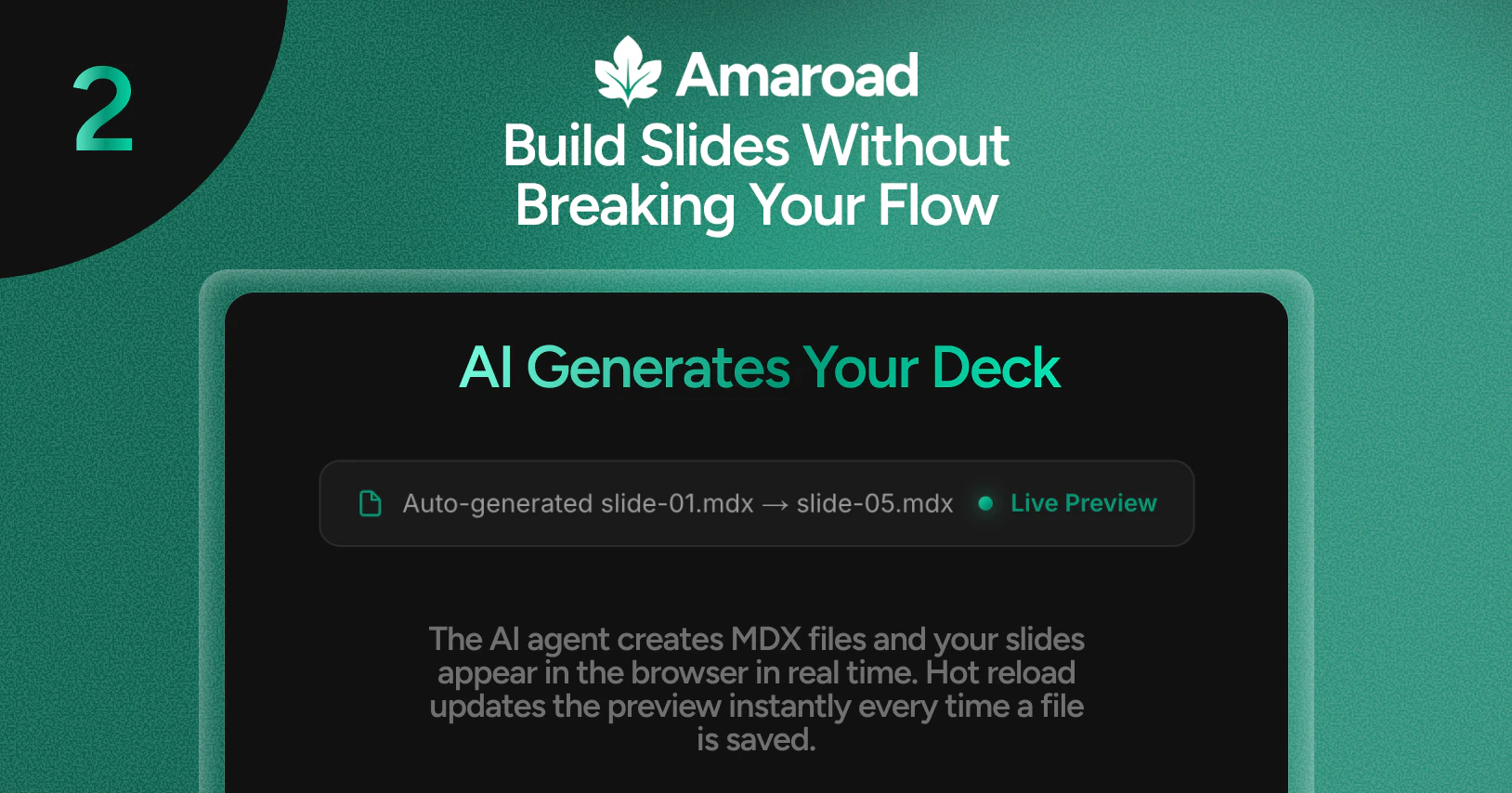
Amaroad is an innovative open-source environment designed for developers who want to craft AI-powered slide decks directly from their terminal. Leveraging advanced AI models like Claude Code, Codex, Gemini CLI, and Cursor, users can generate, refine, and manage presentation slides seamlessly without leaving their command line interface. Its unique approach combines the power of AI with developer-friendly tools, enabling live previews, parallel editing of multiple slides, and easy export options to PDF or PPTX. This makes Amaroad especially appealing to developers, technical teams, and open-source enthusiasts looking for a streamlined, code-centric way to produce professional presentations. The tool's emphasis on open-source and terminal-based workflows sets it apart from traditional GUI-heavy slide creation platforms, offering speed, flexibility, and automation for tech-savvy users.
Screenshots


+3 more screenshots
Pros
- ✓Open-source with a focus on developer-centric workflows
- ✓AI-powered slide generation and refinement from the terminal
- ✓Supports live slide previews and parallel editing
- ✓Easy export to PDF and PPTX formats
- ✓Shareable live URLs for collaborative presentations
Cons
- ✗Requires familiarity with command-line interfaces
- ✗Limited user interface for non-technical users
- ✗Currently no extensive integration with popular presentation tools
Use Cases
Pricing
Amaroad is open-source and free to use, making it accessible for developers and organizations looking for a cost-effective presentation tool. Additional features or hosting options may be available through community support or third-party platforms.
Quick Info
Topics
Makers

Masato Okuwaki
Alternatives
Similar Tools in Developer Tools




Embed Badge
Add this badge to your website to show that Amaroad is featured on Visalytica.
<a href="https://www.visalytica.com/tool/amaroad" target="_blank" rel="noopener noreferrer" style="display:inline-flex;align-items:center;gap:6px;padding:6px 14px;background:#7c3aed;color:#fff;border-radius:8px;font-family:-apple-system,system-ui,sans-serif;font-size:13px;font-weight:600;text-decoration:none;transition:background .2s" onmouseover="this.style.background='#6d28d9'" onmouseout="this.style.background='#7c3aed'"><svg width="14" height="14" viewBox="0 0 24 24" fill="none" stroke="currentColor" stroke-width="2.5" stroke-linecap="round" stroke-linejoin="round"><path d="M12 20V10"/><path d="M18 20V4"/><path d="M6 20v-4"/></svg>Featured on Visalytica</a>