
All Cloud Hub for Android
Manage all your cloud storage accounts from your Android app
About All Cloud Hub for Android
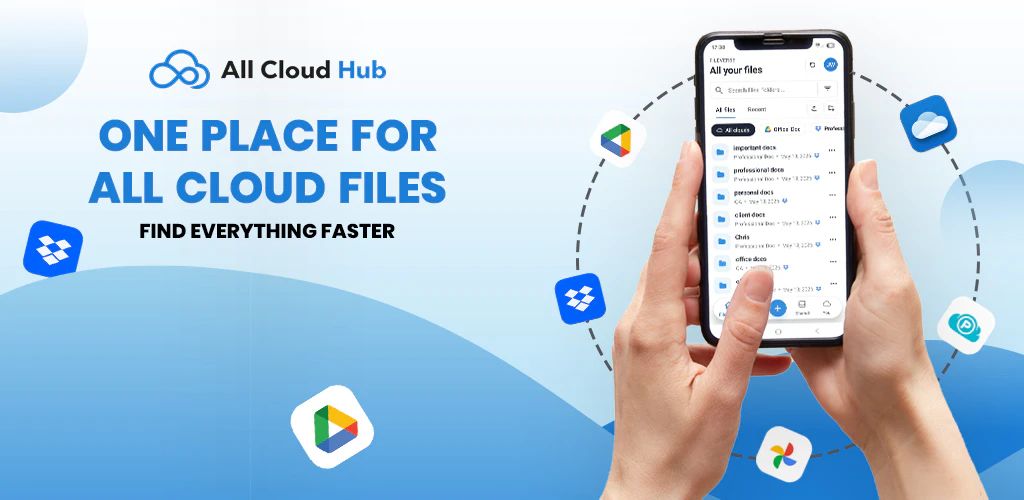
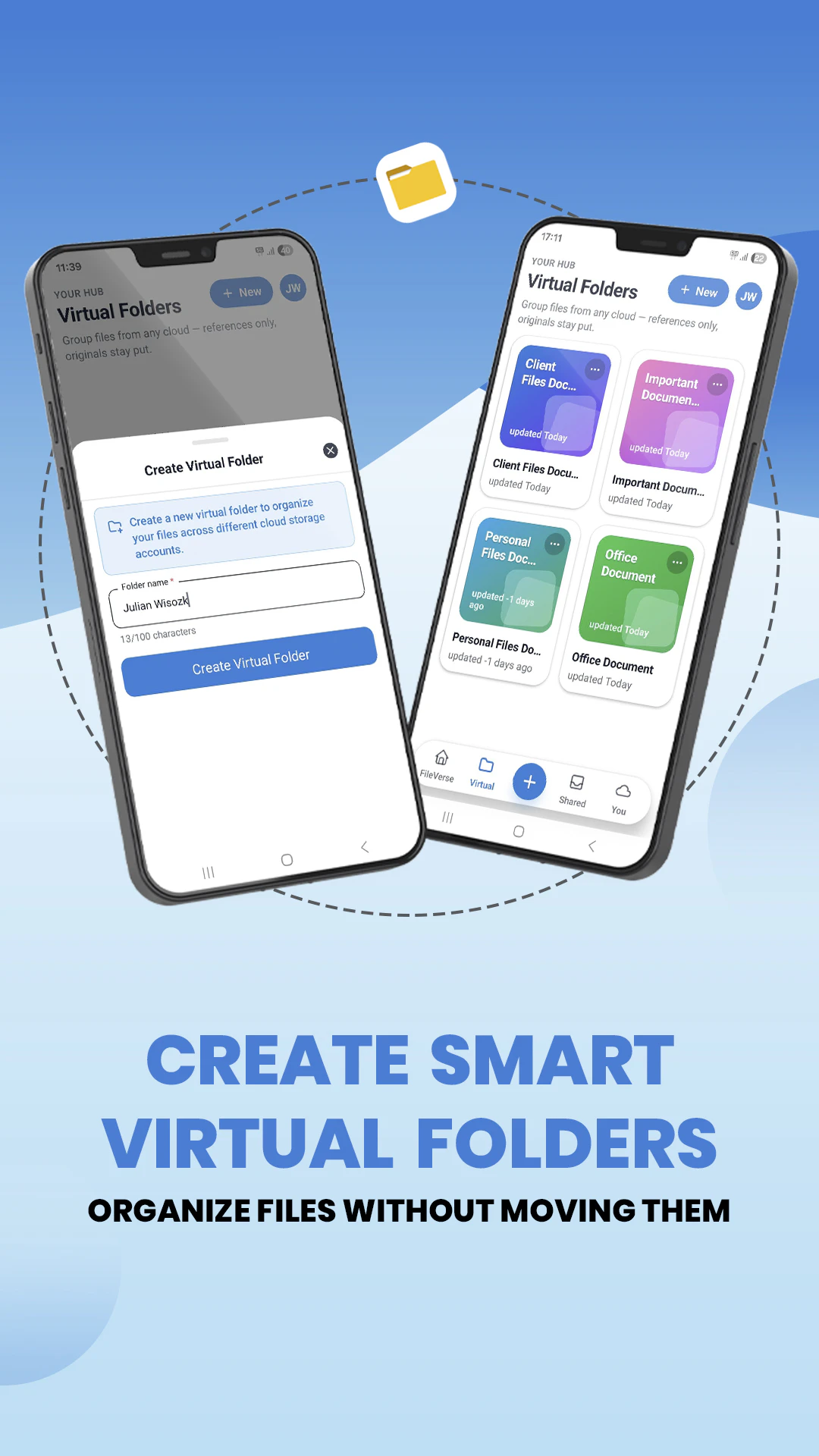
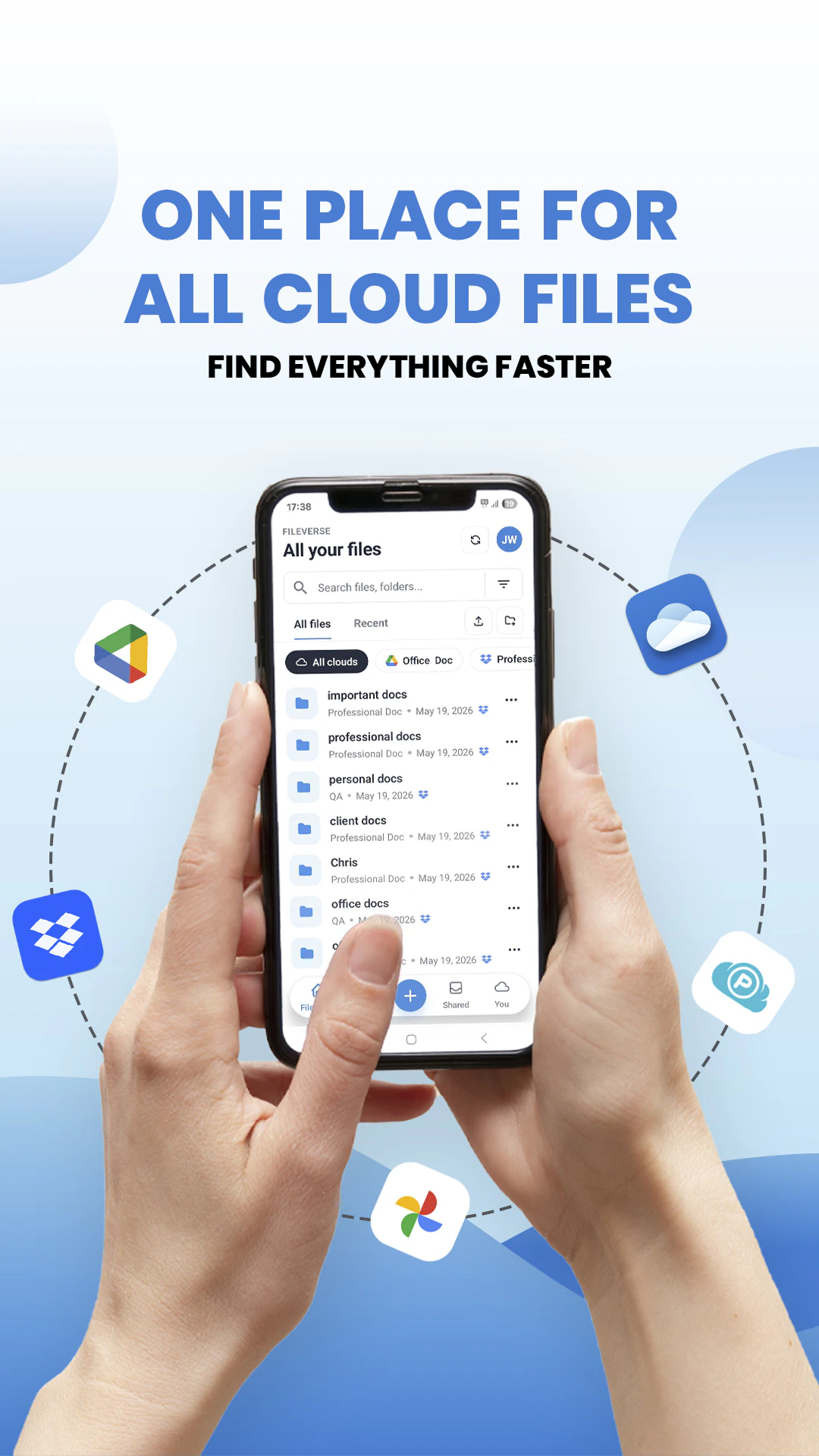
All Cloud Hub for Android is a versatile app designed for users who manage multiple cloud storage accounts across various providers like Google Drive, Dropbox, OneDrive, and pCloud. Its intuitive interface allows users to seamlessly access, search, and transfer files between different services without the hassle of downloading them onto their device. This makes it an ideal solution for professionals, students, or anyone juggling several cloud accounts who values efficiency and convenience. What sets All Cloud Hub apart is its ability to handle cross-cloud file management directly from an Android device, streamlining workflows and saving time. Its focus on simplicity combined with powerful multi-cloud features makes it a compelling choice for those seeking consolidated cloud control on the go.
Screenshots
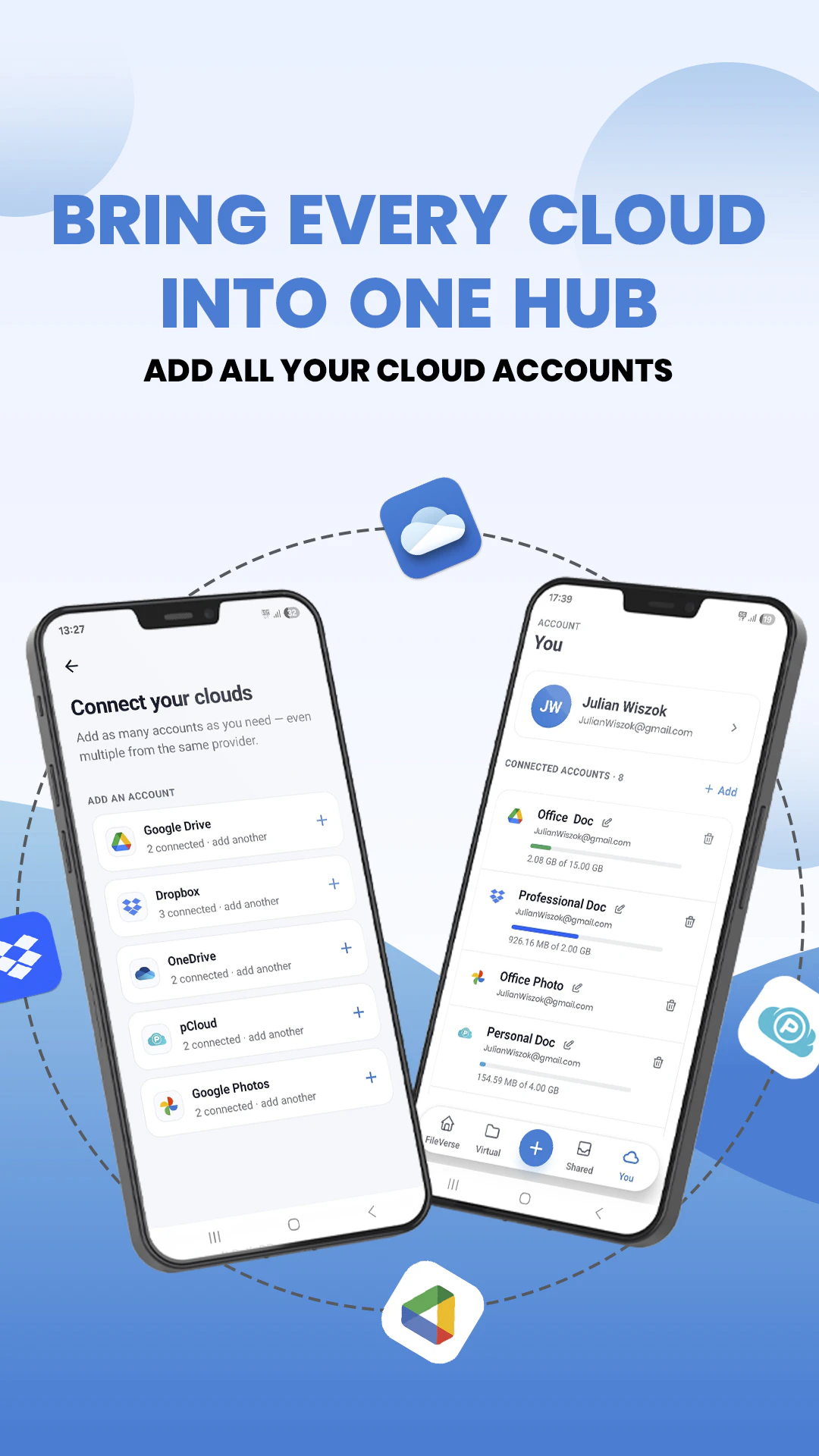
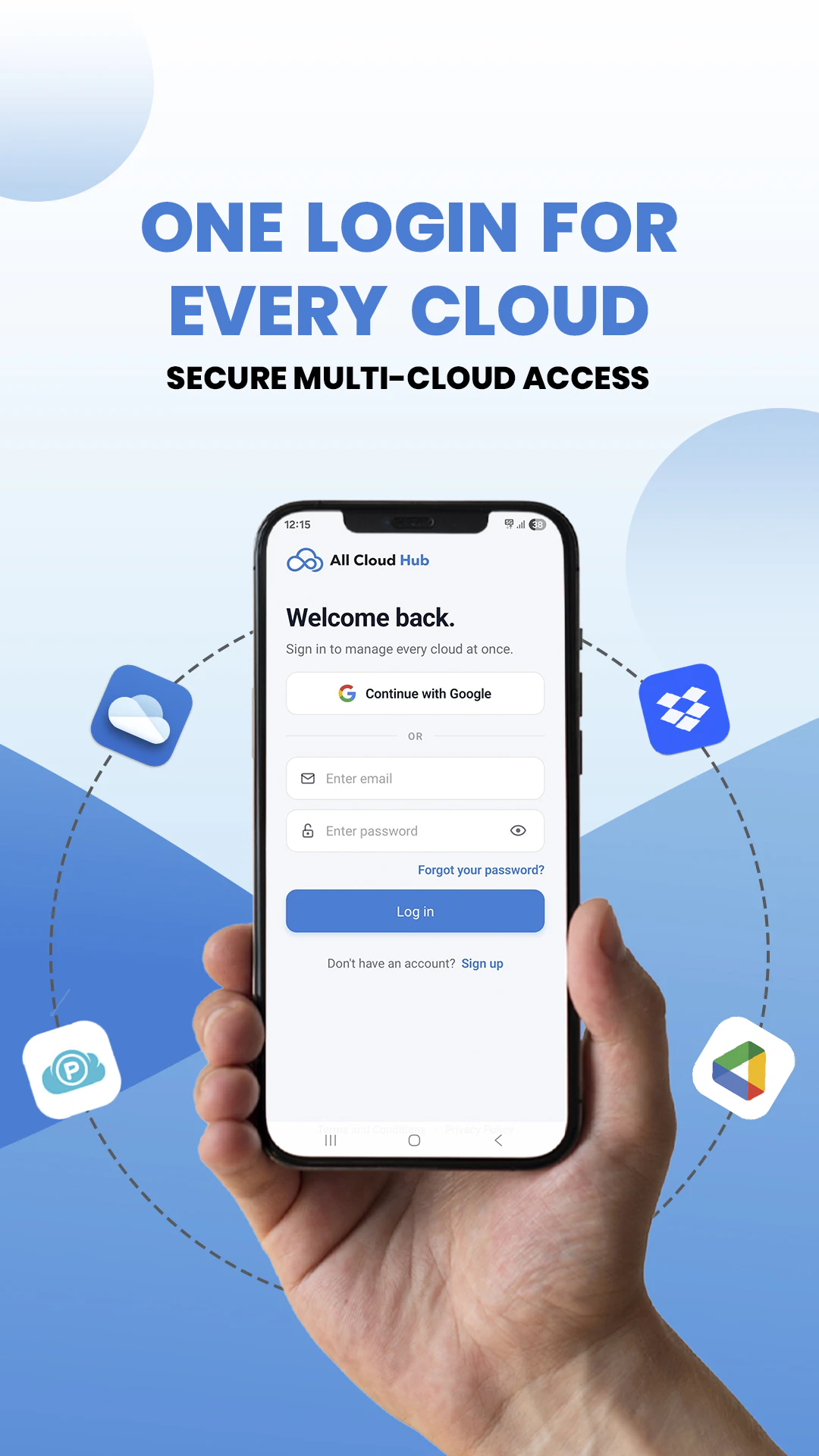
+2 more screenshots
Pros
- ✓Supports multiple cloud storage providers in one app
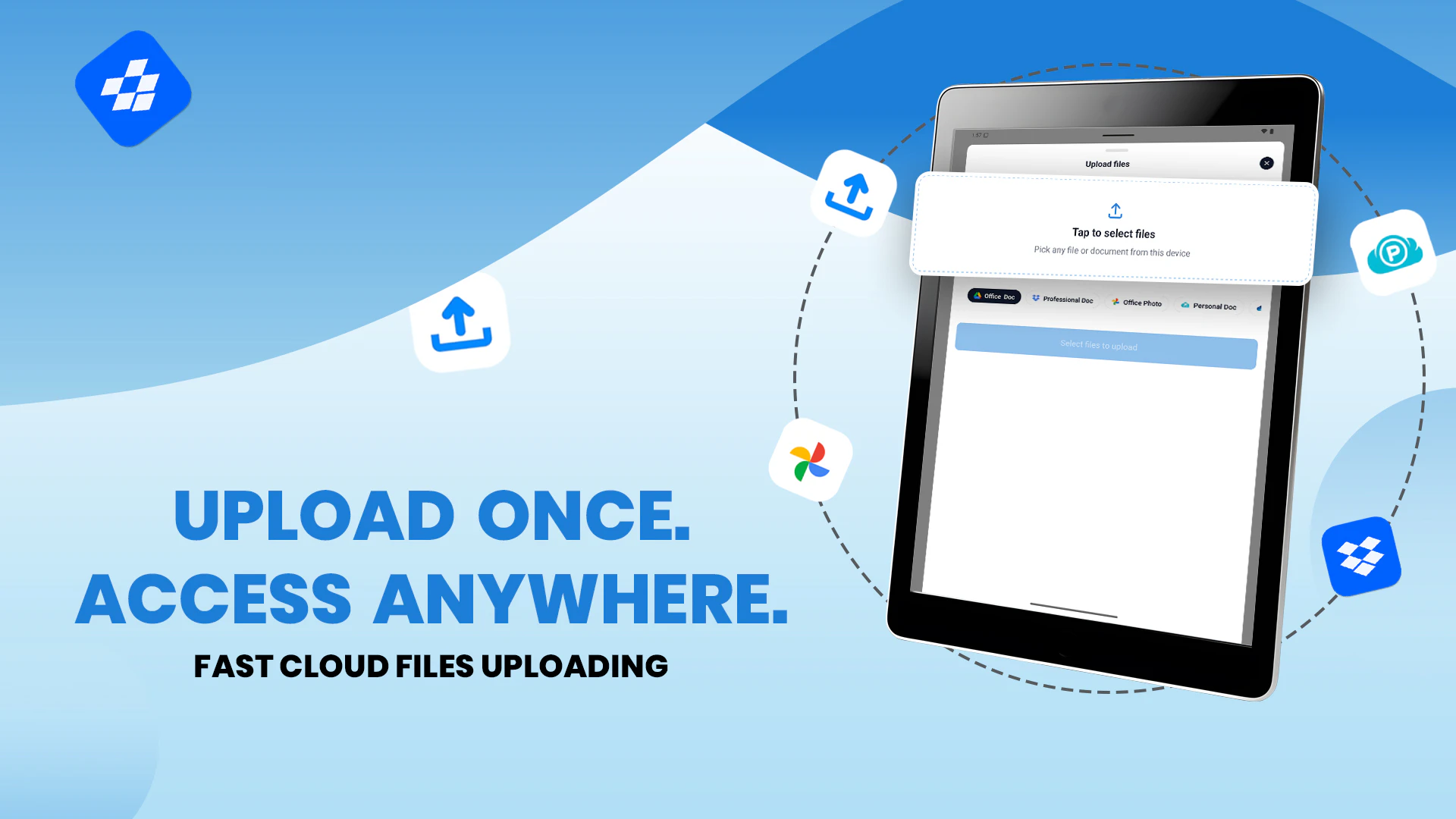
- ✓Enables direct file transfers between services without downloading
- ✓Built-in search across all connected clouds for quick file access
- ✓User-friendly interface optimized for Android devices
- ✓Reduces the need to switch between multiple apps or web portals
Cons
- ✗Limited information on advanced features or integrations
- ✗Potentially limited free features or usage caps without a subscription
- ✗No details on security or data privacy measures
Use Cases
Pricing
Likely operates on a freemium model, offering basic features for free with optional paid plans that unlock additional capabilities or higher usage limits. Exact pricing details are not specified.
Quick Info
Topics
Makers

Bhavik shah
Alternatives
Similar Tools in Productivity




Embed Badge
Add this badge to your website to show that All Cloud Hub for Android is featured on Visalytica.
<a href="https://www.visalytica.com/tool/all-cloud-hub-for-android" target="_blank" rel="noopener noreferrer" style="display:inline-flex;align-items:center;gap:6px;padding:6px 14px;background:#7c3aed;color:#fff;border-radius:8px;font-family:-apple-system,system-ui,sans-serif;font-size:13px;font-weight:600;text-decoration:none;transition:background .2s" onmouseover="this.style.background='#6d28d9'" onmouseout="this.style.background='#7c3aed'"><svg width="14" height="14" viewBox="0 0 24 24" fill="none" stroke="currentColor" stroke-width="2.5" stroke-linecap="round" stroke-linejoin="round"><path d="M12 20V10"/><path d="M18 20V4"/><path d="M6 20v-4"/></svg>Featured on Visalytica</a>