
Ajar
Lid Angle Sync & Keep Awake for AI Agents on Mac
About Ajar
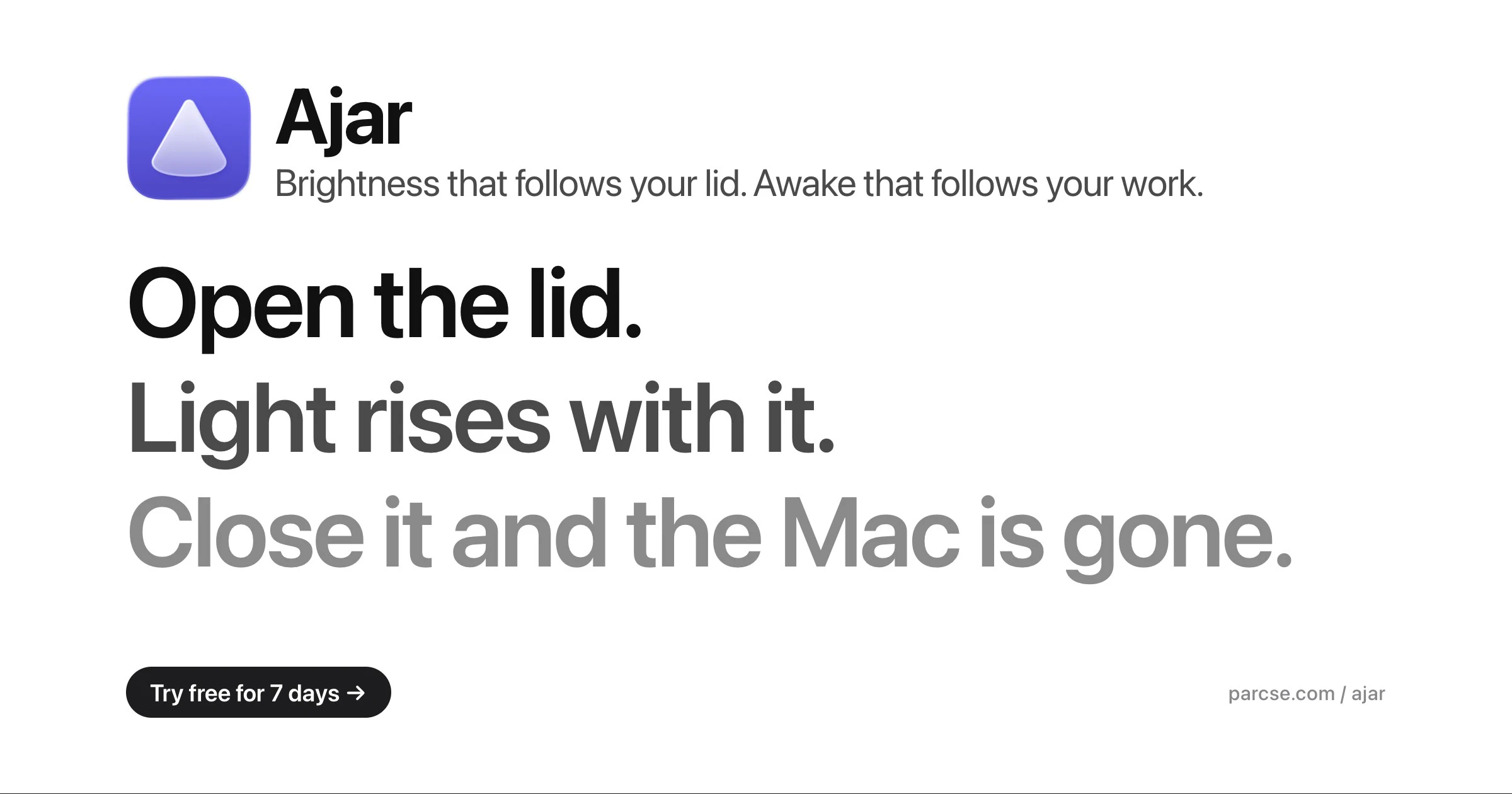
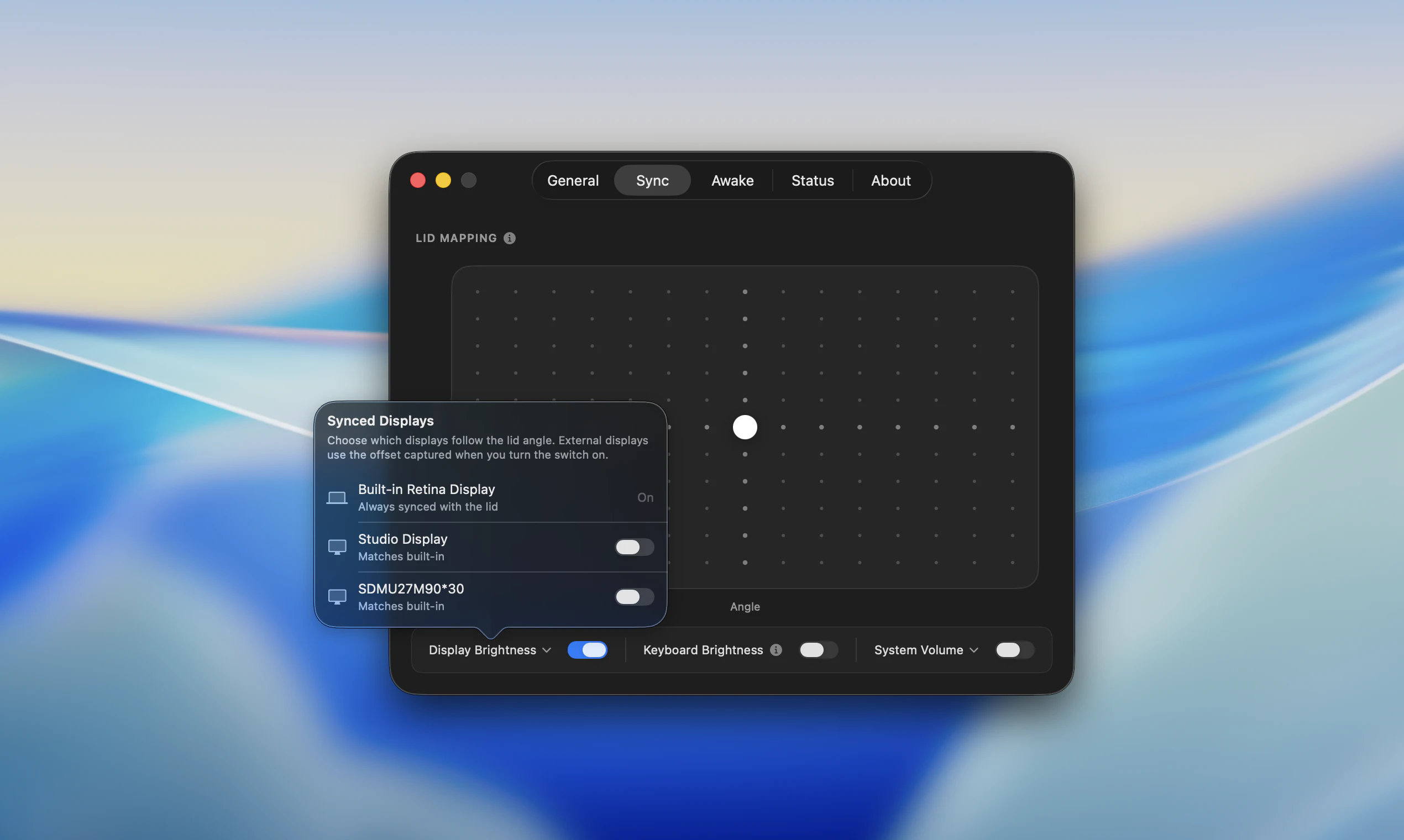
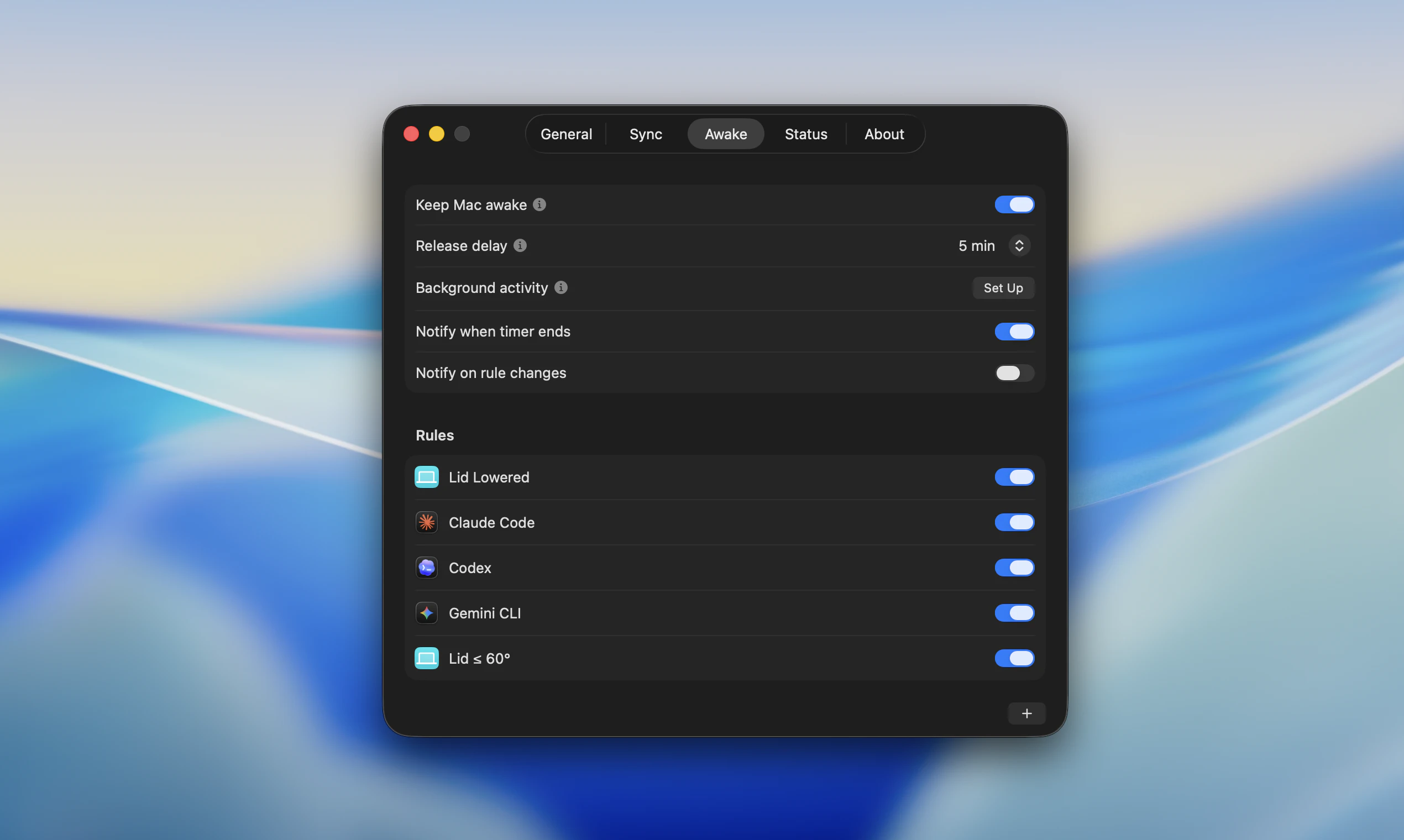
Ajar is an innovative Mac utility designed to enhance productivity by making your computer more responsive to your actual activity rather than manual inputs. It intelligently maps your MacBook's lid angle to key settings like screen brightness, keyboard backlight, and system volume, supporting multiple displays with customizable offsets. Additionally, Ajar offers an 'Awake' feature that keeps your Mac awake when you're actively working, reducing interruptions. Its standout feature is the ability to detect specific AI sessions such as Claude Code, Codex, and Gemini CLI, with the flexibility to create custom rules for other applications, Wi-Fi, disks, and power states. This makes it especially valuable for developers, remote workers, and AI enthusiasts who want a smarter, more seamless Mac experience. Its automation capabilities are unique, bridging hardware states with software responsiveness to optimize workflow and device energy management.
Screenshots
Pros
- ✓Automatically adjusts hardware settings based on activity and context
- ✓Supports multiple displays with customizable offsets
- ✓Detects specific AI development sessions for targeted automation
- ✓Reduces manual intervention, saving time and effort
- ✓Highly customizable with user-defined rules for various scenarios
Cons
- ✗Limited information on pricing structure; likely paid or subscription-based
- ✗Potential learning curve for setting up custom rules
- ✗Features may be overkill for casual users
Use Cases
Pricing
Likely a paid app with a one-time purchase or subscription model, given its advanced automation features and customization options. Exact pricing details are not specified but expect a premium fee aligned with similar productivity tools.
Quick Info
Topics
Alternatives
Similar Tools in AI Assistants




Embed Badge
Add this badge to your website to show that Ajar is featured on Visalytica.
<a href="https://www.visalytica.com/tool/ajar" target="_blank" rel="noopener noreferrer" style="display:inline-flex;align-items:center;gap:6px;padding:6px 14px;background:#7c3aed;color:#fff;border-radius:8px;font-family:-apple-system,system-ui,sans-serif;font-size:13px;font-weight:600;text-decoration:none;transition:background .2s" onmouseover="this.style.background='#6d28d9'" onmouseout="this.style.background='#7c3aed'"><svg width="14" height="14" viewBox="0 0 24 24" fill="none" stroke="currentColor" stroke-width="2.5" stroke-linecap="round" stroke-linejoin="round"><path d="M12 20V10"/><path d="M18 20V4"/><path d="M6 20v-4"/></svg>Featured on Visalytica</a>