
AIUsageBar
Track every AI limit from your Mac menu bar
About AIUsageBar
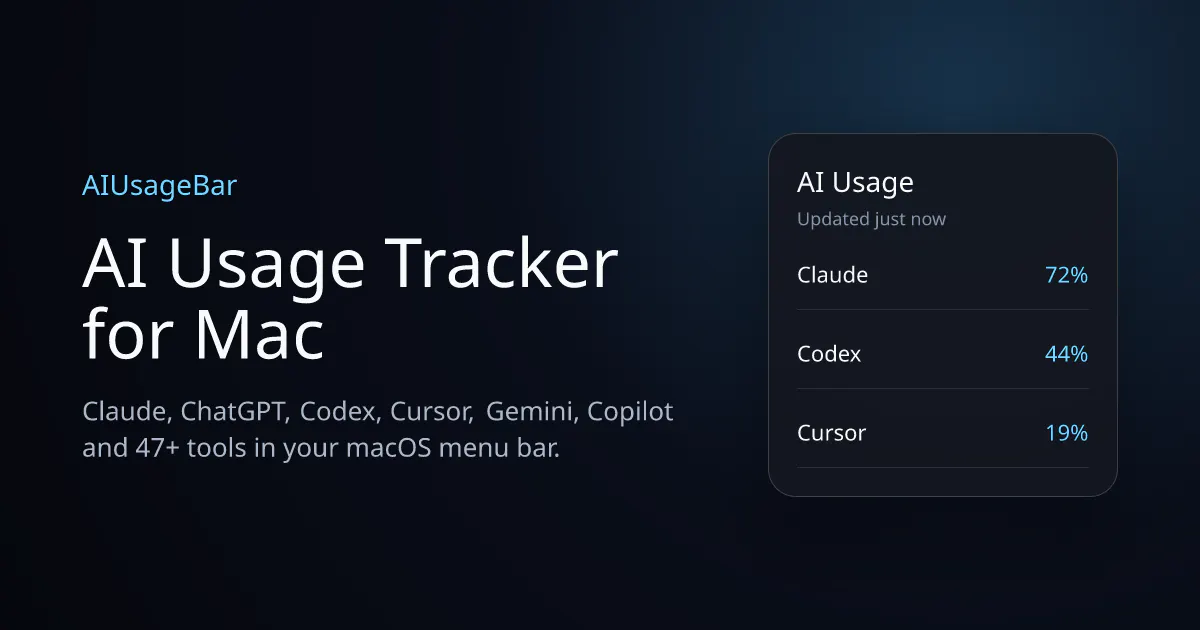
AIUsageBar is a sleek, native macOS menu bar application designed for developers and AI enthusiasts who work extensively with multiple AI platforms. It provides real-time tracking of usage metrics, rate limits, reset windows, and spending across over 47 AI tools, including popular services like Claude, Codex, Cursor, Gemini, and Copilot. By integrating seamlessly into the Mac menu bar, it offers users quick, at-a-glance insights into their AI consumption, helping to avoid overages and optimize usage. Its unobtrusive design and comprehensive data presentation make it a valuable tool for managing AI workloads efficiently. Whether you're a developer, researcher, or AI hobbyist, AIUsageBar simplifies monitoring complex AI integrations without the need for multiple dashboards or manual checks. Its focus on transparency and ease of access makes it a unique solution tailored to those who rely heavily on various AI services for their work or projects.
Screenshots

Pros
- ✓Supports a wide range of AI tools and services for comprehensive monitoring
- ✓Native macOS integration offers quick, seamless access via the menu bar
- ✓Provides real-time usage, rate limits, and spend data to prevent overages
- ✓User-friendly interface suitable for both developers and casual users
- ✓Helps optimize and manage AI usage efficiently
Cons
- ✗Limited information on pricing and subscription options
- ✗No public data on advanced customization or automation features
- ✗Votes on ProductHunt are currently zero, indicating limited user feedback
Use Cases
Pricing
Likely follows a freemium model with free basic features and premium plans for advanced analytics or unlimited tracking, though specific details are not publicly confirmed.
Quick Info
Topics
Makers

CJ Studio
@buildwithKelvinAlternatives
Similar Tools in AI Assistants




Embed Badge
Add this badge to your website to show that AIUsageBar is featured on Visalytica.
<a href="https://www.visalytica.com/tool/aiusagebar" target="_blank" rel="noopener noreferrer" style="display:inline-flex;align-items:center;gap:6px;padding:6px 14px;background:#7c3aed;color:#fff;border-radius:8px;font-family:-apple-system,system-ui,sans-serif;font-size:13px;font-weight:600;text-decoration:none;transition:background .2s" onmouseover="this.style.background='#6d28d9'" onmouseout="this.style.background='#7c3aed'"><svg width="14" height="14" viewBox="0 0 24 24" fill="none" stroke="currentColor" stroke-width="2.5" stroke-linecap="round" stroke-linejoin="round"><path d="M12 20V10"/><path d="M18 20V4"/><path d="M6 20v-4"/></svg>Featured on Visalytica</a>