
AirShots
Clean Your Desktop. Forever.
About AirShots
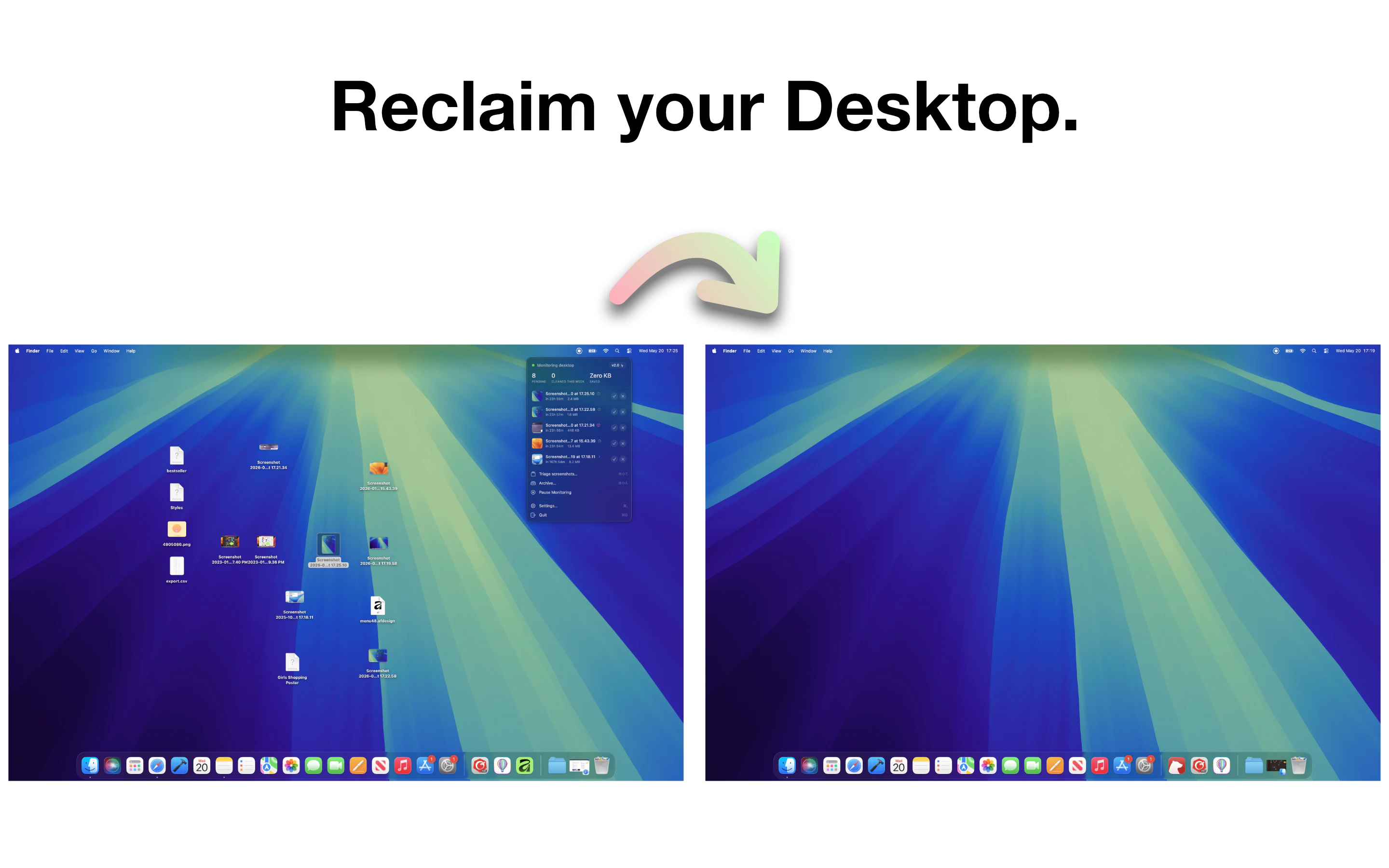
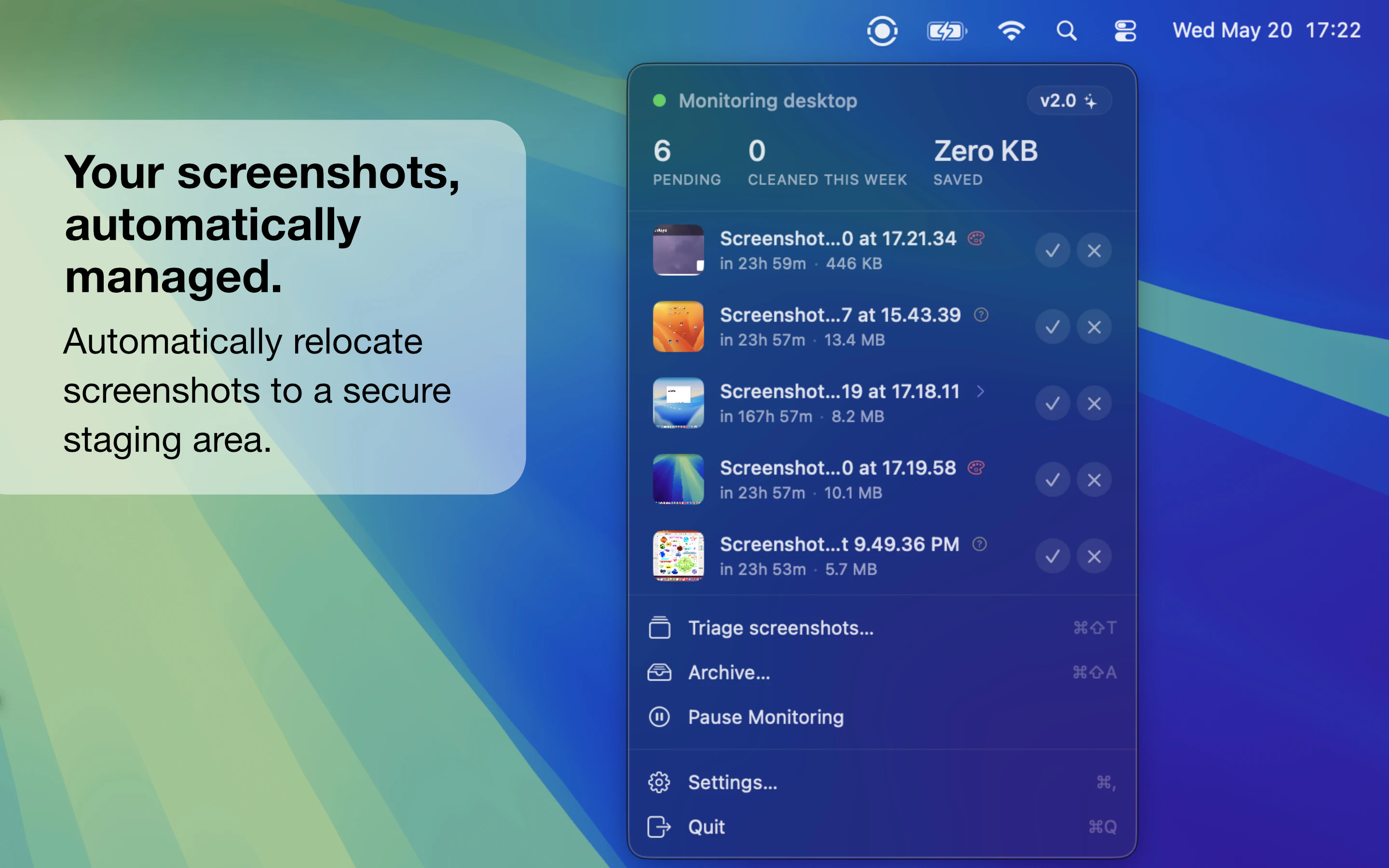
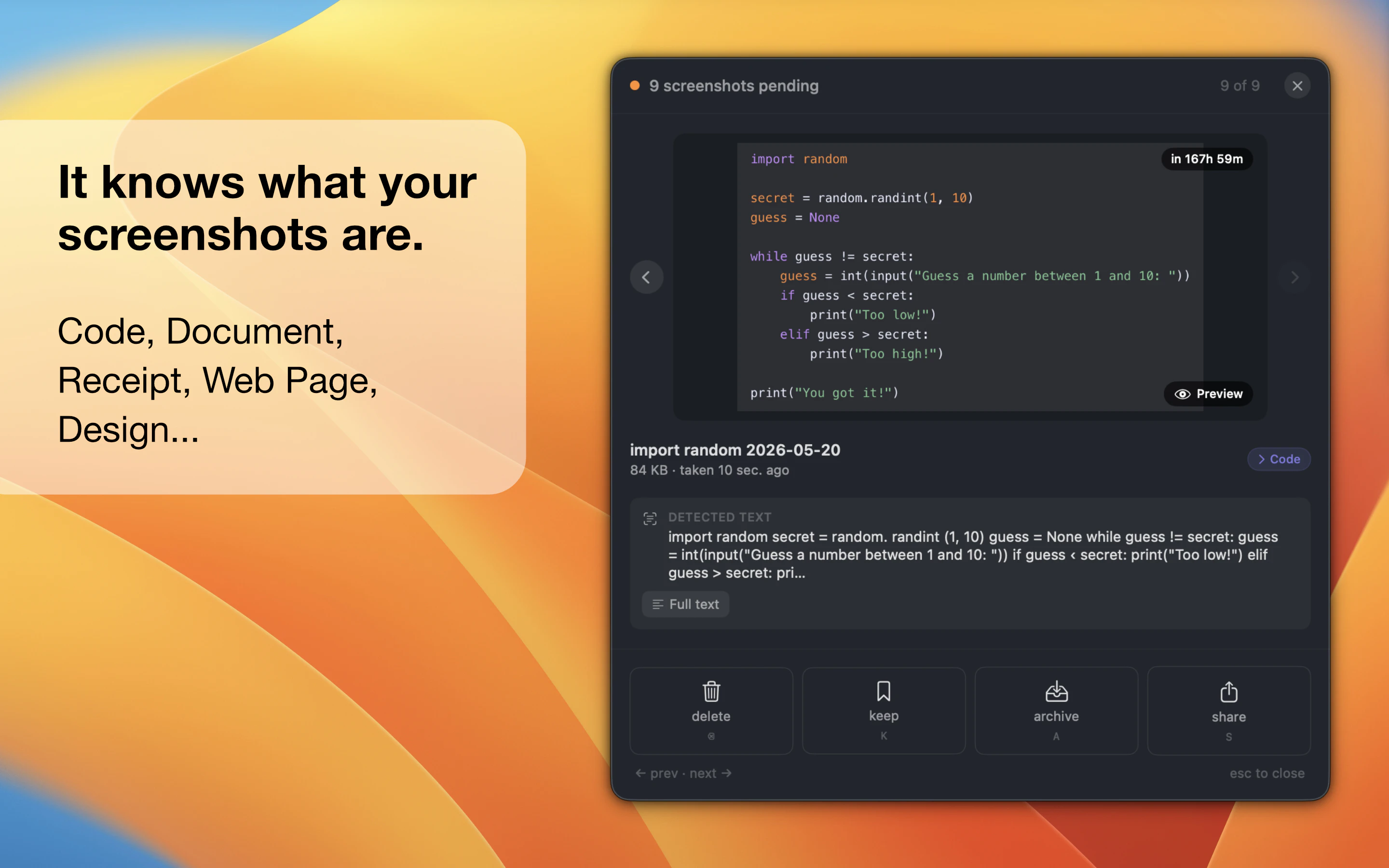
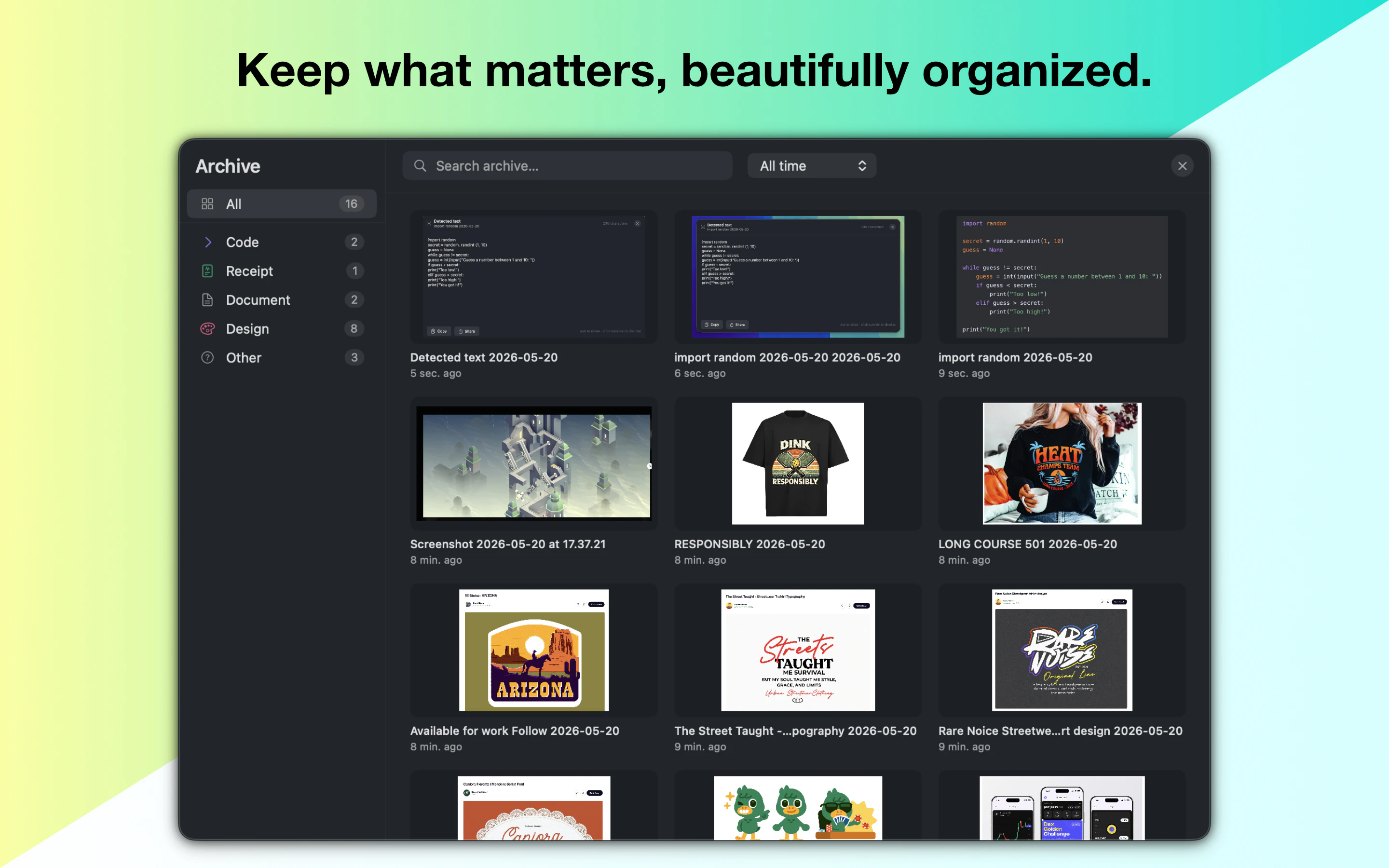
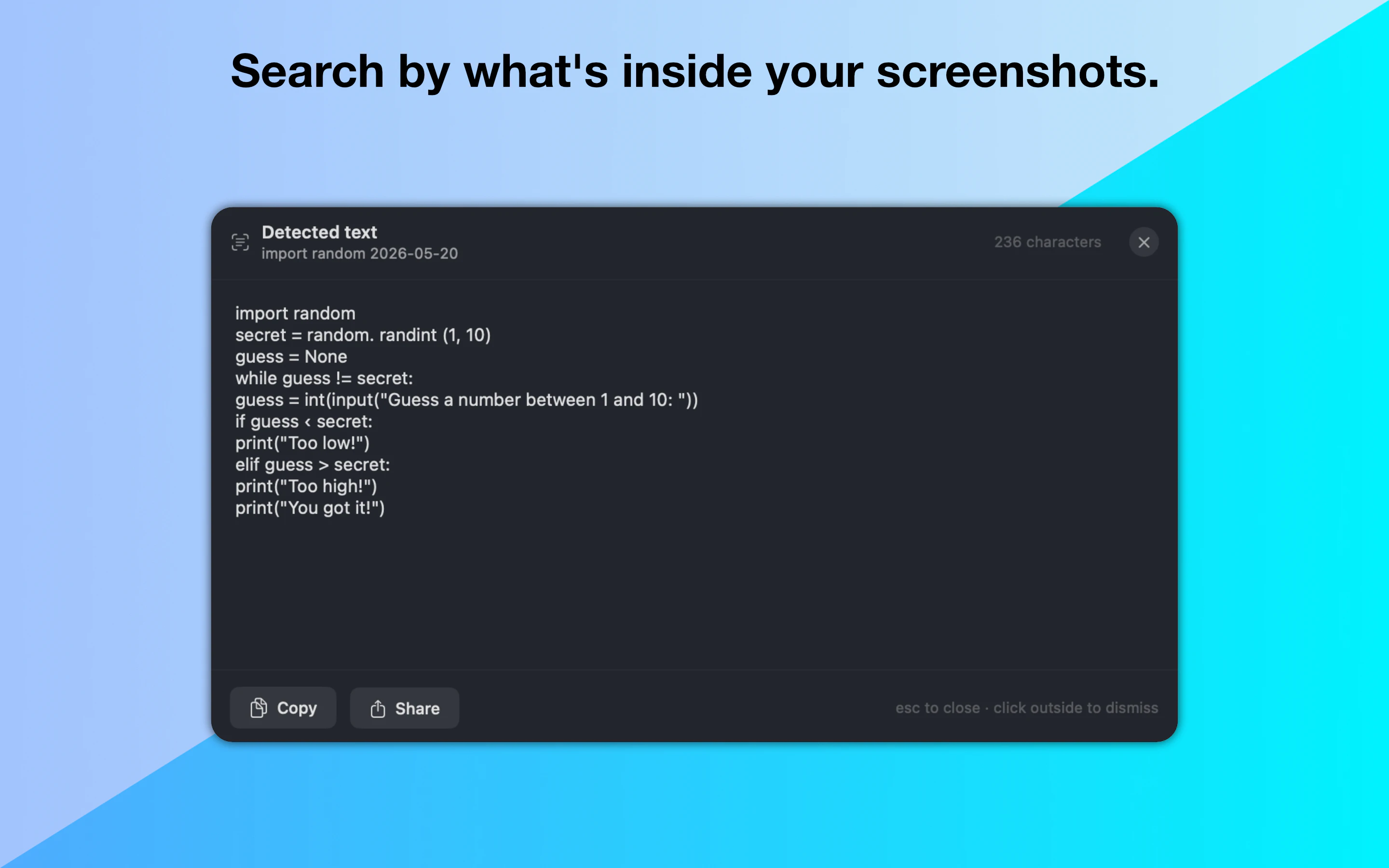
AirShots is an innovative Mac application designed to keep your desktop clutter-free by automating the management of screenshots. It seamlessly intercepts every screenshot you take, tracks them with a countdown, and deletes or organizes them according to your preferences. With its latest version 2.0, AirShots has evolved to not only automate cleanup but also understand the content of your screenshots, enabling smarter organization and filtering. This makes it a perfect tool for professionals, students, or anyone who frequently captures screenshots and values a tidy workspace. Its unobtrusive presence in the menu bar ensures it operates quietly in the background, making desktop maintenance effortless and efficient. AirShots stands out for combining automation with intelligent content recognition, reducing manual cleanup and helping users focus on their core tasks.
Screenshots

Pros
- ✓Automates screenshot management, reducing manual effort
- ✓Tracks and schedules cleanup, keeping the desktop organized
- ✓Content-aware capabilities for smarter organization (version 2.0)
- ✓Lightweight, unobtrusive menu bar integration
- ✓Ideal for users who frequently take screenshots
Cons
- ✗Limited user interface customization options
- ✗Relatively new with potential feature gaps compared to mature tools
- ✗No detailed information on pricing or free trial options
Use Cases
Pricing
Likely follows a freemium model with basic features available for free, and premium plans offering advanced automation and content recognition starting around $5-$10/month. Exact pricing details are not explicitly provided.
Quick Info
Topics
Similar Tools in AI Assistants




Embed Badge
Add this badge to your website to show that AirShots is featured on Visalytica.
<a href="https://www.visalytica.com/tool/airshots" target="_blank" rel="noopener noreferrer" style="display:inline-flex;align-items:center;gap:6px;padding:6px 14px;background:#7c3aed;color:#fff;border-radius:8px;font-family:-apple-system,system-ui,sans-serif;font-size:13px;font-weight:600;text-decoration:none;transition:background .2s" onmouseover="this.style.background='#6d28d9'" onmouseout="this.style.background='#7c3aed'"><svg width="14" height="14" viewBox="0 0 24 24" fill="none" stroke="currentColor" stroke-width="2.5" stroke-linecap="round" stroke-linejoin="round"><path d="M12 20V10"/><path d="M18 20V4"/><path d="M6 20v-4"/></svg>Featured on Visalytica</a>