
Airbrush Studio
AI-powered photo editor for pro results w/o manual editing
About Airbrush Studio
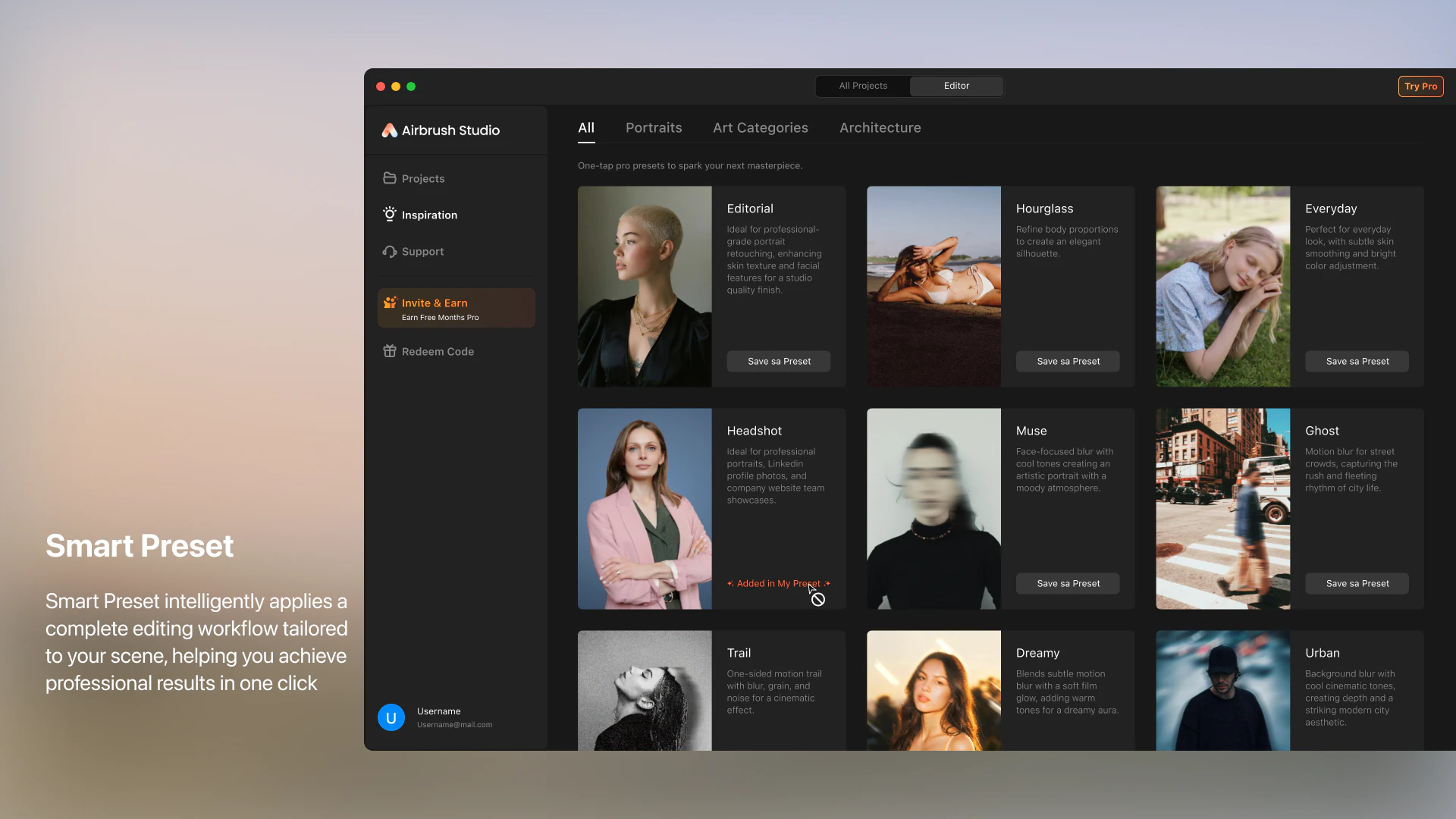
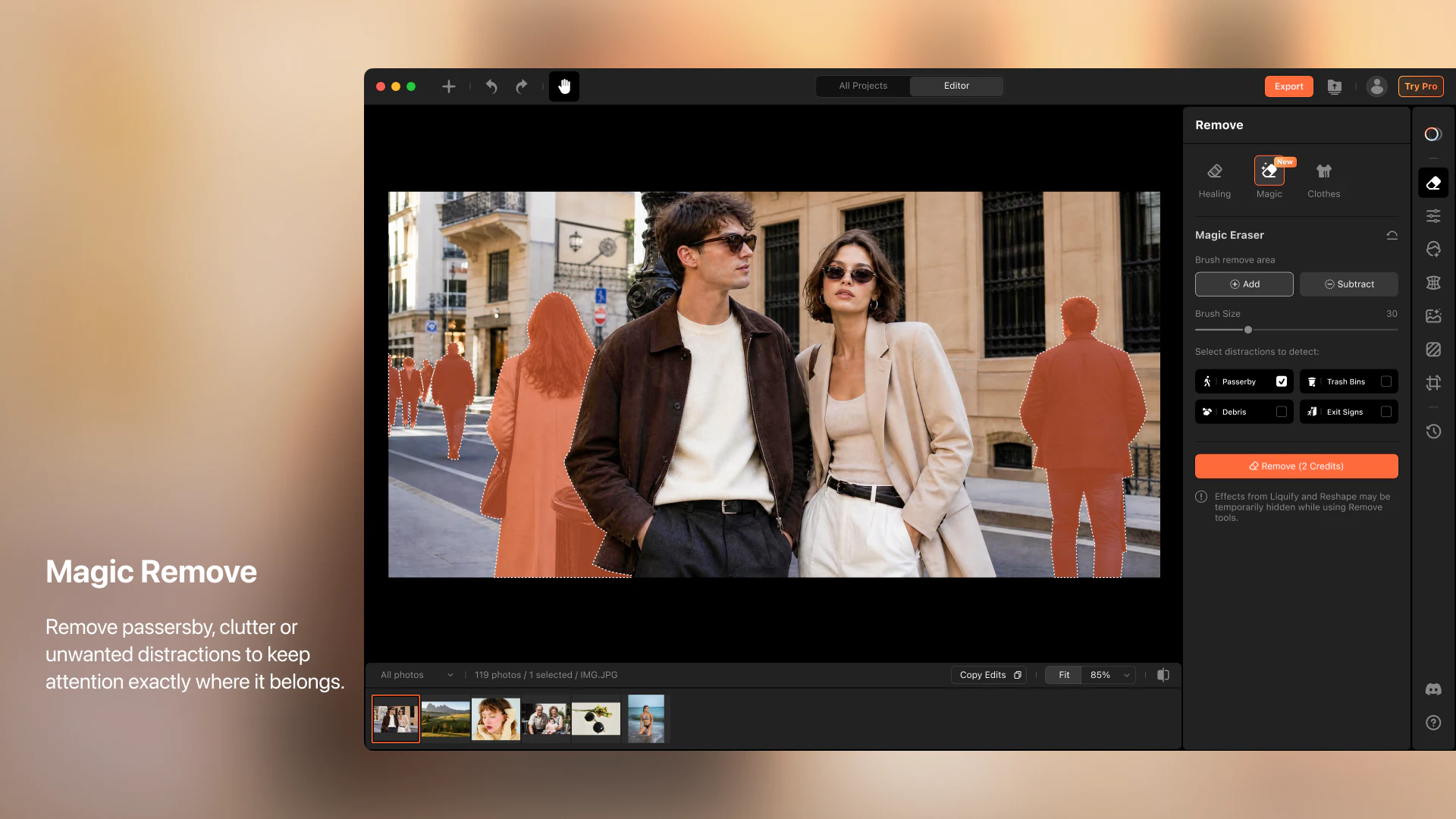
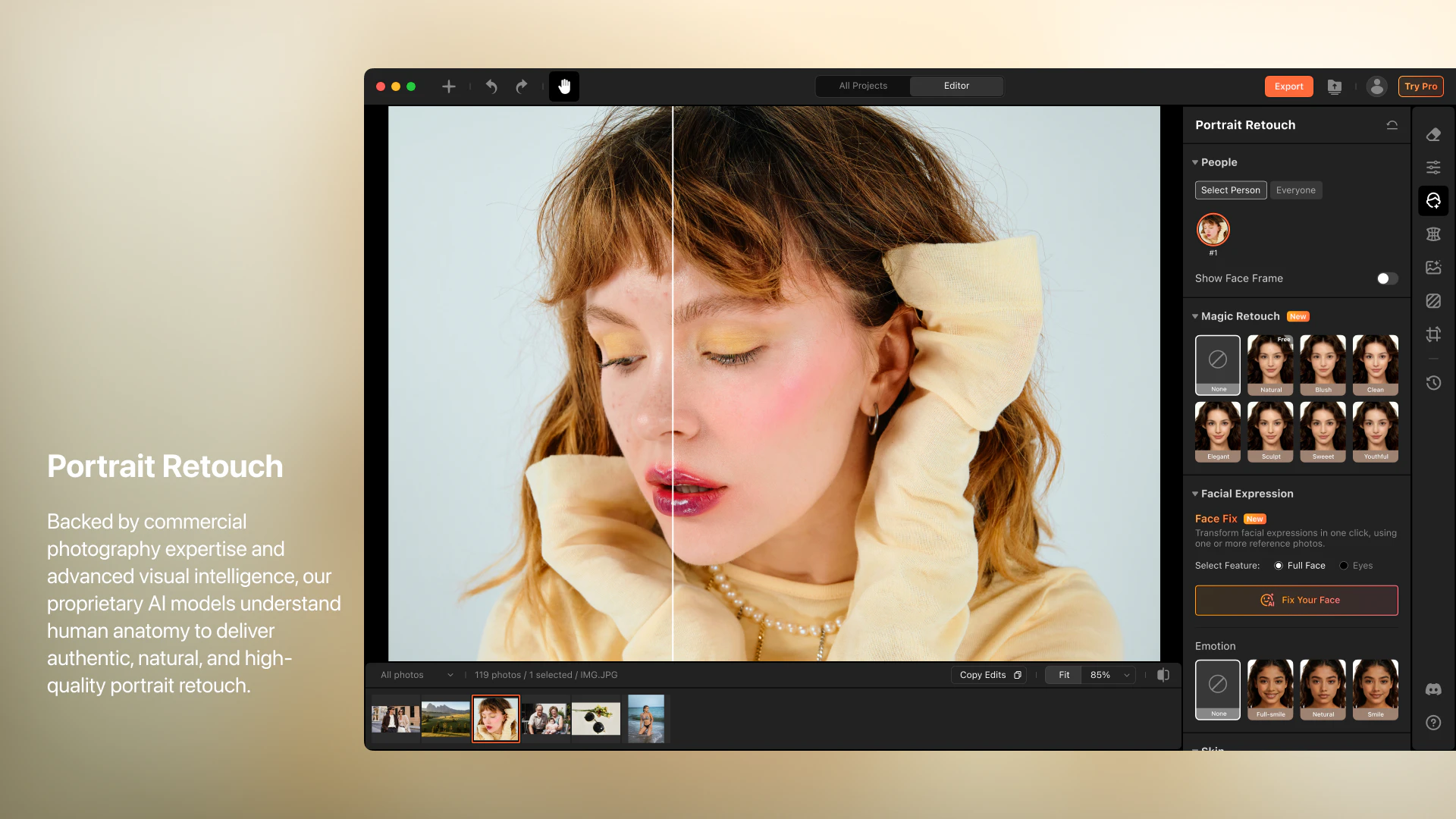
Airbrush Studio is an innovative AI-powered photo editing platform designed for creators and photographers seeking professional-quality results without the hassle of manual editing. By leveraging advanced AI algorithms, it streamlines complex tasks such as portrait retouching, background removal, and image composition through intuitive, task-specific presets. This allows users to achieve polished, studio-grade images quickly and effortlessly, making it ideal for those who want to save time while maintaining high standards of visual quality. Its automation capabilities empower users to focus on creativity rather than technical editing, making it a valuable tool for both amateurs and professionals looking to enhance their workflow.
Screenshots
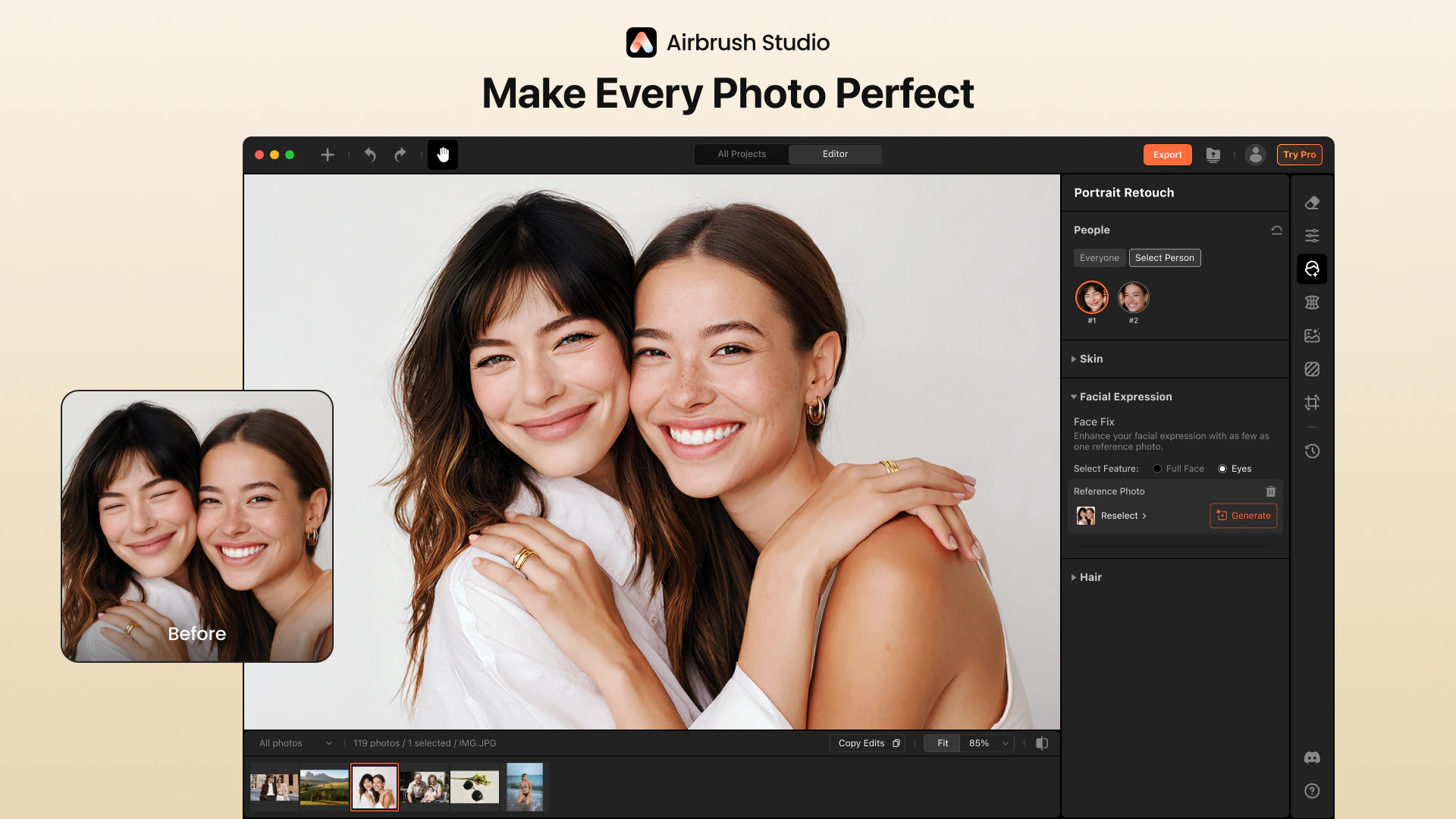
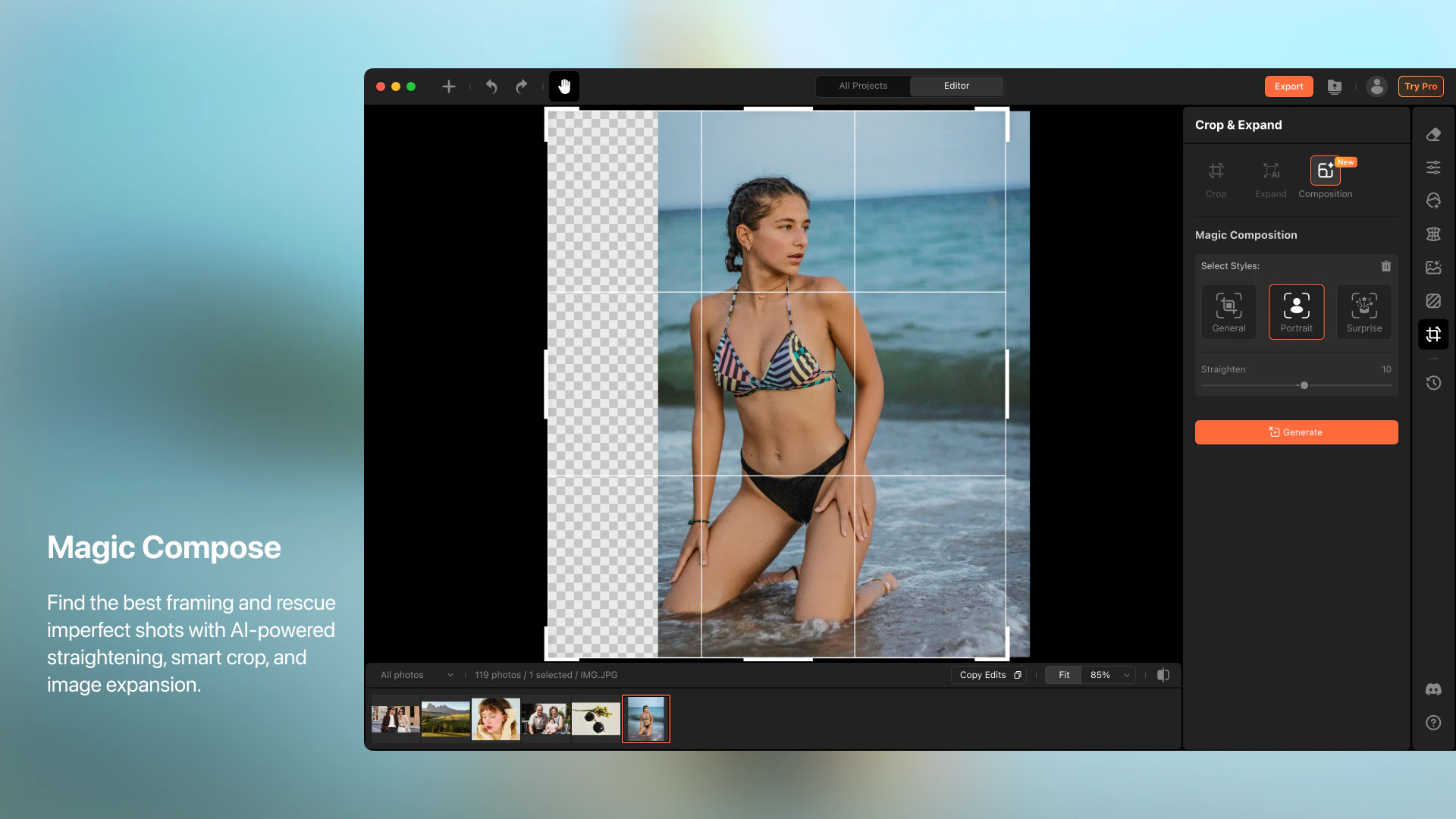
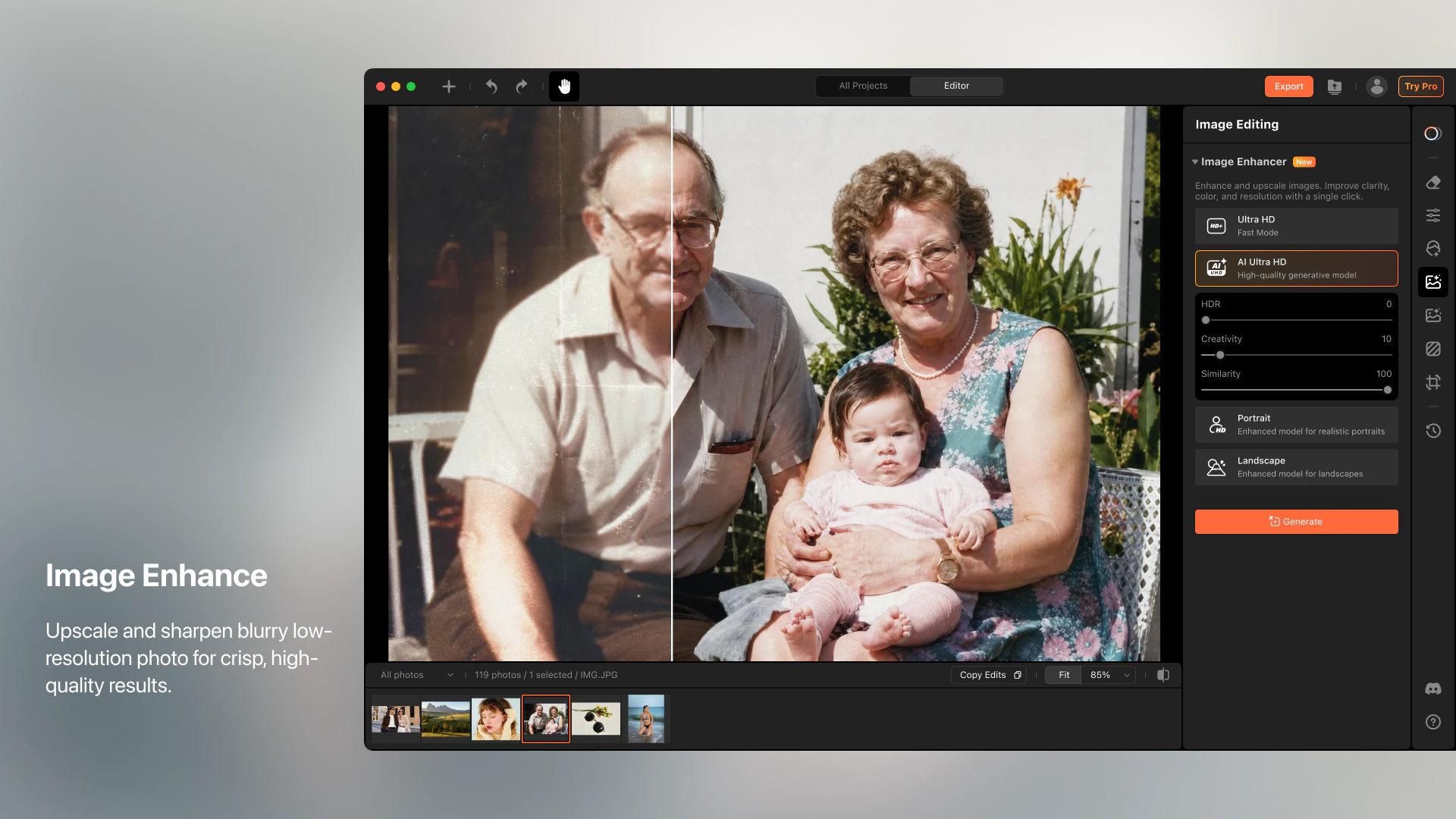
+3 more screenshots
Pros
- ✓Automates complex editing tasks with AI, saving time
- ✓User-friendly interface with easy-to-use presets
- ✓Produces professional-quality results without manual skill requirements
- ✓Versatile for various editing needs like retouching and background cleanup
- ✓Ideal for fast-paced workflows in photography and content creation
Cons
- ✗Features may be limited for highly advanced manual editors
- ✗Dependent on AI accuracy, which may vary for complex images
- ✗Pricing details are not explicitly provided, potentially limiting transparency
Use Cases
Pricing
Likely operates on a freemium model with free access to basic features and paid plans offering advanced tools and higher resolution exports, with subscription costs starting around $10-$20/month. Exact pricing details are not explicitly disclosed.
Quick Info
Topics
Makers

Liu jinru
Alternatives
Similar Tools in AI Image & Design




Embed Badge
Add this badge to your website to show that Airbrush Studio is featured on Visalytica.
<a href="https://www.visalytica.com/tool/airbrush-studio" target="_blank" rel="noopener noreferrer" style="display:inline-flex;align-items:center;gap:6px;padding:6px 14px;background:#7c3aed;color:#fff;border-radius:8px;font-family:-apple-system,system-ui,sans-serif;font-size:13px;font-weight:600;text-decoration:none;transition:background .2s" onmouseover="this.style.background='#6d28d9'" onmouseout="this.style.background='#7c3aed'"><svg width="14" height="14" viewBox="0 0 24 24" fill="none" stroke="currentColor" stroke-width="2.5" stroke-linecap="round" stroke-linejoin="round"><path d="M12 20V10"/><path d="M18 20V4"/><path d="M6 20v-4"/></svg>Featured on Visalytica</a>