AI Pulse
Ambient macOS light strip for AI coding agents
About AI Pulse
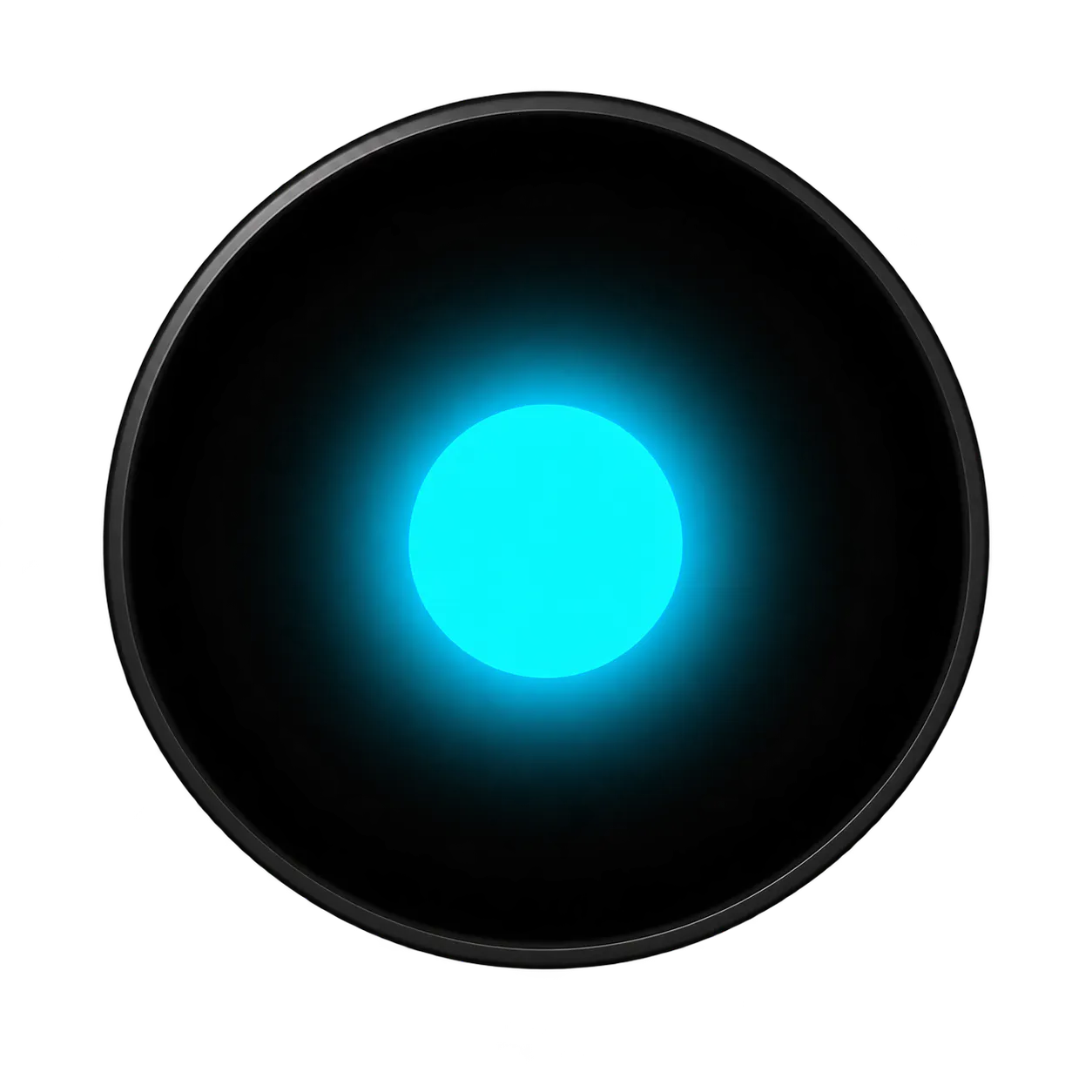

AI Pulse is a unique ambient light strip designed specifically for macOS users engaged in AI and development workflows. Positioned adjacent to the Dock, this device features eight LEDs that visually indicate the status of AI coding agents—whether they are actively working, waiting, completed, or encountering errors. Its minimalist design and real-time feedback make it an innovative tool for developers who want a quick, unobtrusive way to monitor multiple AI processes at a glance. By integrating physical cues with digital workflows, AI Pulse enhances productivity and reduces the cognitive load of constantly checking terminal windows or dashboards. It’s especially appealing to AI researchers, developers, and GitHub enthusiasts seeking a seamless, aesthetic way to stay informed about their code's execution status.
Screenshots
Pros
- ✓Provides immediate, visual feedback on AI process statuses
- ✓Minimalist and unobtrusive design complements macOS setups
- ✓Easy to set up and integrate with existing workflows
- ✓Enhances productivity by reducing context switching
- ✓Unique physical indicator for AI development workflows
Cons
- ✗Limited to macOS users, restricting broad adoption
- ✗Requires hardware setup and connection, adding complexity
- ✗Few reviews or user feedback available currently
Use Cases
Pricing
Likely follows a freemium or hardware-based pricing model, with the device costing around $50-$100. Software setup may be free or included with the purchase of the light strip, but detailed pricing details are not publicly confirmed.
Quick Info
Topics
Makers

Leo Giovanetti
@leogAlternatives
Similar Tools in AI Assistants




Embed Badge
Add this badge to your website to show that AI Pulse is featured on Visalytica.
<a href="https://www.visalytica.com/tool/ai-pulse" target="_blank" rel="noopener noreferrer" style="display:inline-flex;align-items:center;gap:6px;padding:6px 14px;background:#7c3aed;color:#fff;border-radius:8px;font-family:-apple-system,system-ui,sans-serif;font-size:13px;font-weight:600;text-decoration:none;transition:background .2s" onmouseover="this.style.background='#6d28d9'" onmouseout="this.style.background='#7c3aed'"><svg width="14" height="14" viewBox="0 0 24 24" fill="none" stroke="currentColor" stroke-width="2.5" stroke-linecap="round" stroke-linejoin="round"><path d="M12 20V10"/><path d="M18 20V4"/><path d="M6 20v-4"/></svg>Featured on Visalytica</a>