
AI Mode in Chrome
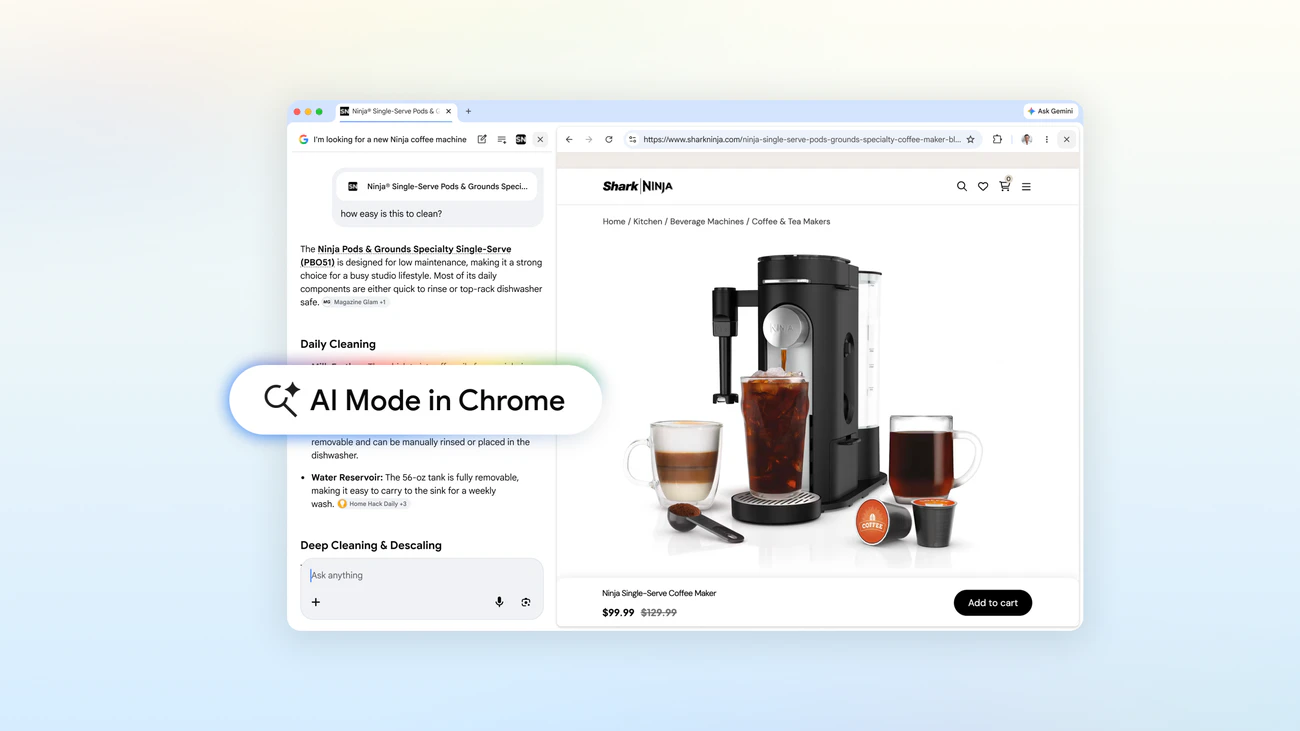
Browse and search side-by-side, without switching tabs
About AI Mode in Chrome
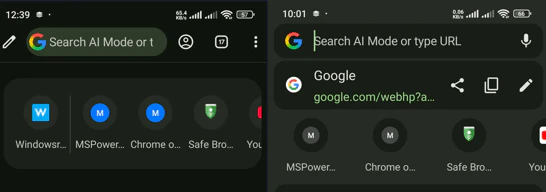
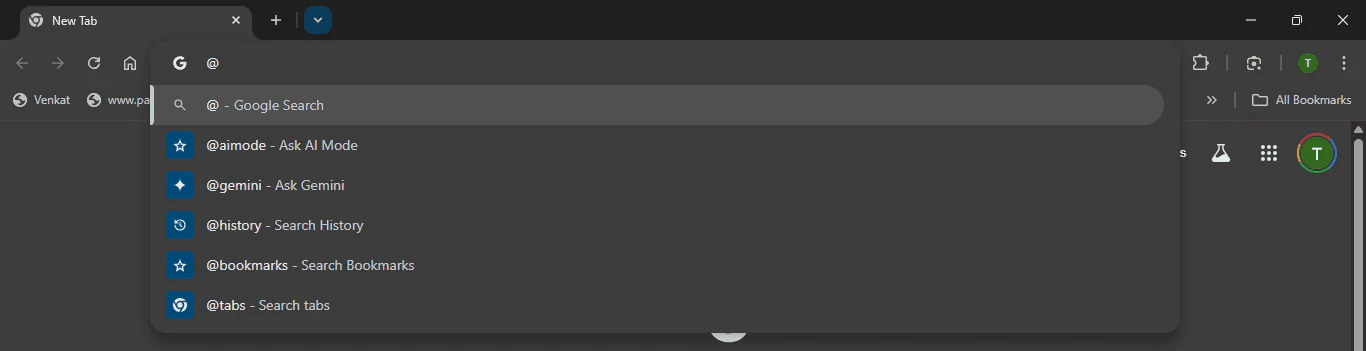
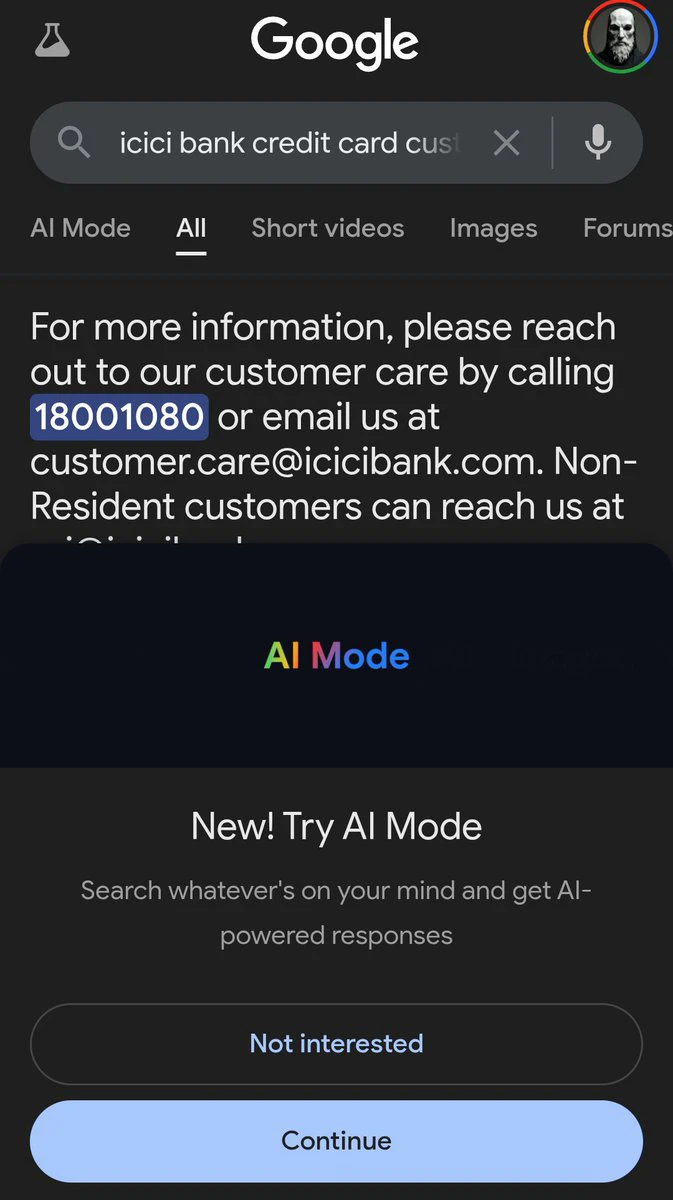
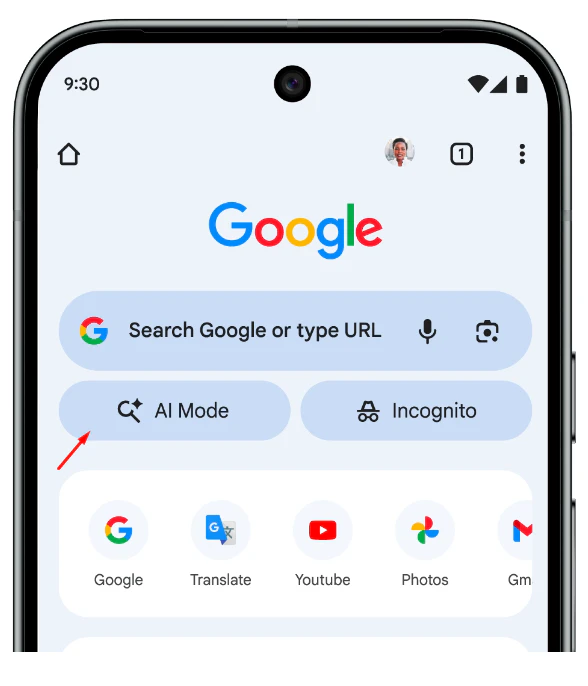

AI Mode in Chrome is a innovative browser extension designed to enhance productivity for everyday desktop users. It allows users to view websites side-by-side with their search results, eliminating the need to switch tabs constantly. This setup enables seamless follow-up questions and interactions directly within the browsing environment, making research, learning, and content creation more efficient. Users can add open tabs, images, or PDFs as inputs, providing a versatile workspace tailored to individual needs. By integrating AI-driven assistance directly into the browsing experience, AI Mode in Chrome offers a more intuitive and context-aware way to interact with online content, perfect for students, professionals, and casual users seeking smarter browsing.
Screenshots
Pros
- ✓Enables side-by-side browsing and search for improved workflow
- ✓Supports adding open tabs, images, and PDFs as inputs for richer context
- ✓Enhances user experience with in-context follow-up questions
- ✓Simple integration into the Chrome browser, requiring minimal setup
- ✓Boosts productivity by reducing tab switching
Cons
- ✗Limited information available on specific features and capabilities
- ✗Currently lacks user reviews or ratings on major platforms
- ✗Potential performance impact depending on browser resources
Use Cases
Pricing
Likely follows a freemium model with basic features available for free and premium plans offering advanced functionalities, though specific pricing details are not publicly confirmed.
Quick Info
Topics
Alternatives
Similar Tools in AI Assistants




Embed Badge
Add this badge to your website to show that AI Mode in Chrome is featured on Visalytica.
<a href="https://www.visalytica.com/tool/ai-mode-in-chrome" target="_blank" rel="noopener noreferrer" style="display:inline-flex;align-items:center;gap:6px;padding:6px 14px;background:#7c3aed;color:#fff;border-radius:8px;font-family:-apple-system,system-ui,sans-serif;font-size:13px;font-weight:600;text-decoration:none;transition:background .2s" onmouseover="this.style.background='#6d28d9'" onmouseout="this.style.background='#7c3aed'"><svg width="14" height="14" viewBox="0 0 24 24" fill="none" stroke="currentColor" stroke-width="2.5" stroke-linecap="round" stroke-linejoin="round"><path d="M12 20V10"/><path d="M18 20V4"/><path d="M6 20v-4"/></svg>Featured on Visalytica</a>