
AI-enabled Pointer
Point and speak to execute tasks on your screen
About AI-enabled Pointer
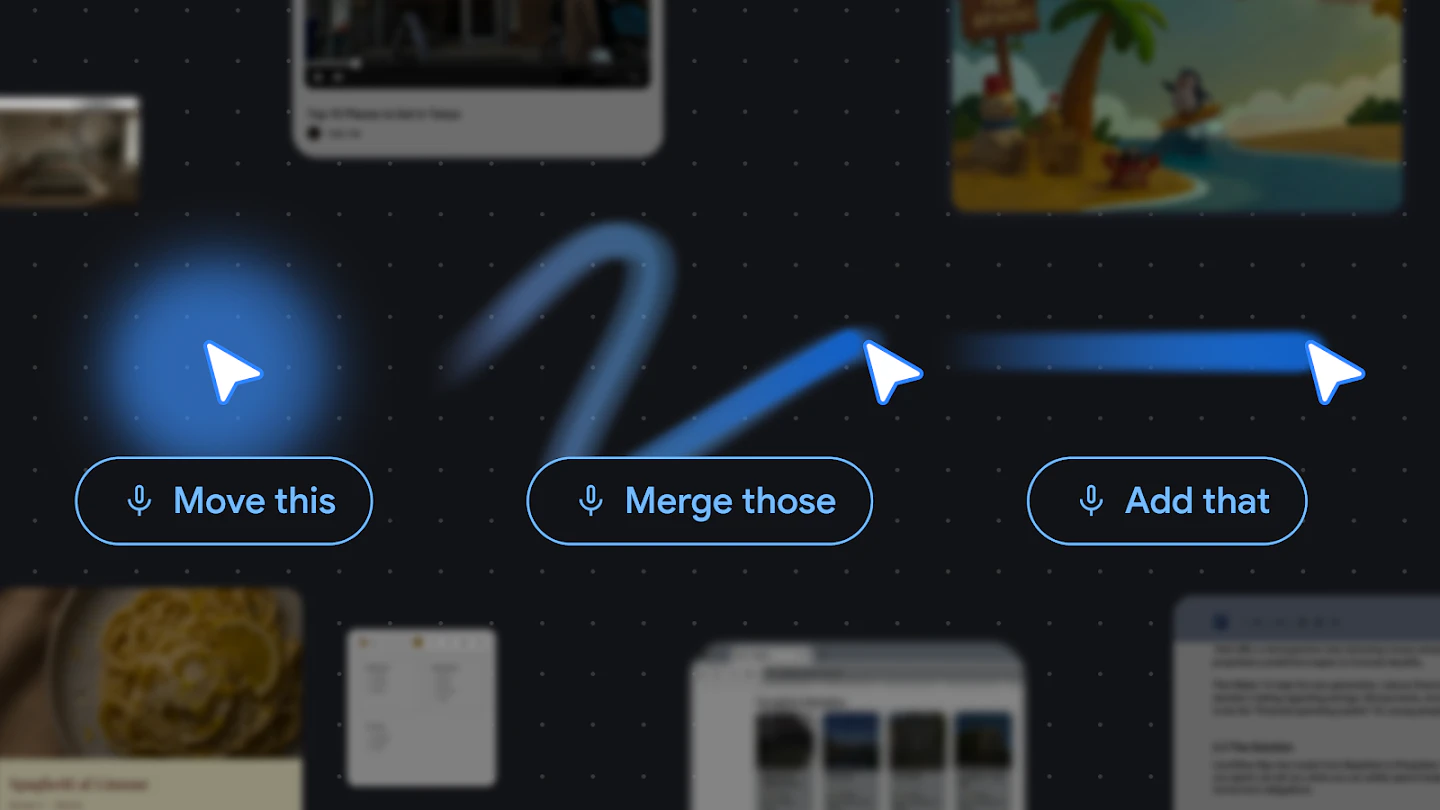
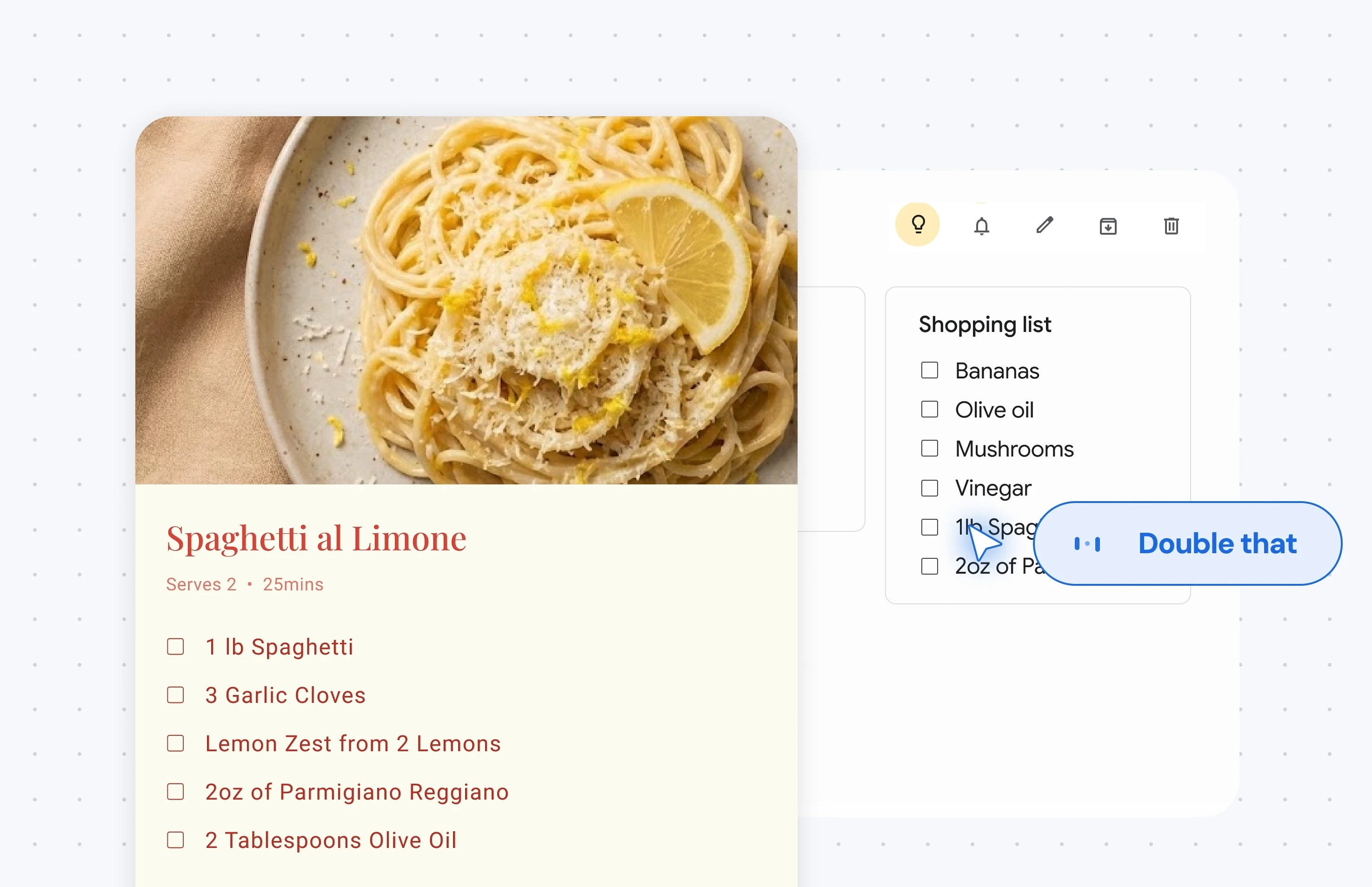
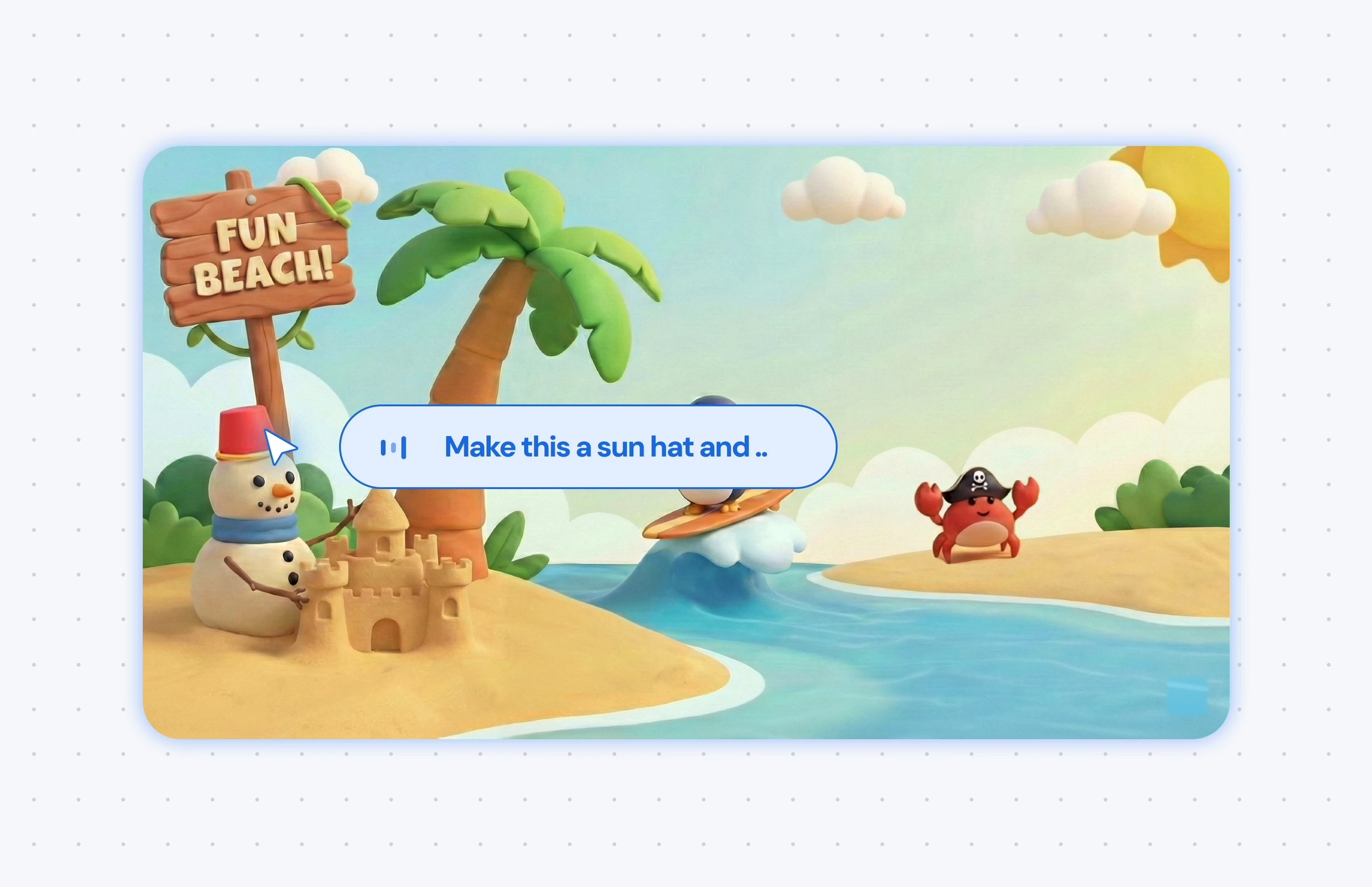
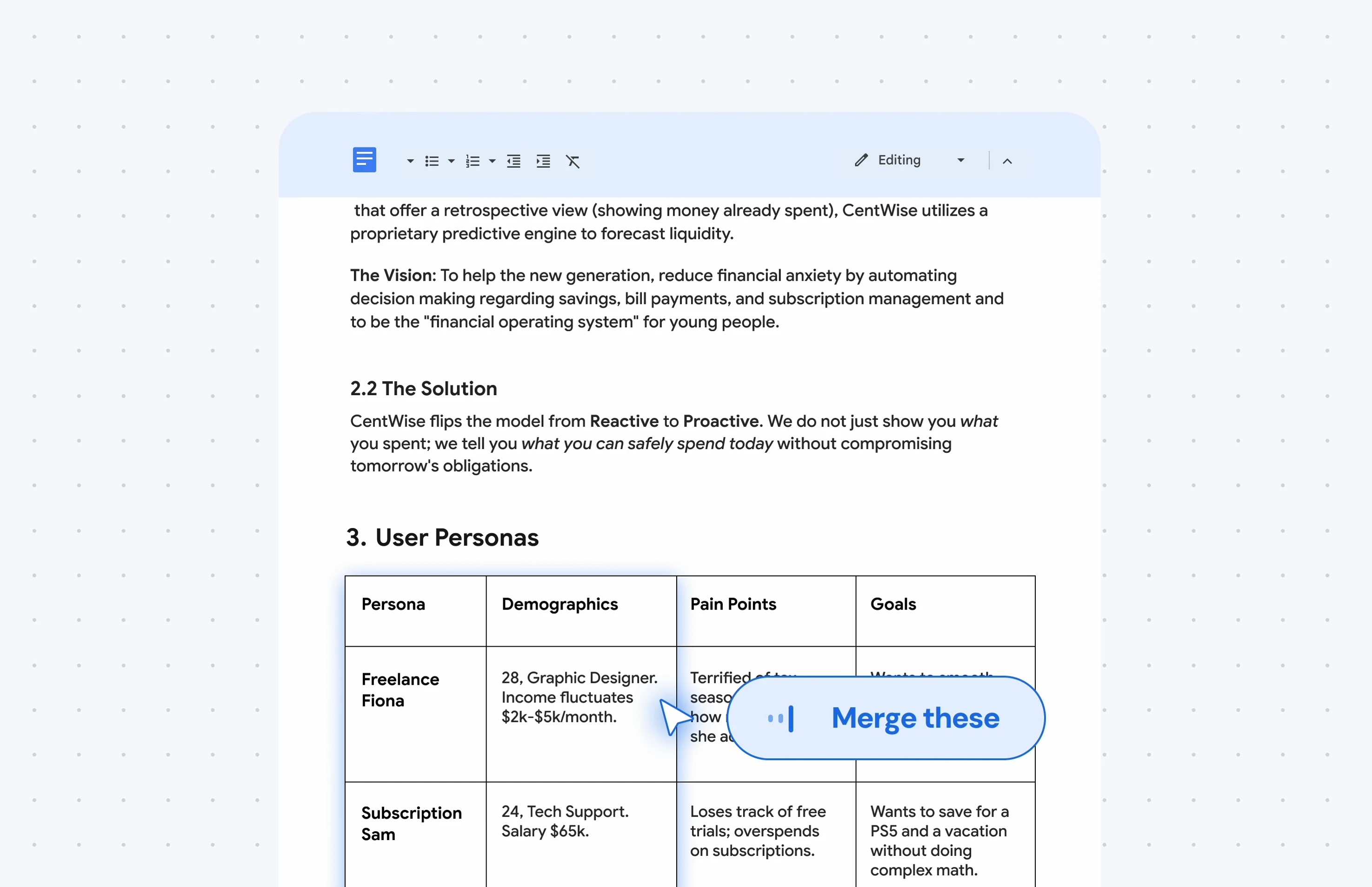
AI-enabled Pointer is an innovative experimental tool from Google DeepMind that leverages Gemini-powered AI to transform how users interact with their screens. Instead of traditional dragging or complex commands, users can point at text, images, tables, products, or locations and issue simple natural language commands like 'move this' or 'compare these.' This seamless, hands-free approach simplifies multitasking and enhances user experience, particularly for those who prefer voice and gesture-based controls. Designed for professionals, students, and tech enthusiasts, it aims to make screen navigation more intuitive and efficient, minimizing the need for manual dragging or window switching. Its unique integration of advanced AI with a pointer interface offers a glimpse into the future of more natural, conversational computing interactions.
Screenshots
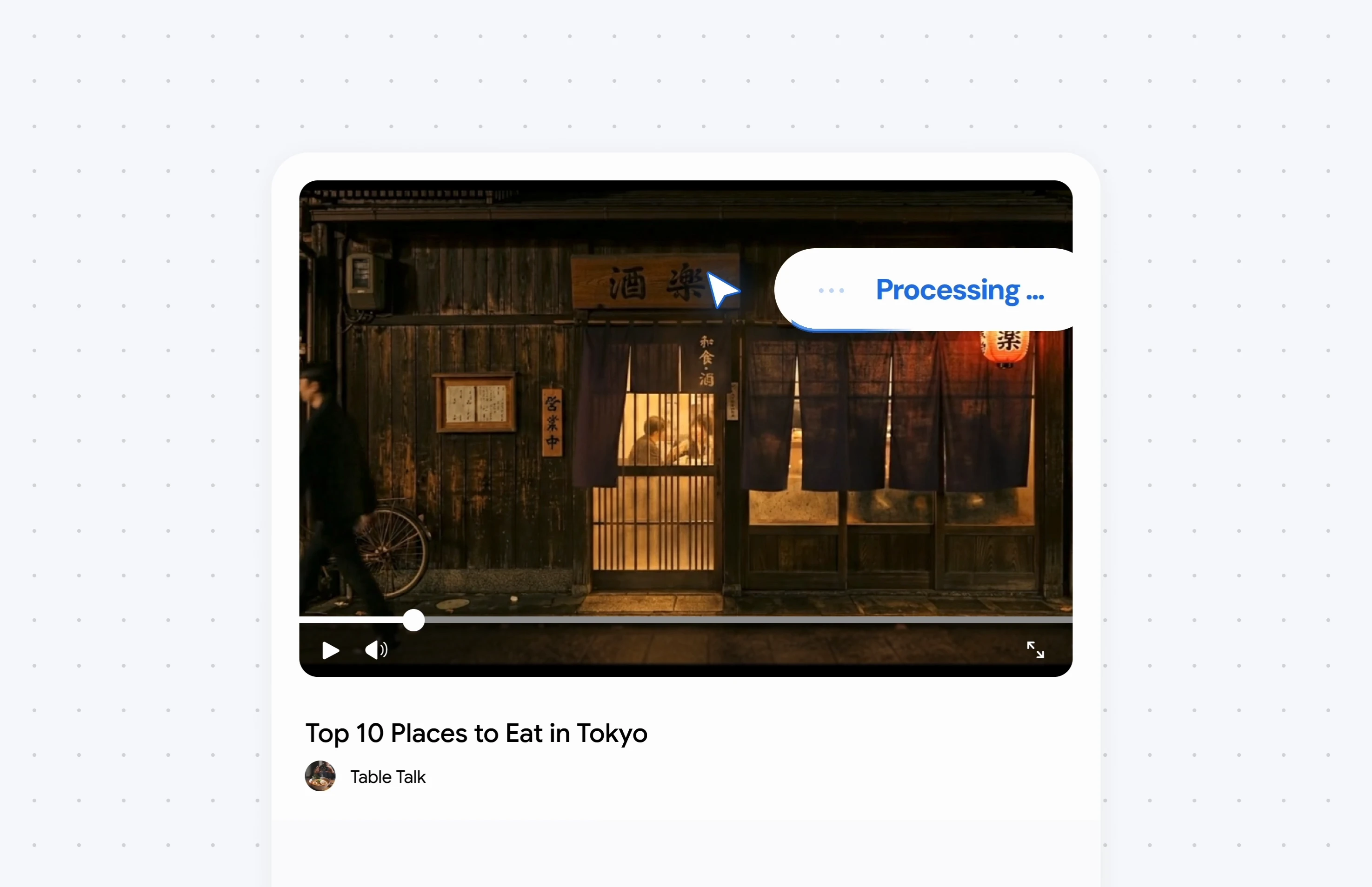
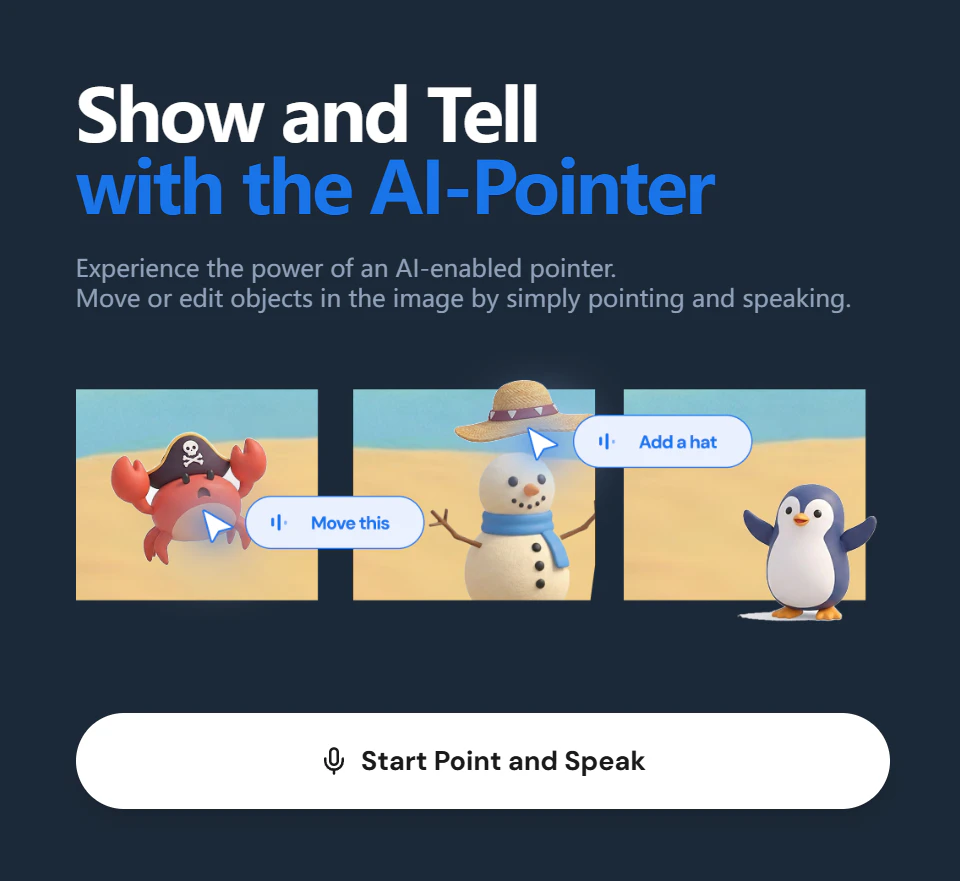
+1 more screenshots
Pros
- ✓Intuitive natural language commands for quick task execution
- ✓Reduces manual effort and streamlines multitasking
- ✓Leverages advanced Gemini AI for accurate understanding
- ✓Enhances user experience with gesture and pointing controls
- ✓No need for dragging or extra AI windows
Cons
- ✗Experimental status may mean limited stability and features
- ✗Requires compatible hardware and setup that supports gesture control
- ✗Limited user base and community feedback at this stage
Use Cases
Pricing
As an experimental tool from Google DeepMind, AI-enabled Pointer is likely free or in a limited testing phase, with future pricing models possibly including freemium tiers or paid plans once fully developed.
Quick Info
Topics
Alternatives
Similar Tools in AI Assistants




Embed Badge
Add this badge to your website to show that AI-enabled Pointer is featured on Visalytica.
<a href="https://www.visalytica.com/tool/ai-enabled-pointer" target="_blank" rel="noopener noreferrer" style="display:inline-flex;align-items:center;gap:6px;padding:6px 14px;background:#7c3aed;color:#fff;border-radius:8px;font-family:-apple-system,system-ui,sans-serif;font-size:13px;font-weight:600;text-decoration:none;transition:background .2s" onmouseover="this.style.background='#6d28d9'" onmouseout="this.style.background='#7c3aed'"><svg width="14" height="14" viewBox="0 0 24 24" fill="none" stroke="currentColor" stroke-width="2.5" stroke-linecap="round" stroke-linejoin="round"><path d="M12 20V10"/><path d="M18 20V4"/><path d="M6 20v-4"/></svg>Featured on Visalytica</a>