
ai.diy
Browser-owned AI workspace for cloud and local models
About ai.diy
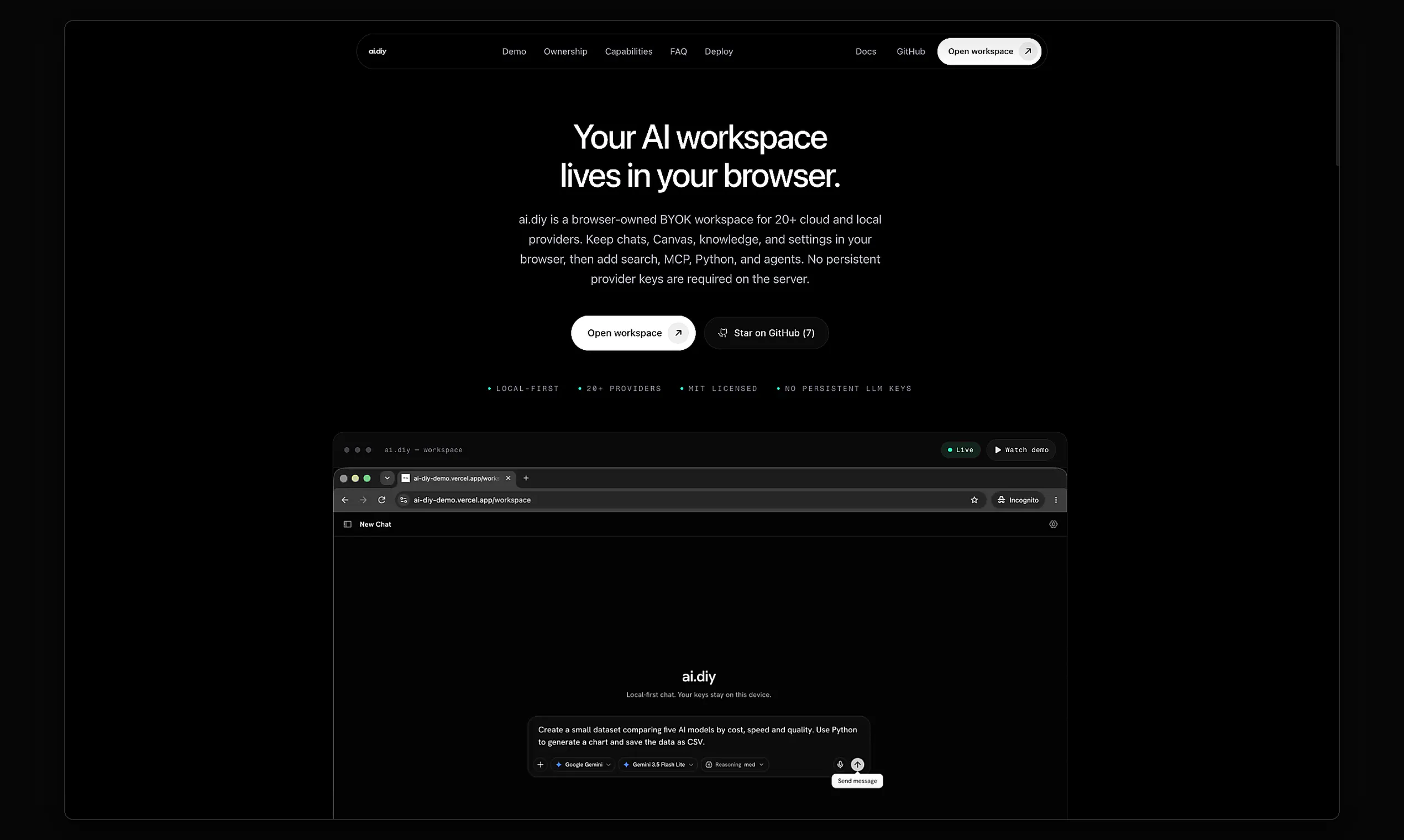
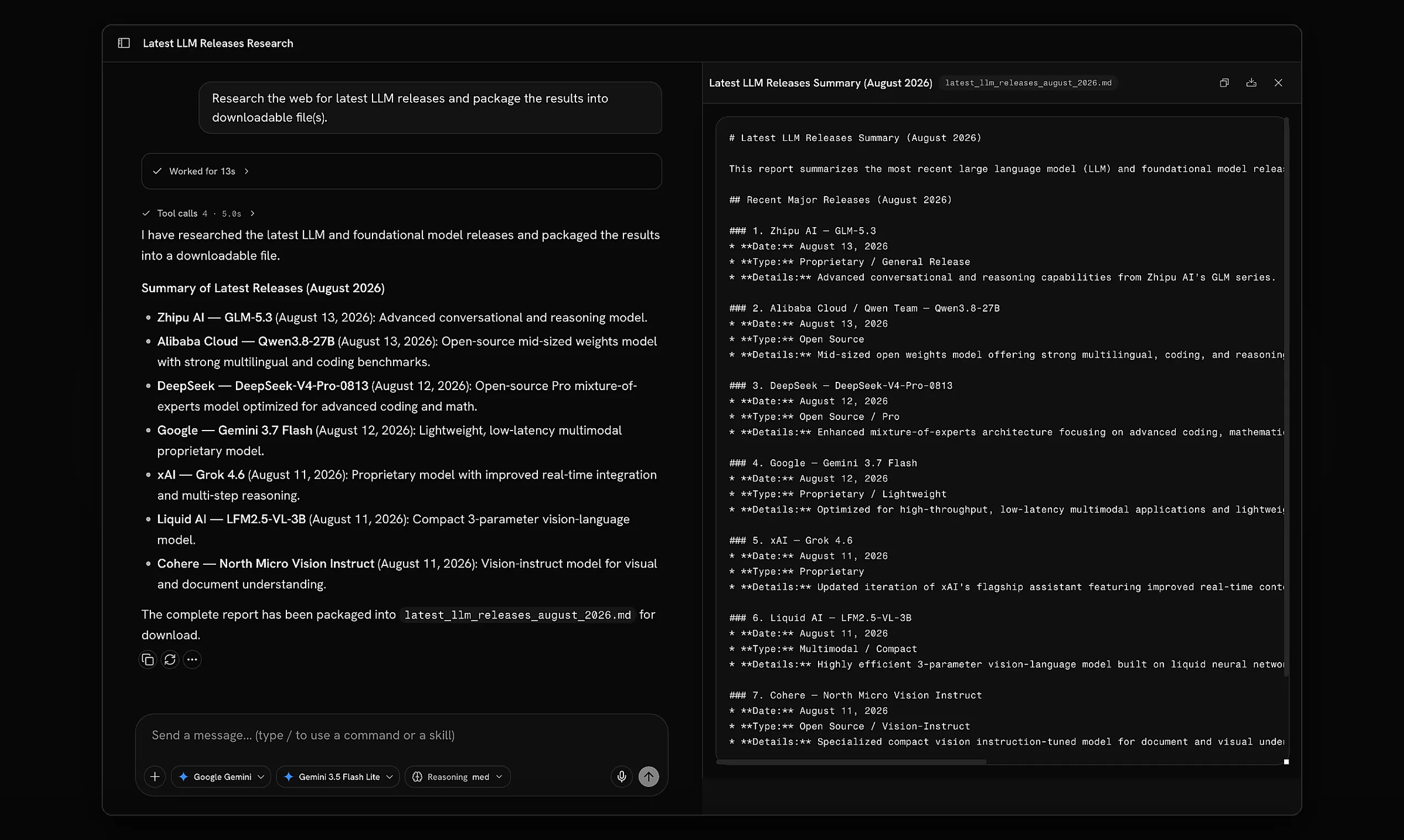
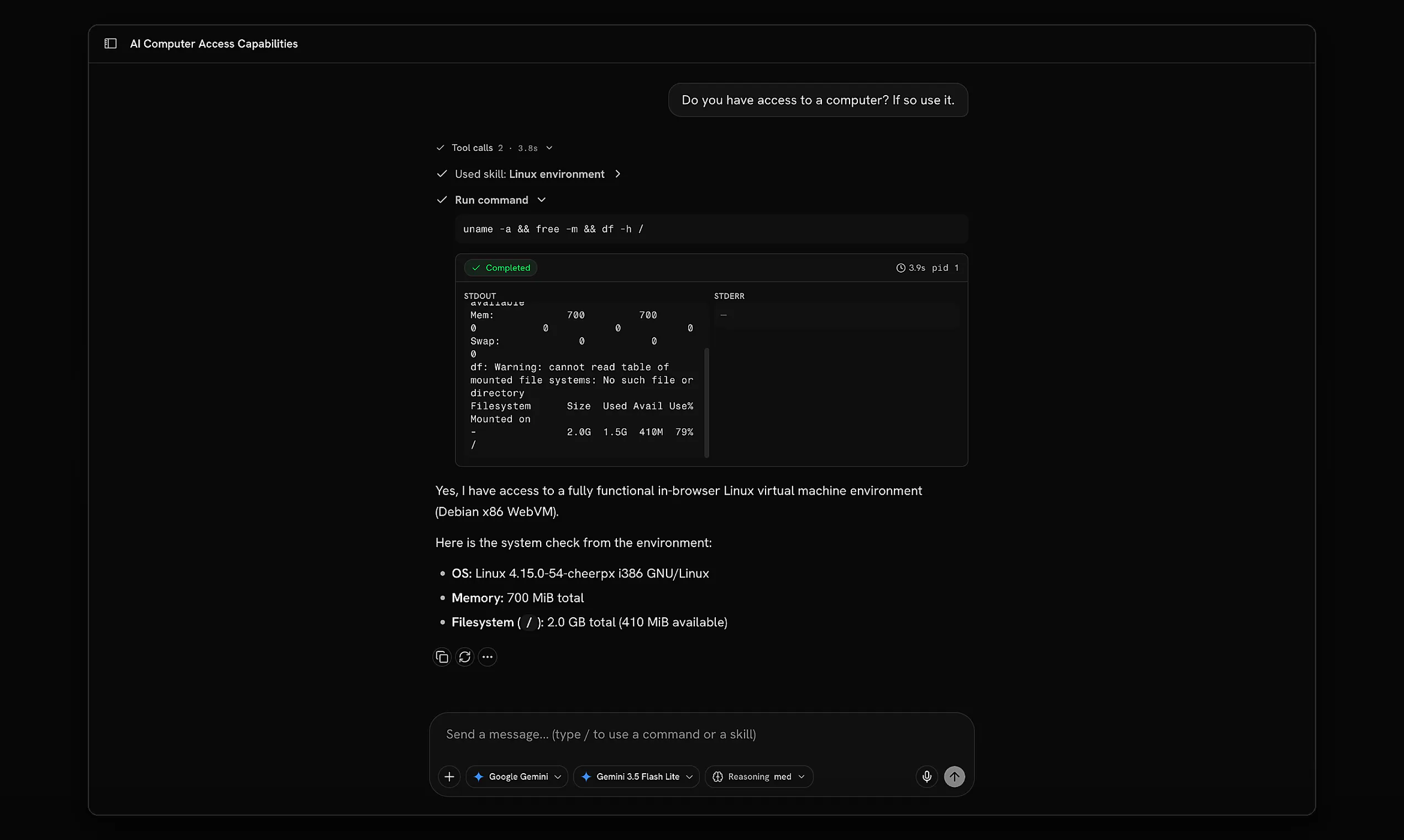
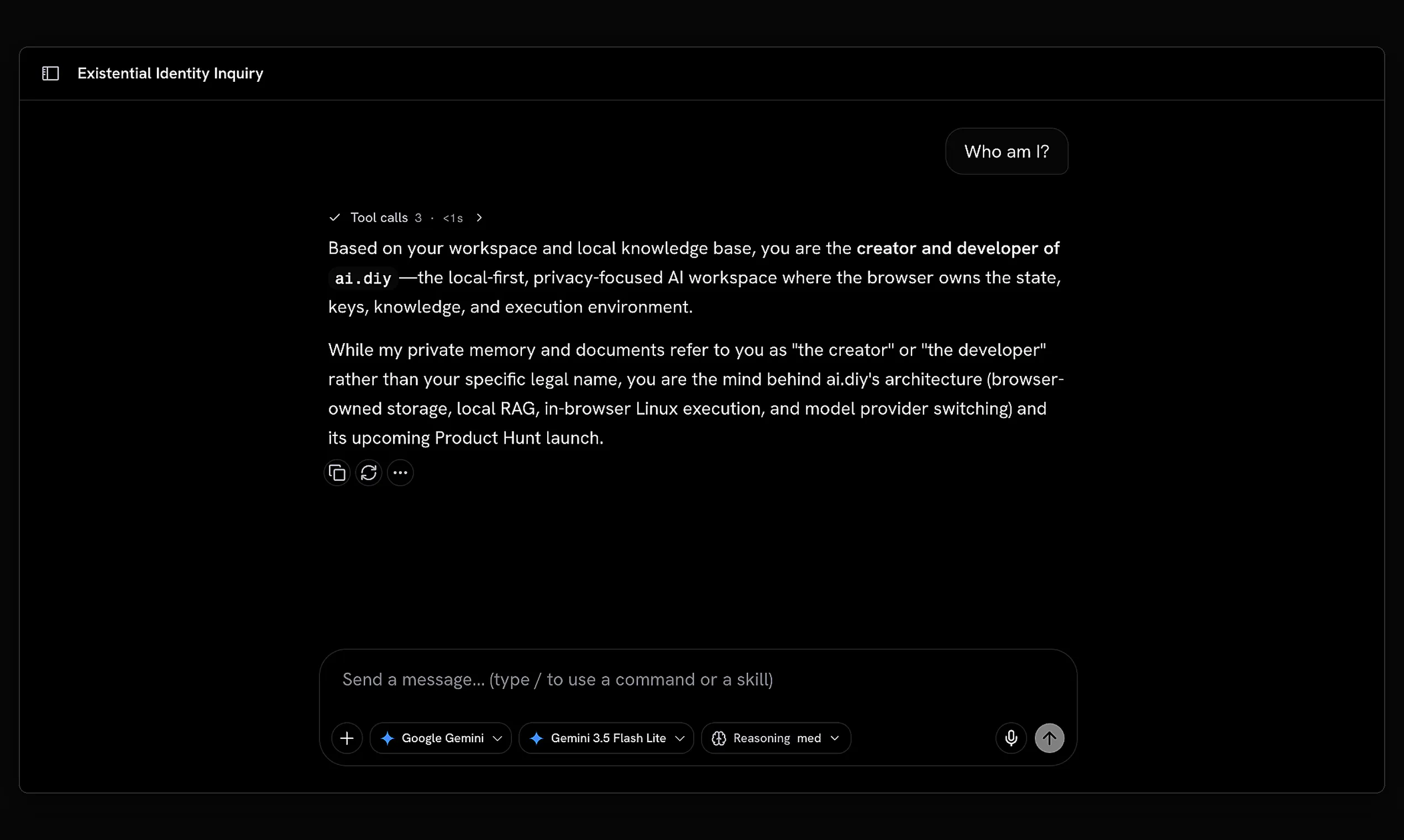
ai.diy is an open-source, browser-based AI workspace designed for developers and AI enthusiasts who prioritize control and flexibility. It enables users to host and run their own cloud or local models, providing a self-hosted environment that keeps data and models under user control. Beyond simple chat interactions, ai.diy offers advanced capabilities such as web research, Python execution, multi-model comparison, persistent context memory, and integrated agent workflows within a browser-based Linux environment. Its emphasis on being BYOK (Bring Your Own Kit) and self-hostable makes it particularly appealing for those who value privacy, customization, and security. This tool is ideal for AI developers, researchers, and organizations seeking a versatile platform that integrates seamlessly with their existing infrastructure while maintaining full control over their models and data.
Screenshots
Pros
- ✓Self-hostable and open-source, ensuring maximum control and customization
- ✓Supports local and cloud models for flexible deployment
- ✓Rich feature set including web research, Python execution, and model comparison
- ✓Browser-based Linux environment enables complex workflows
- ✓Designed with privacy and security in mind
Cons
- ✗Requires technical know-how for setup and maintenance
- ✗Lacks a polished user interface for non-technical users
- ✗Limited built-in integrations with third-party services
Use Cases
Pricing
Being open-source and self-hostable, ai.diy is free to use. Users need to handle their own hosting infrastructure, which may incur costs depending on deployment scale. Commercial or enterprise users might consider paid support or hosting options but the core platform itself is free.
Quick Info
Topics
Makers

Nirneet Deep Singh
@HeckingHackerAlternatives
Similar Tools in AI Assistants




Embed Badge
Add this badge to your website to show that ai.diy is featured on Visalytica.
<a href="https://www.visalytica.com/tool/ai-diy" target="_blank" rel="noopener noreferrer" style="display:inline-flex;align-items:center;gap:6px;padding:6px 14px;background:#7c3aed;color:#fff;border-radius:8px;font-family:-apple-system,system-ui,sans-serif;font-size:13px;font-weight:600;text-decoration:none;transition:background .2s" onmouseover="this.style.background='#6d28d9'" onmouseout="this.style.background='#7c3aed'"><svg width="14" height="14" viewBox="0 0 24 24" fill="none" stroke="currentColor" stroke-width="2.5" stroke-linecap="round" stroke-linejoin="round"><path d="M12 20V10"/><path d="M18 20V4"/><path d="M6 20v-4"/></svg>Featured on Visalytica</a>