
AgentDock
Answer Claude Code & Codex from one Inbox, in any terminal
About AgentDock
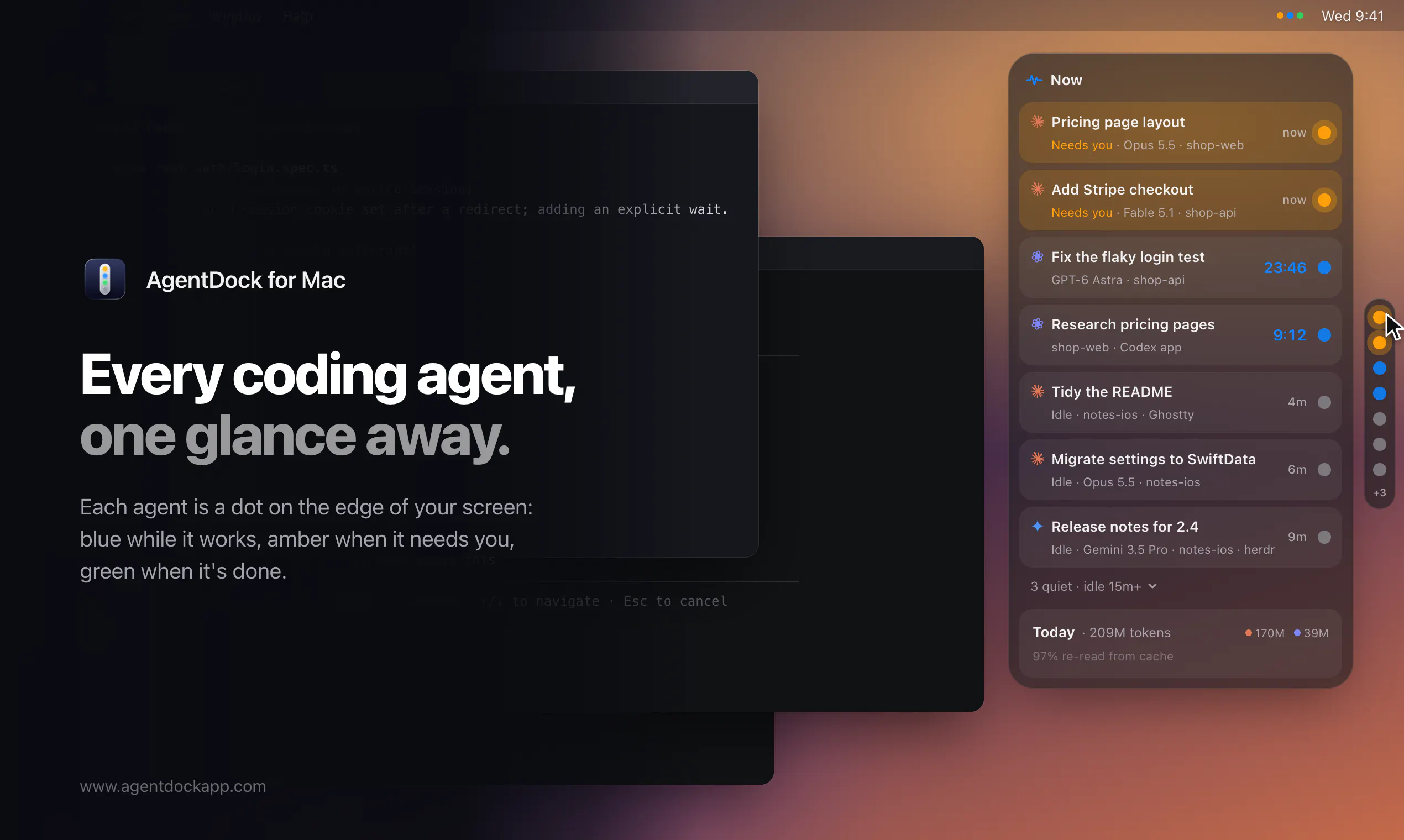
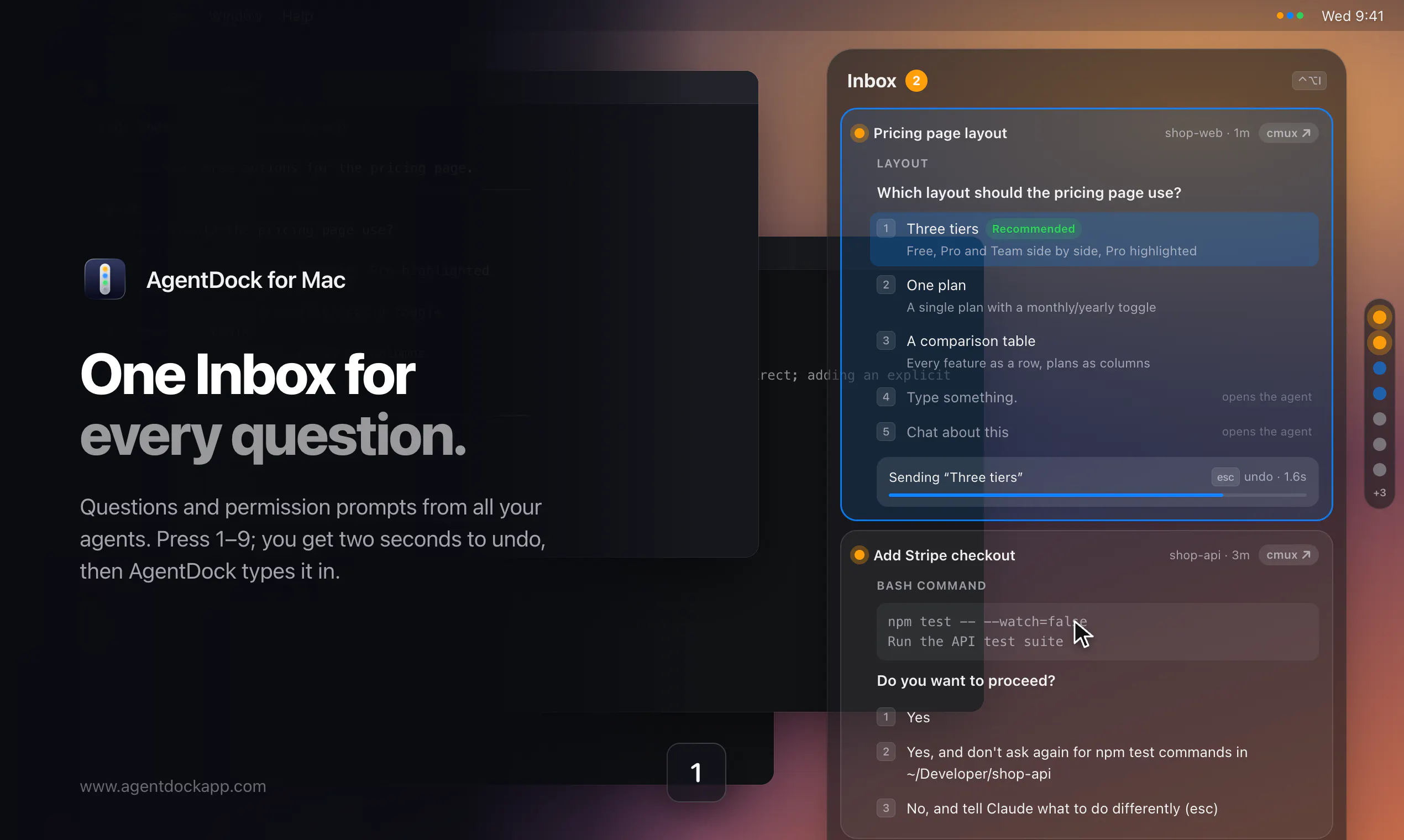
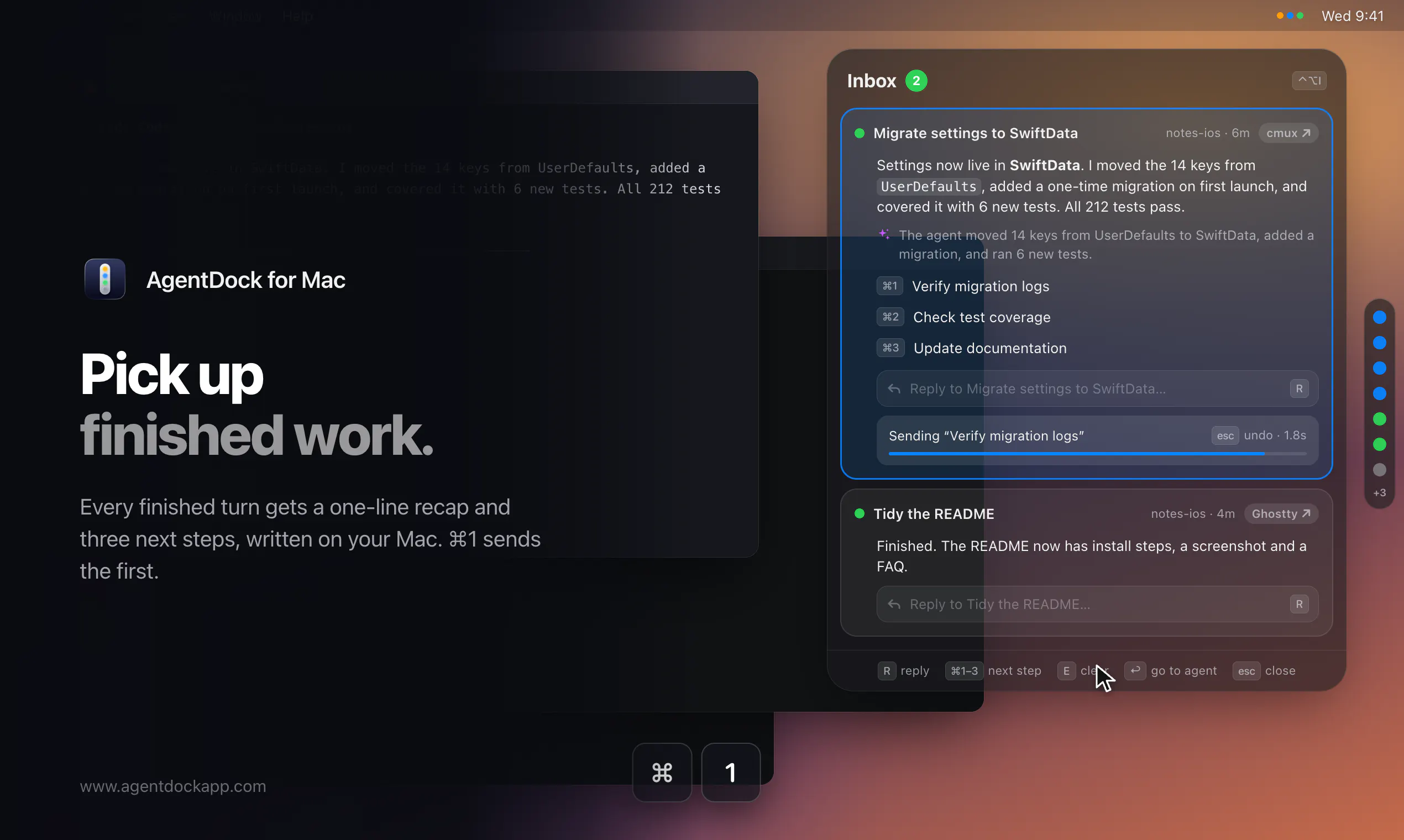
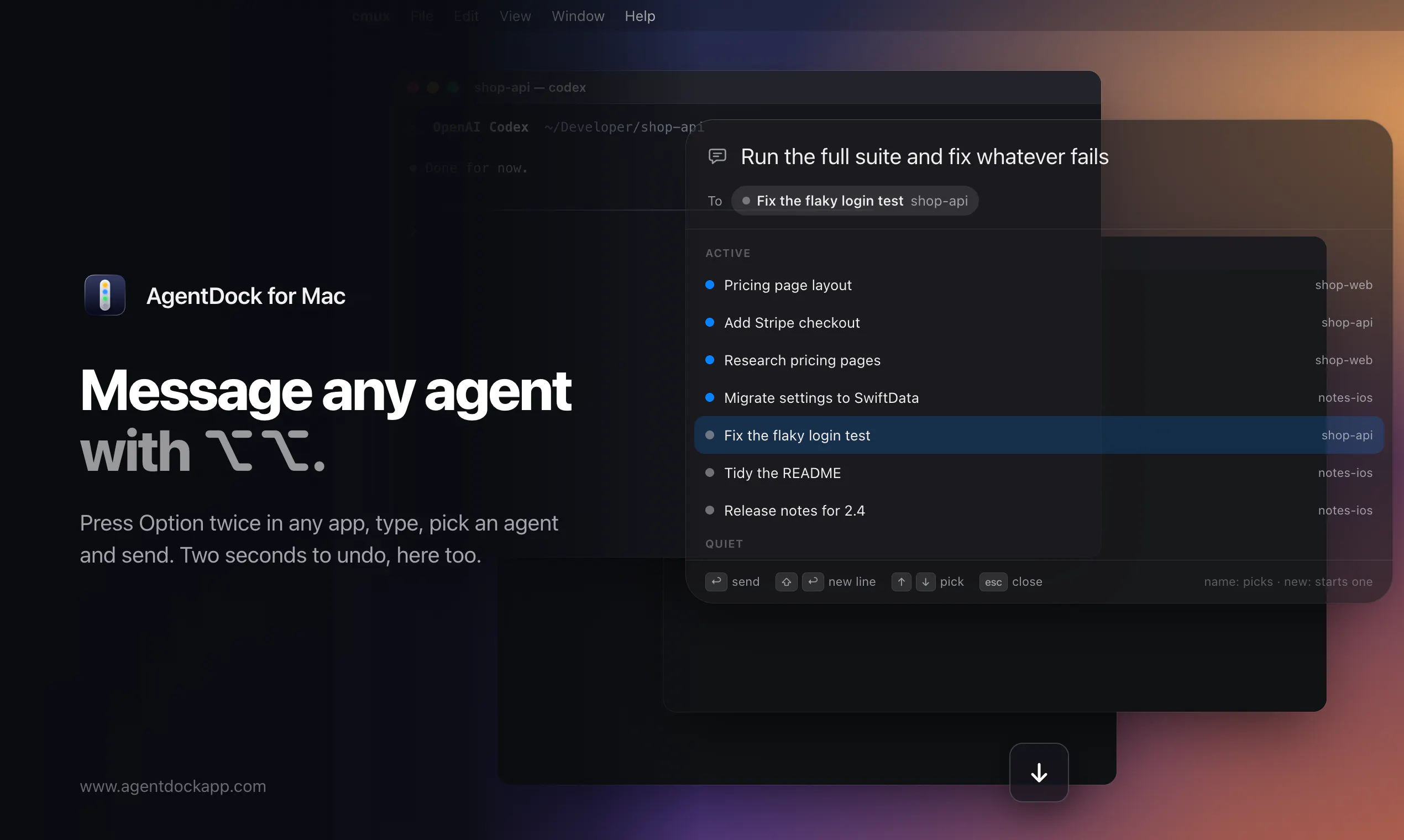
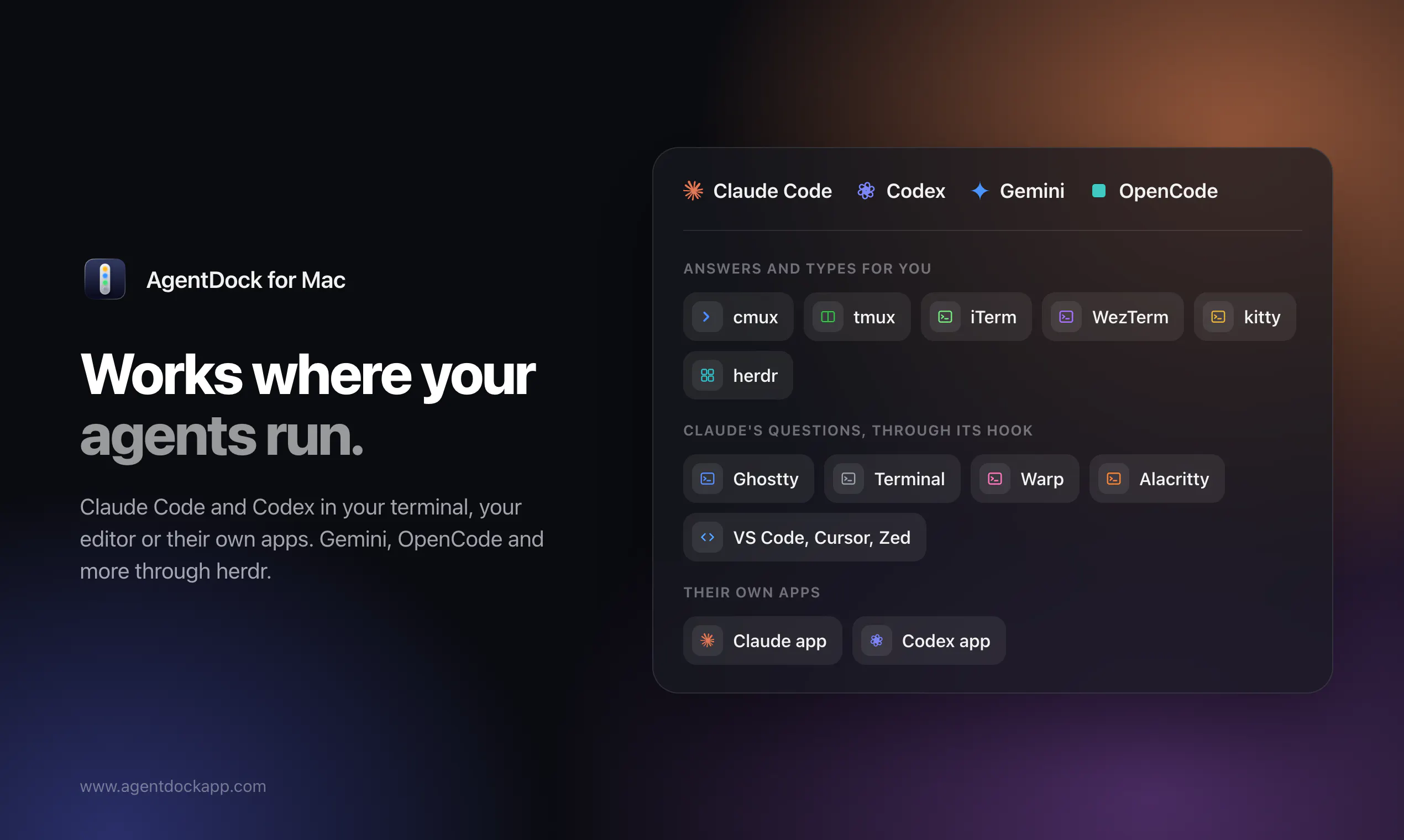
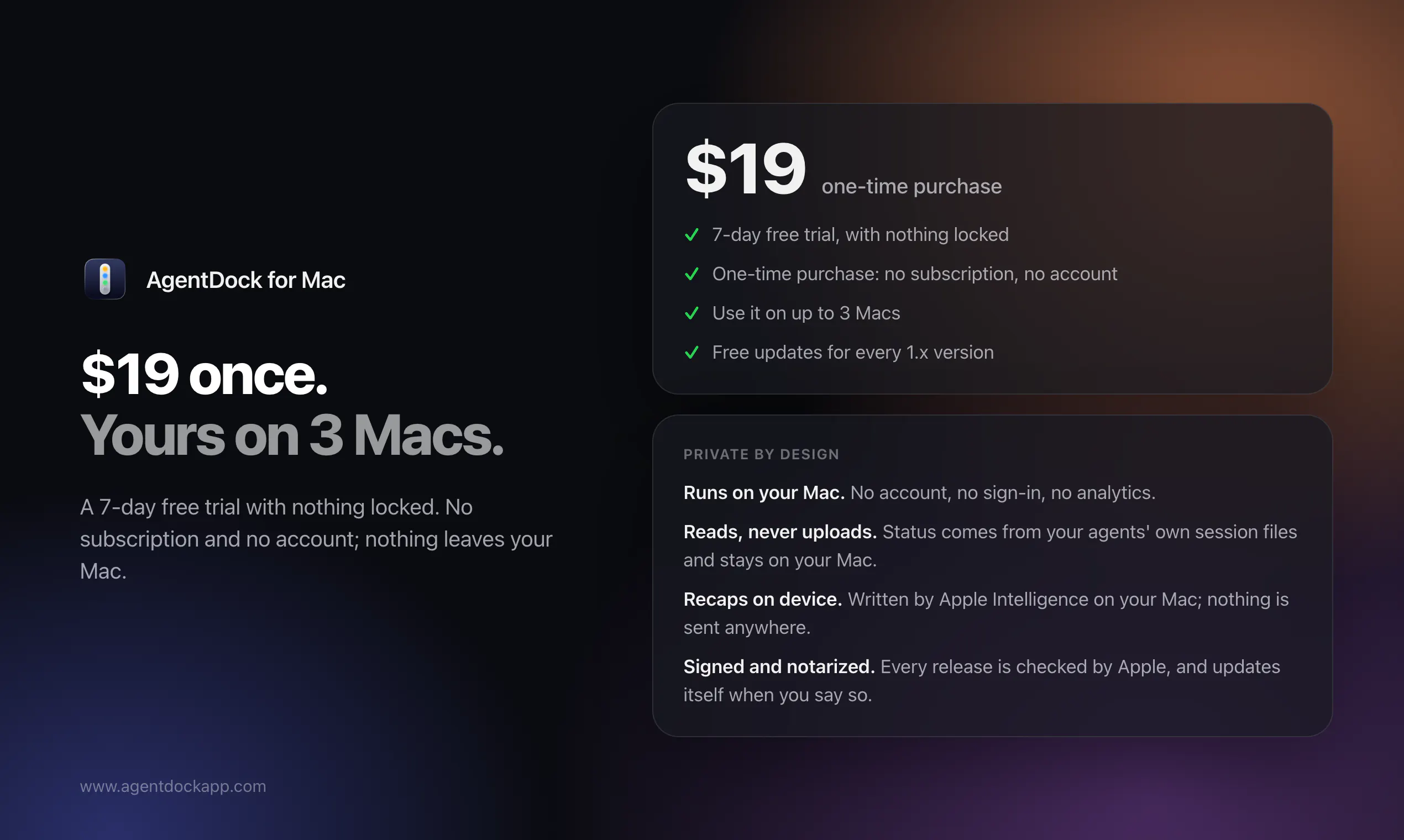
AgentDock is a streamlined macOS tool designed for developers and AI enthusiasts who work with advanced coding agents like Claude Code and Codex. It consolidates all your AI agents into a single, easy-to-access inbox displayed on the edge of your Mac's screen, enabling quick communication and management. Whether you’re answering questions, handling permission prompts, or messaging agents, AgentDock allows you to do all this seamlessly from your terminal of choice—cmux, tmux, iTerm, WezTerm, kitty, or herdr—using simple keystrokes. The tool emphasizes privacy and local operation, with no account required and all data kept on your Mac. Finishing a session automatically generates a detailed recap, helping developers keep track of their interactions efficiently. For $19 (one-time), AgentDock offers a unique blend of productivity, convenience, and security tailored specifically for AI-powered development workflows.
Screenshots
Pros
- ✓Centralized management of multiple AI coding agents in one inbox
- ✓Supports various terminal environments for maximum flexibility
- ✓No account needed, ensuring privacy and local data handling
- ✓Automatic session recaps aid in tracking and review
- ✓Affordable one-time payment
Cons
- ✗Limited to Mac users; not available cross-platform
- ✗May require familiarity with terminal commands and shortcuts
- ✗Vague on specific integrations or automation features
Use Cases
Pricing
Pricing not verified
Quick Info
Topics
Makers

Tihomir Videnov
Alternatives
Similar Tools in Developer Tools




Embed Badge
Add this badge to your website to show that AgentDock is featured on Visalytica.
<a href="https://www.visalytica.com/tool/agentdock" target="_blank" rel="noopener noreferrer" style="display:inline-flex;align-items:center;gap:6px;padding:6px 14px;background:#7c3aed;color:#fff;border-radius:8px;font-family:-apple-system,system-ui,sans-serif;font-size:13px;font-weight:600;text-decoration:none;transition:background .2s" onmouseover="this.style.background='#6d28d9'" onmouseout="this.style.background='#7c3aed'"><svg width="14" height="14" viewBox="0 0 24 24" fill="none" stroke="currentColor" stroke-width="2.5" stroke-linecap="round" stroke-linejoin="round"><path d="M12 20V10"/><path d="M18 20V4"/><path d="M6 20v-4"/></svg>Featured on Visalytica</a>