
agentbrowse
Give your AI coding agent the web as a command line
About agentbrowse
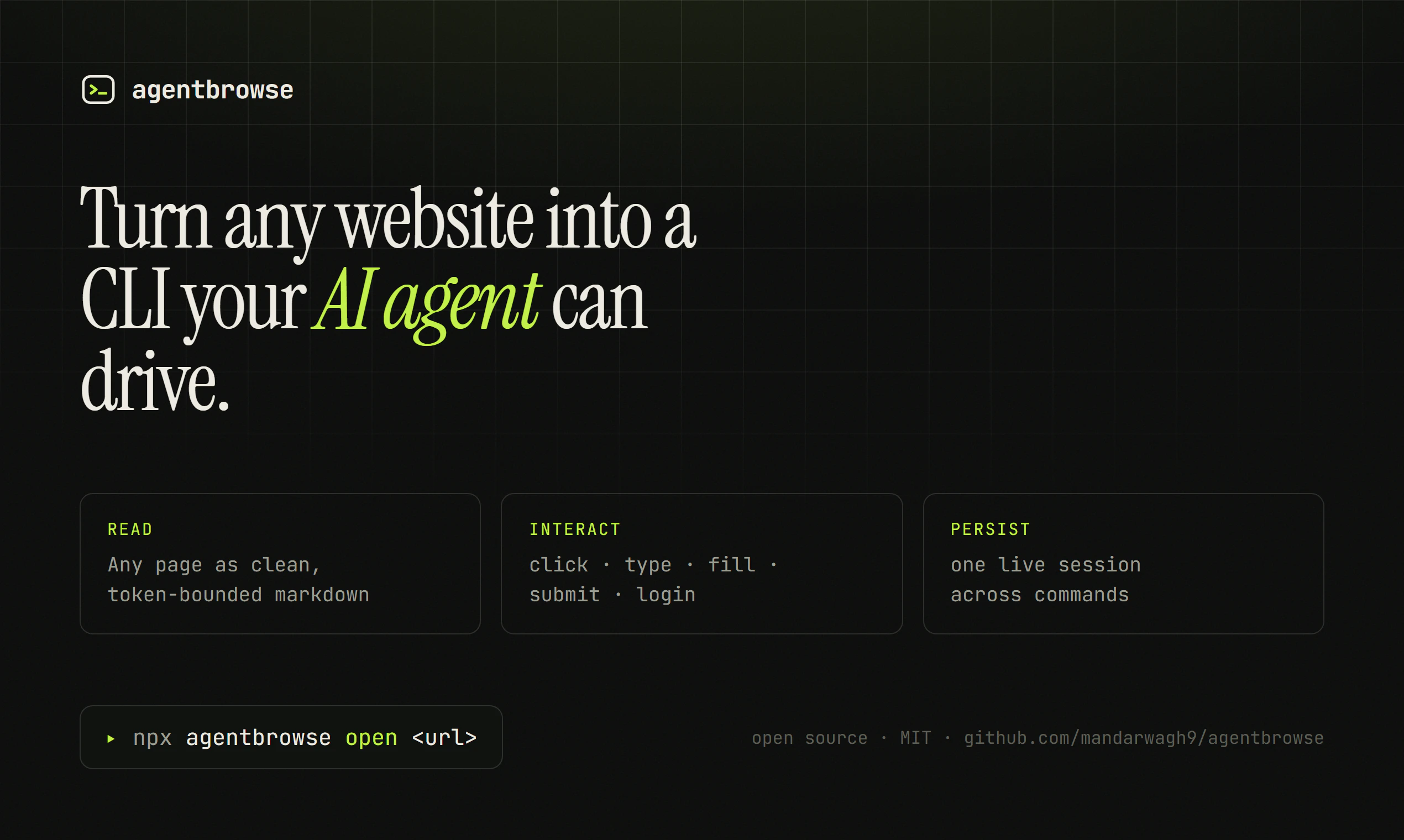
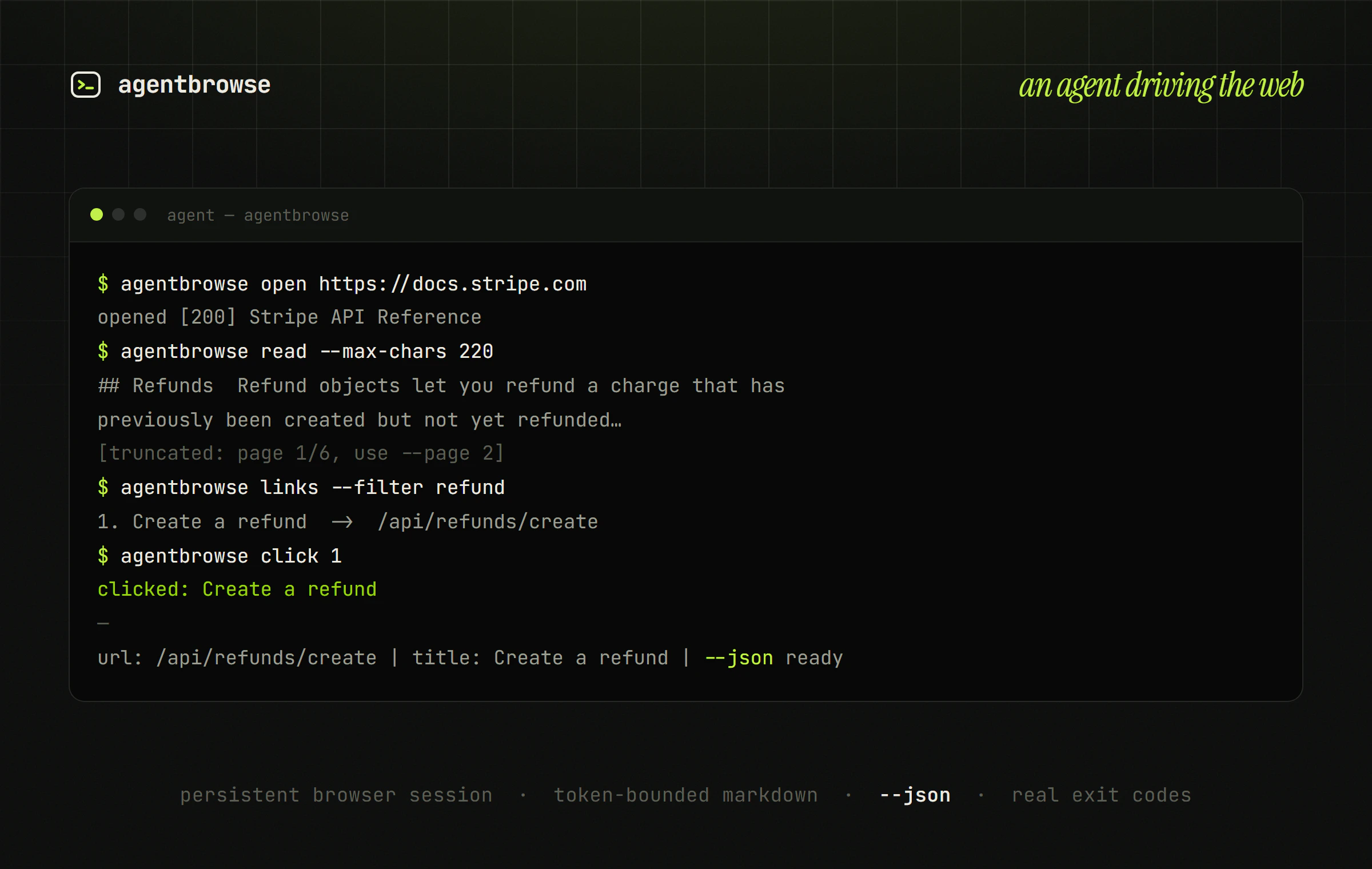
agentbrowse transforms the way AI coding agents interact with websites by turning any web page into a command-line interface. Designed for developers and AI enthusiasts, it enables agents like Claude Code, Codex, Cursor, Gemini, and Windsurf to perform actions such as opening pages, taking snapshots, clicking elements, filling forms, reading content in clean markdown, and logging in—all through simple commands. This bridges the gap between the clumsy browser-based interactions and the streamlined terminal workflows, making AI-driven web tasks faster and more efficient. Its ability to seamlessly integrate web browsing capabilities directly into coding environments makes it a powerful tool for automation, data extraction, and testing, especially for those building intelligent agents or automating web tasks.
Screenshots
Pros
- ✓Transforms web interactions into CLI commands for seamless automation
- ✓Supports complex actions like login, clicking, filling, and reading content
- ✓Compatible with popular AI coding agents like Claude, Codex, and Gemini
- ✓Provides a clean markdown output for easy data processing
- ✓Enhances productivity by simplifying web automation tasks
Cons
- ✗Limited user interface; primarily designed for developers comfortable with CLI
- ✗May require some technical setup or scripting knowledge
- ✗Currently lacks a free tier or detailed pricing transparency
Use Cases
Pricing
Likely operates on a freemium model, offering basic features for free with premium plans for advanced capabilities or higher usage, though specific pricing details are not publicly disclosed.
Quick Info
Topics
Makers

Mandar Wagh
@waghwebAlternatives
Similar Tools in AI Assistants




Embed Badge
Add this badge to your website to show that agentbrowse is featured on Visalytica.
<a href="https://www.visalytica.com/tool/agentbrowse" target="_blank" rel="noopener noreferrer" style="display:inline-flex;align-items:center;gap:6px;padding:6px 14px;background:#7c3aed;color:#fff;border-radius:8px;font-family:-apple-system,system-ui,sans-serif;font-size:13px;font-weight:600;text-decoration:none;transition:background .2s" onmouseover="this.style.background='#6d28d9'" onmouseout="this.style.background='#7c3aed'"><svg width="14" height="14" viewBox="0 0 24 24" fill="none" stroke="currentColor" stroke-width="2.5" stroke-linecap="round" stroke-linejoin="round"><path d="M12 20V10"/><path d="M18 20V4"/><path d="M6 20v-4"/></svg>Featured on Visalytica</a>