
agent-manager
The fastest workflow for developing with AI
About agent-manager
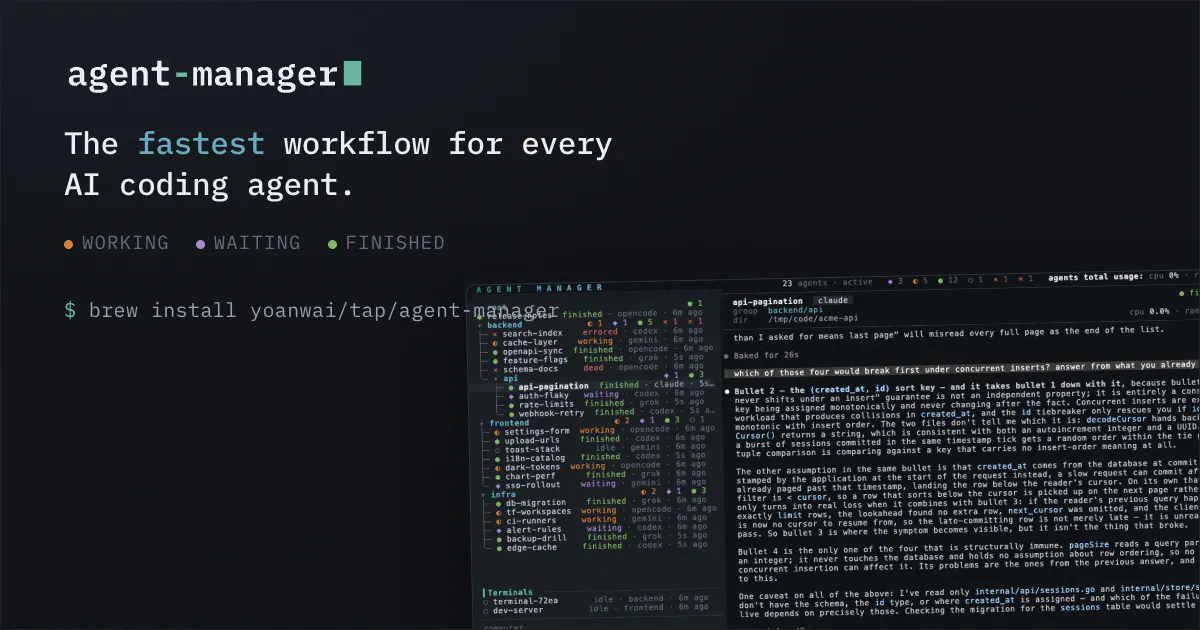
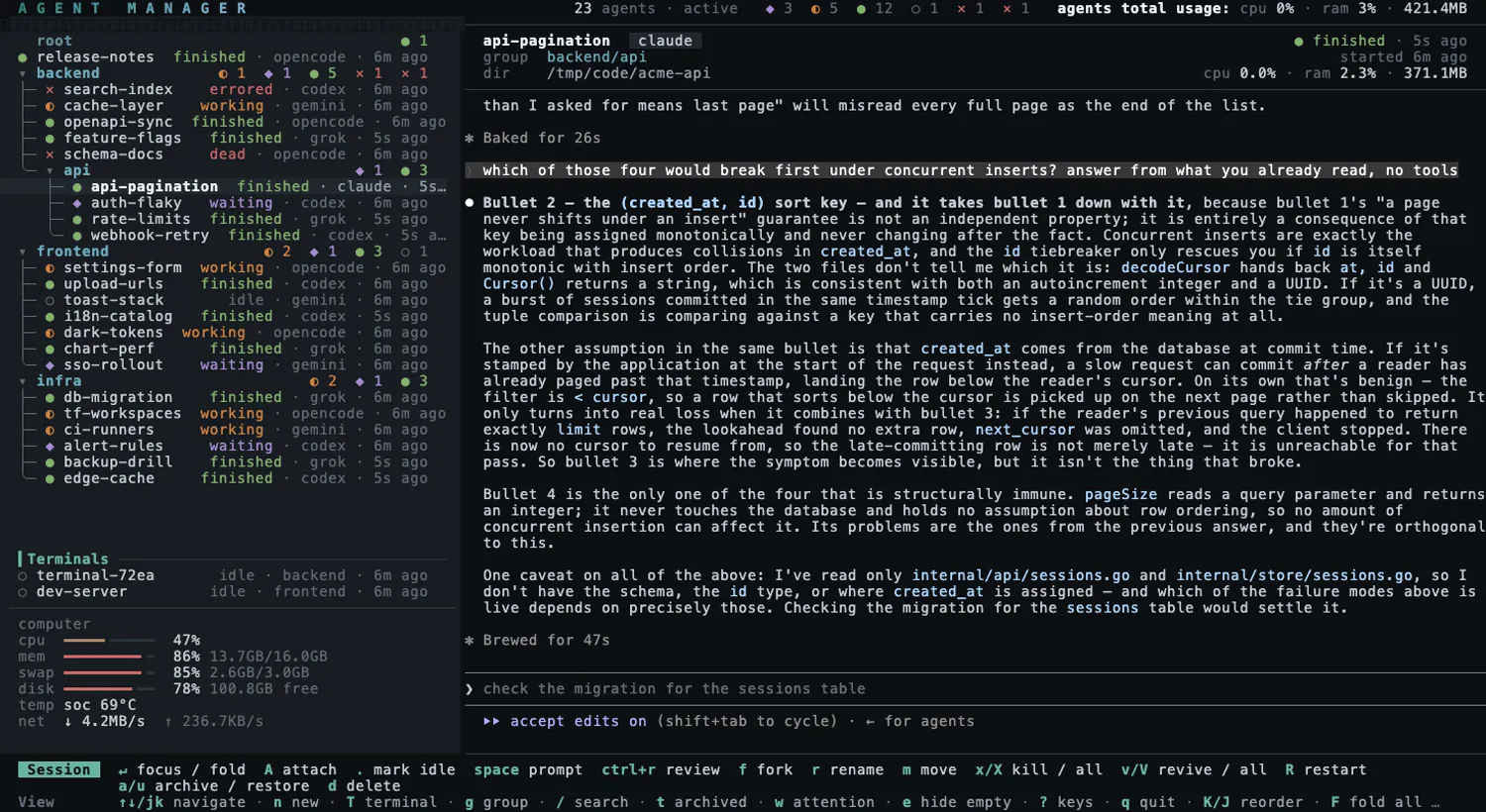

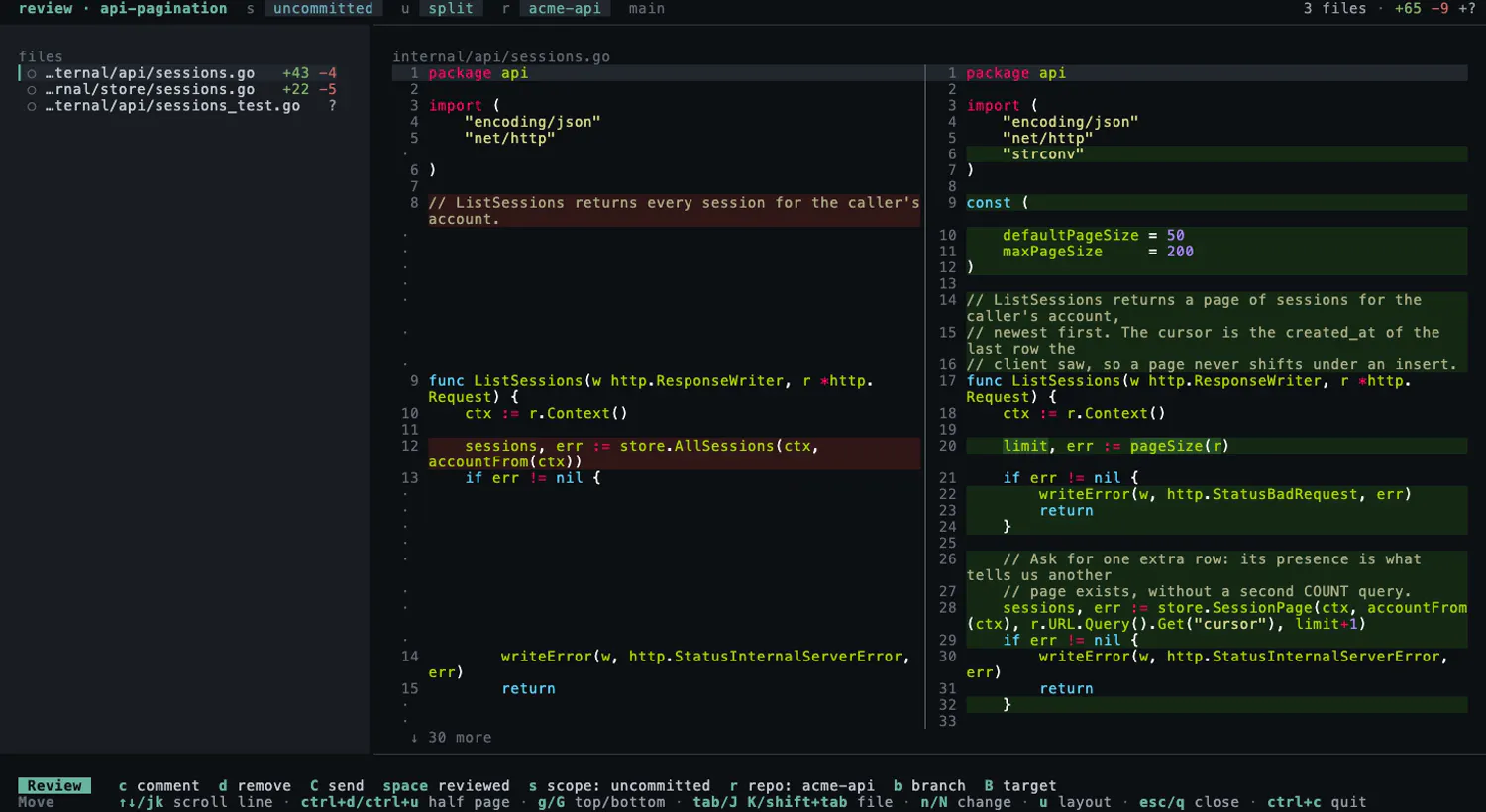
agent-manager is a powerful, all-in-one workflow tool designed for developers working with AI models like Claude Code, Codex, OpenCode, Gemini CLI, Grok, and Pi. It consolidates multiple AI sessions into a single tmux interface, providing real-time status updates for each session. Its innovative features include the ability to unblock agents without attaching, fork conversations into named siblings, pin shells next to agents, and visualize file diffs with integrated review prompts. Sessions can seamlessly spawn into dedicated git worktrees, and the entire setup survives tmux quits, making it ideal for long-term projects. Compatible with macOS, Linux, and Windows via WSL2, agent-manager offers a streamlined environment for efficient AI development and debugging, all packaged into a single Go binary. Its open-source nature and robust feature set make it a compelling choice for AI developers seeking a fast, organized workflow.
Screenshots

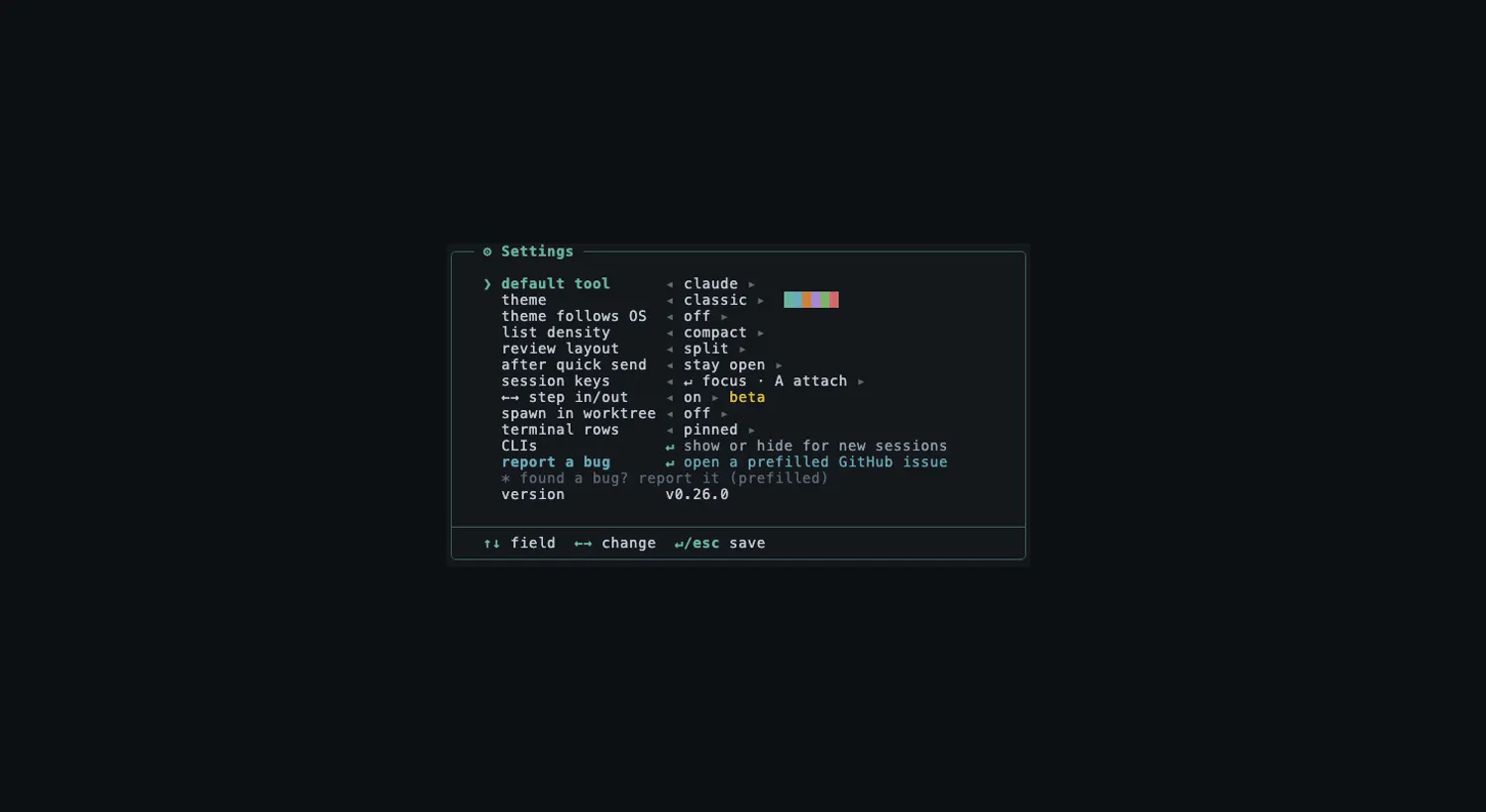
Pros
- ✓Consolidates multiple AI tools into a single, manageable interface
- ✓Supports session management with git worktrees and persistent tmux sessions
- ✓Rich features for debugging, conversation management, and code review
- ✓Cross-platform compatibility (macOS, Linux, Windows via WSL2)
- ✓Open source and lightweight, with a simple Go binary deployment
Cons
- ✗Steep learning curve for new users unfamiliar with tmux or command-line workflows
- ✗Limited user interface visuals, relying heavily on terminal commands
- ✗No built-in integrations with cloud services or IDEs
Use Cases
Pricing
Likely free and open source, given its description as a single Go binary with no mention of subscription fees.
Quick Info
Topics
Makers

Yoan Wainmann
@yoanwaidevAlternatives
Similar Tools in AI Assistants




Embed Badge
Add this badge to your website to show that agent-manager is featured on Visalytica.
<a href="https://www.visalytica.com/tool/agent-manager" target="_blank" rel="noopener noreferrer" style="display:inline-flex;align-items:center;gap:6px;padding:6px 14px;background:#7c3aed;color:#fff;border-radius:8px;font-family:-apple-system,system-ui,sans-serif;font-size:13px;font-weight:600;text-decoration:none;transition:background .2s" onmouseover="this.style.background='#6d28d9'" onmouseout="this.style.background='#7c3aed'"><svg width="14" height="14" viewBox="0 0 24 24" fill="none" stroke="currentColor" stroke-width="2.5" stroke-linecap="round" stroke-linejoin="round"><path d="M12 20V10"/><path d="M18 20V4"/><path d="M6 20v-4"/></svg>Featured on Visalytica</a>