
Agent Bar
Run Claude Code from your menu bar
About Agent Bar
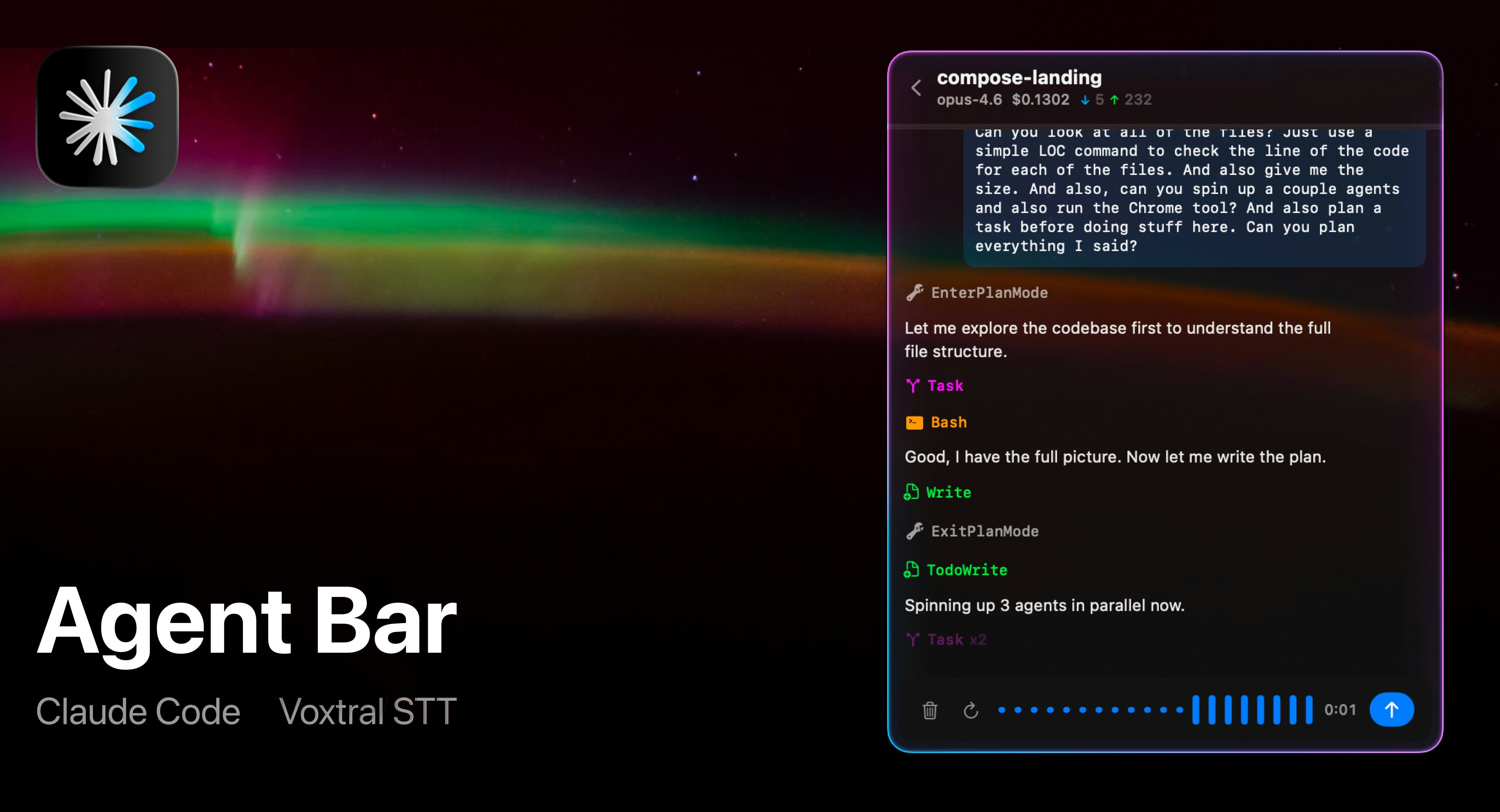
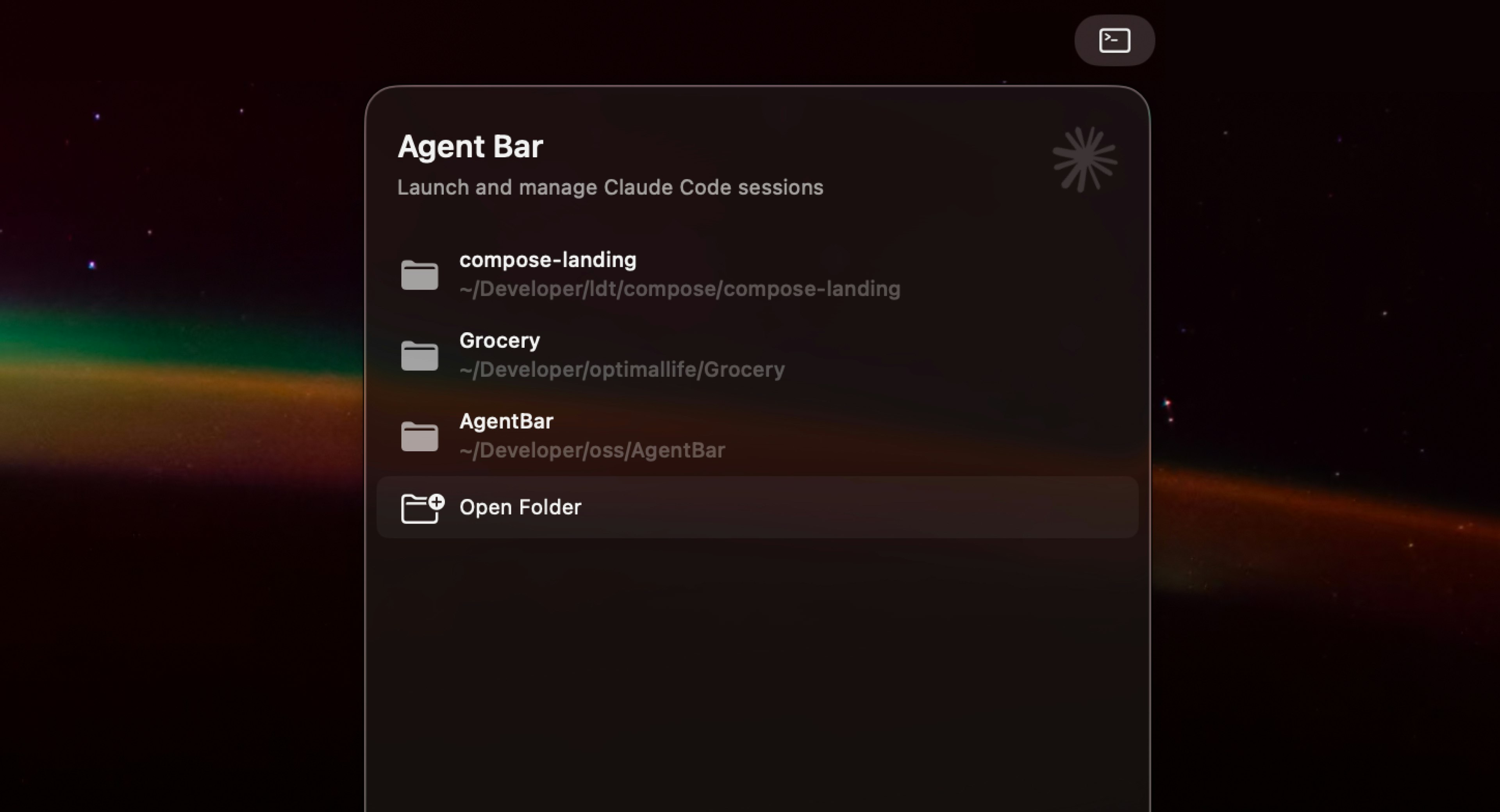
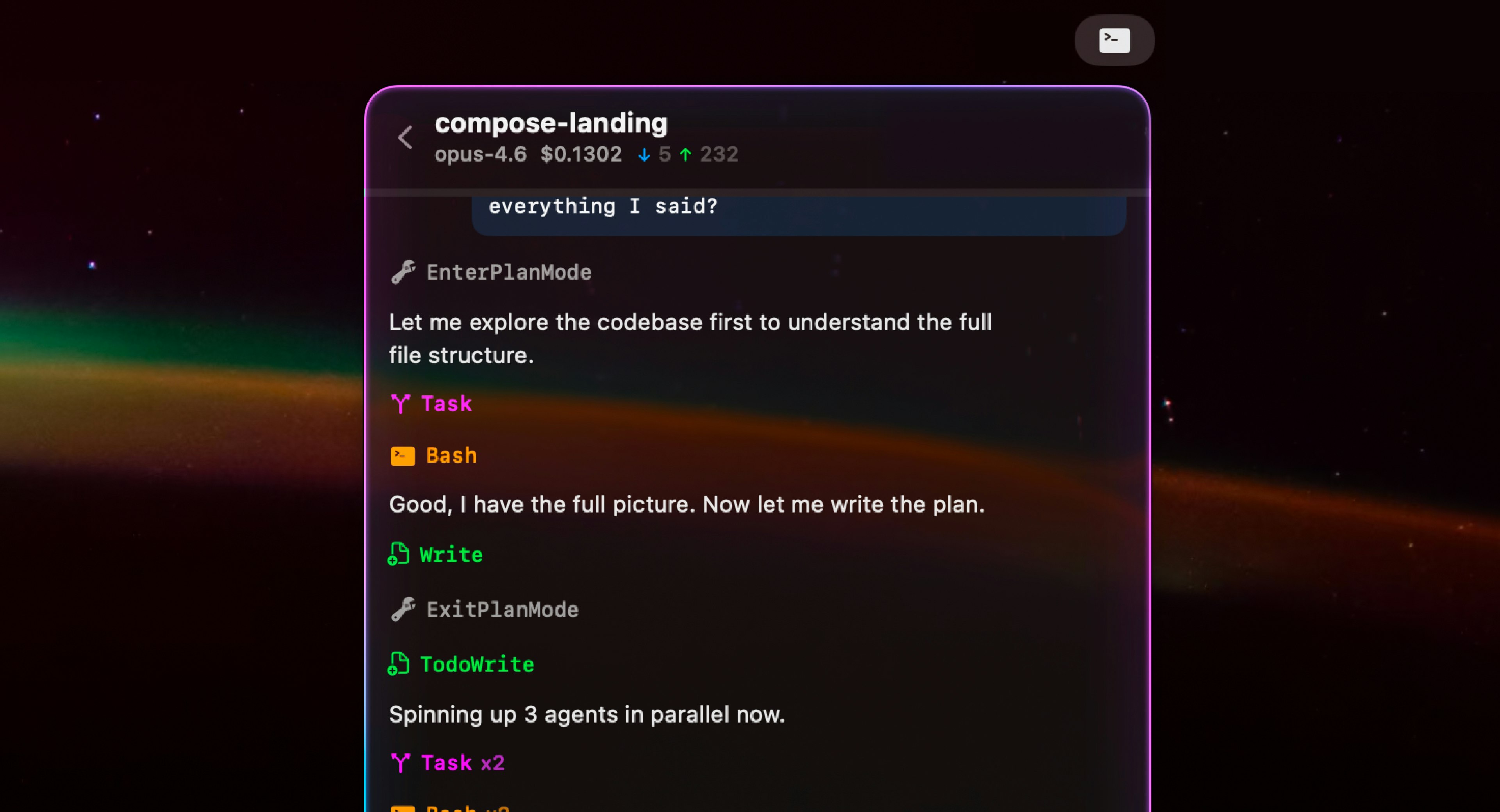
Agent Bar is a sleek, menu bar utility designed for developers and AI enthusiasts who want seamless access to Claude Code directly from their desktop. By residing conveniently in the menu bar, it offers a native graphical interface that simplifies interacting with Claude Code projects through voice commands, real-time tool call streaming, and straightforward approval mechanisms. Users can monitor token costs effortlessly and manage complex workflows without navigating away from their desktop environment. Its integration makes it ideal for developers, AI researchers, and productivity-focused professionals seeking an efficient way to harness AI capabilities without the clutter of multiple windows or browser tabs. What sets Agent Bar apart is its intuitive design, real-time feedback, and the ability to approve or auto-approve actions, making AI interactions more manageable and cost-transparent in a native Mac environment.
Screenshots
Pros
- ✓Native Mac menu bar integration for quick, easy access
- ✓Real-time streaming of tool calls and responses
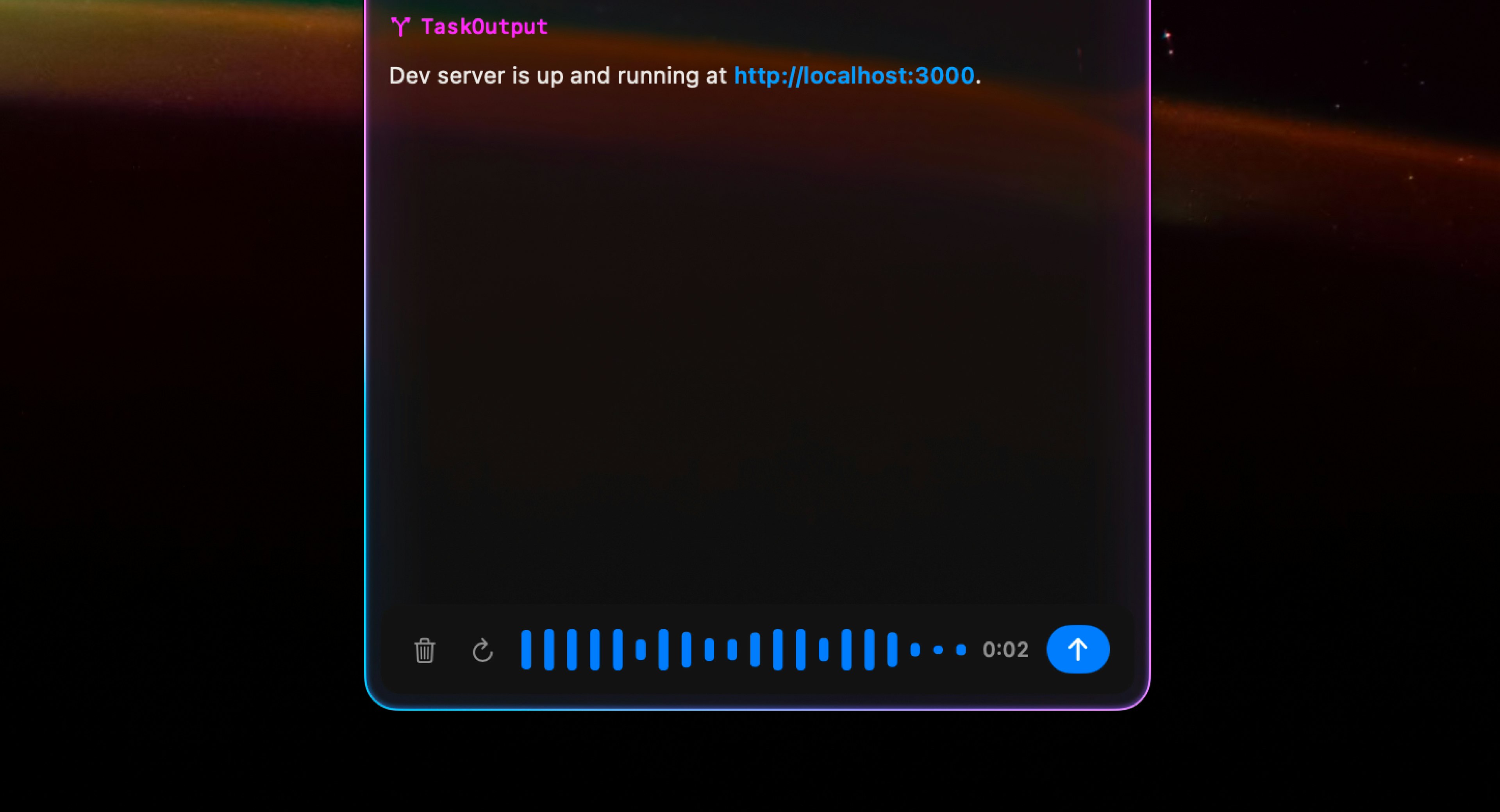
- ✓Voice command support for hands-free interaction
- ✓Cost tracking for token usage helps manage budgets
- ✓User-friendly GUI tailored for productivity
Cons
- ✗Limited to Mac users, reducing cross-platform accessibility
- ✗Potential learning curve for new users unfamiliar with Claude Code
- ✗Depends on internet connectivity and API stability
Use Cases
Pricing
Likely follows a freemium model with basic features available for free and premium plans offering advanced capabilities, higher usage limits, or enterprise integrations. Exact pricing details are not specified, but similar tools typically start around $10-$20/month.
Quick Info
Topics
Alternatives
Similar Tools in Developer Tools




Embed Badge
Add this badge to your website to show that Agent Bar is featured on Visalytica.
<a href="https://www.visalytica.com/tool/agent-bar" target="_blank" rel="noopener noreferrer" style="display:inline-flex;align-items:center;gap:6px;padding:6px 14px;background:#7c3aed;color:#fff;border-radius:8px;font-family:-apple-system,system-ui,sans-serif;font-size:13px;font-weight:600;text-decoration:none;transition:background .2s" onmouseover="this.style.background='#6d28d9'" onmouseout="this.style.background='#7c3aed'"><svg width="14" height="14" viewBox="0 0 24 24" fill="none" stroke="currentColor" stroke-width="2.5" stroke-linecap="round" stroke-linejoin="round"><path d="M12 20V10"/><path d="M18 20V4"/><path d="M6 20v-4"/></svg>Featured on Visalytica</a>