NEXORA AI Commerce OS vs LocateStore
Side-by-side comparison of features, pros & cons, pricing, and community votes (2026).
🏆 LocateStore leads with 304 upvotes
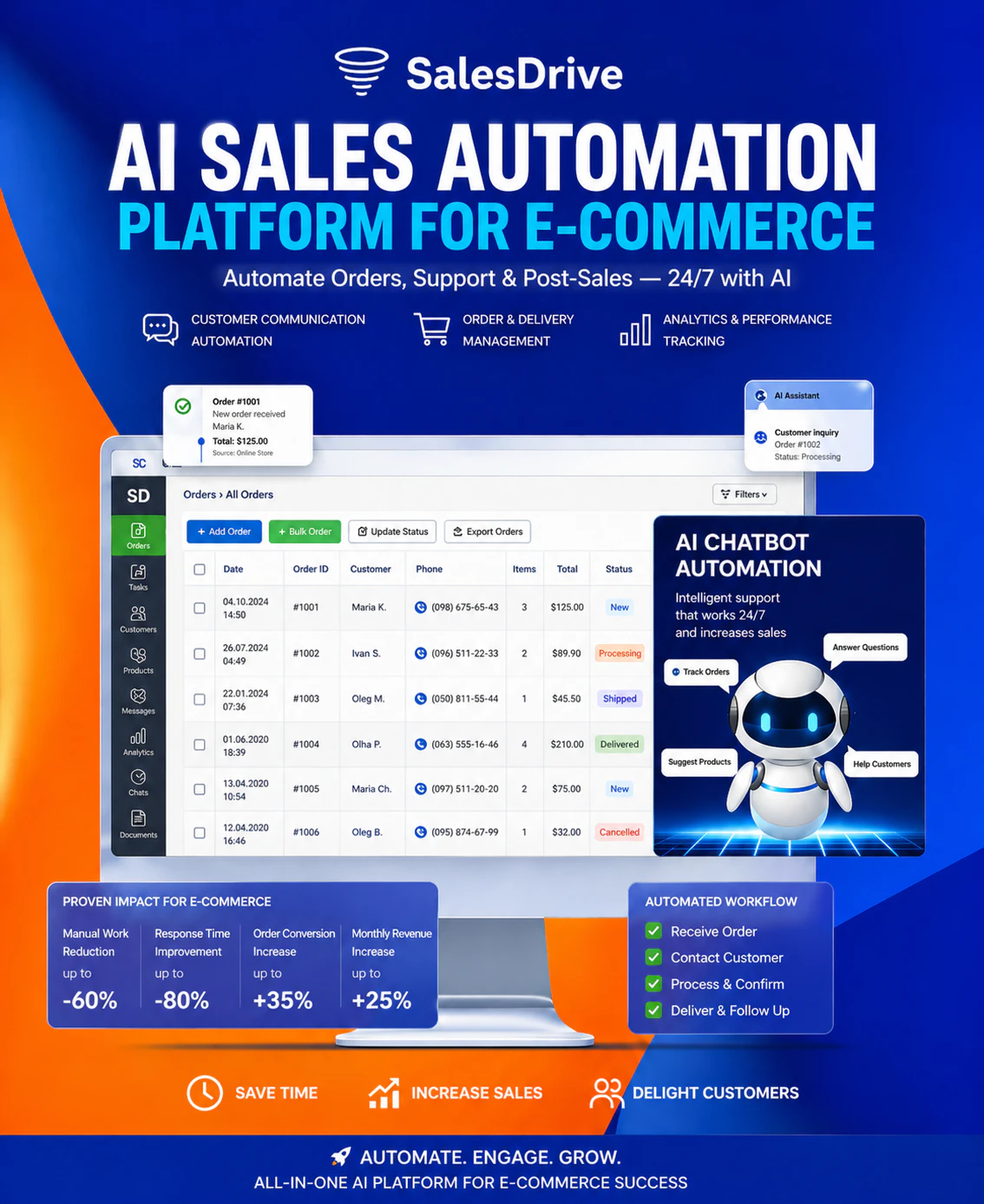
AI-powered ecommerce workflow automation
NEXORA AI Commerce OS is an innovative AI-driven automation platform designed specifically for online retailers. It streamlines critical ecommerce workflows by automating order confirmations via Telegram, updating CRM statuses, sending customer notifications, managing delivery and TTN (tracking number) workflows, and handling routine managerial tasks. By leveraging artificial intelligence, it aims to significantly reduce manual efforts, increase operational efficiency, and help ecommerce businesses scale seamlessly. Its comprehensive automation capabilities make it a valuable tool for online stores seeking to optimize their customer experience and internal processes, all within a unified system. The platform's focus on AI-powered automation sets it apart, offering smarter, more adaptable workflows that evolve with the business needs.
Pros
- Automates multiple ecommerce workflows reducing manual workload
- Integrates with popular messaging and CRM platforms for seamless communication
- Enhances customer experience with automated notifications
- Supports scalable operations for growing online stores
- Focuses on AI-driven automation for smarter workflow management
Cons
- Limited publicly available user reviews or case studies to validate effectiveness
- Potential complexity in setup for less tech-savvy users
- Pricing details are not explicitly disclosed, which may impact budget planning
Best for
- • Automating order confirmation notifications via Telegram
- • Updating CRM statuses automatically after transactions
- • Sending personalized customer notifications on order status or delivery updates
- • Managing delivery workflows and TTN tracking processes
Pricing: Likely follows a subscription-based model with tiered plans, possibly offering a free trial or basic tier to test core features; exact pricing details are not publicly specified.

Create a map of all your stores using Google Sheets
LocateStore simplifies the process of creating interactive store locators by transforming Google Sheets into mobile-friendly maps. Designed for multi-location brands, it allows users to add store addresses directly into a Google Sheet and instantly generate a customizable map with search and filter options. Its seamless integration means no coding, API keys, or complex setup is required, making it accessible for small businesses and enterprise brands alike. The real-time sync ensures that any updates to the spreadsheet are immediately reflected on the map, facilitating easy management of multiple store locations. Its embed capability allows businesses to incorporate the locator directly into their websites effortlessly, enhancing the local shopping experience for customers. Overall, LocateStore offers a straightforward, efficient solution for brands seeking an easy-to-maintain store locator that adapts to their evolving needs.
Pros
- No coding or API keys required, user-friendly setup
- Real-time sync with Google Sheets for instant updates
- Mobile-friendly, optimized for user experience
- Easy embedding into websites without technical expertise
- Customizable search and filter options
Cons
- Limited advanced customization compared to custom-built maps
- Dependent on Google Sheets, which may be restrictive for complex data needs
- Potential limitations with very large datasets
Best for
- • Creating a store locator for retail chains with multiple locations
- • Adding a 'Find a store near me' feature to small business websites
- • Managing and displaying franchise or partner locations
- • Event venues or service providers showcasing multiple sites
Pricing: Likely operates on a freemium model, offering a free tier with basic features and paid plans starting around $X/month for additional customization, larger datasets, or advanced features. Exact pricing details are not specified but are typical for SaaS mapping tools.