DemoMe vs Kapshot
Side-by-side comparison of features, pros & cons, pricing, and community votes (2026).
🏆 DemoMe leads with 180 upvotes
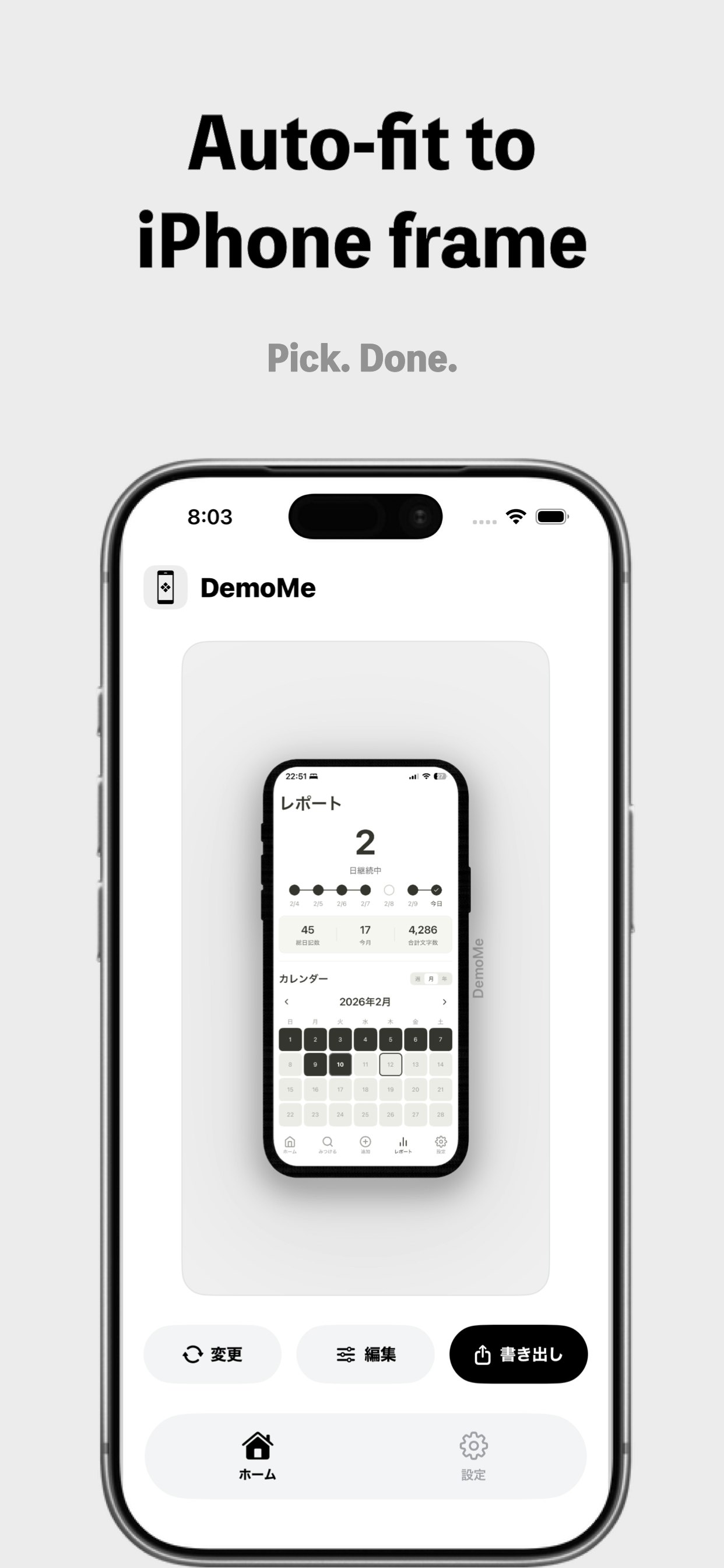
Turn screen recordings into polished demo videos instantly
DemoMe is an innovative tool designed specifically for indie developers, marketers, and product teams looking to create high-quality demo videos quickly and effortlessly. Unlike traditional video editors that can be complex and time-consuming, DemoMe focuses on transforming screen recordings and screenshots into polished, professional-looking demos in seconds. Its emphasis on speed, consistency, and attractive defaults allows users to produce engaging videos for App Store previews, product launches, landing pages, and social media without the need for extensive editing skills. The platform runs fully on-device, ensuring privacy and eliminating upload times, making it ideal for quick iterations and sensitive content. DemoMe’s streamlined approach helps teams ship demos faster and focus more on their core product development and marketing efforts.
Pros
- Fast and efficient demo creation with minimal effort
- Runs entirely on-device, ensuring privacy and instant processing
- Designed specifically for product demos, offering tailored features
- User-friendly interface with beautiful defaults
- Ideal for marketing, app previews, and social media content
Cons
- Limited to demo and presentation-focused features, less flexible for general video editing
- May lack advanced editing tools found in professional video editors
- Potentially less customizable compared to traditional editing software
Best for
- • Creating App Store preview videos quickly
- • Producing product demos for landing pages
- • Generating social media clips from screen recordings
- • Preparing product launch videos for Product Hunt or similar platforms
Pricing: Likely operates on a freemium model, offering basic functionalities for free with premium features or higher usage tiers available at a subscription cost, typical for SaaS tools in this category.

Screen recordings that look like you edited them
Kapshot is a revolutionary screen recording tool designed for content creators, educators, and product teams who want polished, professional-looking videos without the hassle of post-production editing. Unlike traditional screen recorders, Kapshot automatically applies enhancements such as cursor highlighting, zooms, framing, and visual polish in real-time as you record. This means users can produce engaging tutorials, demos, and walkthroughs that look expertly edited, saving significant time and effort. Its intelligent automation makes it ideal for those who want high-quality videos but lack the time or skills to do manual editing afterward. Kapshot's seamless process ensures that even casual users can create visually compelling content effortlessly, making it a standout in the productivity and video categories.
Pros
- Automatic polishing of videos during recording
- Saves time by eliminating post-editing
- User-friendly and suitable for non-technical users
- Produces professional-looking demos and tutorials
- Ideal for quick, high-quality content creation
Cons
- Features and capabilities may be limited compared to manual editing tools
- Lacks detailed customization options for advanced users
- No information on pricing or subscription plans
Best for
- • Creating polished product demos for marketing or onboarding
- • Recording tutorials and educational videos with automatic enhancements
- • Producing professional walkthroughs for software or apps
- • Generating engaging training videos for teams
Pricing: Pricing not verified