WebCLI - Agent Interface for the Web. vs Inspector
Side-by-side comparison of features, pros & cons, pricing, and community votes (2026).
🏆 Inspector leads with 621 upvotes
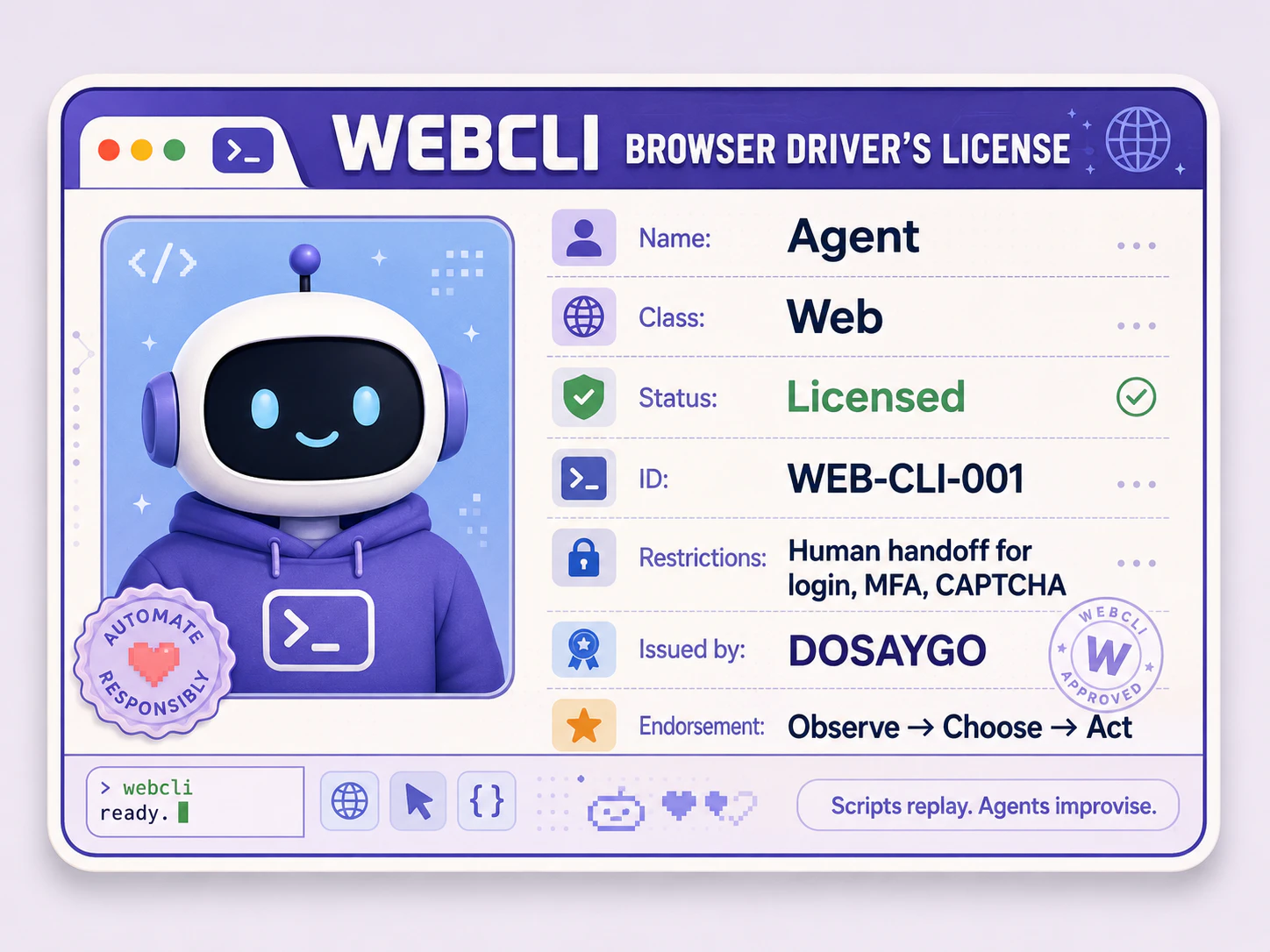
Stop doing web chores your agents can do instead.
WebCLI - Agent Interface for the Web is an innovative tool designed to empower AI agents with browsing capabilities, allowing them to perform web-based tasks autonomously. It acts as a bridge between local command-line interactions and the web, enabling AI agents to navigate, code, and write copy on your behalf, effectively reducing manual web chores. Suitable for developers, productivity enthusiasts, and AI practitioners, WebCLI emphasizes privacy with no telemetry or data selling, offering a paid downloadable solution that respects user confidentiality. Its core value lies in transforming AI agents into self-sufficient web workers, freeing up human effort for higher-level strategic tasks. The combination of a local CLI and agent skills makes it a versatile tool for automating complex web workflows and streamlining digital operations. By giving AI agents a 'Browser Driving License,' WebCLI opens new possibilities for automation, efficiency, and privacy-focused web interactions.
Pros
- Enables autonomous web browsing and task execution by AI agents
- Strong privacy focus with no telemetry or data selling
- Versatile integration with local CLI for seamless control
- Reduces manual effort for repetitive web tasks
- Supports coding and copywriting automation
Cons
- Requires technical knowledge to set up and operate effectively
- Paid software, which may limit accessibility for some users
- Features might be limited compared to more comprehensive automation platforms
Best for
- • Automating routine web data extraction and research tasks
- • Enabling AI agents to perform customer support through web interfaces
- • Automating content creation and copywriting tasks on websites
- • Streamlining data entry and web form submissions
Pricing: Likely follows a paid downloadable software model, possibly with different tiers based on usage or features, but specific pricing details are not publicly specified.

Figma for Claude Code
Inspector reimagines the design-to-code workflow by integrating visual editing directly with AI-powered code generation. Designed for developers, designers, and product teams, it allows users to click on UI elements within a design interface, make visual adjustments, and have those changes automatically reflected in the underlying codebase. The tool connects seamlessly with popular AI agents like Claude Code, Codex, and Cursor, streamlining the often tedious handoff process between design and development. Its unique approach eliminates the need for manual code edits or back-and-forth communication, enabling rapid prototyping and iteration. By bridging the gap between visual design and code, Inspector enhances productivity and fosters a more collaborative workflow, making it ideal for teams seeking to accelerate their development cycles with AI-powered precision.
Pros
- Intuitive visual interface for code adjustments
- Seamless integration with popular AI coding agents
- Reduces manual coding and design handoff time
- Supports rapid prototyping and iteration
- Streamlines collaboration between designers and developers
Cons
- May have limitations with complex UI components
- Dependent on AI accuracy, which can vary
- Learning curve for users unfamiliar with AI-assisted editing
Best for
- • Quick UI tweaks during product development
- • Design validation and iteration without extensive code changes
- • Bridging the gap between design and development teams
- • Rapid prototyping of new features
Pricing: Likely operates on a freemium model, offering basic features for free with paid plans providing additional integrations and advanced editing capabilities; exact pricing details are not publicly specified.