Waloscan vs qsa.sh
Side-by-side comparison of features, pros & cons, pricing, and community votes (2026).
🏆 qsa.sh leads with 111 upvotes
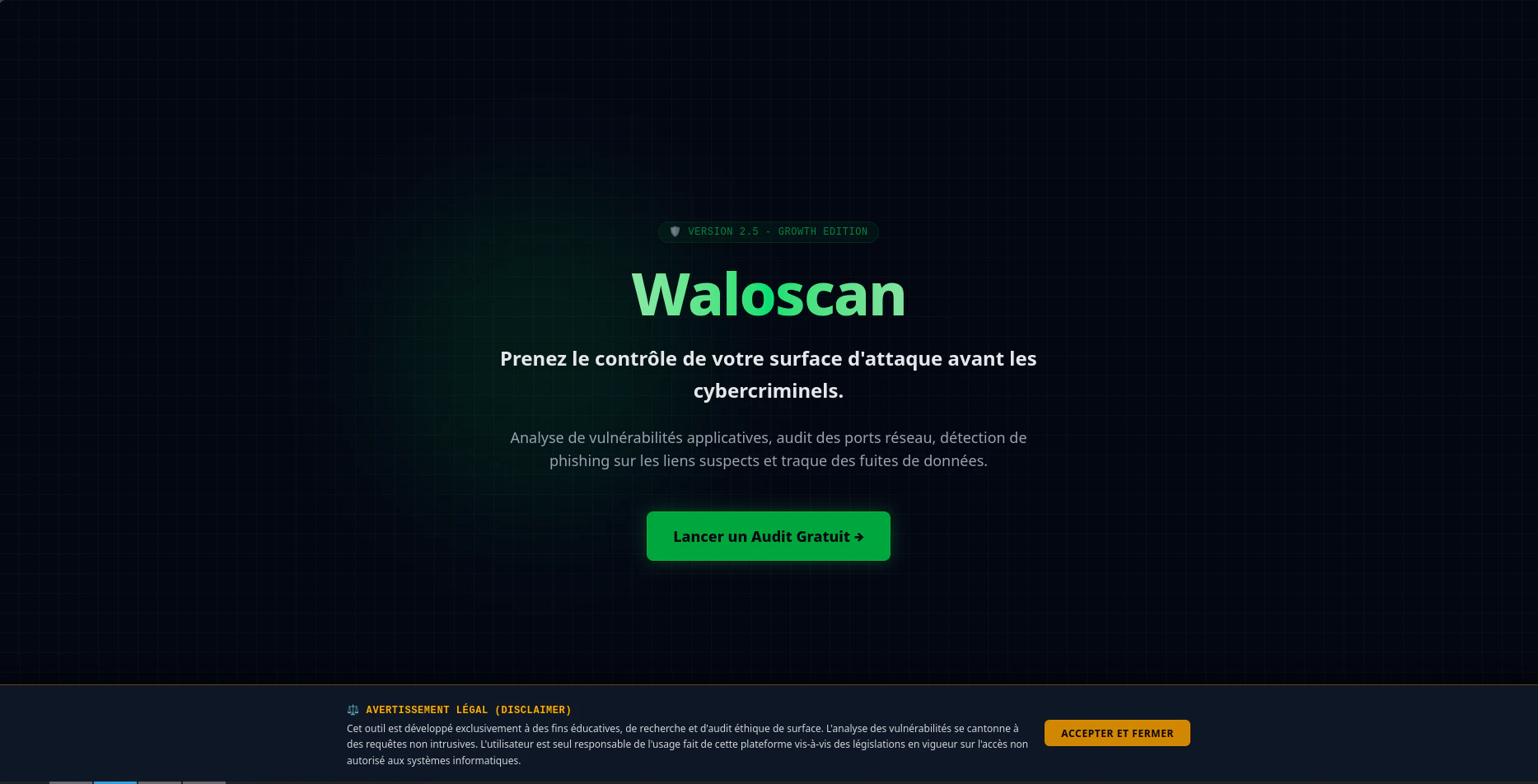
cybersecurity platform for external attack auditing
Waloscan is an open-source cybersecurity platform tailored for external attack surface auditing and threat detection. Designed for security professionals, developers, and organizations, it offers a comprehensive approach to identifying vulnerabilities in web infrastructures. The platform evaluates the external attack surface, helping users understand potential entry points for attackers, and includes specialized tools like the Data Breach Tracker for detecting compromised identities. Its heuristic anti-phishing engine further enhances security by analyzing suspicious links, making it a versatile solution for proactive cybersecurity measures. Built with Python (Flask) and optimized with Rust, Waloscan combines ease of customization with high performance, appealing to both technical teams and open-source enthusiasts. Its open-source nature encourages community contributions, making it adaptable to various security needs and environments.
Pros
- Open-source, highly customizable platform
- Includes specialized tools like Data Breach Tracker and anti-phishing engine
- Built with performant technologies (Python and Rust), ensuring efficiency
- Focuses on external attack surface evaluation and threat detection
- Suitable for security teams, developers, and open-source advocates
Cons
- Requires technical expertise to deploy and customize effectively
- Limited user interface or commercial support options
- Currently lacks detailed documentation for beginners
Best for
- • Auditing the external attack surface of web applications
- • Detecting potential data breaches and compromised accounts
- • Analyzing suspicious links to prevent phishing attacks
- • Enhancing security posture for organizations with open-source tools
Pricing: Waloscan is open-source and free to use, making it accessible for organizations of all sizes. Additional costs may arise from deployment, customization, or hosting, but there are no licensing fees.
External security scan of your own IP, in your terminal
qsa.sh is a powerful command-line tool designed for developers and security professionals to perform quick, comprehensive external security scans of their own servers. With a single curl command, users can instantly see what the internet perceives about their server—covering open ports, service versions, and known vulnerabilities—delivered directly to their terminal within approximately 30 seconds. Its integration of tools like naabu, nmap, vulners, and nuclei ensures a detailed mapping of potential security gaps without requiring any accounts or data storage. The platform caters to both free, live scans and premium options like the Pro plan, which scans all 65,535 ports asynchronously, and a one-time Deep scan that digs deeper into hidden vulnerabilities via email. Its straightforward approach makes it ideal for sysadmins, security teams, and developers seeking a quick, transparent security overview of their infrastructure.
Pros
- Instant, real-time security insights delivered directly in the terminal
- No account required and no data storage, ensuring privacy
- Combines multiple scanning tools for comprehensive vulnerability detection
- Flexible plans including free, Pro, and deep scans for different needs
- Fast scan times (~30 seconds) suitable for routine checks
Cons
- Limited depth in the free scan compared to paid options
- Requires command-line familiarity, which may be intimidating for non-technical users
- Potential false positives or overlooked vulnerabilities in quick scans
Best for
- • Quickly auditing server security before deployment
- • Regular external vulnerability checks for ongoing security posture
- • Preliminary scans prior to detailed penetration testing
- • Monitoring open ports and services on cloud or on-premise servers
Pricing: Likely operates on a freemium model with free live scans and paid plans offering more comprehensive, asynchronous, or one-time deep scans. Exact pricing details are not specified, but premium features probably start around a monthly fee.