VELO Server vs Superset
Side-by-side comparison of features, pros & cons, pricing, and community votes (2026).
🏆 Superset leads with 552 upvotes
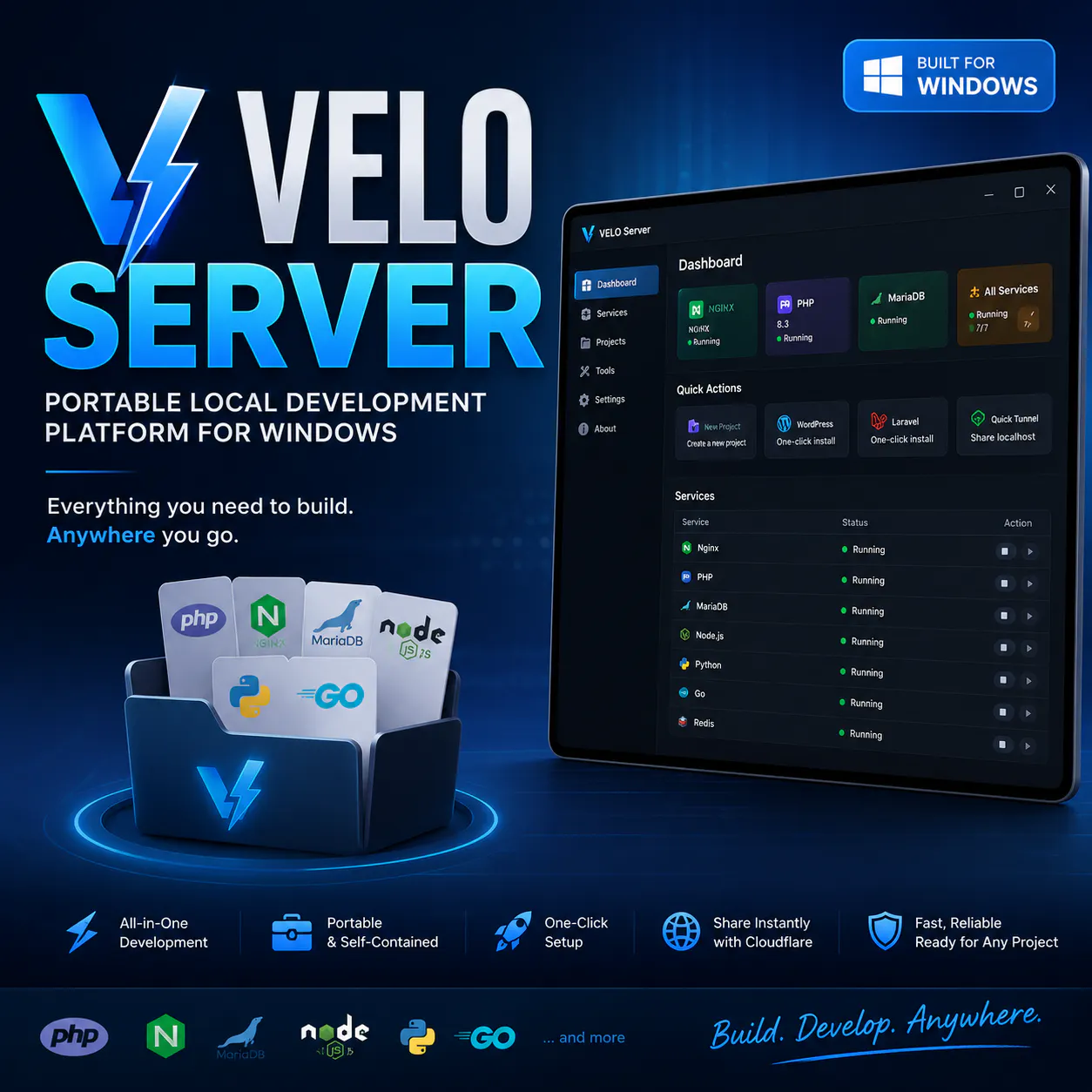
Portable local development platform for Windows
VELO Server offers a portable and streamlined local development environment for Windows users, simplifying the process of building and testing web applications. It consolidates essential tools like PHP, Nginx, MariaDB, Node.js, Python, and Go into a single, easy-to-use package, enabling developers to launch projects such as WordPress or Laravel with just a few clicks. Its portability means developers can carry their entire setup anywhere without complicated installations or configurations. Additionally, VELO Server integrates Cloudflare Quick Tunnel, facilitating effortless sharing of local sites for collaboration or testing across devices. Designed for developers seeking a quick, efficient, and portable solution, VELO Server stands out by combining multiple popular development tools into a single, user-friendly platform, making local development accessible and hassle-free.
Pros
- Portable and easy to carry without installation
- Supports multiple popular development tools and frameworks
- One-click setup for WordPress, Laravel, and other projects
- Integrated Cloudflare Quick Tunnel for easy site sharing
- Ideal for local development on Windows
Cons
- Limited to Windows; not available for other OS
- May lack advanced customization options for experienced developers
- Potentially fewer features compared to comprehensive local development environments
Best for
- • Quick local setup for WordPress or Laravel projects
- • Portable development environment for remote or on-the-go coding
- • Sharing local sites with clients or team members via Cloudflare
- • Learning and experimenting with multiple programming languages
Pricing: Likely follows a freemium model with core features available for free; premium plans may offer additional support or advanced features. Exact pricing details are not specified, but the emphasis on portability and ease of use suggests an accessible entry point.

Run an army of Claude Code, Codex, etc. on your machine
Superset is an innovative IDE designed to supercharge developer productivity by enabling the seamless integration and management of multiple AI coding agents like Claude, Codex, and others. It allows developers to run several agents simultaneously without the typical overhead of context switching, each within its own sandbox environment to prevent interference. With its centralized dashboard, users can monitor all ongoing tasks, receive notifications for updates, and review changes efficiently using an integrated diff viewer. This setup significantly accelerates workflows, reduces frustration, and helps teams ship features faster. Ideal for AI developers, machine learning engineers, and advanced programmers, Superset transforms the coding process into a more organized, efficient, and collaborative experience, making complex multi-agent projects manageable and scalable.
Pros
- Enables running multiple AI coding agents simultaneously without interference
- Sandboxed environment ensures task isolation and stability
- Centralized monitoring and notification system improves workflow management
- Built-in diff viewer accelerates review and debugging
- Enhances productivity by reducing context switching overhead
Cons
- May require a steep learning curve for new users unfamiliar with multi-agent setups
- Limited details on pricing and licensing, potentially costly at scale
- Dependence on AI agents might introduce variability in output quality
Best for
- • Automated code generation and review
- • Multi-agent debugging and testing workflows
- • Rapid prototyping with various AI assistants
- • Managing complex AI-driven projects with multiple tasks
Pricing: Likely follows a freemium model with basic features available for free and premium plans offering expanded agent support and advanced monitoring, starting around $20-$50/month, though exact details are not publicly specified.