Understand Anything vs Inspector
Side-by-side comparison of features, pros & cons, pricing, and community votes (2026).
🏆 Inspector leads with 621 upvotes
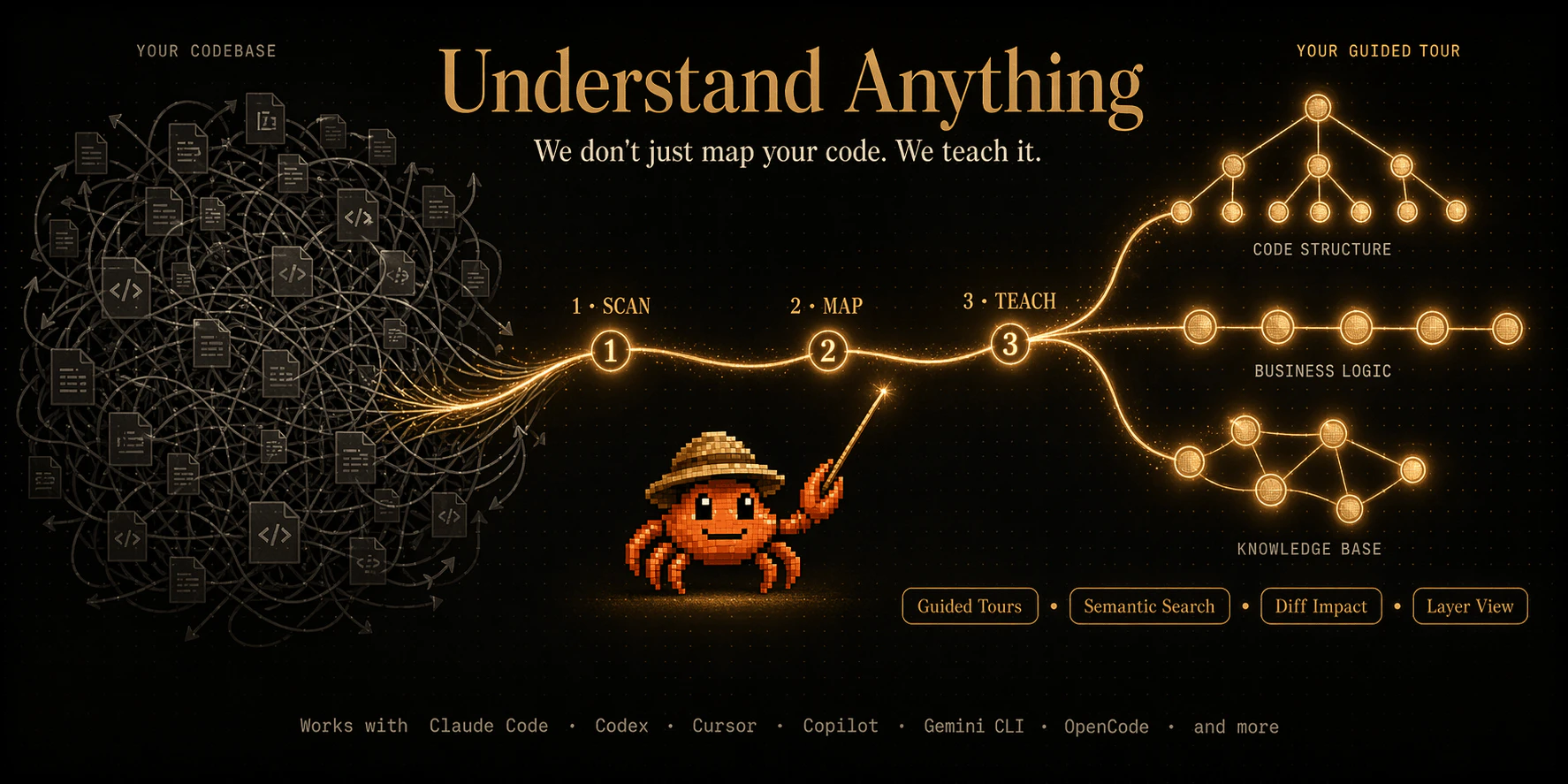
Onboard to any codebase in minutes, not weeks
Understand Anything is an innovative developer tool designed to streamline onboarding and exploration of complex codebases. By transforming repositories into interactive knowledge graphs, it allows developers to navigate, search, and comprehend code with ease. Combining static analysis via tree-sitter with large language model (LLM) generated explanations, it offers both a structural overview and narrative insights, making it ideal for onboarding new team members or understanding unfamiliar projects quickly. Its visual, force-directed maps and guided tours facilitate intuitive exploration of architecture, file-level walkthroughs, and inline code reading. Shipping as a command compatible with Claude Code, Cursor, and opencode, and being open source, Understand Anything emphasizes flexibility and vendor independence, making it attractive to teams seeking powerful, customizable code comprehension tools.
Pros
- Transforms complex repositories into interactive, visual knowledge graphs
- Combines accurate static analysis with natural language explanations
- Supports guided architecture tours and inline code exploration
- Open source, ensuring no vendor lock-in and high customizability
- Compatible with popular LLM tools like Claude Code and Cursor
Cons
- May require some learning curve for optimal use
- Performance and responsiveness could vary with very large repos
- Limited user interface features compared to commercial solutions
Best for
- • Onboarding new developers to complex codebases quickly
- • Exploring unfamiliar repositories to understand architecture
- • Conducting code reviews with structural and narrative insights
- • Documenting code architecture for future reference
Pricing: Likely offered as a free and open source tool, with potential paid plans or enterprise features depending on community contributions and support options.

Figma for Claude Code
Inspector reimagines the design-to-code workflow by integrating visual editing directly with AI-powered code generation. Designed for developers, designers, and product teams, it allows users to click on UI elements within a design interface, make visual adjustments, and have those changes automatically reflected in the underlying codebase. The tool connects seamlessly with popular AI agents like Claude Code, Codex, and Cursor, streamlining the often tedious handoff process between design and development. Its unique approach eliminates the need for manual code edits or back-and-forth communication, enabling rapid prototyping and iteration. By bridging the gap between visual design and code, Inspector enhances productivity and fosters a more collaborative workflow, making it ideal for teams seeking to accelerate their development cycles with AI-powered precision.
Pros
- Intuitive visual interface for code adjustments
- Seamless integration with popular AI coding agents
- Reduces manual coding and design handoff time
- Supports rapid prototyping and iteration
- Streamlines collaboration between designers and developers
Cons
- May have limitations with complex UI components
- Dependent on AI accuracy, which can vary
- Learning curve for users unfamiliar with AI-assisted editing
Best for
- • Quick UI tweaks during product development
- • Design validation and iteration without extensive code changes
- • Bridging the gap between design and development teams
- • Rapid prototyping of new features
Pricing: Likely operates on a freemium model, offering basic features for free with paid plans providing additional integrations and advanced editing capabilities; exact pricing details are not publicly specified.