Tessar vs Claude in PowerPoint
Side-by-side comparison of features, pros & cons, pricing, and community votes (2026).
🏆 Claude in PowerPoint leads with 610 upvotes
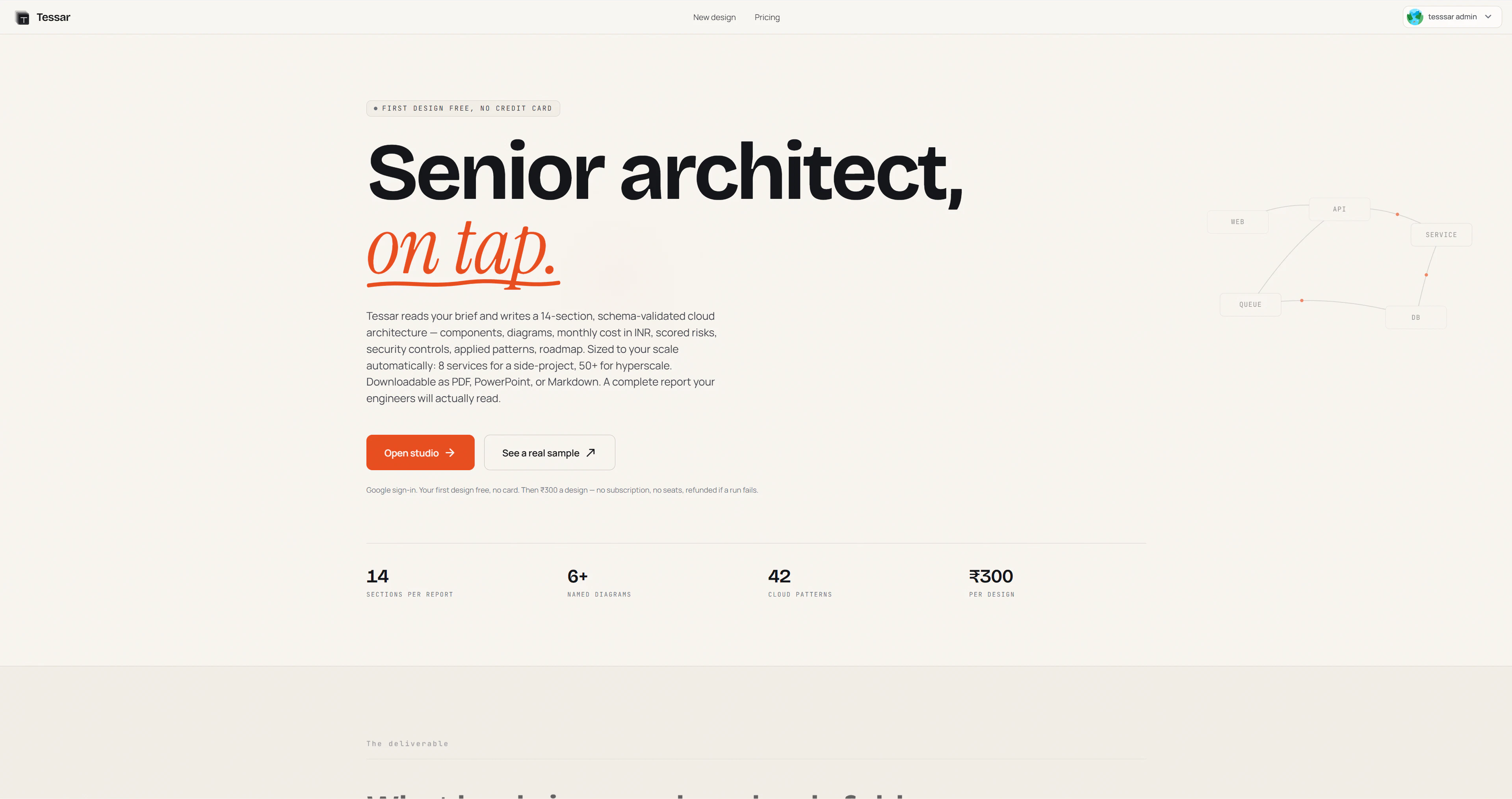
Generate & compare cloud architectures from a brief
Tessar is an innovative SaaS tool designed for developers, architects, and tech teams seeking rapid cloud architecture planning. By simply describing their system in plain English, users receive a comprehensive cloud architecture within approximately three minutes. Tessar generates detailed component diagrams, estimates monthly costs, assesses risks, and provides a strategic roadmap, streamlining the often complex process of cloud design. Notably, it can produce multiple competing architecture options side-by-side, comparing AWS, GCP, and Azure solutions, which helps teams make informed decisions quickly. Its user-friendly interface and automated generation make it especially valuable for startups, DevOps teams, and cloud consultants aiming to accelerate project planning and reduce design overhead.
Pros
- Speeds up the cloud architecture design process significantly
- Generates multiple competing options for better comparison
- Provides detailed cost estimates and risk assessments
- Supports multiple cloud providers (AWS, GCP, Azure)
- Easy to use, requiring only a plain English description
Cons
- Limited customization for very complex or niche architectures
- Functionality may depend on the clarity of user input
- First design is free, but subsequent features or extensive use may incur costs
Best for
- • Rapid prototyping of cloud architectures for startups
- • Comparing cloud provider options for a new project
- • Cost estimation and risk analysis during planning phases
- • Creating visual diagrams for stakeholder presentations
Pricing: Likely operates on a freemium model, offering a free initial design with paid plans for additional features or extensive use. Exact pricing details are not publicly specified but may involve tiered subscriptions based on project complexity or number of designs.

Use Claude to build, edit & refine PowerPoint presentations.
Claude in PowerPoint is an innovative AI-powered tool designed to enhance the presentation creation process. Seamlessly integrated into PowerPoint, it assists users in building, editing, and refining slides in real time. By understanding slide layouts, fonts, and masters, Claude ensures that every change remains consistent with the brand and template standards. Its ability to read and adapt to existing presentation styles makes it particularly valuable for professionals seeking to streamline their workflow without sacrificing design integrity. Additionally, the recent support for live data connectors enables users to incorporate real-time insights from their daily tools directly into their slides, elevating the relevance and impact of their presentations. Available on the Pro plan, Claude in PowerPoint caters to marketers, business professionals, and designers looking for an intelligent, collaborative presentation assistant that saves time and improves slide quality.
Pros
- Real-time slide building and editing assistance
- Maintains brand consistency by understanding slide layouts and styles
- Supports live data integration for dynamic presentations
- Enhances productivity for teams and individual users
- Available on the Pro plan with advanced features
Cons
- Currently limited to PowerPoint, reducing cross-platform flexibility
- May require some learning curve for new users unfamiliar with AI tools
- Pricing details are not explicitly stated, which might impact budgeting for some users
Best for
- • Creating professional pitch decks quickly
- • Iterating and refining presentation content collaboratively
- • Updating slides with live data for real-time insights
- • Ensuring brand consistency across multiple presentations
Pricing: Likely follows a subscription-based model with tiered plans, offering a Pro plan that unlocks full features such as live data support and advanced editing tools. Exact pricing details are not specified but may include a free trial or basic tier.