Teamside vs Slack Code
Side-by-side comparison of features, pros & cons, pricing, and community votes (2026).
🏆 Teamside leads with 0 upvotes

Small team chat and voice rooms on European servers
Teamside is a lightweight, installable web application designed for small teams, gaming groups, and communities seeking fast, secure communication. It offers real-time text chat, voice rooms, and secure invite features, all hosted exclusively on European servers to ensure data privacy and compliance. Its peer-to-peer WebRTC-based voice chat starts as lightweight and locally hosted, ideal for small groups, and can seamlessly migrate to a more reliable SFU server mode when larger rooms or increased stability are needed. As a Progressive Web App (PWA), Teamside combines the ease of use and accessibility of a web app with near-native performance, making it easy to open, share, and update without heavy installations. Its focus on privacy, European hosting, and flexible voice options make it uniquely suited for privacy-conscious teams and small communities who want quick, private, and reliable communication tools.
Pros
- European server hosting ensures data privacy and compliance
- Lightweight PWA with native app-like experience
- Flexible voice communication starting peer-to-peer and scaling to SFU servers
- Secure invite system for controlled access
- Easy to install, share, and update
Cons
- Limited to small team sizes and communities; may not scale well for large organizations
- Features may be basic compared to more comprehensive collaboration tools
- Currently lacks integrations with popular productivity apps
Best for
- • Private team communication for remote startups
- • Gaming clans and small gaming communities
- • Small community groups needing secure chat and voice rooms
- • Project teams requiring quick, private voice and text collaboration
Pricing: Likely operates on a freemium model with core features available for free, and optional paid plans for additional features or hosting options. Exact pricing details are not specified.
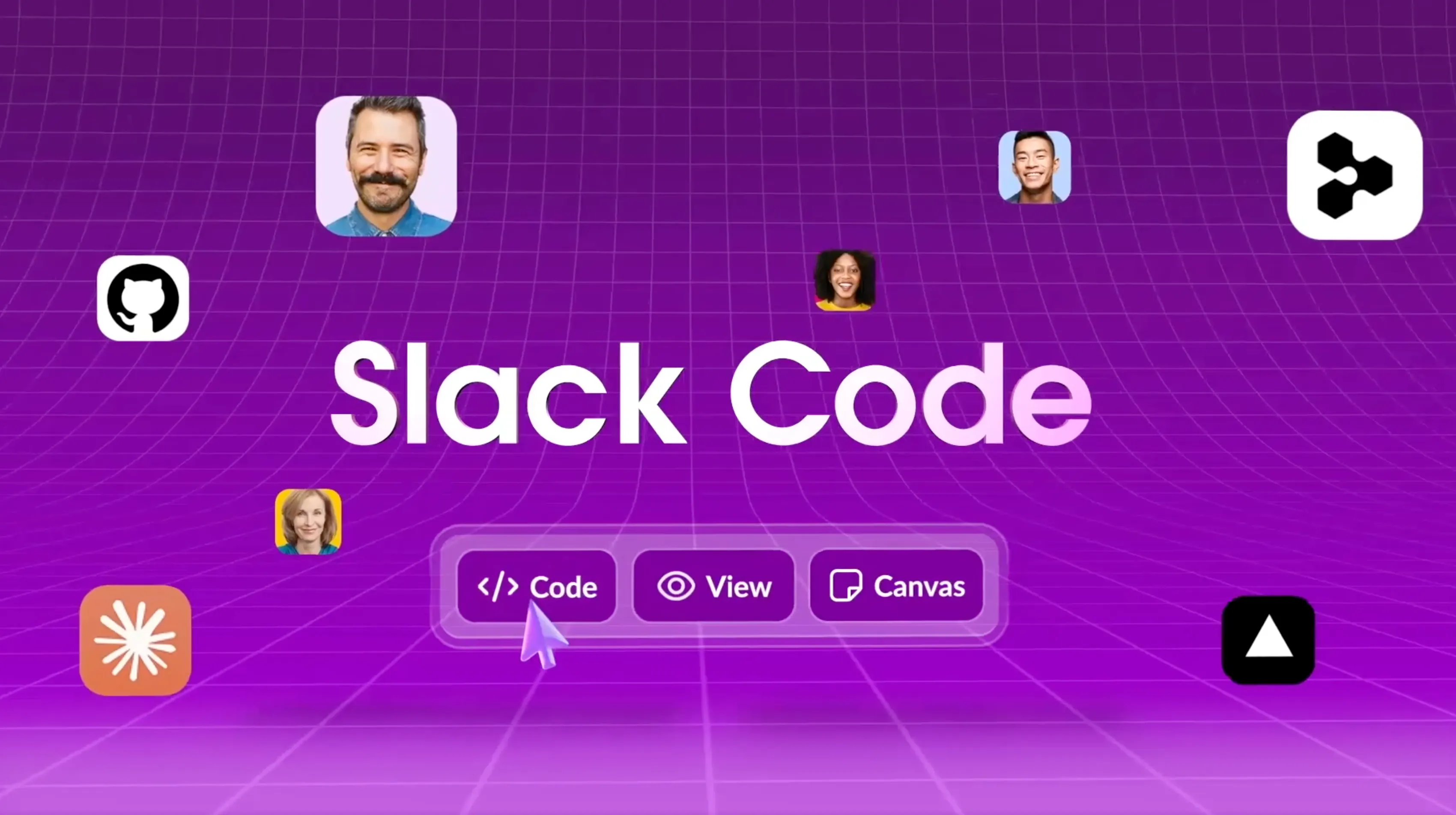
Humans and agents. Same channel. Same work.
Slack Code is an innovative integration that brings human agents and AI-powered assistants together within Slack, enabling seamless collaboration on coding and technical tasks. Designed for developers, support teams, and product managers, it allows users to interact with AI agents from companies like AnthropicAI, GitHub, Cognition, and Vercel directly in their existing Slack channels. This integration simplifies workflows by eliminating the need to switch platforms, fostering real-time problem solving, code review, and project management. Its unique value lies in creating a unified environment where humans and AI agents can work side-by-side, enhancing productivity and reducing communication bottlenecks. Launched recently, Slack Code aims to streamline technical collaboration, making it easier for teams to deploy, debug, and improve code collaboratively within their familiar Slack workspace.
Pros
- Seamless integration within Slack for real-time collaboration
- Supports multiple AI agents from leading tech companies
- Reduces context switching between tools
- Facilitates faster code reviews and troubleshooting
- Encourages collaborative problem solving between humans and AI
Cons
- Limited information on pricing and subscription tiers
- May require technical setup and onboarding for some teams
- Potential dependency on AI accuracy and reliability
Best for
- • Real-time coding assistance and troubleshooting in Slack channels
- • Collaborative code review sessions involving both humans and AI agents
- • Automated answering of technical questions for support teams
- • Rapid prototyping and feedback during development sprints
Pricing: Likely employs a freemium model with basic features available for free and premium plans offering enhanced integrations or AI capabilities, though specific details are not publicly confirmed.