Side Quest vs Inspector
Side-by-side comparison of features, pros & cons, pricing, and community votes (2026).
🏆 Inspector leads with 621 upvotes
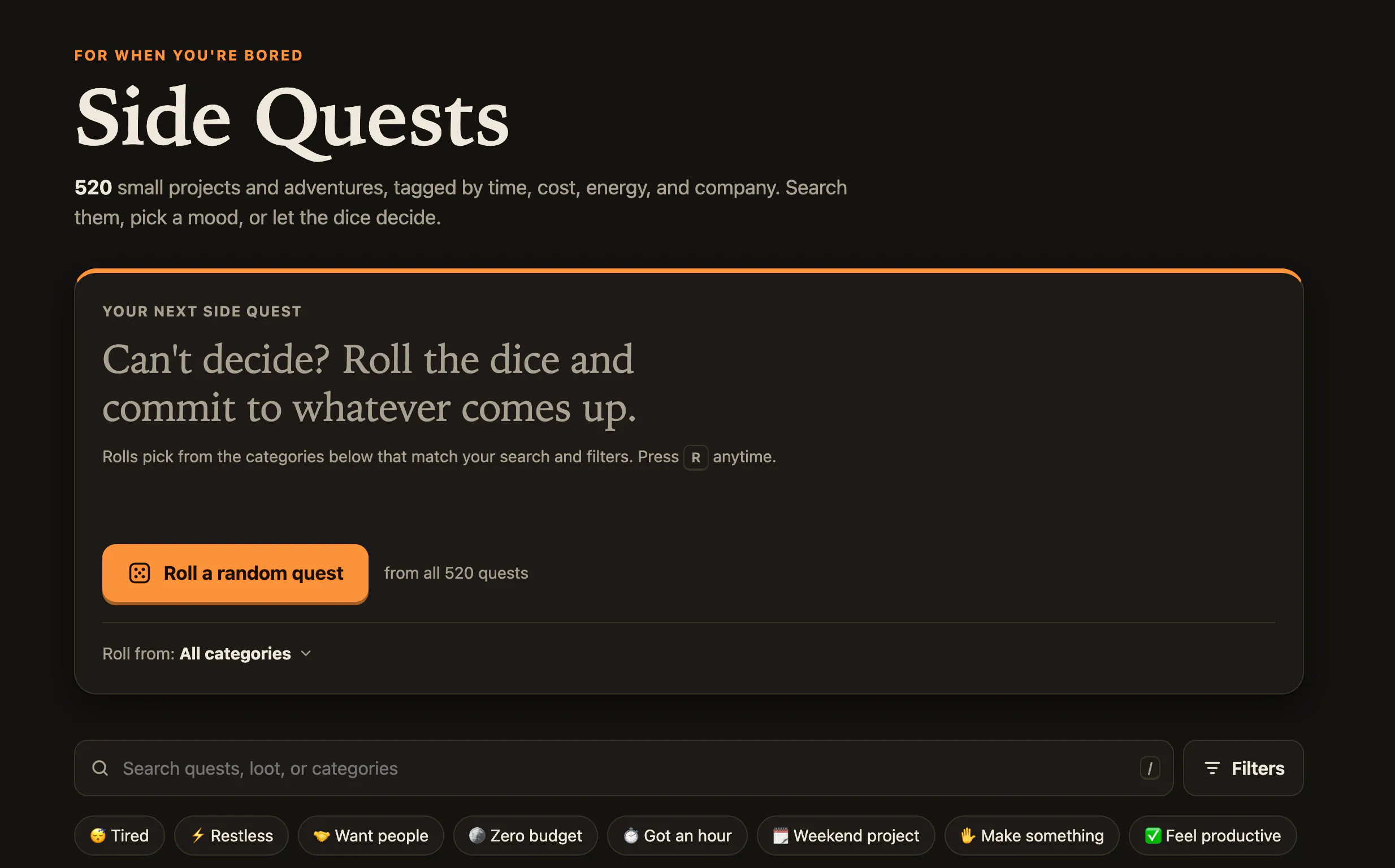
Find a side quest when you're feeling bored
Side Quest is a playful and engaging platform designed to combat boredom by offering a wide array of small projects and activities. It caters to individuals looking for quick, enjoyable tasks across various categories like software engineering, GitHub projects, and business activities. Users can easily search for activities, select based on their current mood, or simply roll a random suggestion to discover new challenges. What makes Side Quest unique is its focus on providing a spontaneous and fun way to engage with small, manageable projects that can spark creativity or productivity during free moments. This tool is perfect for developers, entrepreneurs, or anyone seeking a casual way to stay active and inspired without committing to large projects.
Pros
- Offers a diverse range of small projects suitable for various interests
- User-friendly interface for quick activity discovery
- Allows mood-based filtering and random activity selection
- Encourages productivity and creativity in spare moments
- Accessible for users across different categories including software and business
Cons
- Limited information on the depth or complexity of activities
- No visible user engagement metrics or community features
- Current ProductHunt votes are zero, indicating limited popularity or awareness
Best for
- • Quick brainstorming sessions for software engineers
- • Finding casual side projects for GitHub enthusiasts
- • Engaging in small business or entrepreneurial activities during downtime
- • Inspiring creative breaks for developers and entrepreneurs
Pricing: Pricing not verified

Figma for Claude Code
Inspector reimagines the design-to-code workflow by integrating visual editing directly with AI-powered code generation. Designed for developers, designers, and product teams, it allows users to click on UI elements within a design interface, make visual adjustments, and have those changes automatically reflected in the underlying codebase. The tool connects seamlessly with popular AI agents like Claude Code, Codex, and Cursor, streamlining the often tedious handoff process between design and development. Its unique approach eliminates the need for manual code edits or back-and-forth communication, enabling rapid prototyping and iteration. By bridging the gap between visual design and code, Inspector enhances productivity and fosters a more collaborative workflow, making it ideal for teams seeking to accelerate their development cycles with AI-powered precision.
Pros
- Intuitive visual interface for code adjustments
- Seamless integration with popular AI coding agents
- Reduces manual coding and design handoff time
- Supports rapid prototyping and iteration
- Streamlines collaboration between designers and developers
Cons
- May have limitations with complex UI components
- Dependent on AI accuracy, which can vary
- Learning curve for users unfamiliar with AI-assisted editing
Best for
- • Quick UI tweaks during product development
- • Design validation and iteration without extensive code changes
- • Bridging the gap between design and development teams
- • Rapid prototyping of new features
Pricing: Likely operates on a freemium model, offering basic features for free with paid plans providing additional integrations and advanced editing capabilities; exact pricing details are not publicly specified.