PrintMakerAI vs FreeCAD 1.1
Side-by-side comparison of features, pros & cons, pricing, and community votes (2026).
🏆 FreeCAD 1.1 leads with 248 upvotes
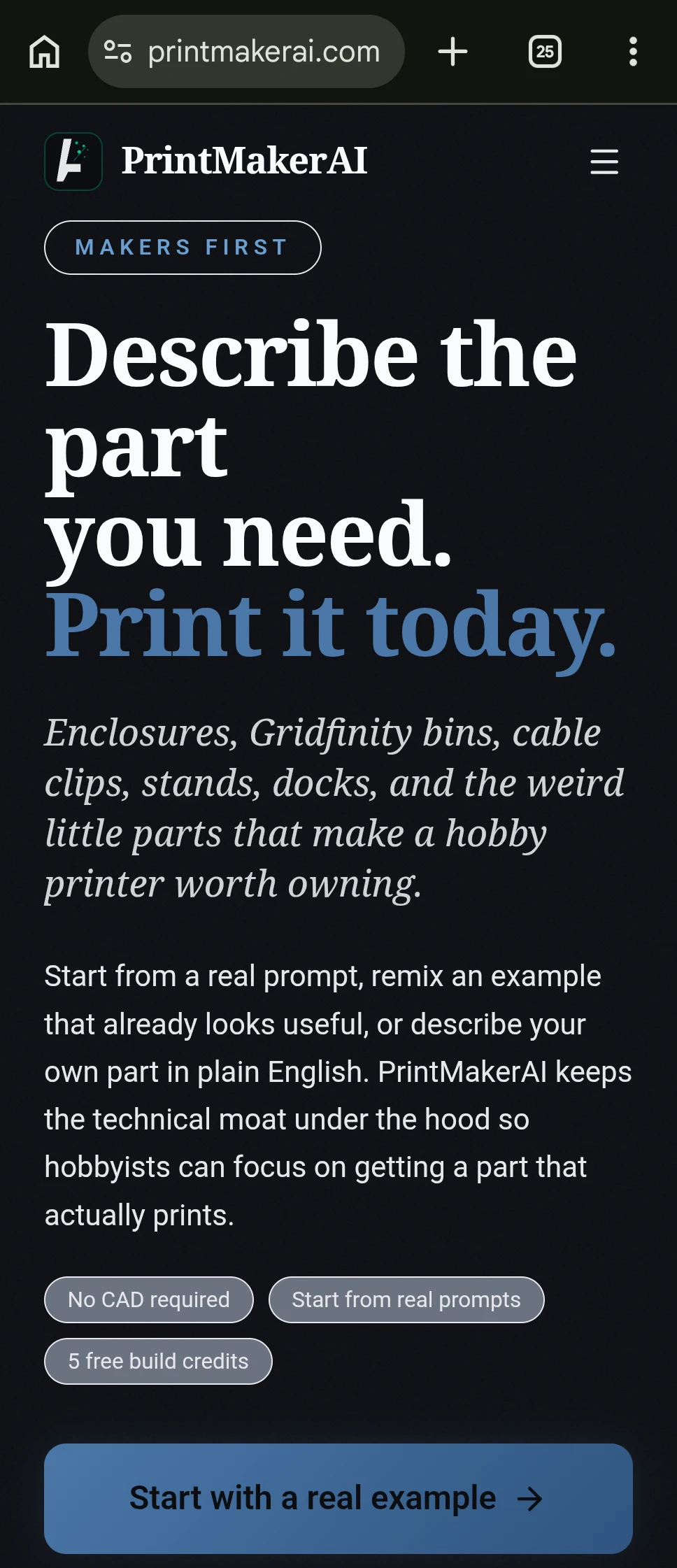
Describe a part. AI builds it, views it, fixes it & renders
PrintMakerAI is an innovative AI-driven 3D modeling tool designed for creators, engineers, and hobbyists who need to quickly generate printable parts from simple textual descriptions. By leveraging advanced AI vision, natural language processing, and the open-source OpenCascades Brep-Kernel, it allows users to describe components like enclosures, brackets, cable clips, and custom desk parts with plain English. The platform offers multiple input methods, including text prompts, drawing-to-CAD conversion, and phone-based object scanning, making 3D modeling more accessible and efficient. Its focus on DFM (Design for Manufacturing) checks ensures that the generated parts are ready for production, minimizing errors and reducing iteration time. Unlike generic AI wrappers, PrintMakerAI emphasizes organic shape development and detailed engineering validation, making it ideal for both prototyping and final production. Its unique combination of AI vision, natural language, and organic shape development sets it apart in the rapidly evolving maker and product development space.
Pros
- User-friendly interface supports plain English descriptions for complex part creation
- Multiple input methods including text, drawing, and object scanning
- Built-in DFM checks for manufacturability and quality assurance
- Focus on organic shapes and detailed engineering for final production
- Uses advanced open-source kernel for precise, organic geometry
Cons
- Currently in finalization phase for some features, like 'Enclose a Device'
- Limited user base and community support as it is a newer tool
- Pricing details are not publicly clear, potentially costly for some users
Best for
- • Designing custom enclosures for developer boards and electronics
- • Creating printable Gridfinity storage bins and organizational components
- • Developing cable management clips and brackets for desks
- • Rapid prototyping of organic-shaped mechanical parts
Pricing: Specific pricing details are not publicly available, but the tool likely offers a freemium model with basic features accessible for free and premium features or higher-resolution outputs available via paid plans.

Extremely powerful, completely free 3D CAD modeling
FreeCAD 1.1 is a comprehensive and powerful open-source 3D CAD modeling software designed for engineers, designers, and hobbyists seeking a free yet highly capable tool. Building on its reputation, this latest version introduces significant quality-of-life enhancements such as transparent previews, interactive draggers, and improved assembly features, making complex modeling tasks more intuitive and efficient. Its versatility spans CAD, CAM, and FEA workflows, providing a unified platform for a wide range of design and engineering projects. As an open-source project, FreeCAD offers extensive customization and community-driven support, making it ideal for users who value flexibility and cost-effectiveness without sacrificing advanced features. Whether you're creating detailed mechanical parts, exploring architectural designs, or running finite element analyses, FreeCAD 1.1 stands out as a robust, free alternative to commercial CAD solutions, appealing to both professionals and enthusiasts alike.
Pros
- Open-source and free to use with no licensing costs
- Rich feature set including CAD, CAM, and FEA capabilities
- User-friendly improvements like transparent previews and interactive draggers
- Highly customizable with an active community
- Suitable for complex and detailed 3D modeling projects
Cons
- Steeper learning curve for beginners compared to simpler CAD tools
- Performance may vary with very complex models or large assemblies
- Interface can be less polished than commercial counterparts
Best for
- • Designing mechanical components and assemblies
- • Prototyping and 3D printing models
- • Architectural and structural design projects
- • Finite Element Analysis (FEA) for stress testing and simulations
Pricing: FreeCAD 1.1 is open-source and completely free to download and use, with no paid plans or licensing fees involved.