PostureGuard vs Blink Agent Builder
Side-by-side comparison of features, pros & cons, pricing, and community votes (2026).
🏆 Blink Agent Builder leads with 553 upvotes
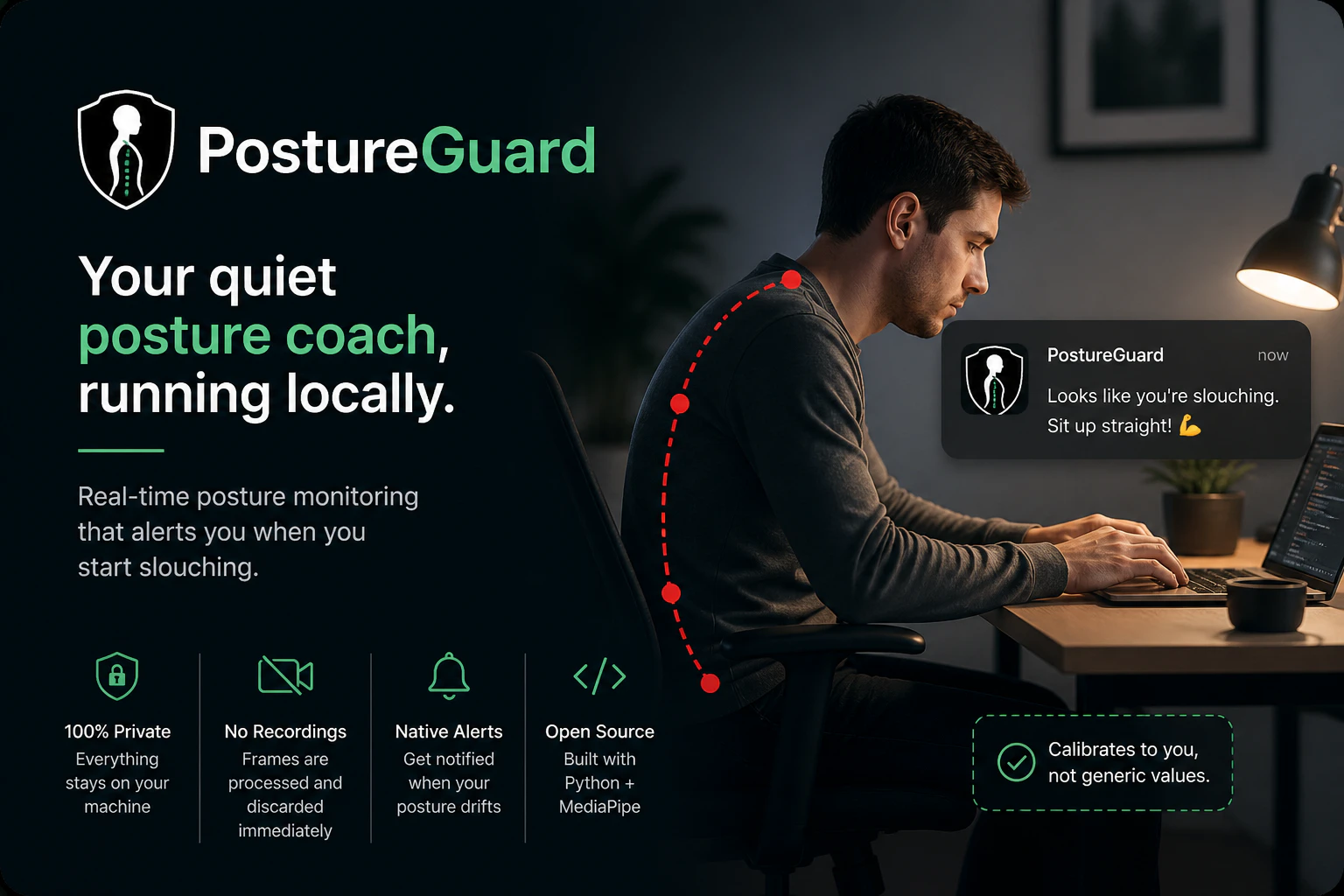
Your quiet posture coach, running locally
PostureGuard is a privacy-focused posture monitoring tool that helps users maintain proper ergonomics by leveraging their webcam locally. Unlike many health apps that rely on cloud processing or require account creation, PostureGuard runs entirely on the user's machine, ensuring data privacy and security. It uses Python and MediaPipe to analyze your posture in real-time, providing silent background monitoring with native OS notifications when slouching is detected. After a quick calibration, users can enjoy an unobtrusive way to improve their sitting habits during work or study sessions. Its open-source nature encourages transparency and customization, making it ideal for tech-savvy users who prioritize privacy and control. Whether you work long hours at a desk or want a simple posture reminder, PostureGuard offers an effective, lightweight solution that respects user privacy while promoting healthier habits.
Pros
- Privacy-centric with local processing and no cloud dependency
- Open-source and customizable for tech-savvy users
- Native OS notifications for seamless user experience
- Easy setup with quick calibration
- Lightweight and runs silently in the background
Cons
- Requires technical knowledge for customization or troubleshooting
- Limited to webcam-based posture detection, which may be less accurate in certain environments
- No advanced analytics or detailed reporting features
Best for
- • Reminding remote workers to maintain good posture during long work sessions
- • Students studying at a desk to prevent slouching and neck strain
- • Ergonomic training for new employees in an organization
- • Personal health improvement for posture correction
Pricing: Free and open source, with no paid plans or subscription fees.

You can now vibe code agentic AI apps
Blink Agent Builder is an innovative vibe coding platform designed for developers and AI enthusiasts who want to rapidly build and deploy intelligent AI agents. It simplifies the process of creating autonomous agents that can think, utilize tools, and complete complex tasks from start to finish. With features like built-in web search, code execution, a vector database, sandbox environment, and access to over 180 AI models, Blink empowers users to craft sophisticated AI applications quickly and efficiently. Its ability to recreate popular AI tools such as Cursor, Perplexity, and Shortcut in minutes highlights its versatility and power. The platform is ideal for those looking to experiment with AI-driven automation or develop custom AI solutions without extensive coding expertise, making AI development more accessible and streamlined.
Pros
- User-friendly vibe coding platform enabling rapid AI agent creation
- Rich set of features including web search, code execution, and vector database
- Supports over 180 AI models for versatile applications
- Ability to recreate complex AI tools in minutes
- Suitable for both developers and AI enthusiasts
Cons
- May have a learning curve for complete beginners
- Limited details on pricing structure and plans
- Potential performance variability depending on AI model usage
Best for
- • Rapid prototyping of intelligent AI agents for automation
- • Recreating existing AI tools for customization and improvement
- • Building AI-powered customer support bots
- • Developing autonomous research assistants
Pricing: Likely operates on a freemium model with free access to core features and paid plans offering additional models, tools, or usage limits. Exact pricing details are not specified, but such platforms typically start around $20-$50 per month for advanced features.