PostureGuard vs Auto Mode by Claude Code
Side-by-side comparison of features, pros & cons, pricing, and community votes (2026).
🏆 Auto Mode by Claude Code leads with 551 upvotes
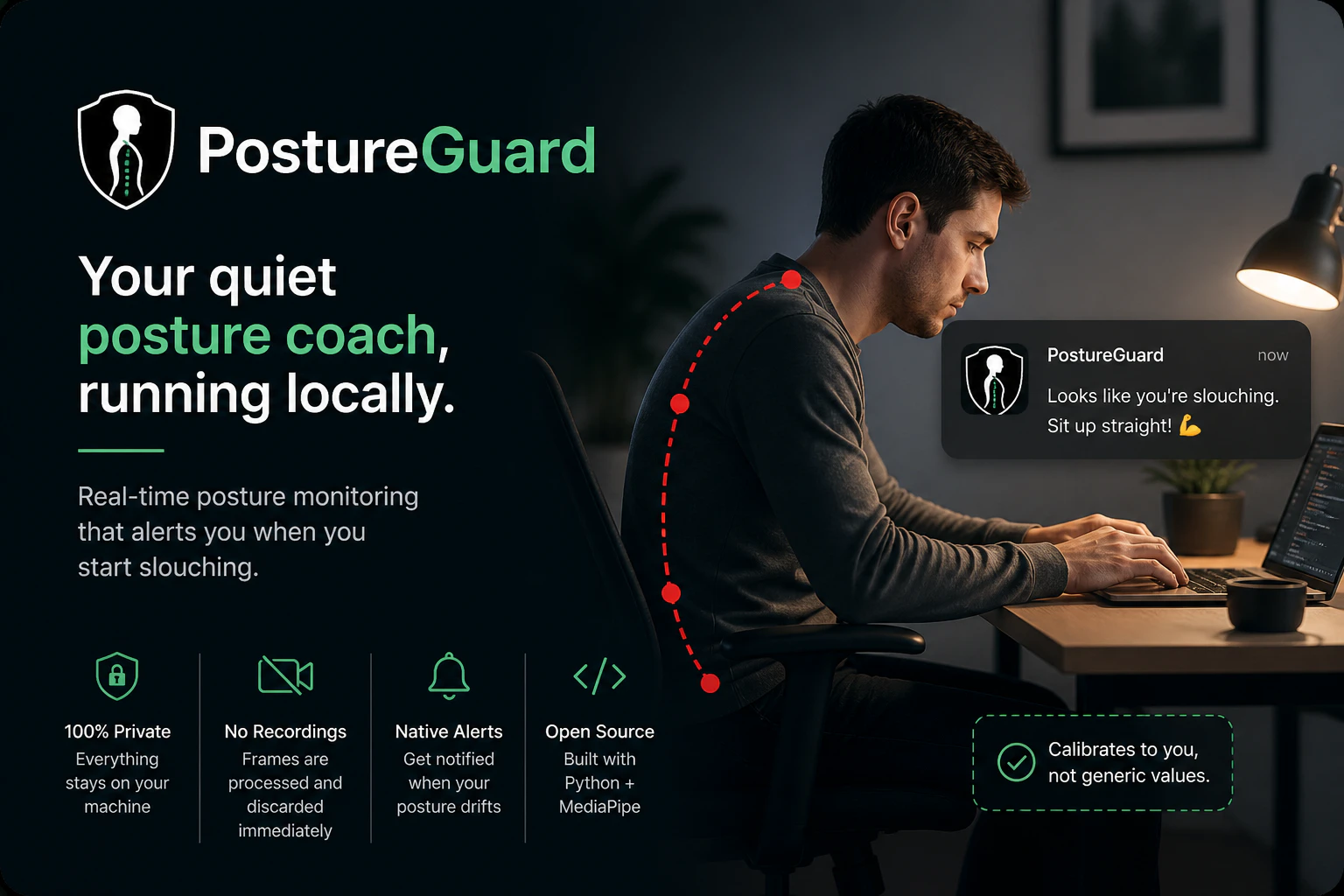
Your quiet posture coach, running locally
PostureGuard is a privacy-focused posture monitoring tool that helps users maintain proper ergonomics by leveraging their webcam locally. Unlike many health apps that rely on cloud processing or require account creation, PostureGuard runs entirely on the user's machine, ensuring data privacy and security. It uses Python and MediaPipe to analyze your posture in real-time, providing silent background monitoring with native OS notifications when slouching is detected. After a quick calibration, users can enjoy an unobtrusive way to improve their sitting habits during work or study sessions. Its open-source nature encourages transparency and customization, making it ideal for tech-savvy users who prioritize privacy and control. Whether you work long hours at a desk or want a simple posture reminder, PostureGuard offers an effective, lightweight solution that respects user privacy while promoting healthier habits.
Pros
- Privacy-centric with local processing and no cloud dependency
- Open-source and customizable for tech-savvy users
- Native OS notifications for seamless user experience
- Easy setup with quick calibration
- Lightweight and runs silently in the background
Cons
- Requires technical knowledge for customization or troubleshooting
- Limited to webcam-based posture detection, which may be less accurate in certain environments
- No advanced analytics or detailed reporting features
Best for
- • Reminding remote workers to maintain good posture during long work sessions
- • Students studying at a desk to prevent slouching and neck strain
- • Ergonomic training for new employees in an organization
- • Personal health improvement for posture correction
Pricing: Free and open source, with no paid plans or subscription fees.

Let Claude make permission decisions on your behalf
Auto Mode by Claude Code introduces an innovative approach to automating permission decisions for file writes and bash commands within development environments. By leveraging a sophisticated classifier, it assesses each action's safety—automatically executing safe commands while blocking or handling risky ones differently. This tool is tailored for developers, DevOps teams, and automation enthusiasts seeking to streamline their workflows while maintaining control and security. Its ability to operate in isolated environments adds an extra layer of safety, making it suitable for sensitive or experimental tasks. What sets Auto Mode apart is its intelligent decision-making process, reducing manual oversight and minimizing errors in complex automation scenarios. This makes it an attractive option for teams looking to enhance productivity without sacrificing security or control.
Pros
- Automates permission decisions with high accuracy, saving time
- Operates safely in isolated environments for added security
- Reduces manual intervention and human error
- Supports complex automation workflows with intelligent classification
- User-friendly for developers and automation specialists
Cons
- Potential for false positives or negatives in classification
- Limited information on pricing and deployment options
- May require initial setup and calibration for optimal performance
Best for
- • Automating file write permissions in CI/CD pipelines
- • Managing bash command execution in development environments
- • Securing automated scripts from executing risky commands
- • Streamlining permissions in DevOps workflows
Pricing: Likely follows a freemium model with core features available for free and premium plans for advanced automation and customization. Exact pricing details are not specified but are expected to be subscription-based.