Nuyo 2.0 vs Inspector
Side-by-side comparison of features, pros & cons, pricing, and community votes (2026).
🏆 Inspector leads with 621 upvotes
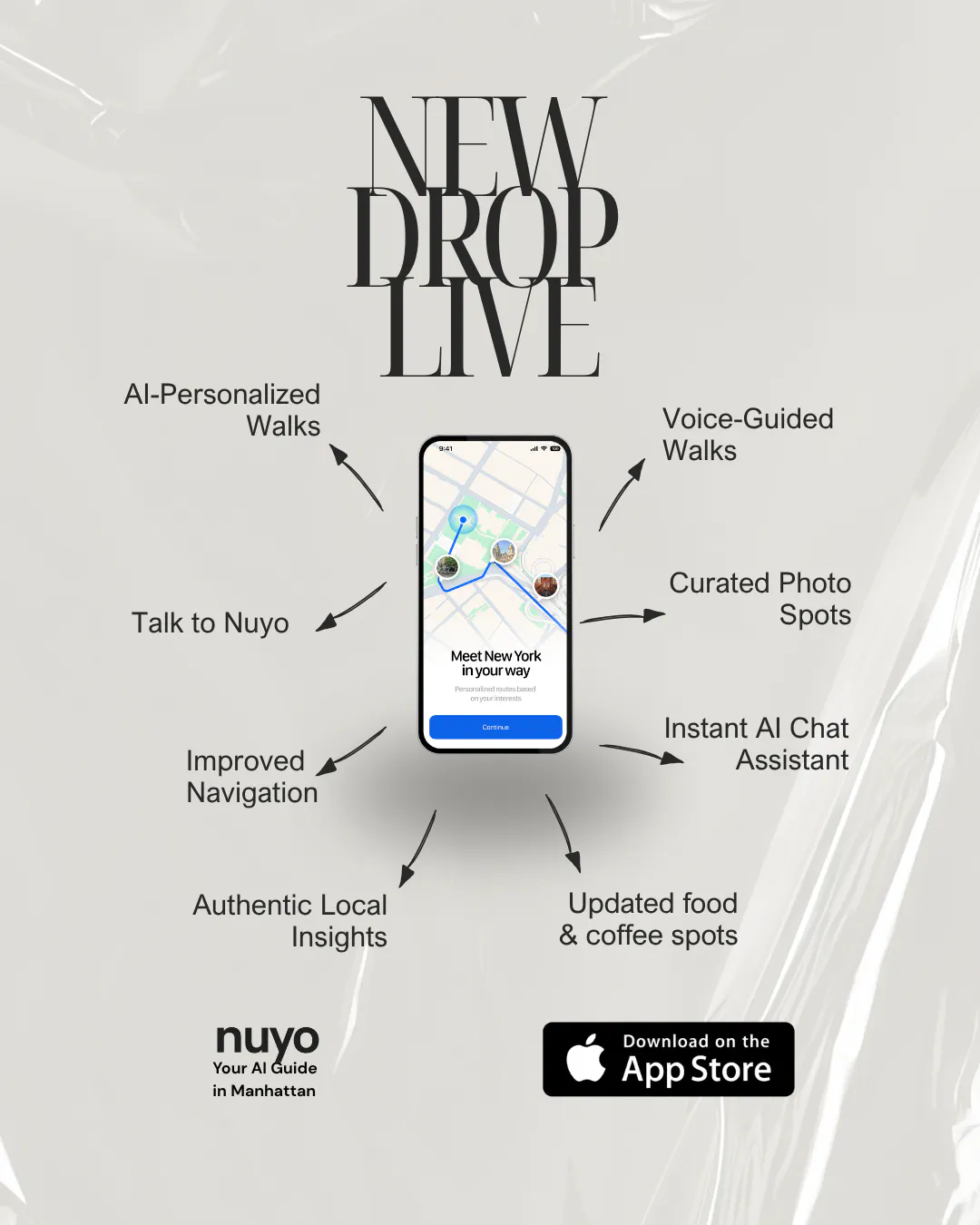
Your Manhattan walking guide, now with voice-guided walks.
Nuyo 2.0 is an innovative AI-powered walking guide designed specifically for exploring Manhattan. It creates personalized walking routes based on user interests, location, and available free time, making city exploration both effortless and engaging. The latest version introduces voice-guided walks and photo spots, enhancing the experience with real-time narration and visual suggestions. Users can ask questions aloud during their walk, receive recommendations for photo spots with helpful tips, and discover smart coffee stops, all tailored to their preferences. Priced at $2.99 per day for unlimited walks with no subscription required, Nuyo 2.0 offers a flexible and immersive way to explore the city on your own terms. Its blend of AI-driven customization, voice interaction, and rich media features makes it a standout tool for tourists, locals, and anyone seeking a more interactive Manhattan adventure.
Pros
- Personalized, AI-generated walking routes based on user interests
- Voice-guided navigation for a hands-free experience
- Photo spot suggestions with helpful tips
- No subscription fee, unlimited walks for a daily rate
- Interactive features like asking questions aloud during walks
Cons
- Limited to Manhattan, not suitable for other locations
- Pricing may become costly with daily use over time
- Features depend on real-time AI, which may occasionally have inaccuracies
Best for
- • Tourists exploring Manhattan for the first time
- • Locals discovering new neighborhoods or hidden gems
- • Photography enthusiasts seeking scenic spots
- • Walkers wanting a guided, interactive experience
Pricing: Pricing not verified

Figma for Claude Code
Inspector reimagines the design-to-code workflow by integrating visual editing directly with AI-powered code generation. Designed for developers, designers, and product teams, it allows users to click on UI elements within a design interface, make visual adjustments, and have those changes automatically reflected in the underlying codebase. The tool connects seamlessly with popular AI agents like Claude Code, Codex, and Cursor, streamlining the often tedious handoff process between design and development. Its unique approach eliminates the need for manual code edits or back-and-forth communication, enabling rapid prototyping and iteration. By bridging the gap between visual design and code, Inspector enhances productivity and fosters a more collaborative workflow, making it ideal for teams seeking to accelerate their development cycles with AI-powered precision.
Pros
- Intuitive visual interface for code adjustments
- Seamless integration with popular AI coding agents
- Reduces manual coding and design handoff time
- Supports rapid prototyping and iteration
- Streamlines collaboration between designers and developers
Cons
- May have limitations with complex UI components
- Dependent on AI accuracy, which can vary
- Learning curve for users unfamiliar with AI-assisted editing
Best for
- • Quick UI tweaks during product development
- • Design validation and iteration without extensive code changes
- • Bridging the gap between design and development teams
- • Rapid prototyping of new features
Pricing: Likely operates on a freemium model, offering basic features for free with paid plans providing additional integrations and advanced editing capabilities; exact pricing details are not publicly specified.