Inline vs Slack Code
Side-by-side comparison of features, pros & cons, pricing, and community votes (2026).
🏆 Inline leads with 100 upvotes

A thread-based chat app for work with your team and agents
Inline is a modern, thread-based chat application designed to facilitate seamless communication within teams and between agents. Its focus on threaded conversations helps reduce clutter, making it easier for users to follow ongoing discussions and collaborate more effectively. Tailored for work environments that require organized, context-rich messaging, Inline aims to streamline internal communication, customer support, and team coordination. Its integration of artificial intelligence features enhances productivity and automates routine interactions, making it suitable for businesses seeking smarter, more efficient messaging solutions. With its user-friendly interface and focus on contextual conversations, Inline stands out as a versatile tool for teams aiming to improve engagement and operational efficiency.
Pros
- Thread-based messaging reduces clutter and improves conversation organization
- Supports integration of artificial intelligence for smarter interactions
- Designed for both team collaboration and customer support scenarios
- User-friendly interface enhances ease of adoption
Cons
- Limited information on pricing and plans
- Lacks user reviews and detailed feature comparisons
- No indication of advanced customization options
Best for
- • Team collaboration and project management
- • Customer support and client communication
- • Internal knowledge sharing within organizations
- • Agent-customer interaction management
Pricing: Pricing not verified
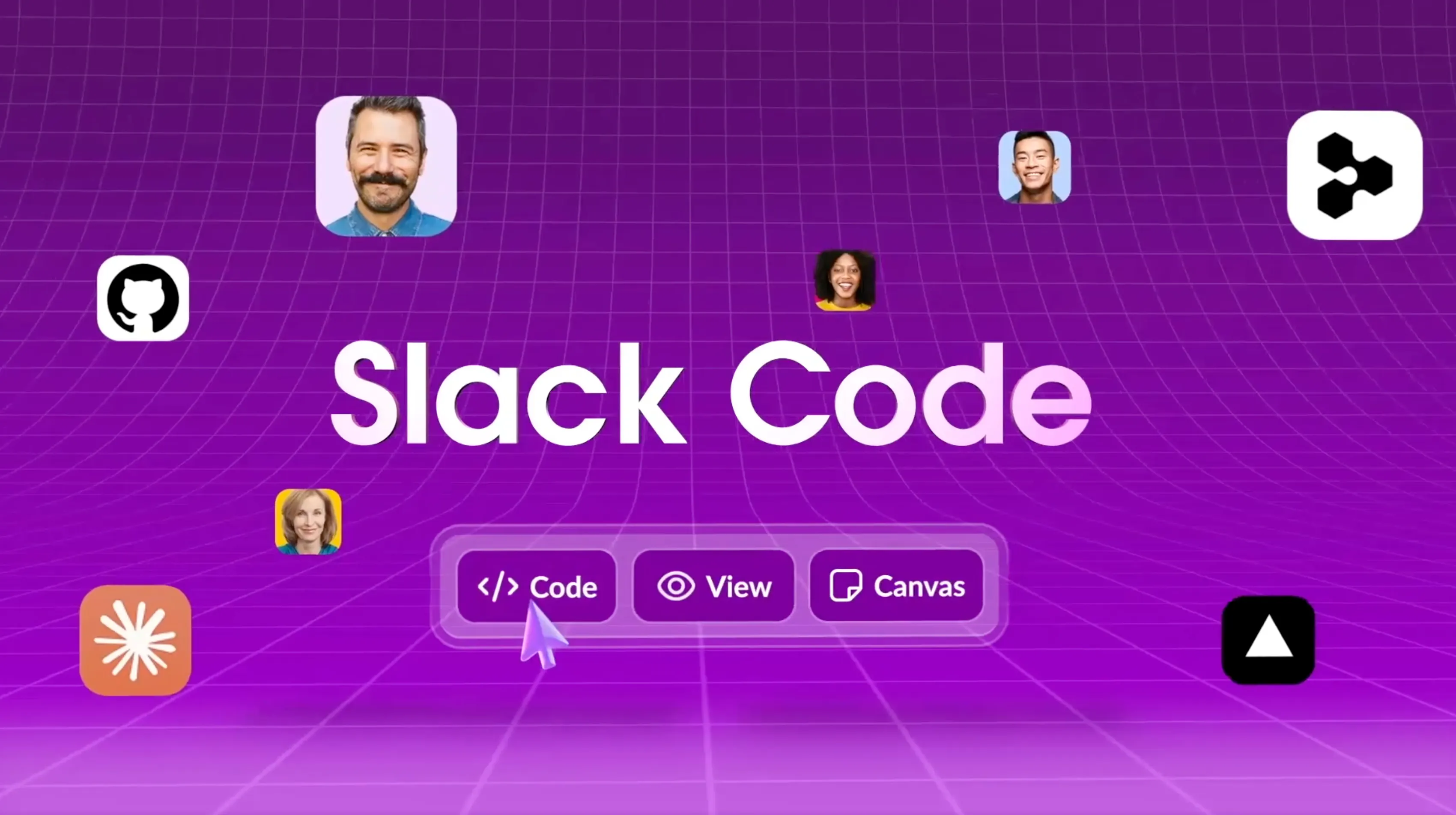
Humans and agents. Same channel. Same work.
Slack Code is an innovative integration that brings human agents and AI-powered assistants together within Slack, enabling seamless collaboration on coding and technical tasks. Designed for developers, support teams, and product managers, it allows users to interact with AI agents from companies like AnthropicAI, GitHub, Cognition, and Vercel directly in their existing Slack channels. This integration simplifies workflows by eliminating the need to switch platforms, fostering real-time problem solving, code review, and project management. Its unique value lies in creating a unified environment where humans and AI agents can work side-by-side, enhancing productivity and reducing communication bottlenecks. Launched recently, Slack Code aims to streamline technical collaboration, making it easier for teams to deploy, debug, and improve code collaboratively within their familiar Slack workspace.
Pros
- Seamless integration within Slack for real-time collaboration
- Supports multiple AI agents from leading tech companies
- Reduces context switching between tools
- Facilitates faster code reviews and troubleshooting
- Encourages collaborative problem solving between humans and AI
Cons
- Limited information on pricing and subscription tiers
- May require technical setup and onboarding for some teams
- Potential dependency on AI accuracy and reliability
Best for
- • Real-time coding assistance and troubleshooting in Slack channels
- • Collaborative code review sessions involving both humans and AI agents
- • Automated answering of technical questions for support teams
- • Rapid prototyping and feedback during development sprints
Pricing: Likely employs a freemium model with basic features available for free and premium plans offering enhanced integrations or AI capabilities, though specific details are not publicly confirmed.