DevTools Suite vs Anything API
Side-by-side comparison of features, pros & cons, pricing, and community votes (2026).
🏆 Anything API leads with 672 upvotes
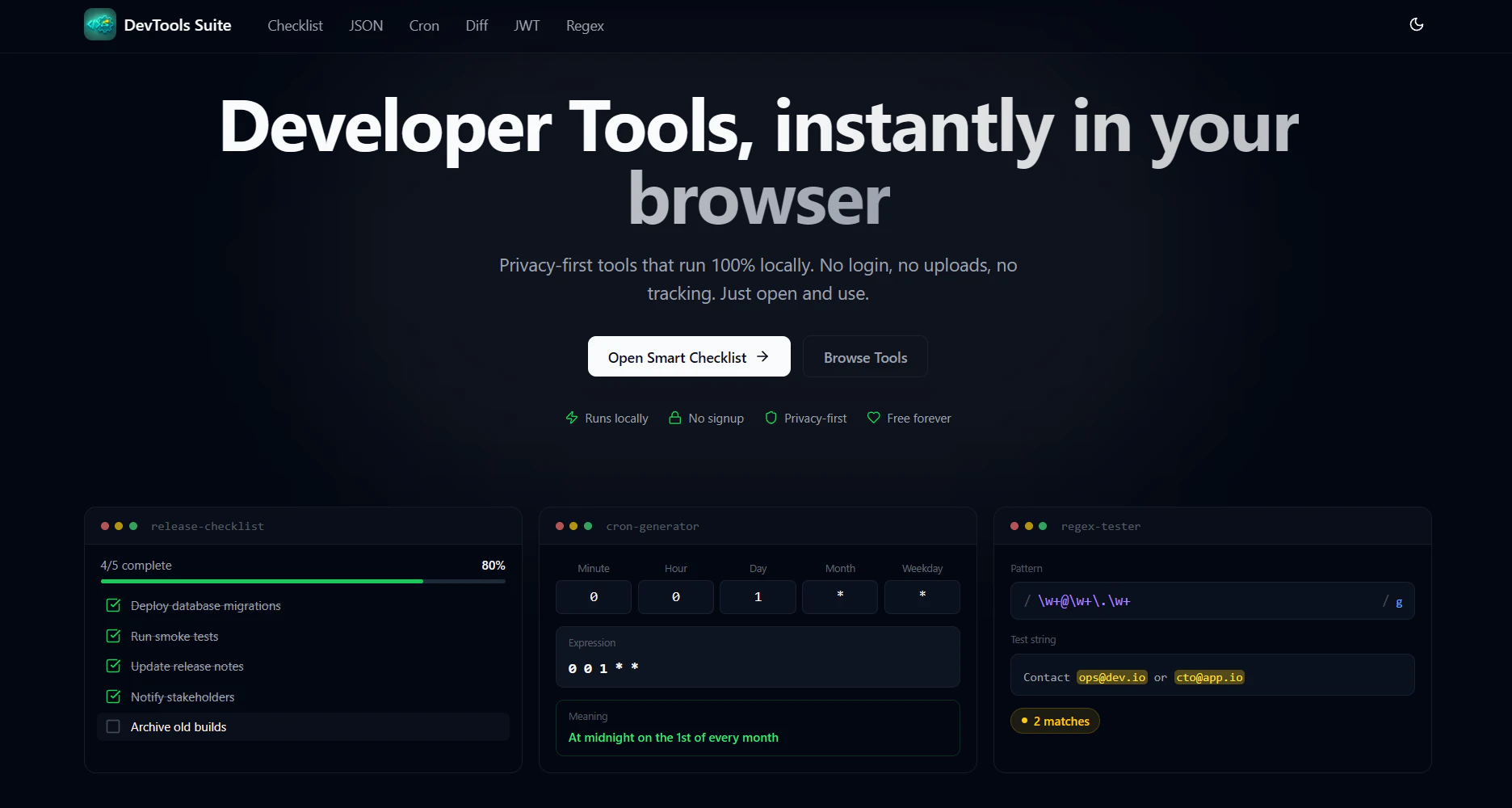
Privacy-first dev tools run in browser. No login no tracking
DevTools Suite is a collection of privacy-focused developer tools designed to run entirely within the browser, making them accessible and secure for developers who value data privacy. It offers a range of utilities including a JSON formatter & validator, JWT decoder, regex tester, cron expression generator, diff checker, and a smart checklist. Unlike many developer tools that require account creation or uploads, DevTools Suite emphasizes a login-free, no-tracking experience, ensuring users’ data remains private and their workflows uninterrupted. Its open-source nature and browser-based operation make it ideal for developers seeking quick, reliable tools without the hassle of installations or privacy concerns. Whether debugging JSON data, verifying JWT tokens, testing regular expressions, or generating cron schedules, this suite provides a simple yet powerful set of utilities, streamlining common development tasks efficiently.
Pros
- Privacy-first approach with no login or data tracking
- All tools run directly in the browser, no installation needed
- Wide range of developer utilities in a single suite
- Open source and free to use
- Accessible from any device with internet access
Cons
- Limited advanced features compared to dedicated, platform-specific tools
- No integration with other development environments or IDEs
- Lacks collaborative or team features
Best for
- • Quickly formatting and validating JSON data during API development
- • Decoding JWT tokens for authentication debugging
- • Testing regular expressions for data validation
- • Generating cron expressions for scheduling tasks
Pricing: Likely free and open source, emphasizing a privacy-first, no-cost utility suite with no paid plans or premium features.

Any website. We deliver the API.
Anything API is an innovative platform that bridges the gap for websites lacking public APIs. It empowers users to convert their browser-based interactions into robust, production-ready APIs without extensive coding. By simply describing the task, users can have custom functions built that directly call the target website, enabling seamless integration and automation. These custom API endpoints can be deployed serverless, scheduled via Cron, or accessed through standard API calls, making it highly versatile for developers, automation enthusiasts, and businesses seeking to extend functionality of web services. Its unique approach of translating manual browser work into programmable endpoints distinguishes it from traditional API providers, offering a flexible solution for accessing data or automating tasks on virtually any website.
Pros
- Transforms any website into a custom API without coding
- Flexible deployment options including serverless and scheduled tasks
- User-friendly task description process simplifies API creation
- Supports automation and integration with existing systems
- Highly versatile for various web scraping and data extraction needs
Cons
- Limited details on pricing structure and plans
- Potential challenges with highly dynamic or complex websites
- Reliance on agent-generated functions may require occasional updates
Best for
- • Extracting data from websites lacking public APIs
- • Automating repetitive browser tasks through API calls
- • Building integrations for custom web workflows
- • Monitoring website changes or content updates
Pricing: Likely operates on a pay-as-you-go or subscription-based model, with possible tiered plans depending on usage volume and features. Specific pricing details are not publicly disclosed, suggesting a custom or variable pricing approach.