DayPin vs Notion Developer Platform
Side-by-side comparison of features, pros & cons, pricing, and community votes (2026).
🏆 DayPin leads with 0 upvotes
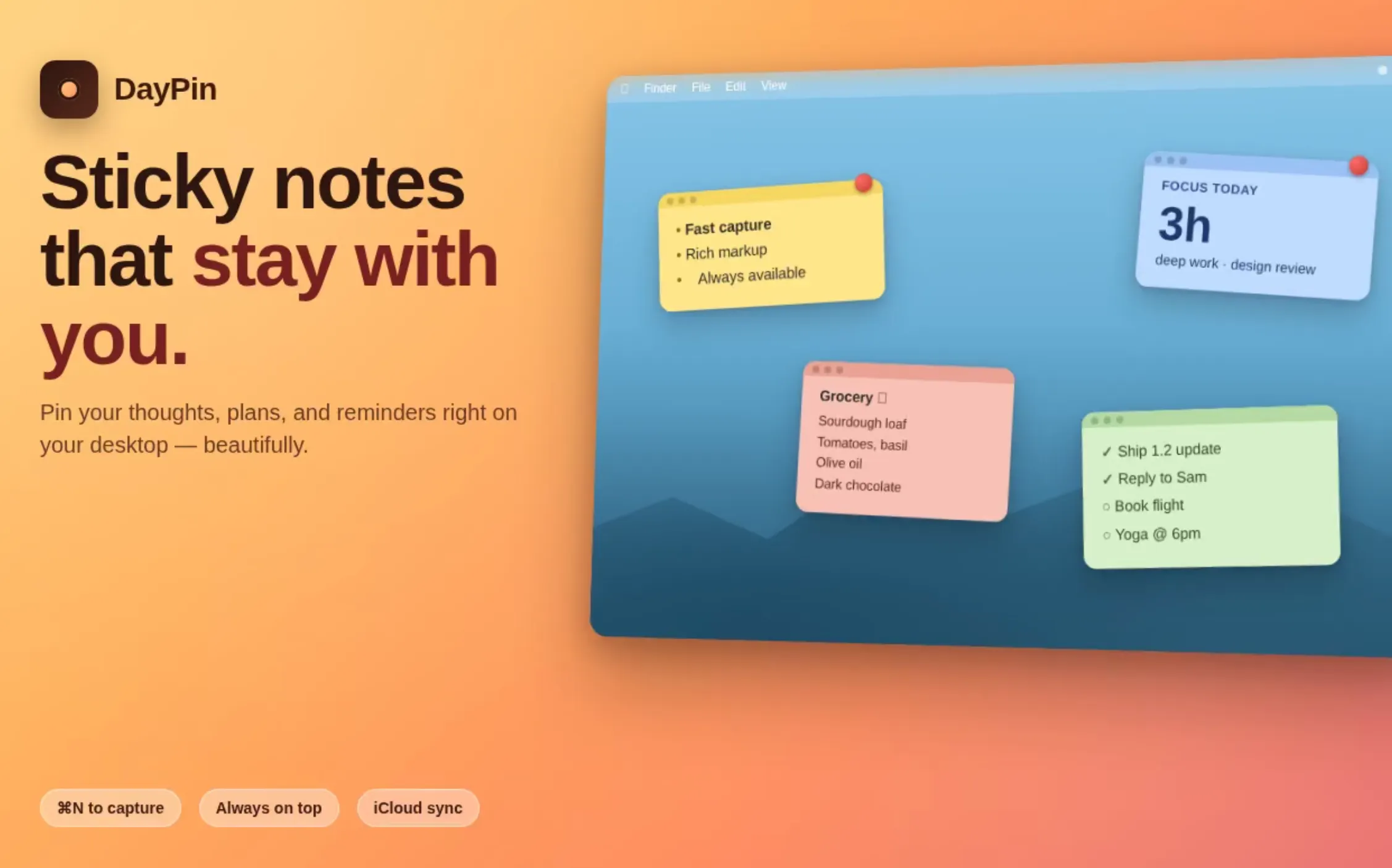
Native menu-bar sticky notes for Mac — offline, $3 Pro
DayPin is a lightweight, native Mac application that transforms your desktop into an organized space for sticky notes. Designed with simplicity and privacy in mind, it allows users to quickly jot down ideas, reminders, or important information using a seamless hotkey or menu bar icon. Built with SwiftUI, it offers a sleek, native experience without requiring an account or telemetry, ensuring your notes remain private. The app supports rich Markdown formatting, including bold, italics, headings, checklists, code blocks, and quotes, all within an intuitive WYSIWYG interface. Its customizable features, such as color options, opacity control, and hotkey customization, make note-taking flexible and personalized. The Pro version, priced at a one-time $3 fee, unlocks unlimited pins, cloud sync via iCloud, export options, search functionality, and advanced tools, making it ideal for power users and professionals seeking a simple yet powerful notes solution on their Mac.
Pros
- Native macOS application with a smooth SwiftUI interface
- Offline functionality with no account or telemetry required
- Rich Markdown support with WYSIWYG editing
- Customizable hotkeys, colors, and opacity
- Affordable one-time Pro upgrade for enhanced features
Cons
- Limited advanced organizational features compared to full note-taking apps
- No collaborative or real-time editing capabilities
- Pro version requires a one-time payment, which may be a barrier for some users
Best for
- • Quickly capturing and organizing ideas during meetings
- • Creating visual reminders for important tasks
- • Maintaining project or context-specific notes on the desktop
- • Using checklists for task tracking
Pricing: DayPin offers a free version with basic features. The Pro version is a one-time purchase of $3, unlocking unlimited notes, cloud sync, export options, and advanced tools. This straightforward pricing model makes it accessible for casual users and professionals alike.

Build on Notion, not just inside it
The Notion Developer Platform empowers teams to extend and customize their Notion workspace beyond its standard capabilities. By offering tools such as CLI, Workers, database syncs, agent tools, webhook triggers, MCP, and External Agents APIs, it allows developers to build integrated workflows, automate processes, and embed custom data operations directly within Notion. This platform is ideal for organizations seeking a unified environment where data, automation, and collaboration converge seamlessly, eliminating the need for juggling multiple tools. Its unique approach of enabling development directly inside Notion makes it particularly attractive for teams already heavily reliant on the platform, fostering innovation and efficiency in managing complex projects and workflows.
Pros
- Enables deep customization and automation within Notion
- Supports a wide range of integrations and API capabilities
- Streamlines workflows by operating inside a shared workspace
- Offers powerful developer tools like CLI and webhooks
- Facilitates building complex, scalable applications on top of Notion
Cons
- Requires technical knowledge to fully utilize features
- Potentially steep learning curve for non-developers
- Limited information on detailed pricing and plans
Best for
- • Automating data synchronization between Notion and other apps
- • Building custom dashboards and tools within Notion
- • Creating workflow automation for project management
- • Developing embedded agents for real-time notifications or data processing
Pricing: Likely operates on a custom or enterprise pricing model, potentially with tiered plans based on API usage and features. Specific pricing details are not publicly available, but it may follow a SaaS subscription approach with possible free trials for developers to experiment.