Creator Script Studio vs Visual Translate by Vozo
Side-by-side comparison of features, pros & cons, pricing, and community votes (2026).
🏆 Visual Translate by Vozo leads with 766 upvotes
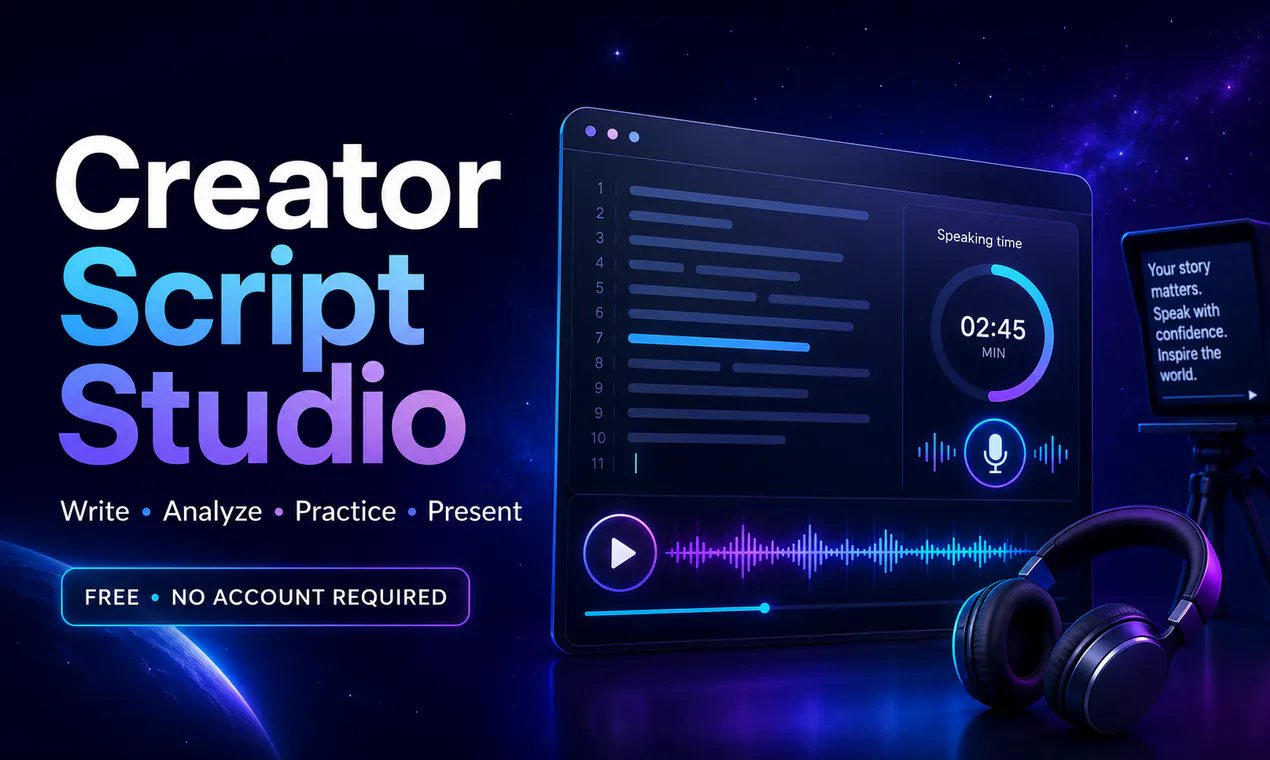
Write, practice, and present better video scripts
Creator Script Studio is a browser-based platform designed to simplify the process of crafting and delivering compelling video scripts. It caters to content creators, educators, marketers, and anyone involved in video production who wants an all-in-one workspace to write, practice, and present scripts confidently. Users can input scripts via typing, pasting, or uploading files, while the tool tracks word count and estimates speaking time, helping creators tailor their content for optimal delivery. Its built-in voice playback feature enables users to listen to their scripts, ensuring natural pacing and clarity. Additionally, the integrated teleprompter allows for smooth on-camera presentations, making it ideal for live streams, vlogs, or professional videos. The fact that it is free, requires no account setup, and saves drafts locally makes it accessible and privacy-conscious, appealing to a broad range of users who prefer quick, hassle-free solutions.
Pros
- Free to use with no account required, ensuring quick access
- All-in-one workspace for writing, practicing, and presenting scripts
- Local draft saving enhances privacy and data control
- Features like word count, speaking time, and voice playback aid in script refinement
- Built-in teleprompter boosts on-camera confidence
Cons
- Limited collaboration features due to local draft storage
- Potentially fewer advanced editing tools compared to dedicated scriptwriting software
- No integrated cloud storage or sharing options
Best for
- • Preparing and rehearsing video scripts for YouTubers or content creators
- • Live presentation rehearsals for educators or trainers
- • Creating professional teleprompter scripts for corporate videos
- • Practicing speech delivery for public speakers or webinar hosts
Pricing: Creator Script Studio appears to operate on a freemium model, offering core features free of charge with no account needed. Additional premium features, if any, are not specified but could include advanced editing or cloud storage options, typically starting around a modest monthly fee.

Translate text in your videos without recreating visuals
Visual Translate by Vozo is a groundbreaking SaaS tool designed to simplify the process of creating multilingual videos by translating on-screen text without the need to recreate visuals. It seamlessly detects and translates text embedded within videos—such as slides, callouts, labels, and diagrams—while maintaining the original layout, style, and animations. This makes it an ideal solution for content creators, educators, marketers, and businesses aiming to reach a global audience without the time-consuming process of re-editing videos from scratch. By integrating voice dubbing, lip-sync, and subtitle translation, Visual Translate offers a comprehensive approach to multilingual video localization, saving users significant time and effort while expanding their reach.
Pros
- Automates on-screen text detection and translation, saving time
- Preserves original visual style, layout, and animations
- Enables quick creation of multilingual videos without re-editing
- Supports a variety of video types like slides and explainers
- Enhances global reach with minimal effort
Cons
- May have limitations with complex or heavily animated visuals
- Exact pricing details are unclear, potentially costly for large volumes
- Relies on accurate text detection, which can vary with video quality
Best for
- • Converting educational videos into multiple languages for international students
- • Localizing marketing or product demo videos for global markets
- • Translating corporate training videos and webinars
- • Creating multilingual presentations without recreating visuals
Pricing: Likely operates on a subscription or pay-per-video model, typical for SaaS translation tools. Exact pricing details are not specified, but users can expect tiered plans based on video volume and features, with free trials or demos possibly available.