Clipwise vs Leapility
Side-by-side comparison of features, pros & cons, pricing, and community votes (2026).
🏆 Leapility leads with 473 upvotes
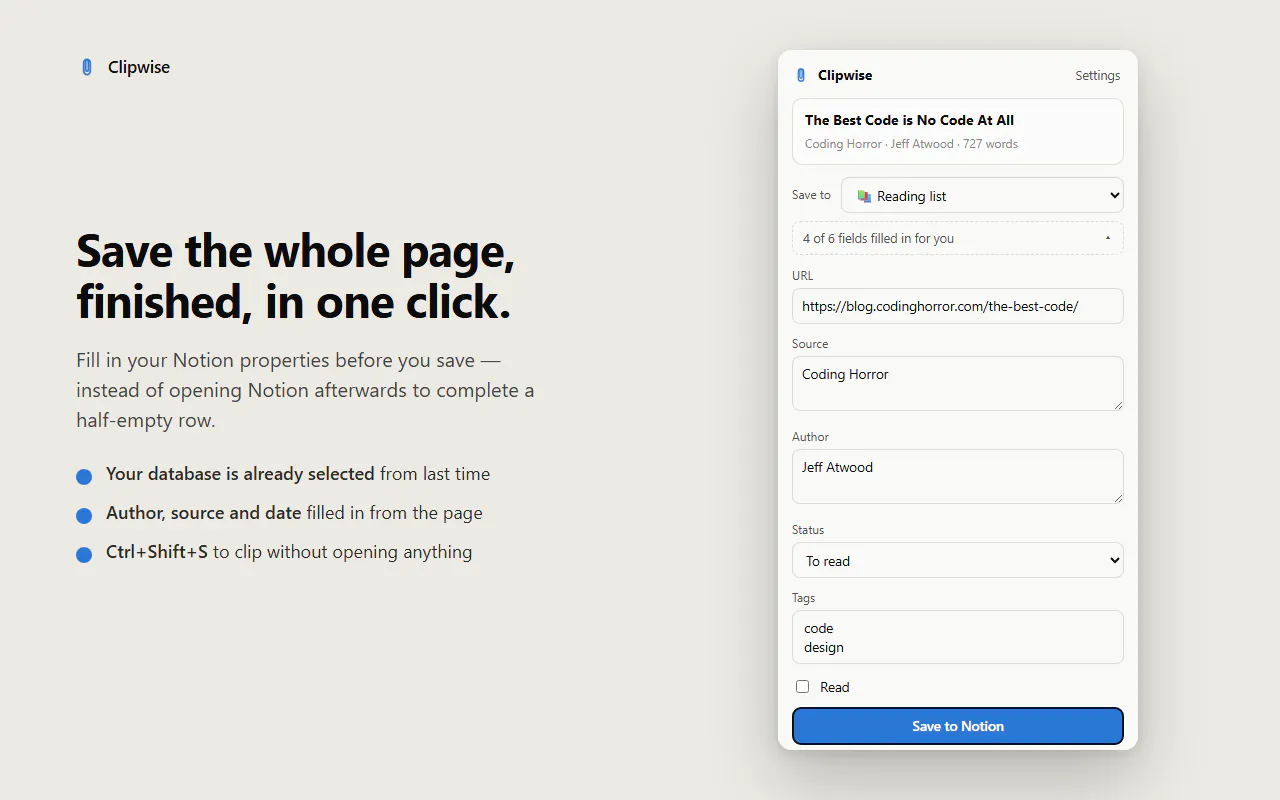
Save any page to Notion
Clipwise is a streamlined browser extension designed to seamlessly save entire web pages directly into Notion databases. Ideal for researchers, content creators, and productivity enthusiasts, it eliminates the hassle of copying and pasting content manually. With no login, account creation, or paywall barriers, users can quickly clip comprehensive articles or web pages and have them stored efficiently within their existing Notion workspace. Its ability to remember previous database properties enhances workflow continuity, making it a convenient tool for users who frequently curate online content. Everything stays on the user's device, ensuring privacy and control over stored data. By focusing solely on saving full page content, Clipwise offers a simple yet powerful solution for organizing online information effortlessly.
Pros
- Saves entire web pages directly into Notion, preserving full content
- No login or account needed, respecting user privacy
- Remembers last used database properties for quick saving
- Keeps all data on the user's device, enhancing security
- Easy to use and integrates smoothly with Notion workflows
Cons
- Limited to saving pages into Notion, lacks broader export options
- No mention of additional features like annotations or clipping highlights
- User interface and extension performance details are not specified
Best for
- • Archiving research articles for academic projects
- • Collecting and organizing blog posts or news articles
- • Saving product pages or competitor websites for reference
- • Curating content for social media or marketing campaigns
Pricing: Pricing not verified

Turn your repetitive workflows into AI-powered playbooks
Leapility is an innovative SaaS platform designed for professionals seeking to streamline repetitive workflows through AI automation. By allowing users to articulate their expertise as simple, plain-language playbooks, Leapility transforms complex, manual tasks into automated routines. Users can incorporate sources, steps, tools, and rules into their playbooks, which can then be executed with a single click, saving time and reducing mental load. Its core appeal lies in enabling users to build once and reuse endlessly, scaling their productivity without increasing effort. Ideal for teams and individuals who frequently perform similar tasks, Leapility helps maintain focus and consistency while leveraging AI to handle routine work efficiently. Its user-friendly approach makes automation accessible even for those without advanced technical skills, making it a valuable addition to any productivity toolkit.
Pros
- Easy-to-use interface for creating AI-powered workflows with plain language
- Reusability of playbooks reduces repetitive setup time
- Supports integration of sources, steps, and tools for customized automation
- Scales output without increasing effort or hours
- Reduces mental clutter and improves focus on high-value tasks
Cons
- May have a learning curve for users new to automation concepts
- Dependent on AI accuracy, which might vary based on complexity
- Pricing details are not explicitly available, potentially limiting affordability for some users
Best for
- • Automating customer support responses and workflows
- • Streamlining content creation and social media posting
- • Managing onboarding and training procedures
- • Generating reports and data analysis routines
Pricing: Likely adopts a freemium model with free basic features and paid plans that unlock advanced automation capabilities, starting around a moderate monthly fee. Exact pricing details are not publicly specified.