CC-BEEPER vs 1Code
Side-by-side comparison of features, pros & cons, pricing, and community votes (2026).
🏆 1Code leads with 598 upvotes
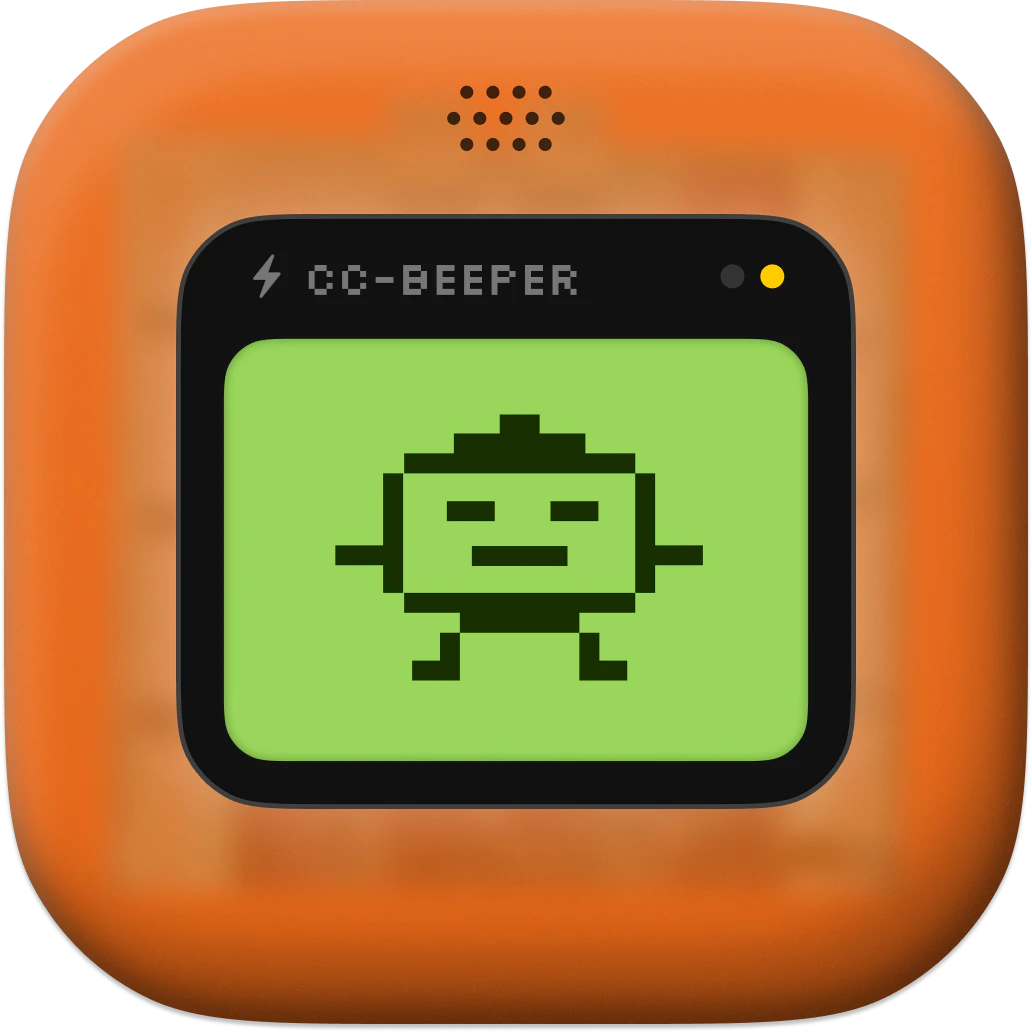
A floating macOS pager for Claude Code
CC-BEEPER is a native macOS companion designed specifically for Claude Code users, offering a stylish and functional floating pager that keeps you updated on Claude's activities without interrupting your workflow. Its retro LCD-style display provides real-time status updates through pixel art animations, giving users a nostalgic yet modern way to monitor AI interactions. With four auto-accept modes—Strict, Relaxed, Trusted, and YOLO—users can tailor how Claude responds to inputs, enhancing control and efficiency. The tool also supports voice input and spoken recaps, making interactions more accessible and hands-free. Its customizable themes, size, and voice options ensure it fits seamlessly into any workspace, while its zero-dependencies and open-source nature ensure privacy and flexibility. Designed for developers and AI enthusiasts, CC-BEEPER aims to simplify managing Claude Code sessions on macOS, making the experience more intuitive and less distracting.
Pros
- Real-time status updates with pixel art animations for a retro aesthetic
- Highly customizable themes, size, and voice for a personalized experience
- Zero dependencies and open-source, ensuring privacy and flexibility
- Supports voice input and spoken recaps for accessibility
- Four auto-accept modes for tailored AI interaction control
Cons
- Limited to macOS, reducing cross-platform usability
- Currently lacks a large user base, which may affect community support
- Features may be overwhelming for casual users seeking simplicity
Best for
- • Monitoring Claude Code activities during development workflows
- • Managing AI interactions without constant terminal supervision
- • Enhancing productivity by receiving visual and audio updates on AI status
- • Customizing auto-accept modes for different project security levels
Pricing: Free and open source, offering a zero-cost solution with full access to all features.

Open source Cursor-like UI for Claude Code
1Code is an innovative open source UI tool designed for developers working with Claude Code, an AI coding assistant. It offers a Cursor-like interface that enables users to run multiple Claude Code agents simultaneously, significantly accelerating feature development and testing. Available on Mac and Web, 1Code provides the flexibility to run locally or remotely, with live previews for mobile and desktop, making it easy to monitor agents from anywhere. Its parallel execution capability is particularly beneficial for teams seeking to streamline AI-driven coding workflows, enabling faster iteration and more efficient collaboration. The tool's user-friendly interface and cross-platform support make it an appealing choice for AI developers, coding enthusiasts, and teams integrating Claude Code into their development stacks.
Pros
- Supports parallel execution of multiple Claude Code agents, boosting productivity
- Cross-platform compatibility: works on Mac and Web with live preview features
- Open source, allowing for customization and community-driven improvements
- User-friendly, Cursor-like UI simplifies managing multiple agents
- Enables remote monitoring and testing, including mobile previews
Cons
- Primarily focused on Claude Code, limiting versatility with other AI models
- May require some technical expertise to set up and customize
- Limited detailed documentation available for advanced features
Best for
- • Parallel testing and debugging of AI coding agents
- • Accelerating feature development with multiple Claude Code instances
- • Remote monitoring of AI agents during development on multiple devices
- • Integrating AI code assistants into local and cloud-based workflows
Pricing: Likely free and open source, offering users the ability to customize and deploy without licensing costs. Additional features or enterprise support may be available through community or third-party services.