Basedash Public Sharing vs Livedocs
Side-by-side comparison of features, pros & cons, pricing, and community votes (2026).
🏆 Livedocs leads with 492 upvotes
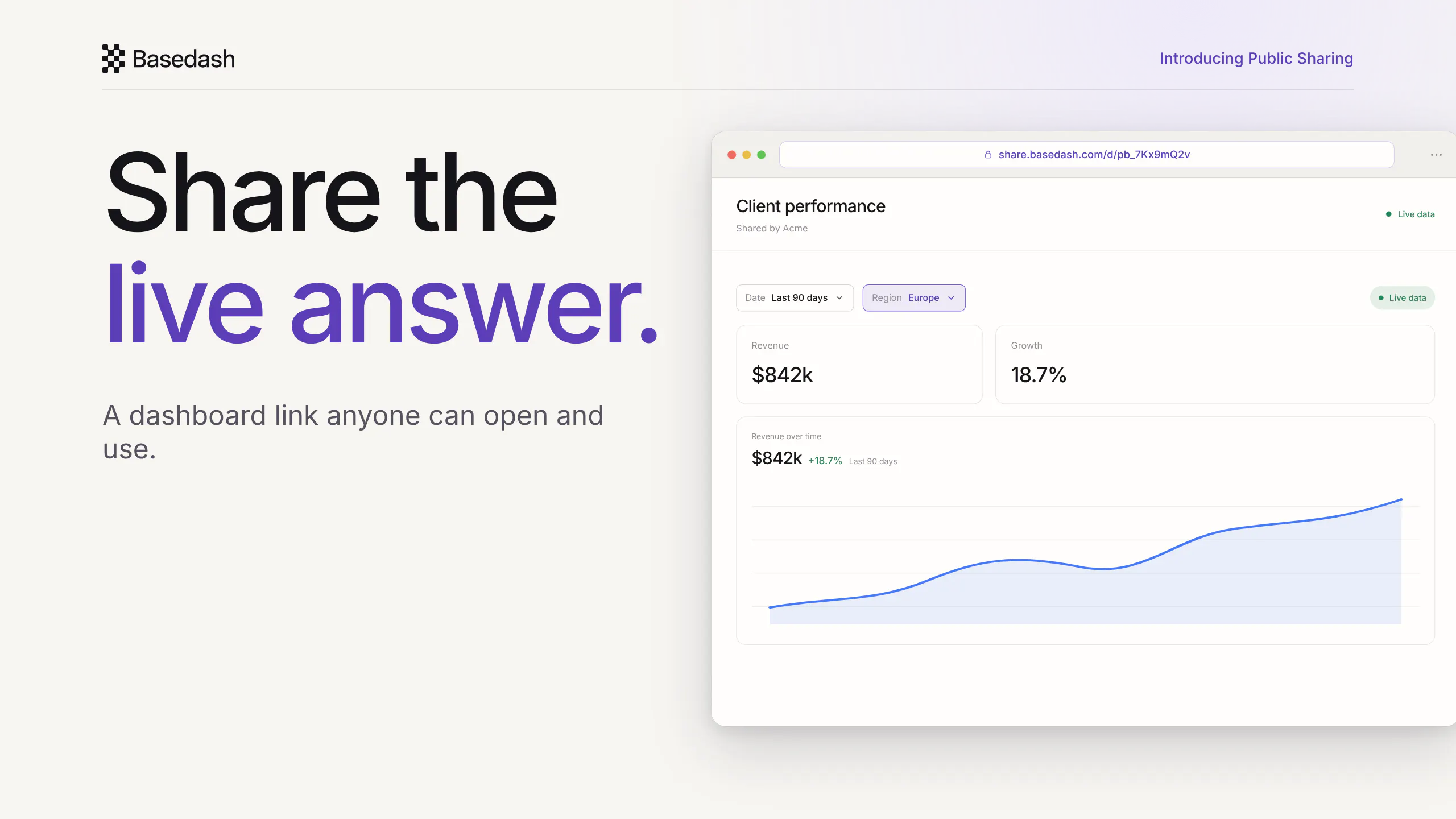
Live dashboards for anyone you send the link to
Basedash Public Sharing is a powerful tool that transforms static dashboards and charts into easily shareable, live web links. Designed for teams, analysts, and stakeholders, it allows users to instantly generate tokenized public links that enable recipients to explore real-time data without requiring a Basedash account. Whether sharing a complete dashboard or a single chart, the tool ensures that viewers can interact with filters, inspect data points, and view live updates seamlessly within their browsers. This eliminates the need for exports, screenshots, or manual data sharing, fostering more transparent and dynamic communication of insights. Its simplicity and real-time capabilities make it ideal for client updates, investor reports, or internal stakeholder communication, where quick access to current data is crucial. By focusing on live, interactive sharing, Basedash Public Sharing stands out as an innovative solution for making data accessible and engaging for anyone, anywhere.
Pros
- Enables real-time, interactive sharing of dashboards and charts
- No login required for viewers, simplifying access for stakeholders
- Supports sharing entire dashboards or individual charts
- Secure tokenized links ensure controlled access
- Eliminates the need for manual exports or screenshots
Cons
- Limited customization options for shared links
- Potential privacy concerns if links are not properly secured
- Features may be basic for advanced data governance needs
Best for
- • Sharing live dashboards with clients for real-time updates
- • Providing investors with interactive access to financial data
- • Internal team collaboration on dynamic performance metrics
- • Stakeholder presentations requiring current data insights
Pricing: Likely operates on a freemium model, offering basic sharing capabilities for free and charging for advanced features or higher usage tiers. Specific pricing details are not publicly disclosed but may start with free plans and scaled paid options.

The general data agent
Livedocs is an innovative AI-powered data assistant designed for both technical and non-technical users to effortlessly analyze and visualize their data. By allowing users to upload CSVs, spreadsheets, or connect to databases, it simplifies complex data tasks such as BI, ML, dashboard creation, and coding—all through natural language queries. Its core strength lies in enabling instant insights without the need for SQL, dashboards, or extensive setup, making data analysis accessible to everyone. Whether you're a business executive or a data scientist, Livedocs helps you understand your data quickly and efficiently, leveraging AI to generate charts, metrics, and clear answers on demand. Its user-friendly approach democratizes data analysis, saving time and reducing reliance on specialized technical skills.
Pros
- User-friendly interface accessible to non-technical users
- No setup required—simply upload data and ask questions
- AI-driven insights and visualizations save time
- Supports multiple data sources including CSVs and databases
- Versatile capabilities covering BI, ML, and coding tasks
Cons
- Limited information on advanced customization or integrations
- Potentially less suitable for highly complex or bespoke data workflows
- Pricing details are not explicitly provided, which may impact budgeting
Best for
- • Quick data analysis for business executives
- • Building dashboards without technical expertise
- • Generating insights from raw CSV or database data
- • Exploring data trends for market research
Pricing: Likely operates on a freemium model with free access for basic features and paid plans for advanced capabilities, though specific pricing details are not publicly disclosed.